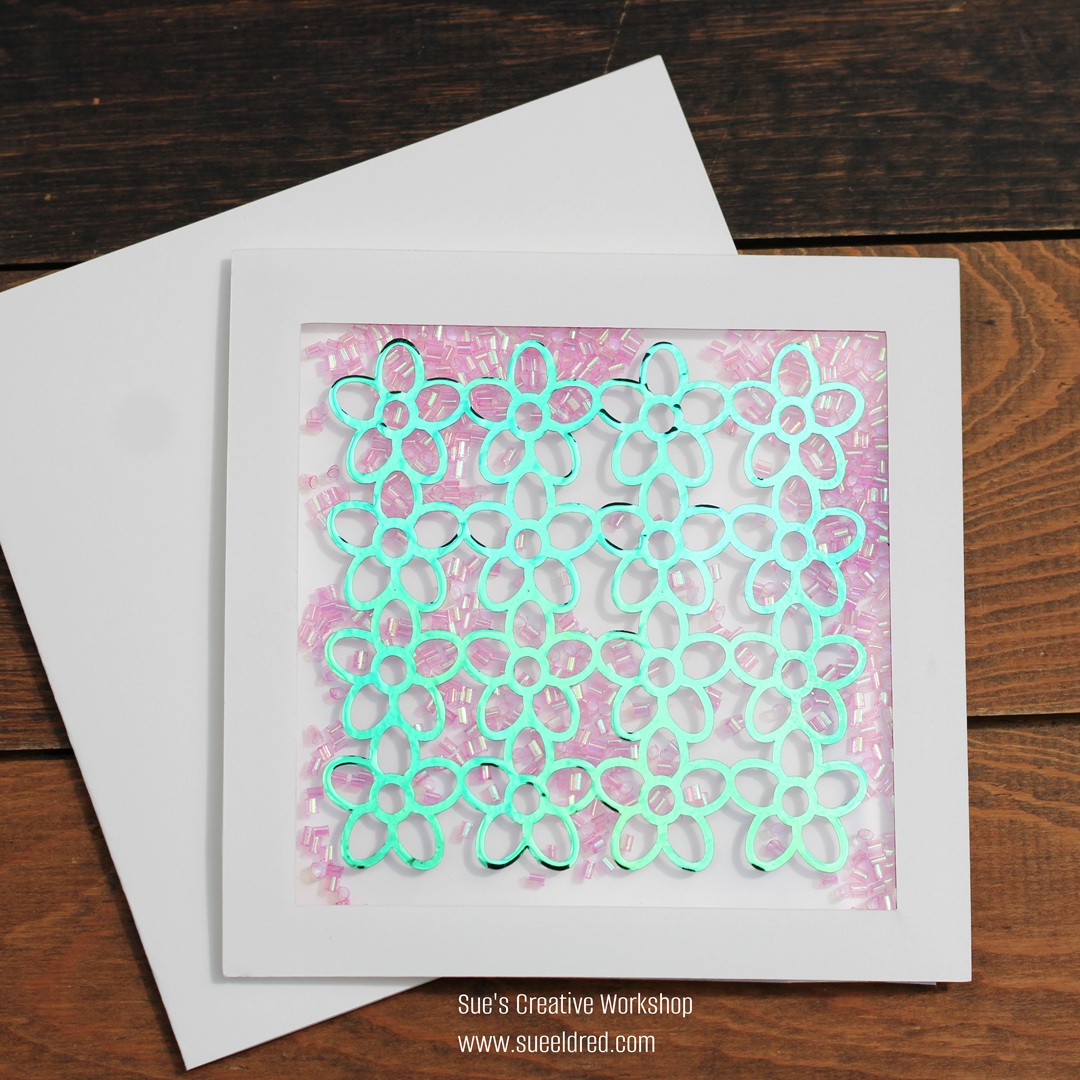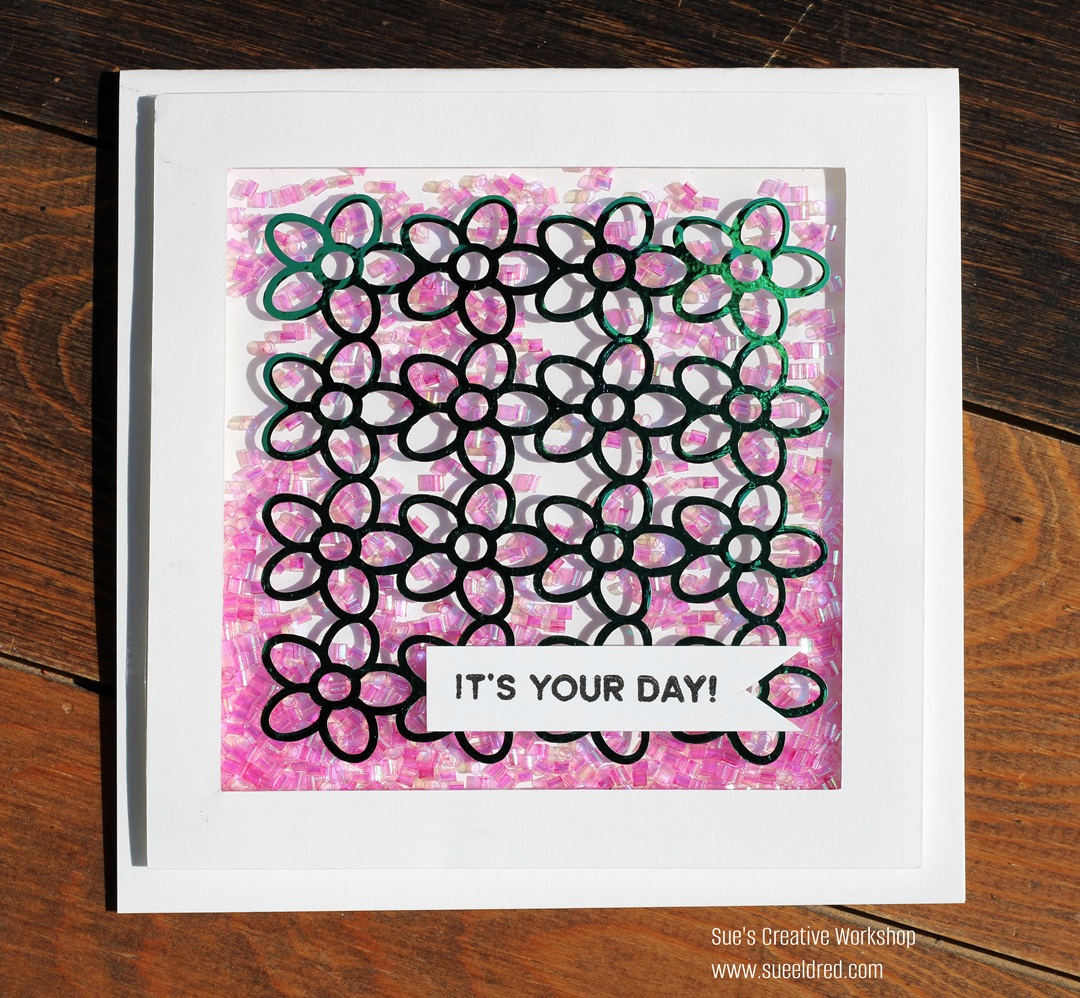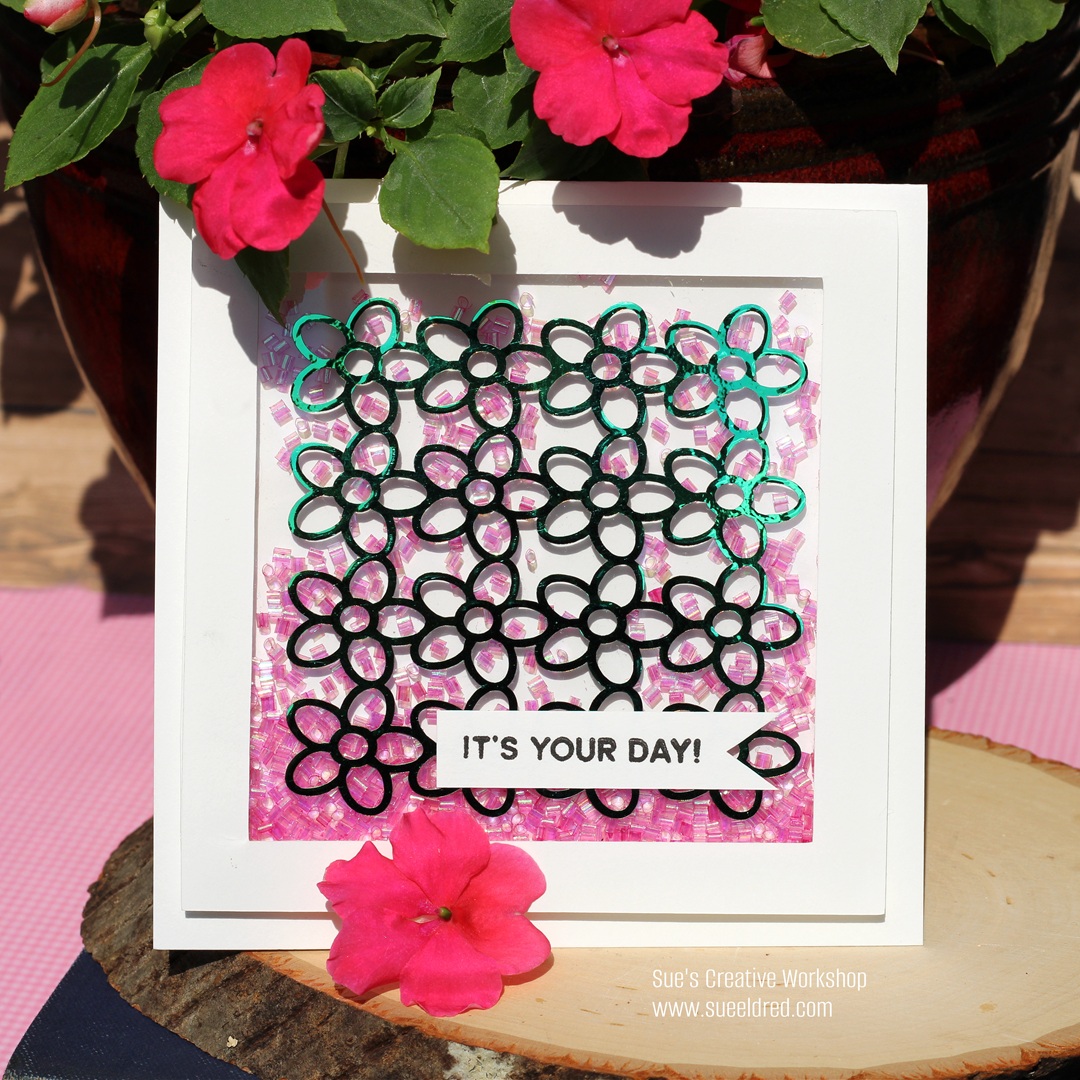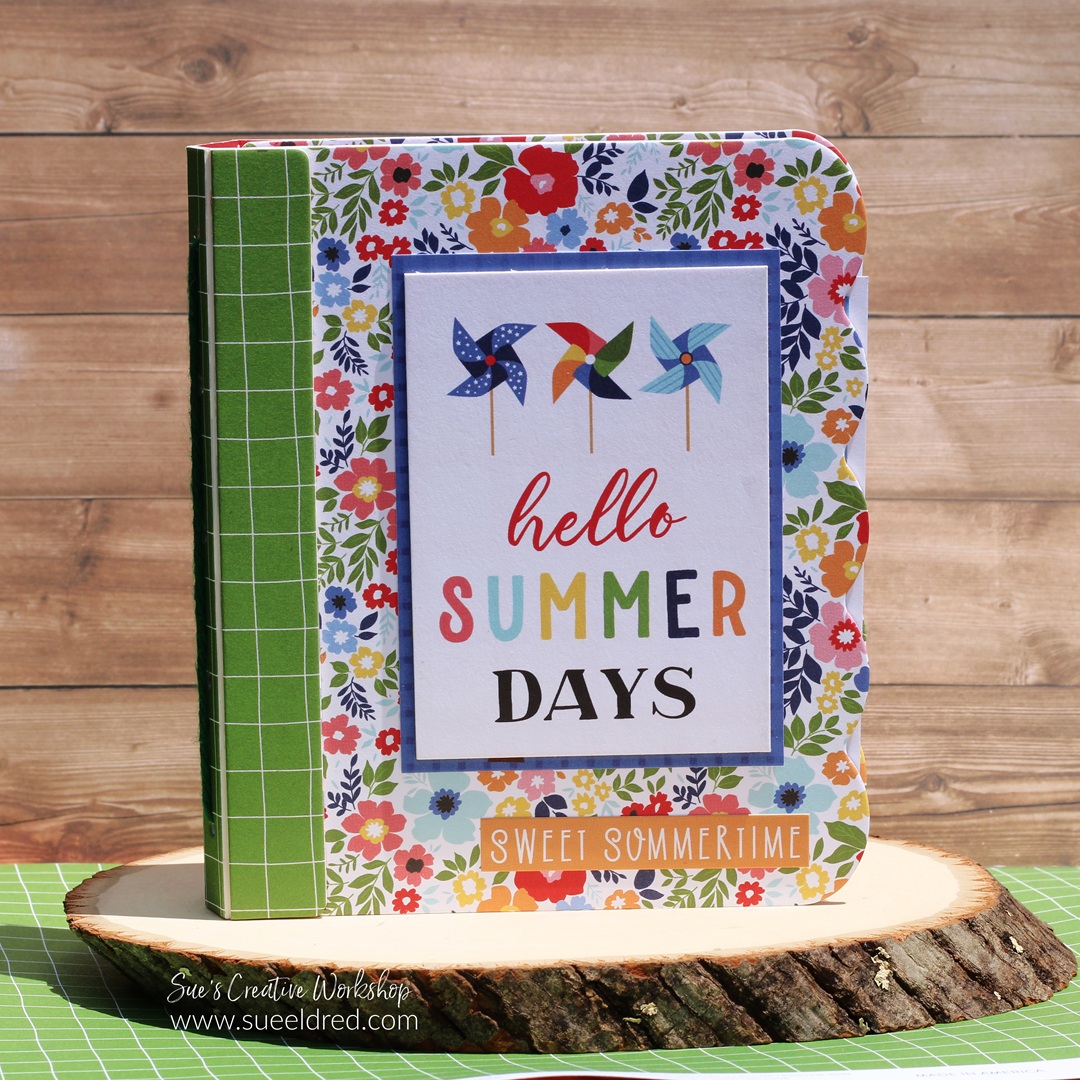
Celebrating You

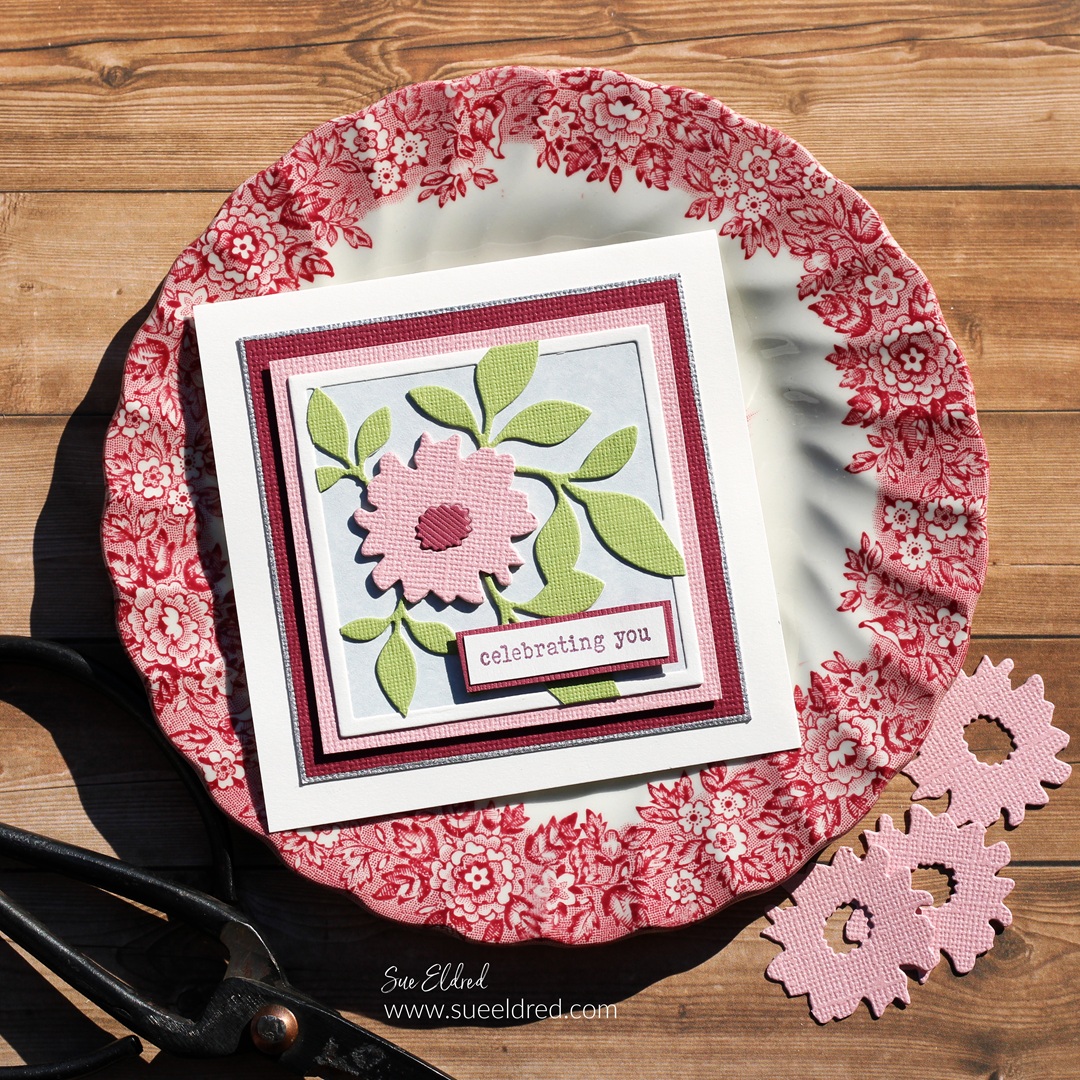
How to make a Celebrating You Gift Card.

I love it when I can use a tool or die set in several different ways.

I think the Sizzix Floral Pockets & Paperclips Die Set by Eileen Hull* is one of those.

And I haven’t even made everything you can make with this set.

Eileen Hull Educator Logo

Disclosure:  This is a sponsored post.  As a member of the Eileen Hull Inspiration Team, I have been provided product in exchange for my creative ideas.  The view and opinions are my own.

Materials Used: (*affiliate links)

*Disclosure:  This blog uses ads and affiliate links.  If you choose to make a purchase using one of the links, I receive a small commission (at no additional cost to you) that helps offset the costs of maintaining this blog.  Thanks for your support!
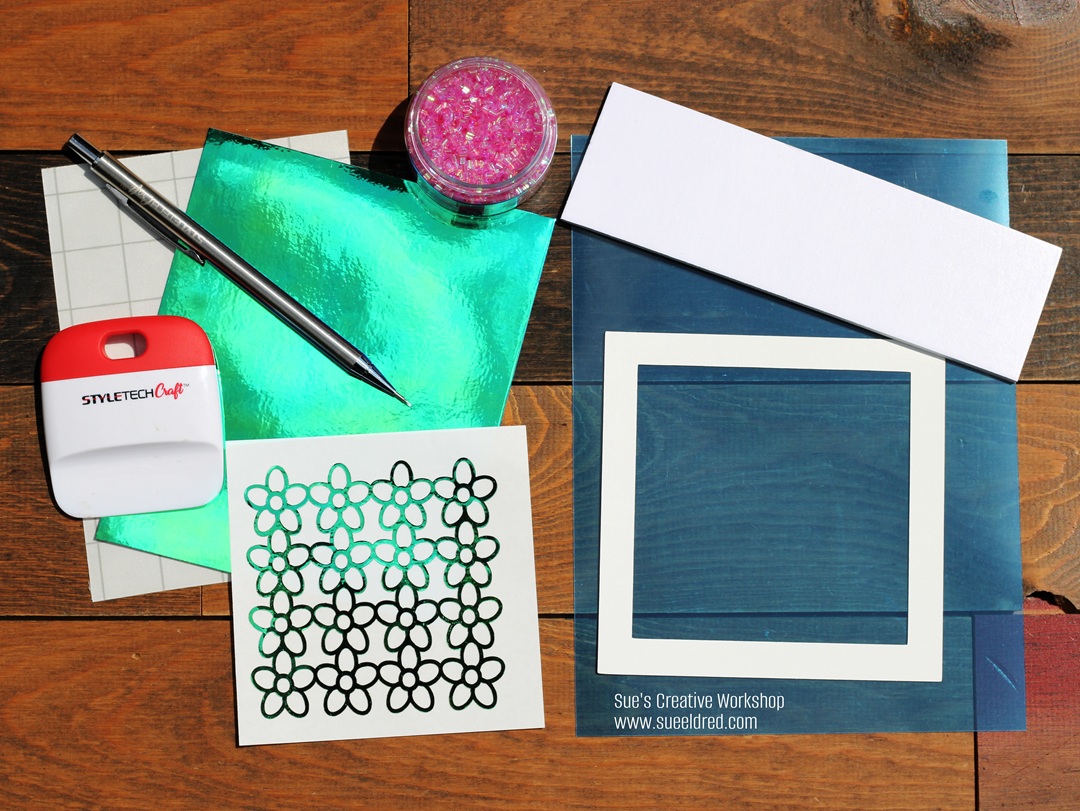
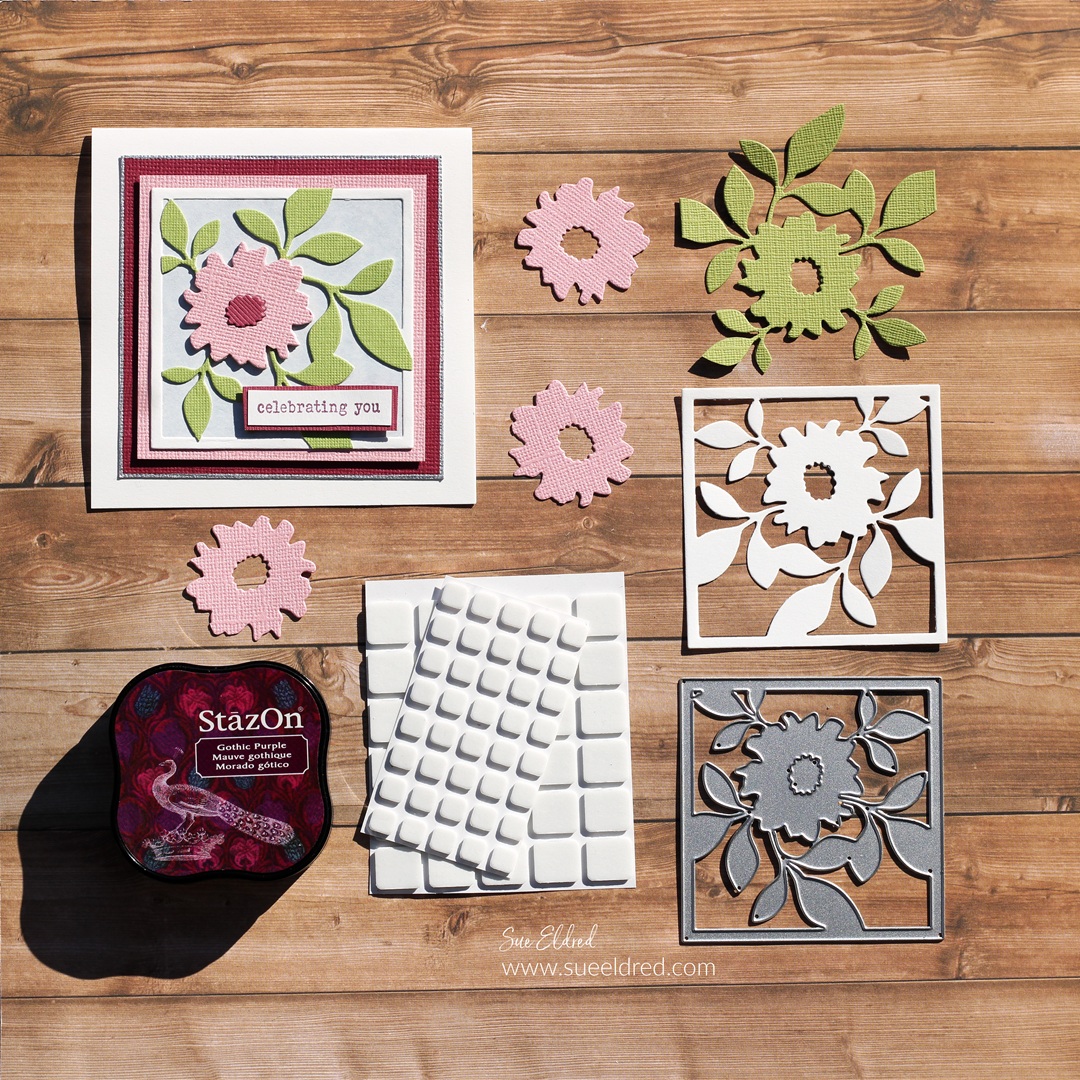
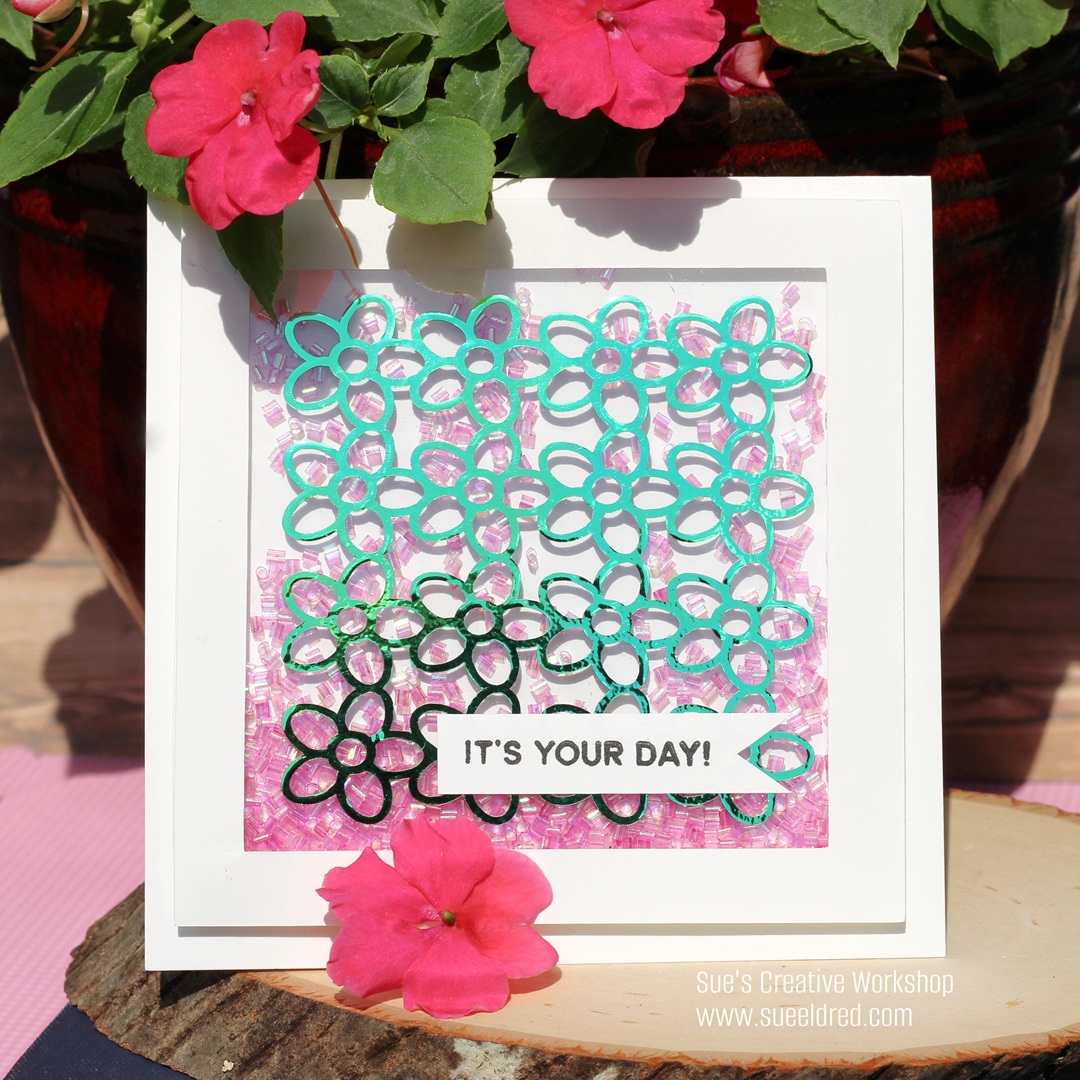
I used the Floral Square Die included in the set and die-cut it several times.

  • I die-cut it once using cream cardstock for the cream frame. 
  • I adhered a small piece of blue parchment cardstock to the back of the cream floral base.
  • I die-cut it using green cardstock and cut off the outside edges that make the frame.  I glued the green layer onto the cream layer.  
  • For added dimension, I cut three flowers out of pink cardstock.  I glued all three flowers together and then glued them onto the green flower.  
  • I used maroon cardstock to die-cut three centers for the inside of the flower.  

  • I adhered the floral die-cut onto a pink cardstock layer.  I added foam mounting squares to the back of the pink layer to give the card added dimension.
  • I used a Silver Calligraphy Paint Pen* to draw a silver edge onto the maroon cardstock layer. 
  • I stamped the words “celebrating you” (from the Fan Favorites Stamp Set*) onto a small piece of cream cardstock and gave it a simple layer.  I added Foam Mounting Squares* to the back of the word layer and added to the front of the card.  

For another quick project, I made a Four Seasons Gift Card Set.

The 10-piece die set* also includes dies to make pockets, tags,

birds, paper clips, labels, notes, and lists.  It’s a very versatile die set.

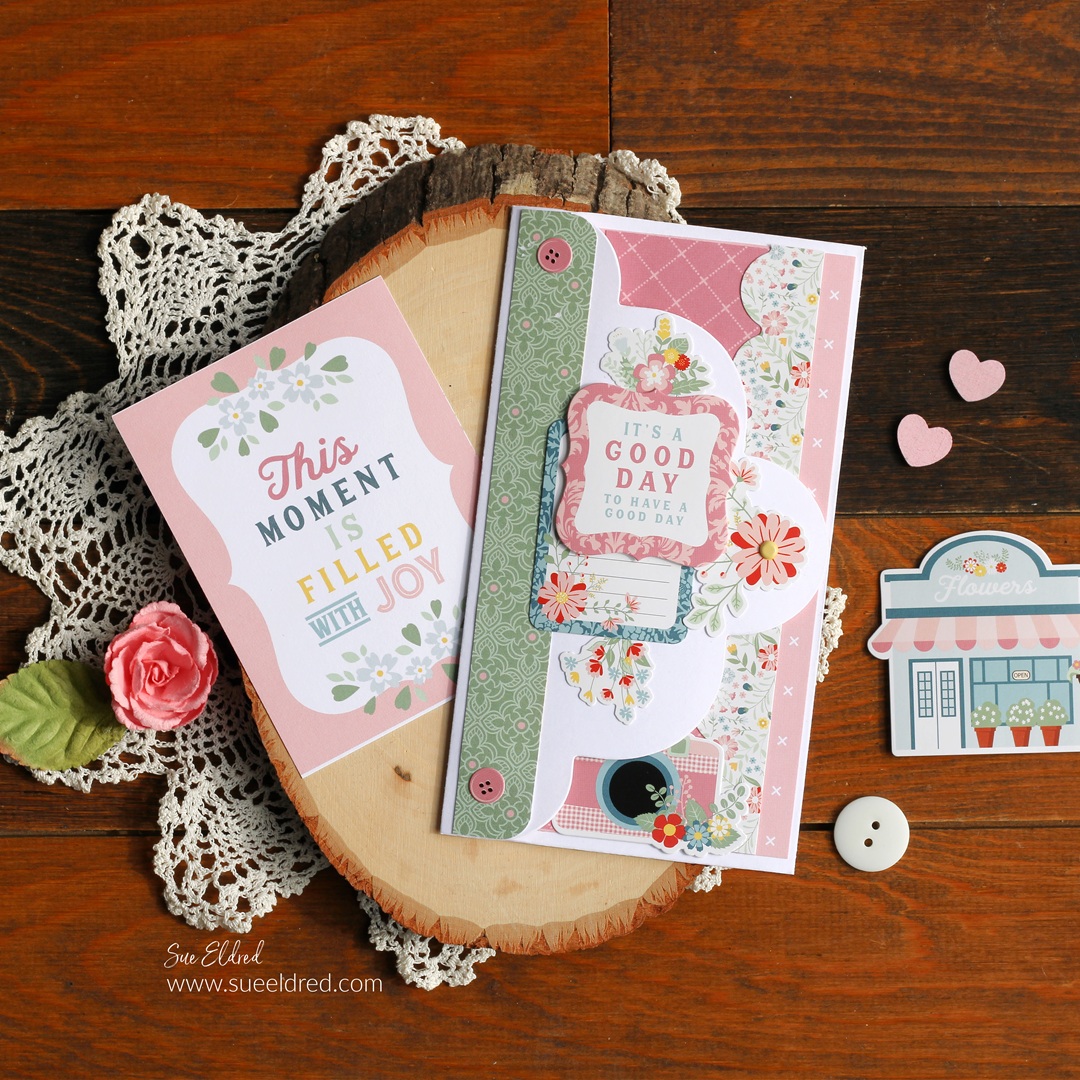
Life is Beautiful Tri-Fold Tag Card

How to Make a Simple Tri-Fold Card Using a Large Tag.  

I was playing around in my studio when I encountered my oversized tag die.

I hadn’t used it in a while, so I decided to make a tri-fold card.

(I love it when something old becomes new again.)

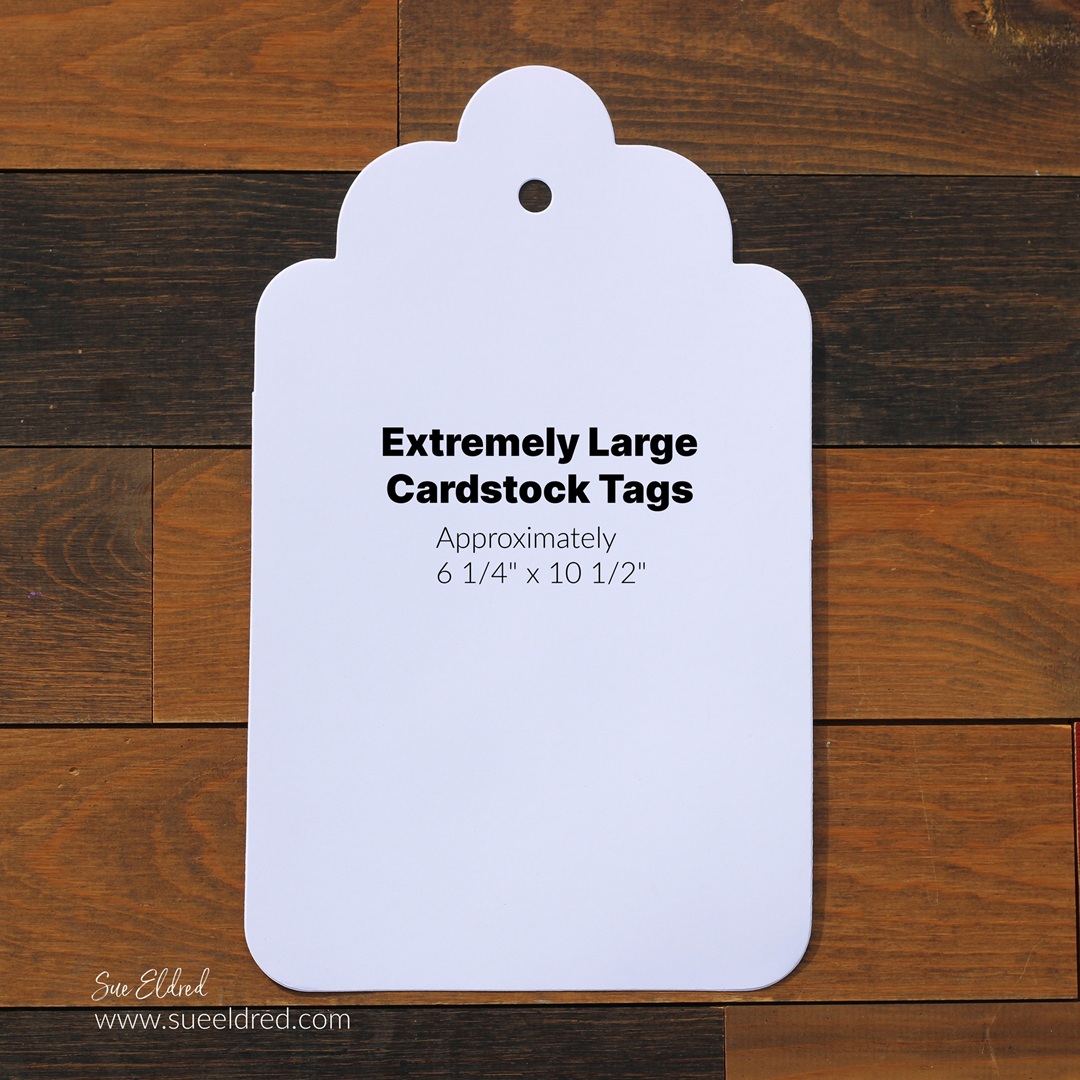
(The Die Cut Tag measures approximately 6 1/4″ x 10 1/2″.)

To create the tri-fold card…

I die-cut the large tag using a piece of white cardstock.

You can find the Extremely Large Tags* in my Etsy Shop*.

Amazon prime

*Disclosure:  This blog uses ads and affiliate links.  If you choose to make a purchase using one of the links, I receive a small commission (at no additional cost to you) that helps offset the costs of maintaining this blog.  Thanks for your support!

I used a scoreboard and scoring tool* to score the tag lengthways

at 3 1/2″ and 7″ and folded it in three sections.

I grabbed my Echo Park’s Life is Beautiful Scrapbook Collection*

and got to work decorating the first fold of the tag.

I used a corner rounder punch* on one end of the layers.

I made sure to cover up the hole of the tag with a sticker.

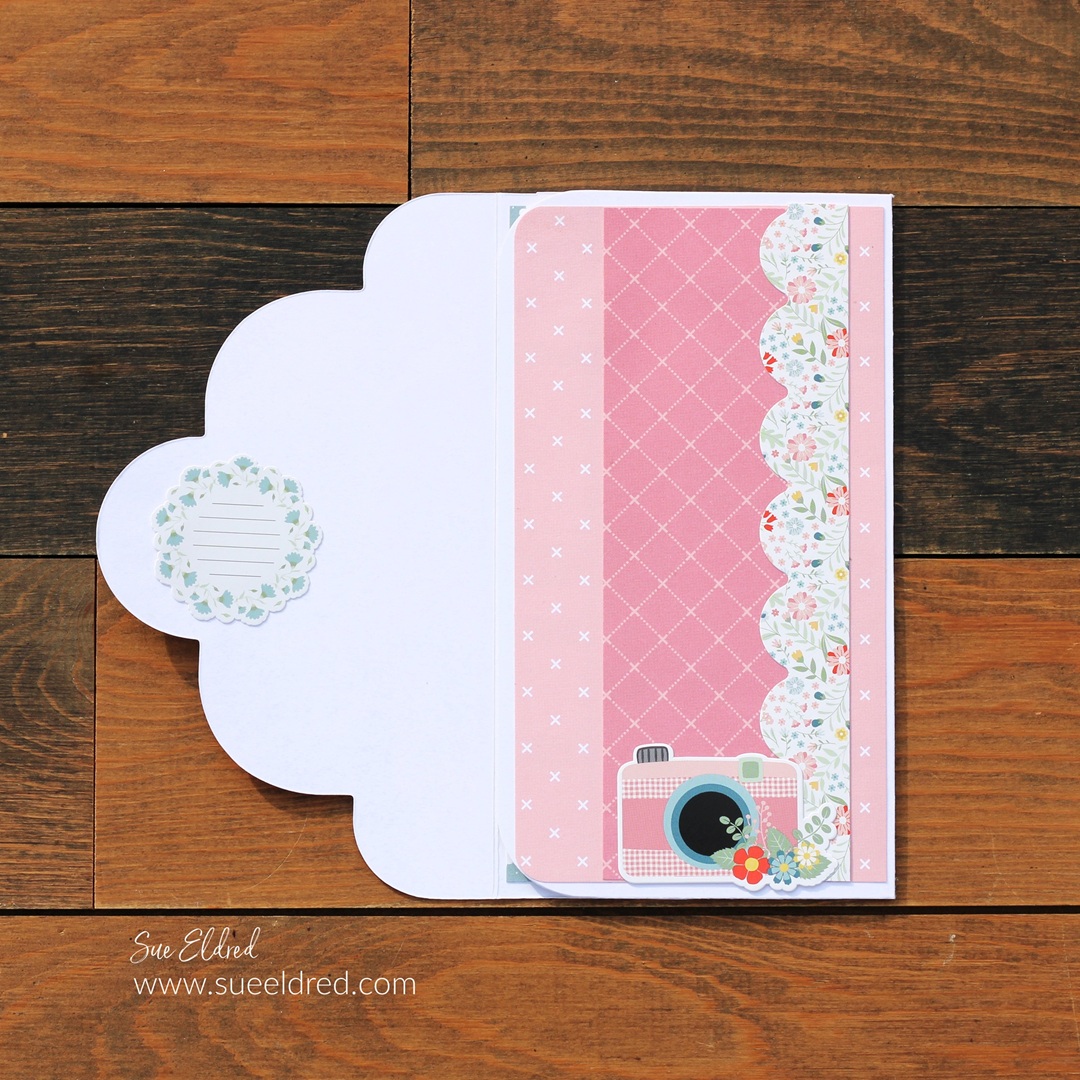
I kept the inside of the folded tag simple with simple layers,

a couple of stickers and a journaling card from the collection.

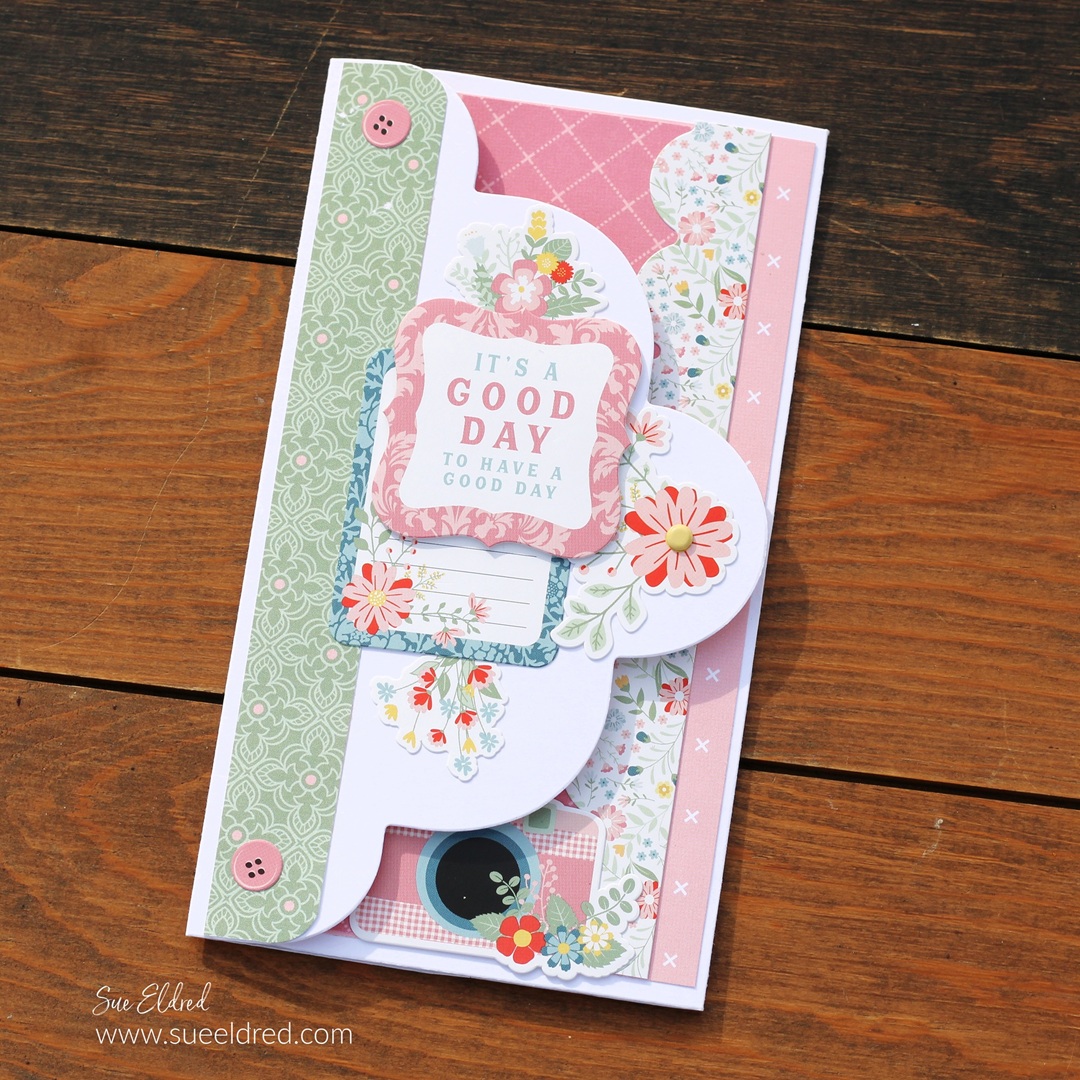
On the front of the tag, I used stickers mounted with

foam mounting squares* to create dimension.

And…you can mail the trifold card in a letter sized envelope.

Create a Custom Stencil using Removable Vinyl

How to Create a Custom Stencil using Removable Vinyl.

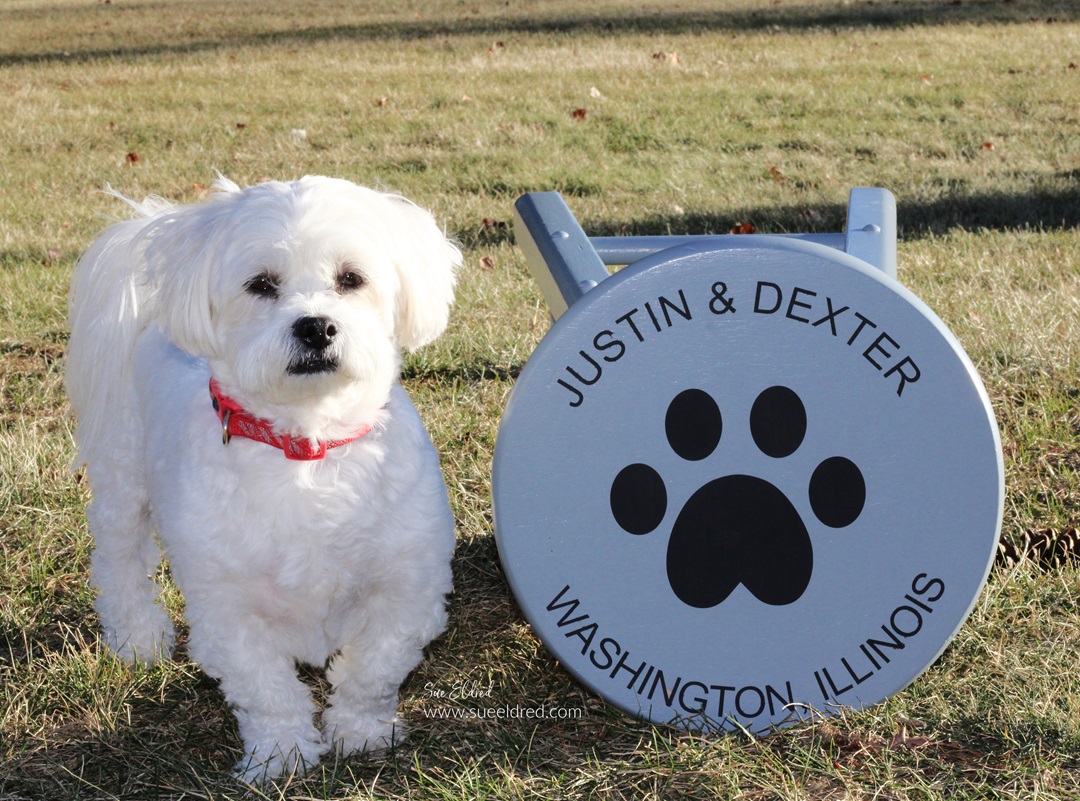
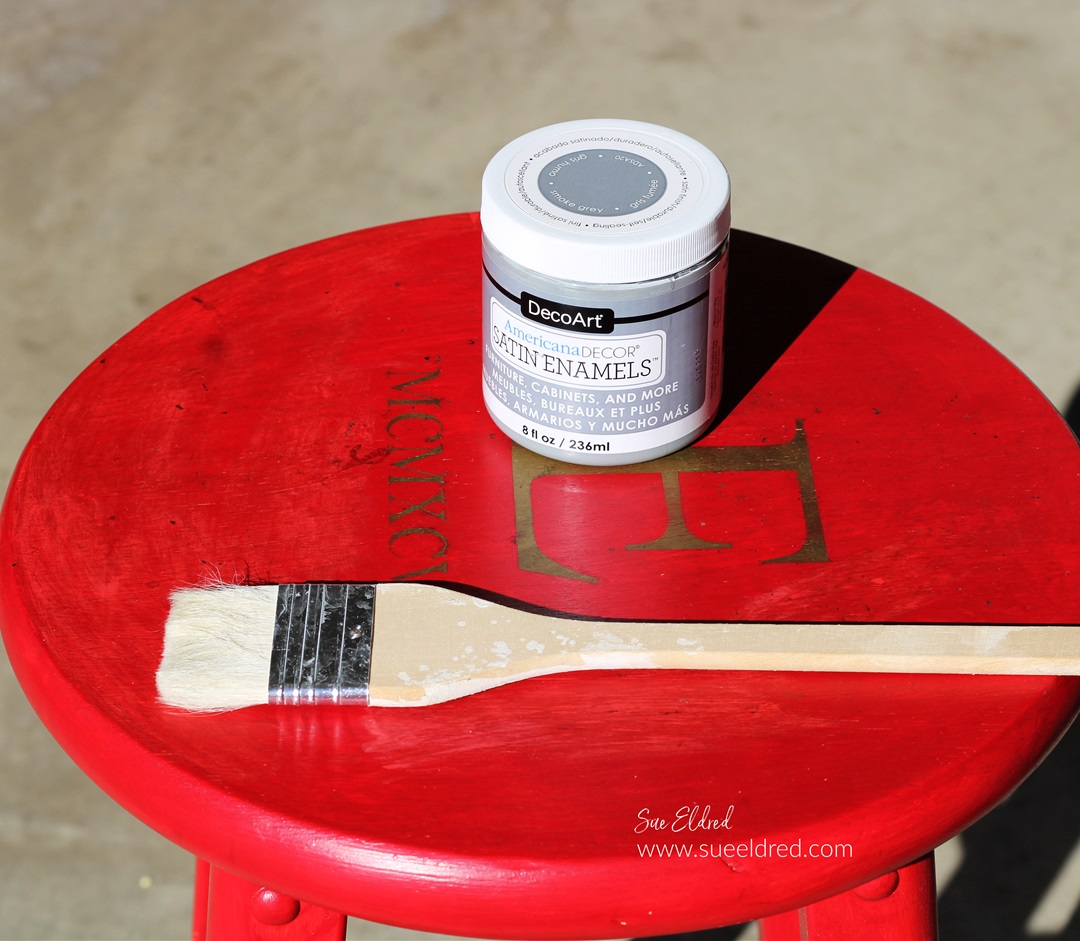
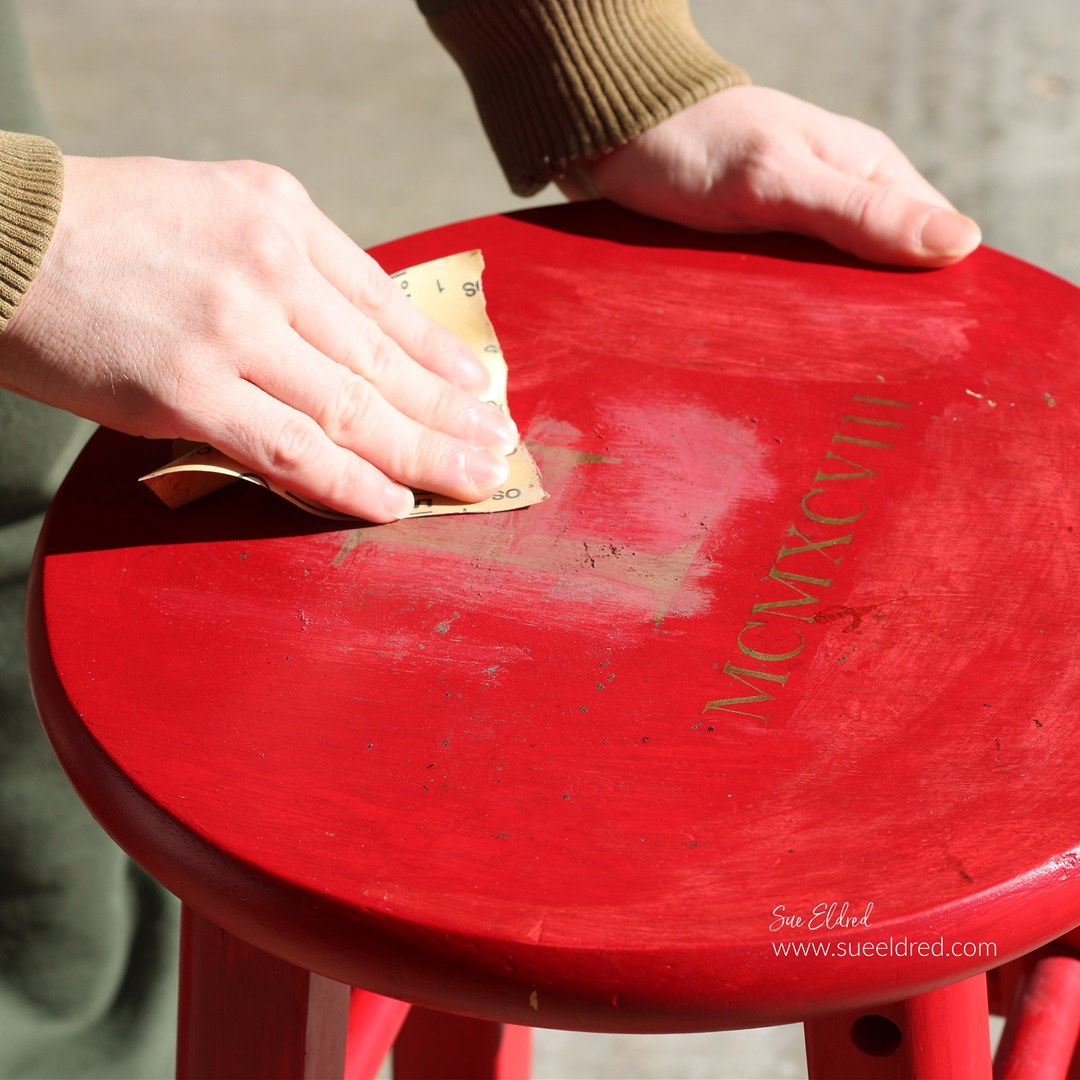
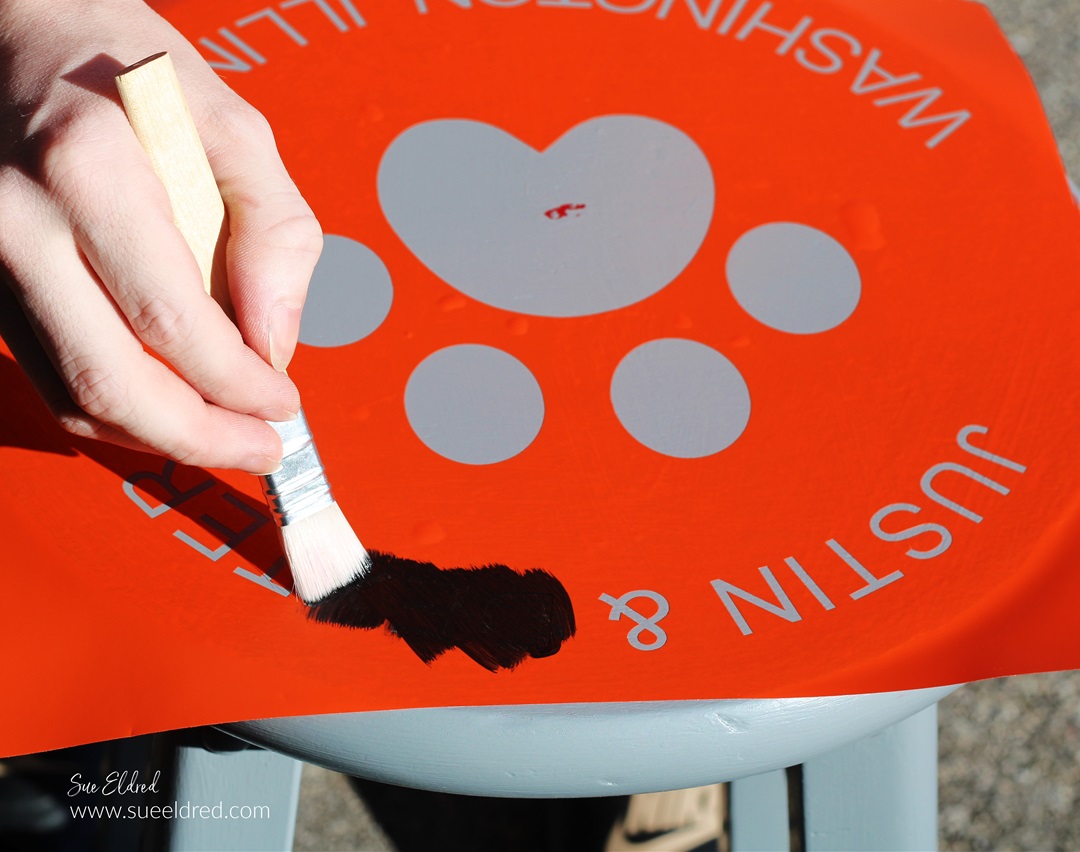
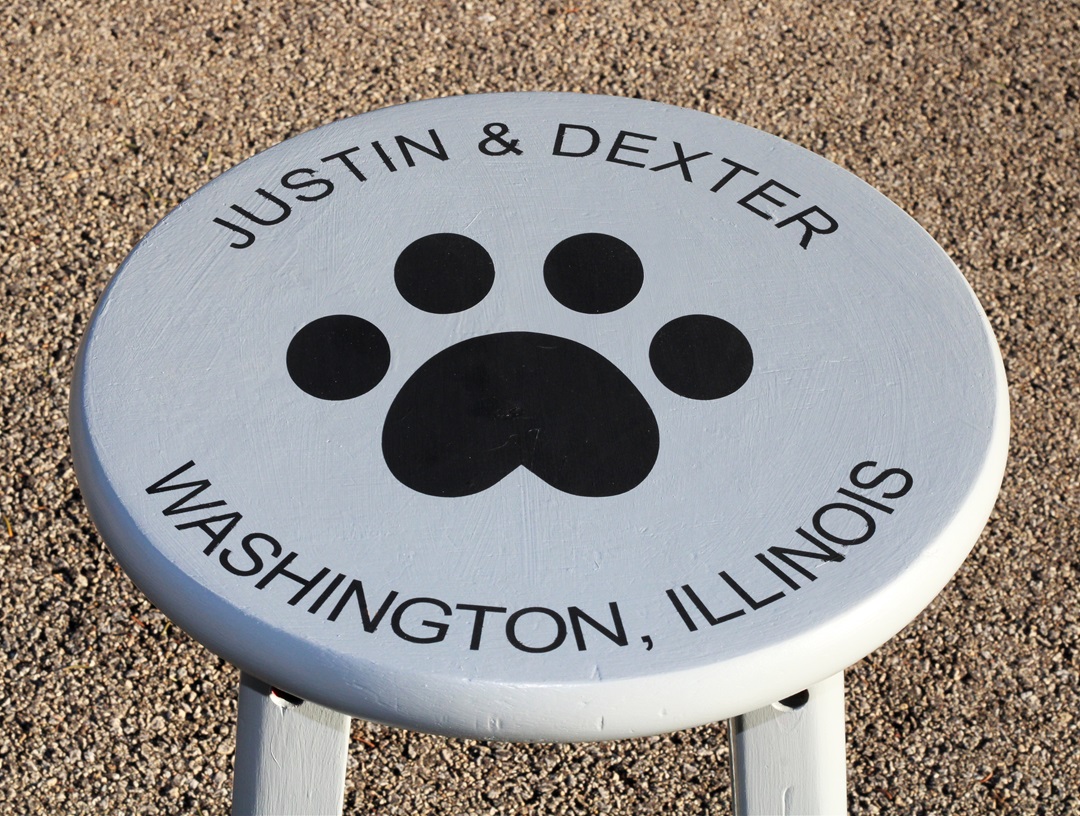
My son Justin asked me recently to help him personalize

an old stool in his room.  It really is fairly simple to do.  

If you have Removable Craft Vinyl* and an Electronic Die-Cutting Machine*,

then you can make a stencil too.

“This is a sponsored post.  As a member of the StyleTechCraft Design Team I have been provided product and compensation in exchange for my creative ideas.  The views and opinions are my own.

Here’s how we made over Justin’s Stenciled Stool.

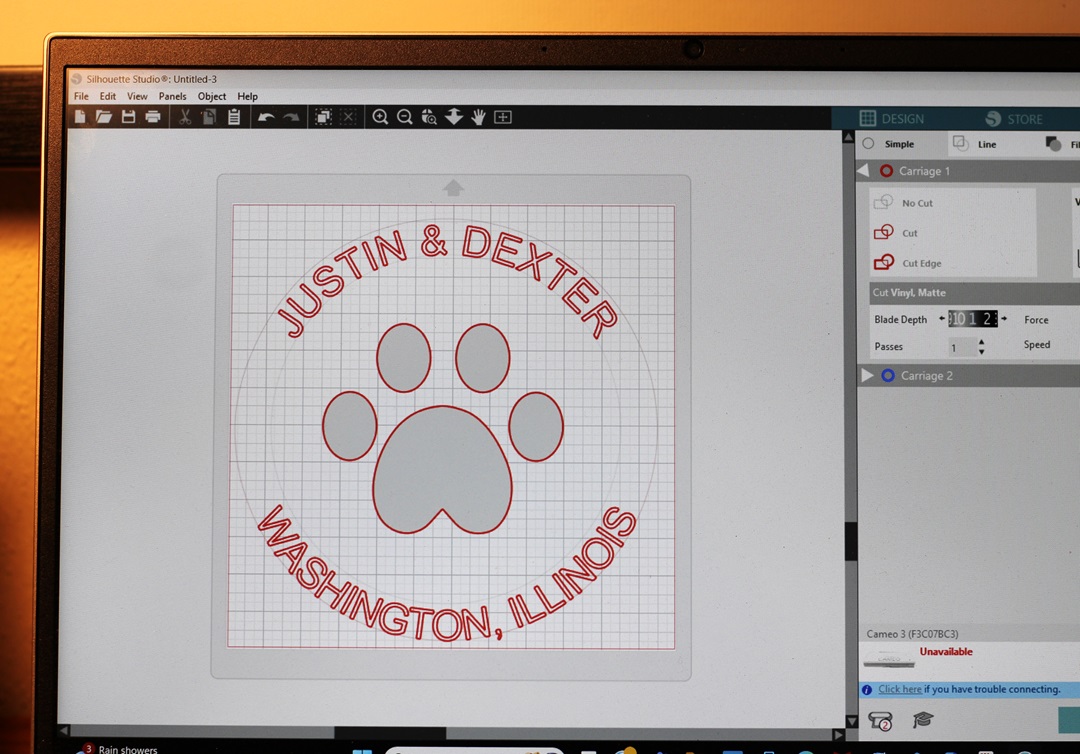
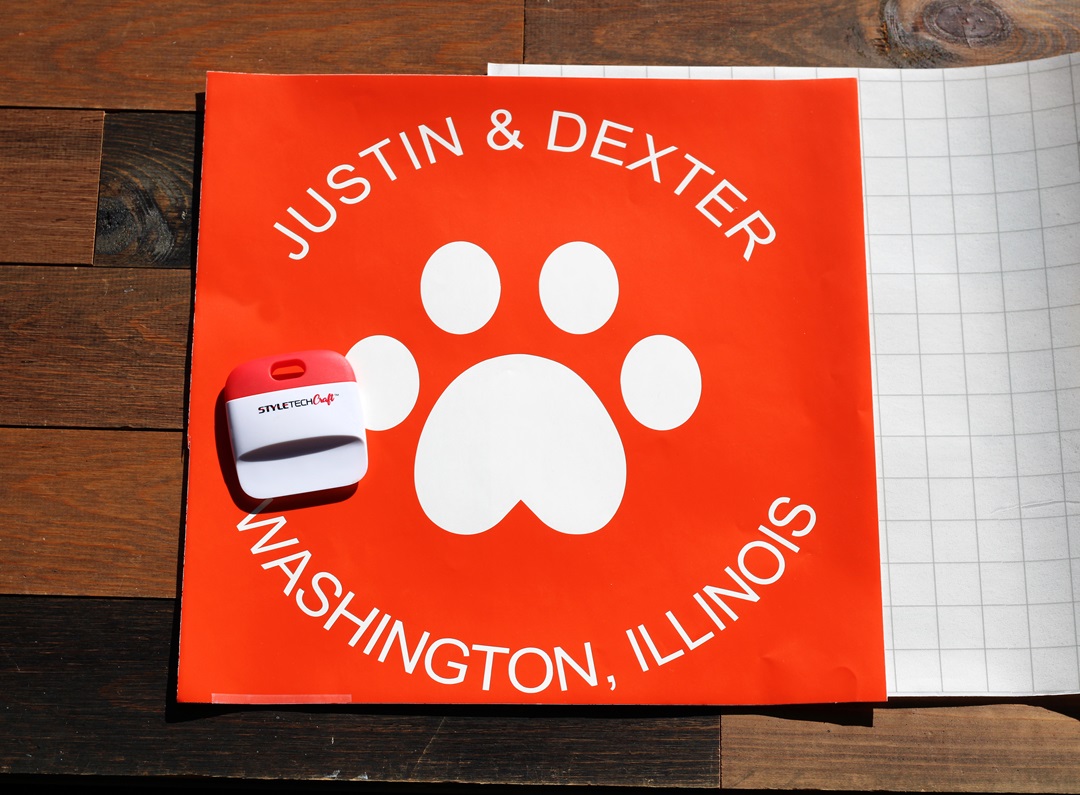
  • I used a Silhouette Cameo Electronic Die-Cutting Machine* to create my design.
  • To make the letters curve you will need to follow a few steps. 
  • Draw a circle shape with the shape tool menu.
  • Use the text tool to type your words.
  • Double-click the text until the green box pops up.
  • Grab the small circle with the crosshairs and drag it to the part of the shape where you want the text to contour to.
  • Adjust the text until it’s just right.
  • Cut your design using REMOVABLE VINYL*.  
  • Your design will be a one-use stencil.  It’s important to use removable vinyl* so it doesn’t stick to the surface you are working on.  
  • I love using StyleTechCraft Removable Vinyl*.

StyletechCraft products brought to you by ATSM Craft*

*Disclosure:  This blog uses ads and affiliate links.  If you choose to make a purchase using one of the links, I receive a small commission (at no additional cost to you) that helps offset the costs of maintaining this blog.  Thanks for your support!

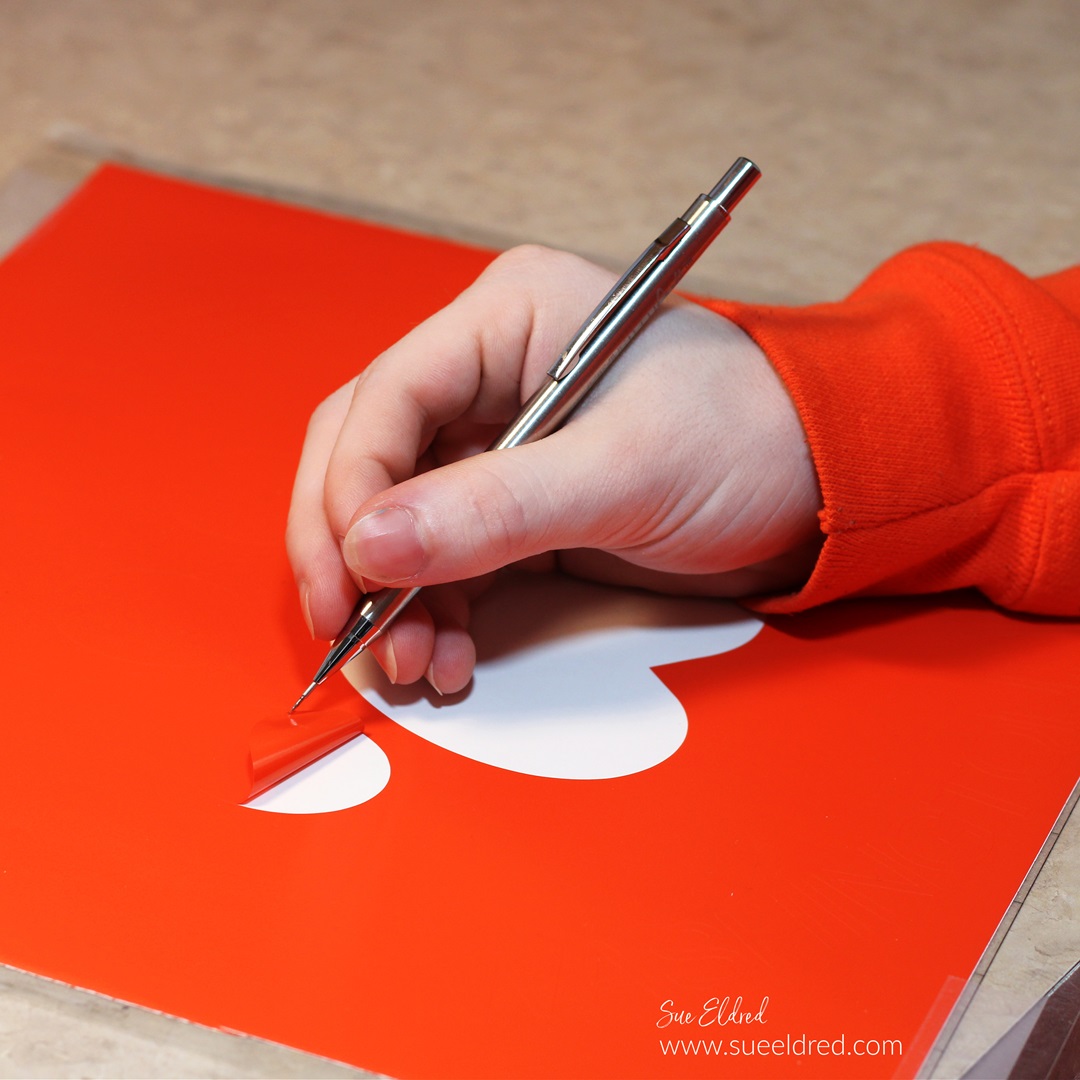
  • Remove the vinyl using a StyleTechCraft Weeding Tool*.
  • Usually, when working with an image on vinyl, you remove the background.  When creating a stencil remove the inside of the design leaving the background.  Remember to leave the inside of the letters.  

  • Here is the finished design on a 12″ x 12″ piece of removable vinyl.  
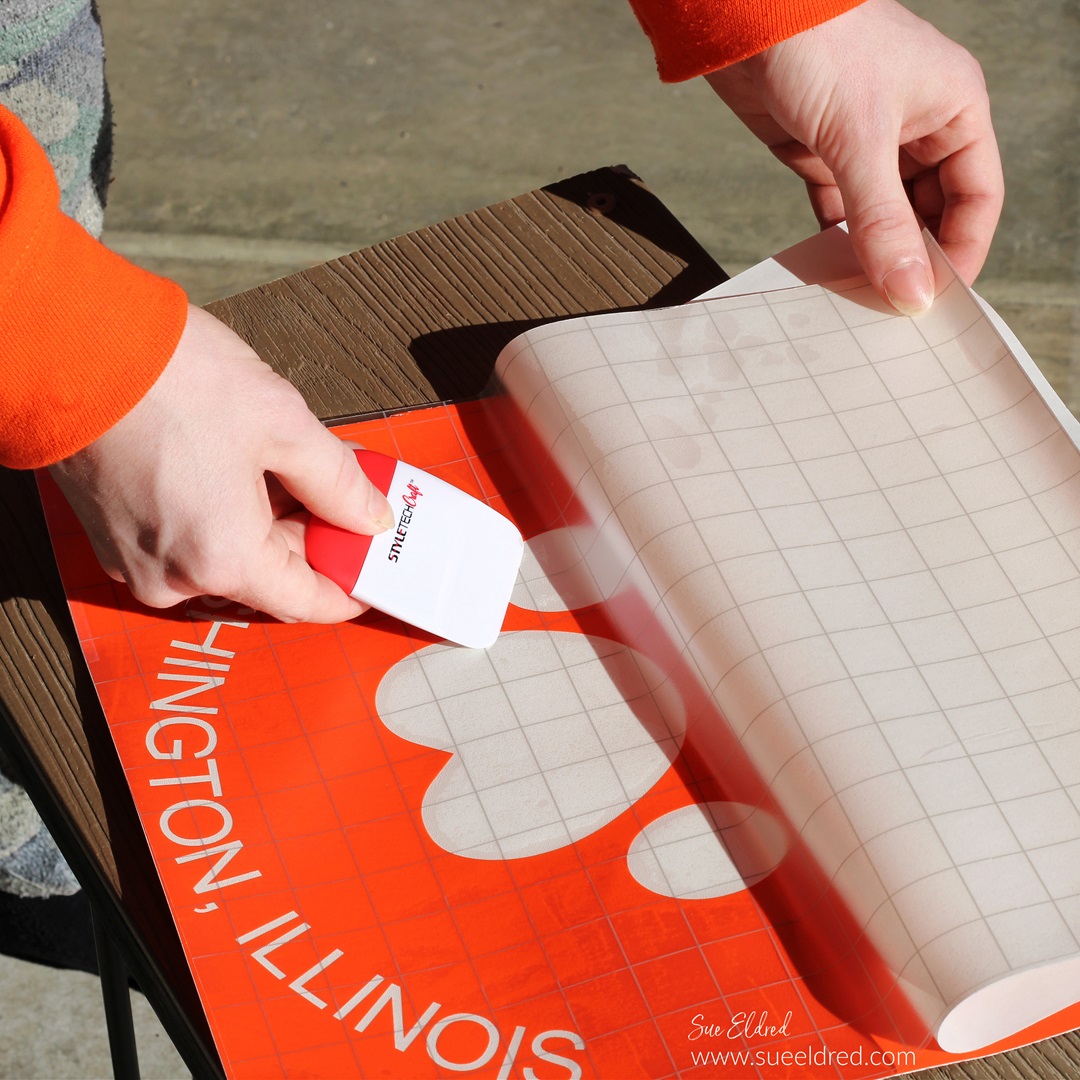
  • You will need a large sheet of Low Tack Vinyl Transfer Paper.

  • Slowly place the transfer paper onto one end of the vinyl.  
  • Pull the transfer paper over the vinyl.  
  • Gently rub over the transfer paper with a vinyl scraper tool to ensure that the vinyl sticks to the transfer paper.  

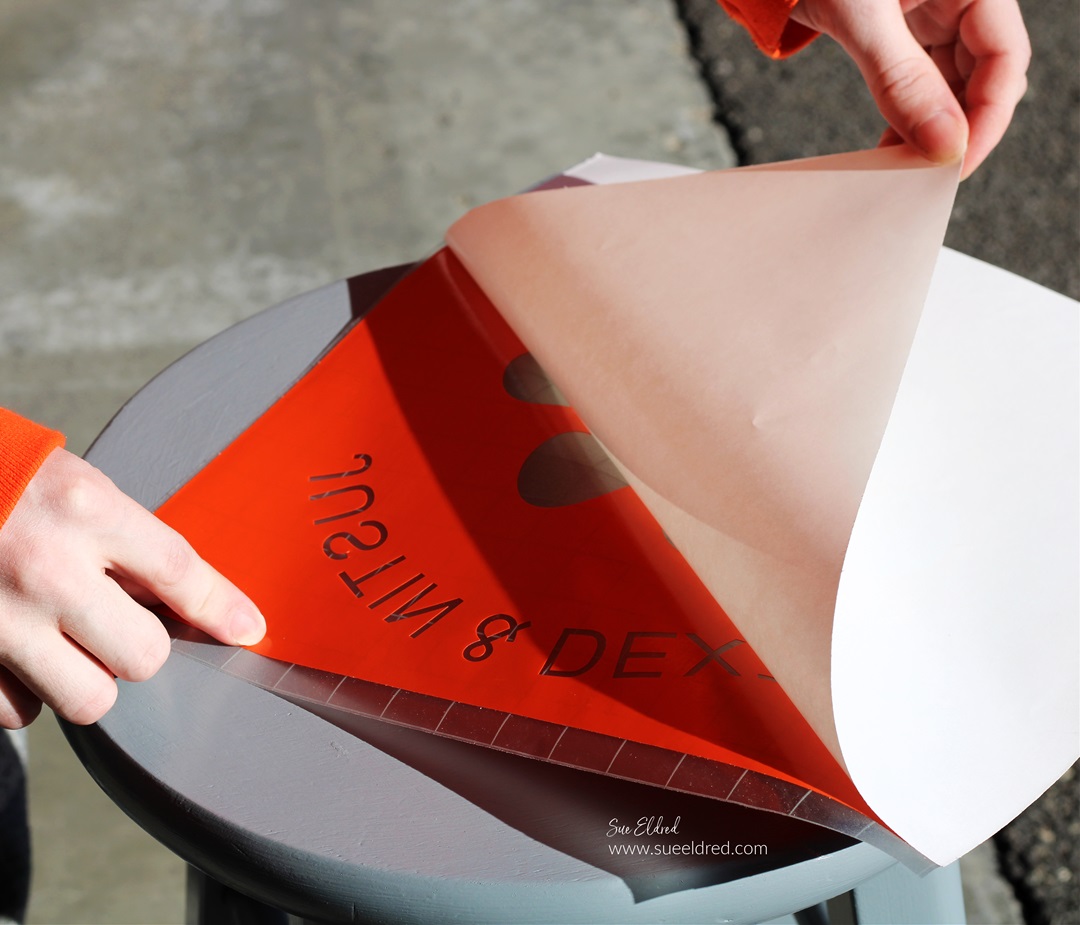
  • Gently lift the white backing paper from the vinyl.  

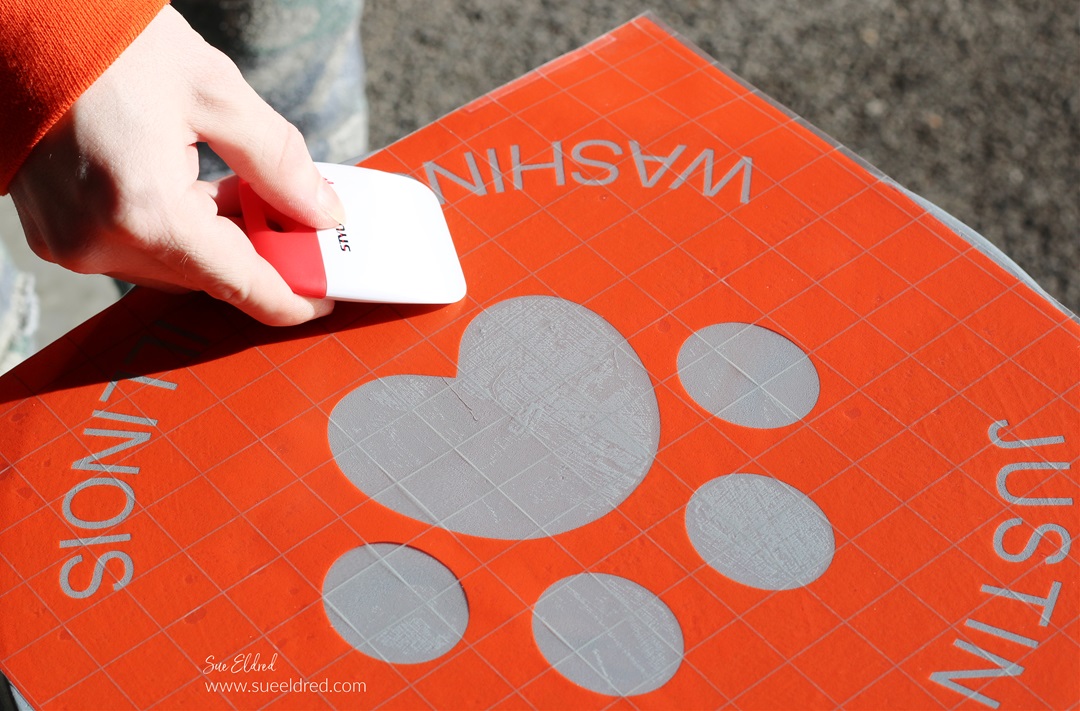
  • Place the vinyl onto the stencil and gently rub to eliminate air bubbles.
  • Make sure that the stencil is securely stuck to eliminate paint seepage.

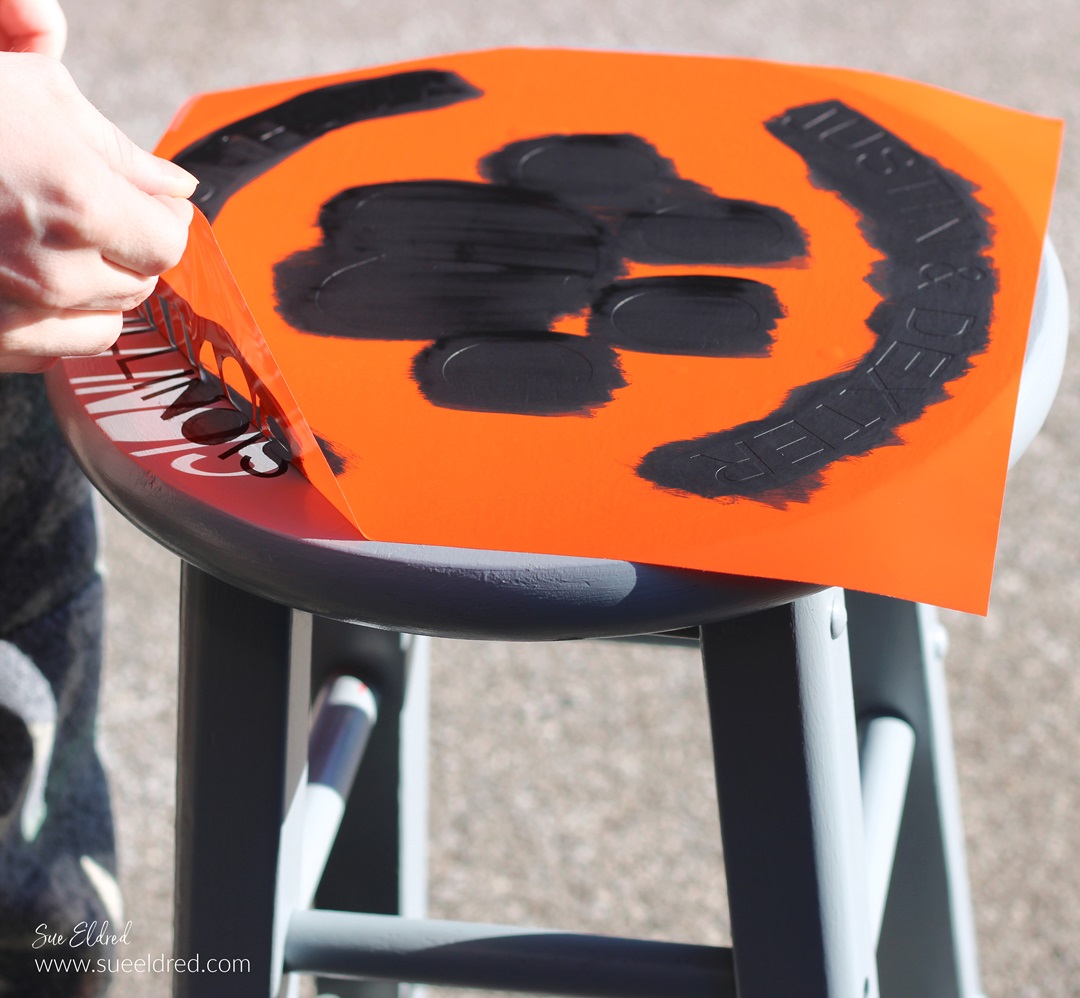
  • After the paint has dried, carefully remove the vinyl stencil.  
  • You may need a craft pick* or exact-o knife* to remove the inside of the letters.  

Family Game Night DIY Mini Storage Box

Family Game Night

The people in my family love to play games.

When we get the whole big group together for a Family Dinner,

someone usually brings out the dice.

Everyone crowds around the table, and we play a game or two.

Dice is one of their favorite games because even young kids can play along.

(that is until they get bored and leave)

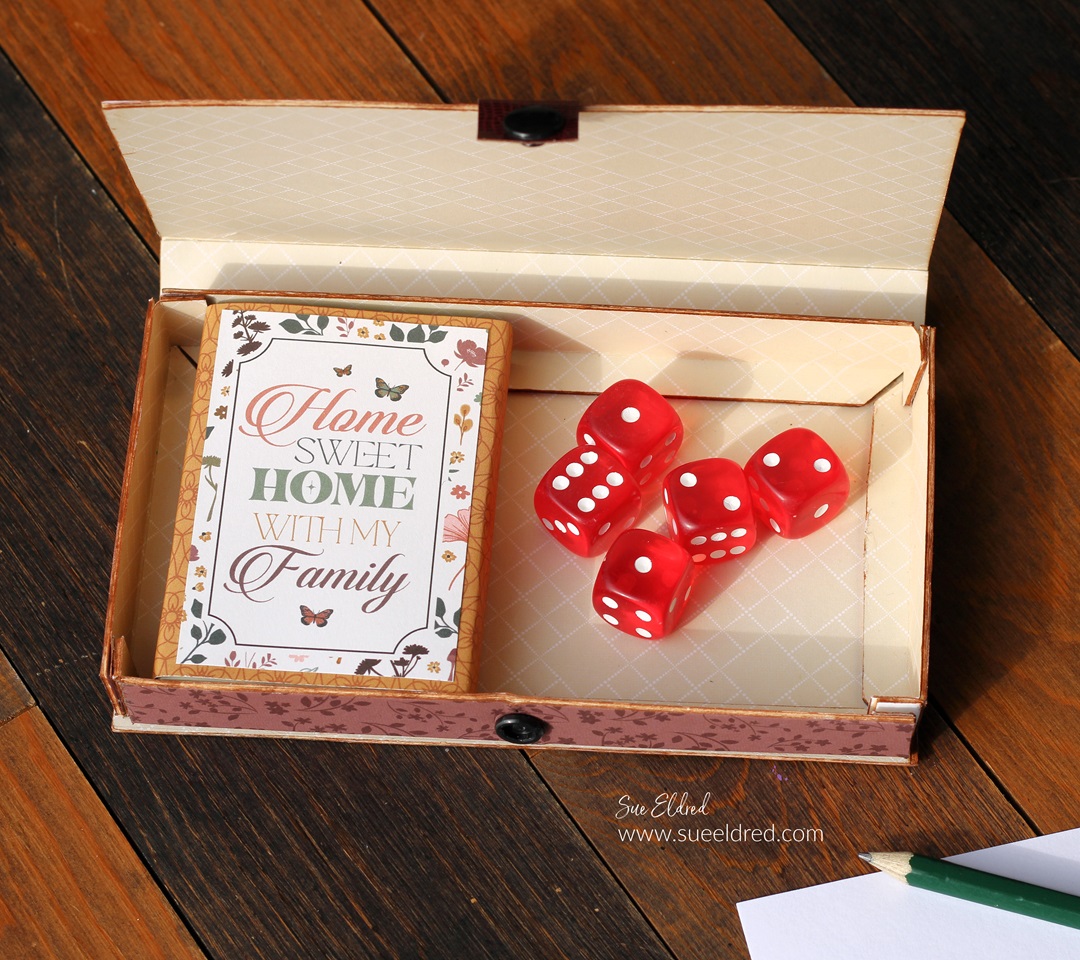
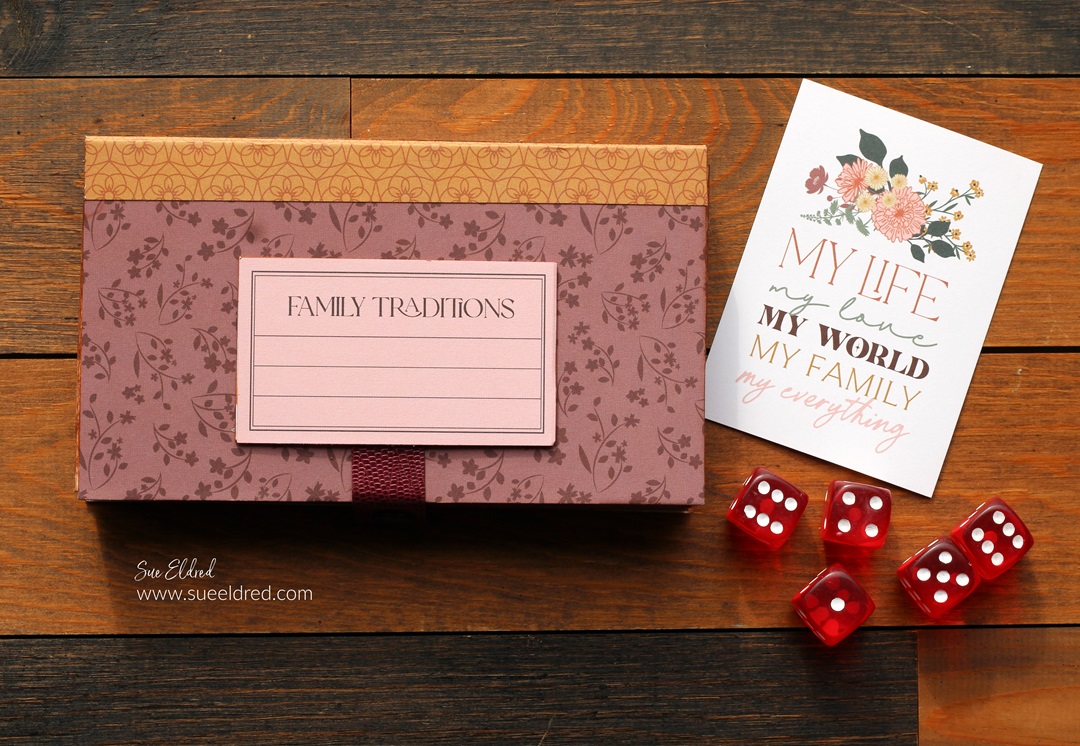
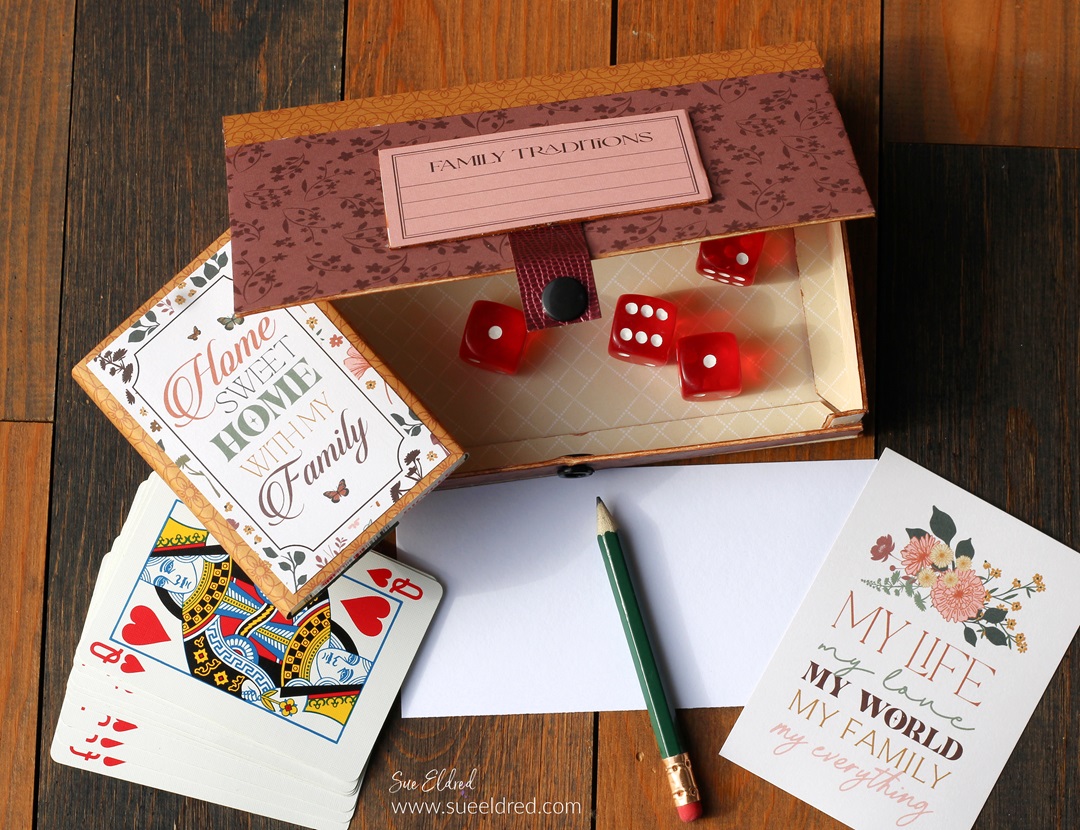
For fun, I made a small box just the right size for holding

a deck of cards and a set of dice.

Inside the box, there is enough space to add a small pencil

and paper for keeping score.

To Make the Box: 

  • Gently fold the scored edges and tabs of the mat board.
  • Adhere the box together using 3/8″ Scor-Tape*.
  • If the white core of the mat board bothers you, go around the edges of the mat board with a brown marker to hide the white core.

*Disclosure:  This blog uses ads and affiliate links.  If you choose to make a purchase using one of the links, I receive a small commission (at no additional cost to you) that helps offset the costs of maintaining this blog.  Thanks for your support!

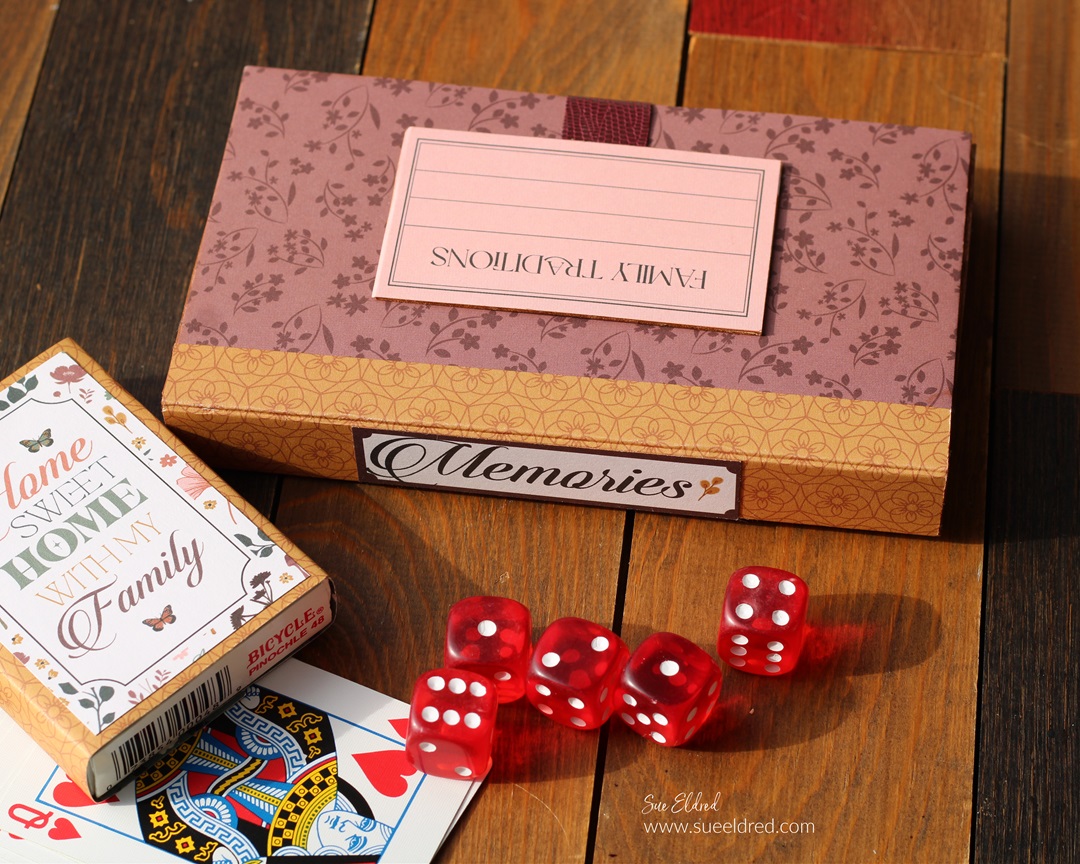
I added the word “Memories to the spine of the box.

Isn’t making memories what it’s all about?

I used a strip of faux leather paper, and a simple snap to

hold the box closed when not in use.

Materials Used:  (*affiliate links)

Shop Tombow

The Puppy Love Album is another project that I made

using the Skinny Mini Book Box Die*.

You can see more here.

Eileen Hull Educator Logo

Disclosure:  This is a sponsored post.  As a member of the Eileen Hull Inspiration Team, I have been provided product in exchange for my creative ideas.  The view and opinions are my own.
A little Holiday Trash to Treasure

A little Holiday Trash to Treasure

Farmhouse Style Christmas using Free or Thrifted Items

Earlier this past fall, while walking my dog, I stumbled upon

a guy having an Estate Sale out of a Storage unit. 

He came up to me and said that everything was FREE!

He needed to empty the unit so that he could go back home to Arizona.  

I quickly took my dog home and picked up a few treasures. 

(okay, more than I needed)

A few of my new treasures were this candelabra

and a vintage metal frame.

A little Holiday Trash to Treasure

The candelabra wasn’t in the best shape and kept falling apart.

A little Holiday Trash to Treasure

But it was FREE!!!

A little Holiday Trash to Treasure

The vintage metal frame was silver (which is not quite my style). 

But I had an idea of what I wanted to do with the frame. 

A little Holiday Trash to Treasure-Sue's Creative Workshop www.sueeldred.com 7040

I gave everything a good cleaning and a light sanding.

A little Holiday Trash to Treasure

I spray-painted both the candelabra and the silver frame

with Rust-oleum Semi-Gloss Black Spray Paint*.  

Because the candelabra kept falling apart, I glued it together

with E6000 glue*.  (It worked like a charm.)

A little Holiday Trash to Treasure-Sue's Creative Workshop www.sueeldred.com 7246

I added a Christmas Greeting inside my frame

using Carta Bella’s Winter Wonderland Collection*

I purchased flameless battery taper candles on Amazon*

These came with a remote, which was perfect.

Disclosure:  This blog uses ads and affiliate links.  If you choose to make a purchase using one of the links, I receive a small commission (at no additional cost to you) that helps offset the costs of maintaining this blog.  Thanks for your support!

A little Holiday Trash to Treasure

I made small wreaths for each candle using craft pine stems. 

I wrapped the craft stem around the base of the candle. 

I removed the wreath and manipulated and resized it to

make it the size I wanted. 

I made small cream bows and hot glued them onto the bows.

A little Holiday Trash to Treasure

It’s now a cute Farmhouse Style Display to add to my Holiday Decorations.

Amazon prime

Quick and Easy Holiday Necklaces

Quick and Easy Holiday Necklaces-Sue's Creative Workshop www.sueeldred.com

How to Make a Quick and Easy Holiday Necklace

Looking for an easy and inexpensive Holiday Gift?

These necklaces are super easy to make.

You can also use this technique with small photos for personalized jewelry.

Or you could use the pendant base as an album embellishment or charm.

Materials Used:  (*affiliate links)

This quick drying Liquid Gloss is perfect for adding an impressive touch to creations. This crystal-clear high gloss glaze dries hard

Amazon prime

You can find Jewelry Blanks on Amazon Prime!

*Disclosure:  This blog uses ads and affiliate links.  If you choose to make a purchase using one of the links, I receive a small commission (at no additional cost to you) that helps offset the costs of maintaining this blog.  Thanks for your support!

Quick and Easy Red Plaid Holiday Necklace-Sue's Creative Workshop www.sueeldred.com 7499

Directions:

  1. Remove grease or fingerprints from the glass dome using an Alcohol Wipe*.
  2. Place a small amount of Sizzix Effectz Liquid Gloss* on the back of the glass dome.
  3. Place the dome onto the scrapbook paper. Rub the dome around the image to remove any bubbles under the glass.
  4. Allow 5-10 minutes for the liquid gloss to dry.
  5. Cut around the dome with scissors.
  6. Add a small amount of liquid gloss to the base of the pendant and place the dome inside.

3D Snowflake Christmas Trees

3D Silver Snowflake Christmas Tree

How to make 3D Snowflake Christmas Trees.

One of my favorite new Christmas Dies this year is the

3D Snowflake Christmas Tree Die* from Sizzix.

The trees are so easy to make, and you can make a variety of trees

by removing or adding snowflakes.

*Disclosure:  This blog uses ads and affiliate links.  If you choose to make a purchase using one of the links, I receive a small commission (at no additional cost to you) that helps offset the costs of maintaining this blog.  Thanks for your support!

3D Silver & White Snowflake Christmas Trees

I made the retro-inspired tree using Silver and Red Metallic

Cardstock with silver beads as the spacers.  (It’s my favorite!)

These would look adorable on your Christmas table alongside each plate.

3D Snowflake Christmas Tree

To make the 3D Christmas Trees…

Materials Used:  (*affiliate links)

  1. Die-cut three sets of green snowflakes.
  2. Die-cut four sets of gold stars and the gold base.
  3. Fold the four gold stars and gold tree bases in half. Glue the four sides together.
  4. Place a little dab of glue on the bottom of the stick and place it in the center of the gold base.
  5. Add a small wood bead onto the stick and alternate beads and snowflakes.
  6. Leaving approximately ½”, cut the excess stick off the top of the tree.
  7. Add a little glue to the top of the stick and add the gold star.

3D Snowflake Christmas Trees

3D White Snowflake Christmas Tree-Sue's Creative Workshop www.sueeldred.com 7572

Add some twine to the top of the snowflake tree and hang it as a Christmas Decoration.

Holiday Stationery Gift Box How to Video

Holiday Stationary Gift Box

The Holiday Stationery Gift Box

A Holiday “How To” video on how to make this fun and festive Stationery

Gift Box using the Sizzix XL Card Caddy die by Eileen Hull*.  

I used an older Holiday Collection from Simple Stories for my Gift Box.  

But the new Simple Stories Vintage Holly Jolly Collection* would also

be an adorable collection to use.  That’s what I love about this project. 

It’s so easy to personalize it to your style.

Here is a list of some of the products I used:  (*affiliate links)

*Disclosure:  This blog uses ads and affiliate links.  If you choose to make a purchase using one of the links, I receive a small commission (at no additional cost to you) that helps offset the costs of maintaining this blog.  Thanks for your support!

Holiday Stationary Gift Box

Eileen Hull Educator Logo

Disclosure:  This is a sponsored post.  As a member of the Eileen Hull Educator Team, I have been provided product in exchange for my creative ideas.  The view and opinions are my own. 
Simple Wedding Card Box

Wedding Card Box

How to make a Quick and Easy Wedding Card Box.

I recently got the honor of helping my sister personalize

the card box for my niece’s wedding reception.

They wanted to keep it simple and requested the

letters to spell the word “CARDS”.

Simple enough.

Wedding Card Box

She found a Clear Glass Terrarium* on Amazon, which perfectly matched the tabletop decorations.

*Disclosure:  This blog uses ads and affiliate links.  If you choose to make a purchase using one of the links, I receive a small commission (at no additional cost to you) that helps offset the costs of maintaining this blog.  Thanks for your support!

Wedding Card Box

I used StyleTechCraft Black Matte Removable Vinyl*

and a Silhouette Cameo Electronic Die Cutting Machine*

to design and cut the letters for the Card Box.

Since I used removable vinyl, they can easily remove the letters

and use the Terrarium* for plants after the wedding.

StyletechCraft products brought to you by ATSM Craft*

Wedding Card Box

They added Shredded Paper* and Fairy Lights* to the bottom of the card box.

Wedding Card Box

The Fairy Lights* made the card box glow.  (until it was full of cards)

Materials Used:  (*affiliate links)

“This is a sponsored post.  As a member of the StyleTechCraft Design Team I have been provided product and compensation in exchange for my creative ideas.  The views and opinions are my own.
Mr. One-derful’s First Birthday Card

Mr. One-derful's First Birthday Card

Milo’s First Birthday Card

My husband and I recently got invited to my nephew Milo’s First Birthday Soiree.

It’s not every day that you get invited to a Fancy Party for a one-year-old.

So, when that happens, you need to make a “fancy card”.

Mr. One-derful's First Birthday Card

  • I used a Silhouette Cameo Electronic Die Cutting Machine and simple fonts to design the card.
  • I cut out the words for the outside of the card using StyleTechCraft Gold Metallic vinyl.  I cut the large number one using StyleTechCraft Black Glossy Craft Vinyl.

Materials:

StyletechCraft products brought to you by ATSM Craft*

*Disclosure:  This blog uses ads and affiliate links.  If you choose to make a purchase using one of the links, I receive a small commission (at no additional cost to you) that helps offset the costs of maintaining this blog.  Thanks for your support!

Mr. One-derful's First Birthday Card

  • To transfer the large number one onto the gold number one, (which is slightly larger) I used StyleTechCraft transfer tape.
  • Place transfer paper over the vinyl and rub with a vinyl scraper tool to help the vinyl cling to the Vinyl Transfer Tape*.
  • Center the vinyl onto the cardstock and again rub over the vinyl to transfer.
  • Remove the transfer tape.

Mr. One-derful's First Birthday Card

  • To make the layered number one stand out, I added thin foam mounting squares to the back.

Mr. One-derful's First Birthday Card

  • Add the gold chrome words “Mr. One’derful” to the front of the number one with transfer tape.
  • Place the number one onto the front of a simple white card with a gold layer.  I added Milo’s name for fun.
Mr. One-derful's First Birthday Card

The Party was an auspicious event that included

displays of the guest of honor’s fabulous art pieces,

a caricature artist, hors d’oeuvres, and live music.

Formal attire was strongly encouraged, so,

my husband wore a jacket, and I wore a black dress with pearls.

“This is a sponsored post.  As a member of the StyleTechCraft Design Team I have been provided product and compensation in exchange for my creative ideas.  The views and opinions are my own.