Personalized Travel Activity Kit for Kids

Personalized Travel Activity Kit for Kids

A lot of parents nowadays are looking for alternatives to screen time 

to keep little ones happy and busy on trips or when eating out.

When my kids were young, we didn’t have phones or tablets 

to keep them occupied while sitting in church or restaurants.  

When we would go on a long road trip, I’d make each kid a new 

“Busy Box” and bring a few extra items to add along the way.  

I can’t tell you it’s fail-proof, but it did work most of the time. 
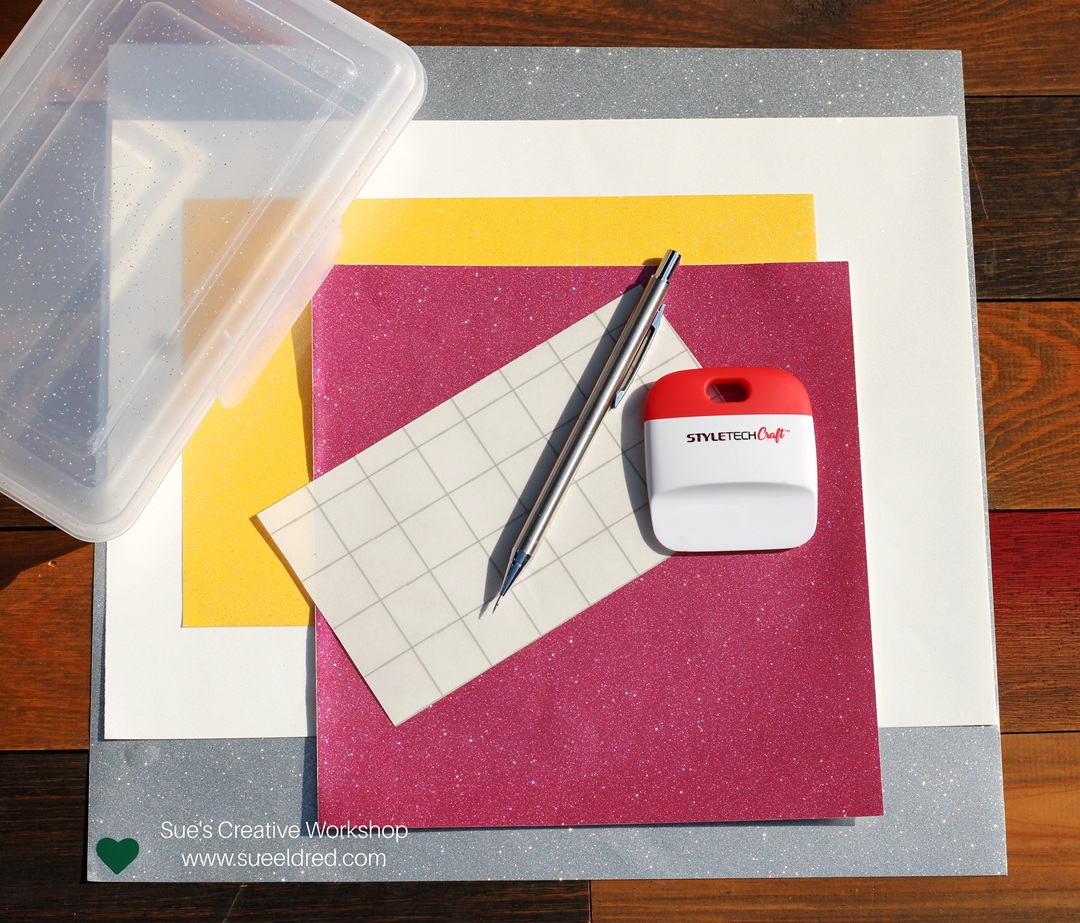
Back to School is a great time to look for items to put in your box.

Materials Used:  (*affiliate links)

*Disclosure:  This blog uses ads and affiliate links.  If you choose to make a purchase using one of the links, I receive a small commission (at no additional cost to you) that helps offset the costs of maintaining this blog.  Thanks for your support!
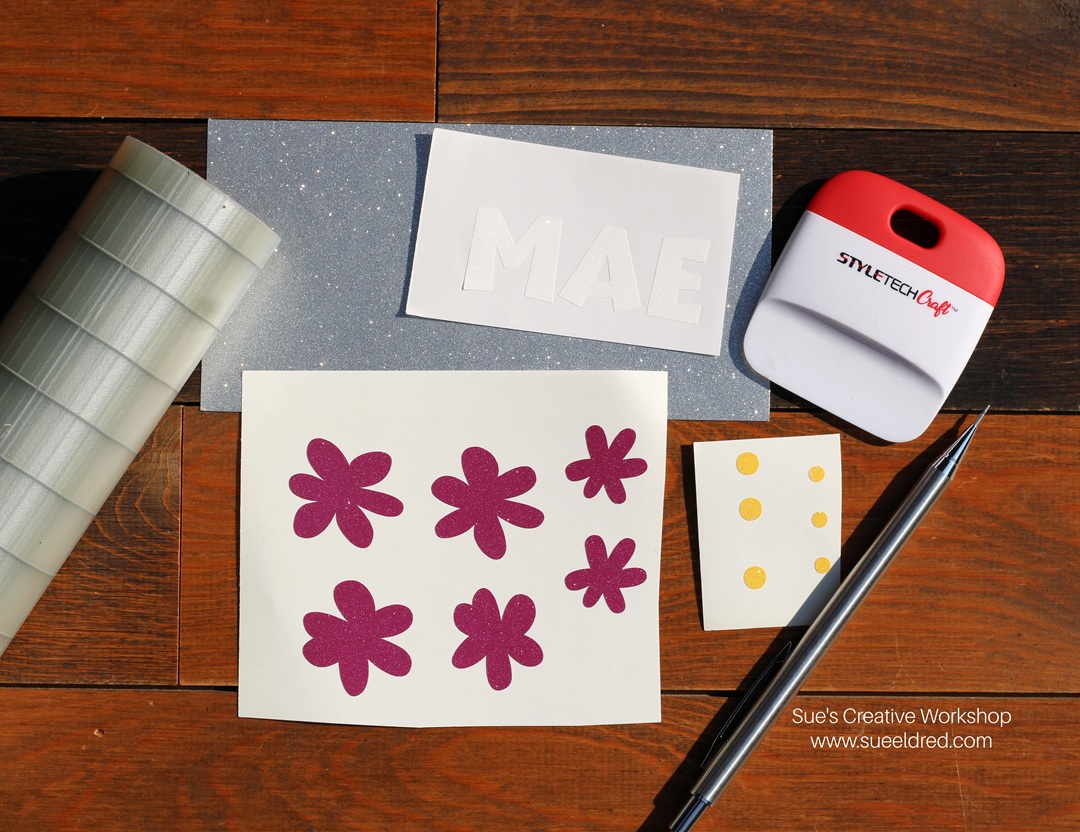
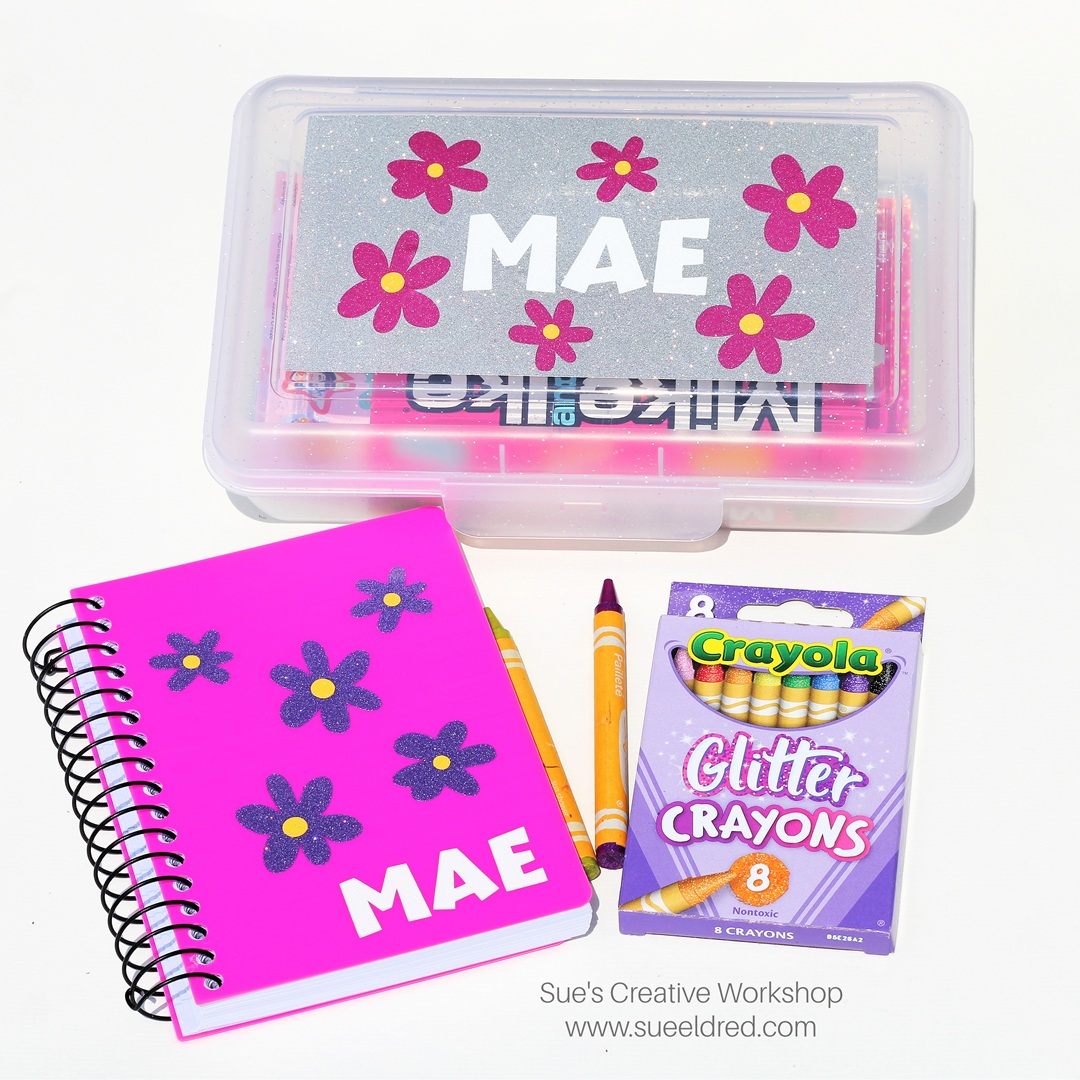
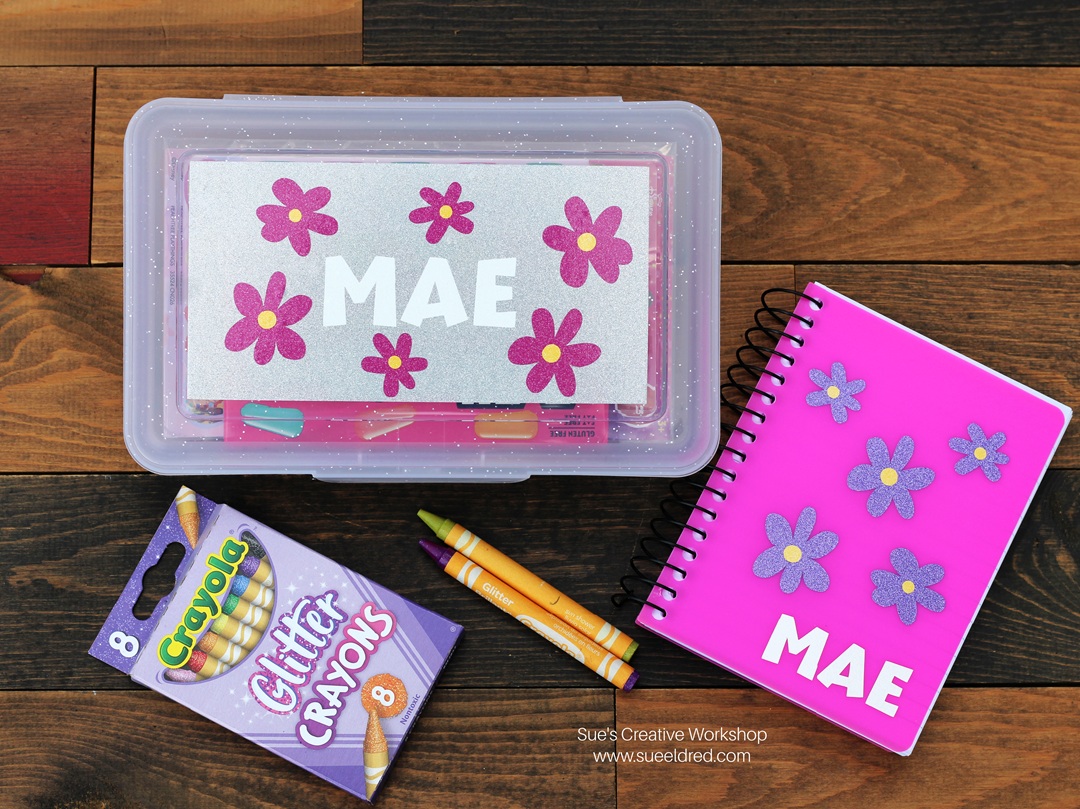
Since I’m making a girl box for my granddaughter…

I chose a box that had glitter on it. 

I also used StyleTechCraft Ultra Metallic Glitter Vinyl for my designs.  

Directions:

  • I used a Silhouette to cut out flowers and letters to decorate the box using StyleTechCraft Ultra Metallic Vinyl.  I also cut a 3 1/4″ x 6 1/4″ piece of silver vinyl to put on the lid.  
  • If you don’t have an electronic die-cutting machine, you can also use thin metal dies to cut the vinyl.  
  • Place transfer paper over the cut vinyl.  Gently rub over the vinyl with the scraper tool.  
  • Remove the transfer paper from the white protective backing and place it onto the box.
  • Rub the transfer paper with the scraper tool to ensure the vinyl has transferred.  Remove the transfer paper.
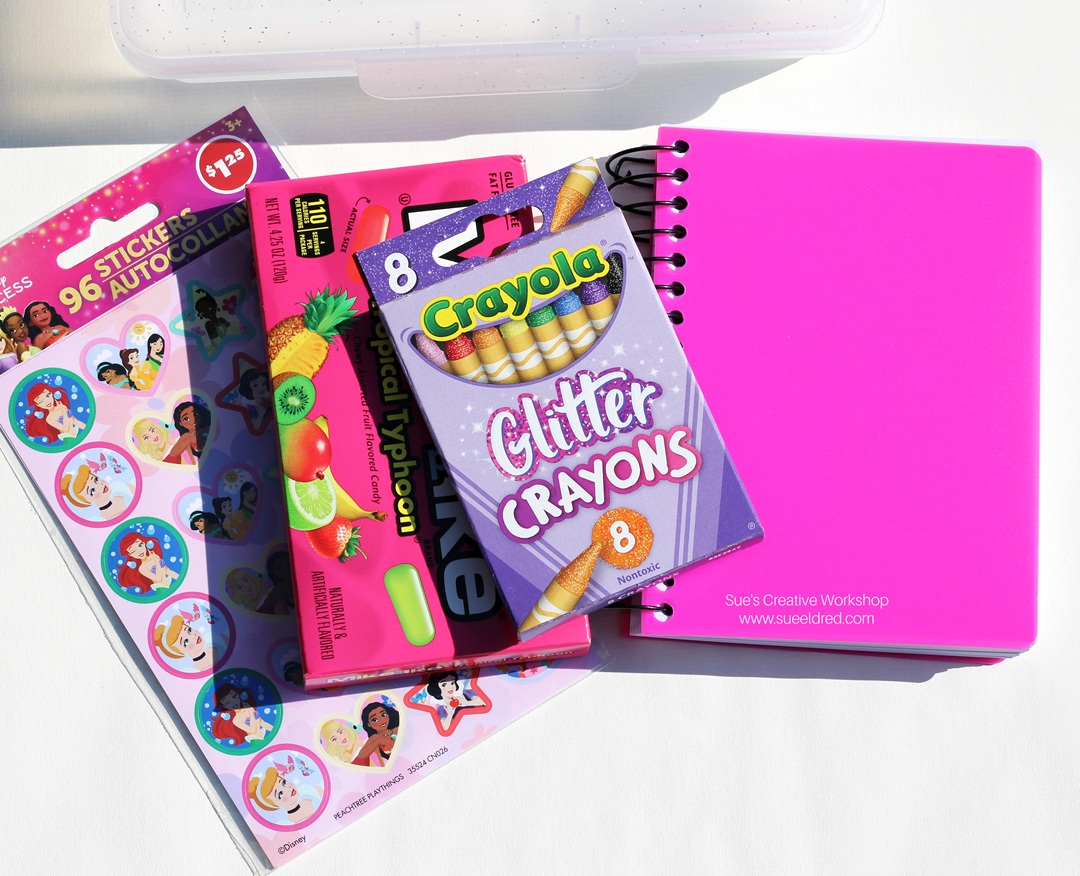
I picked up a few items for my box at Dollar Tree.

Don’t forget to also pick up an age-appropriate snack.

Shop Dollar Tree for Back to School and Crafting Supplies!
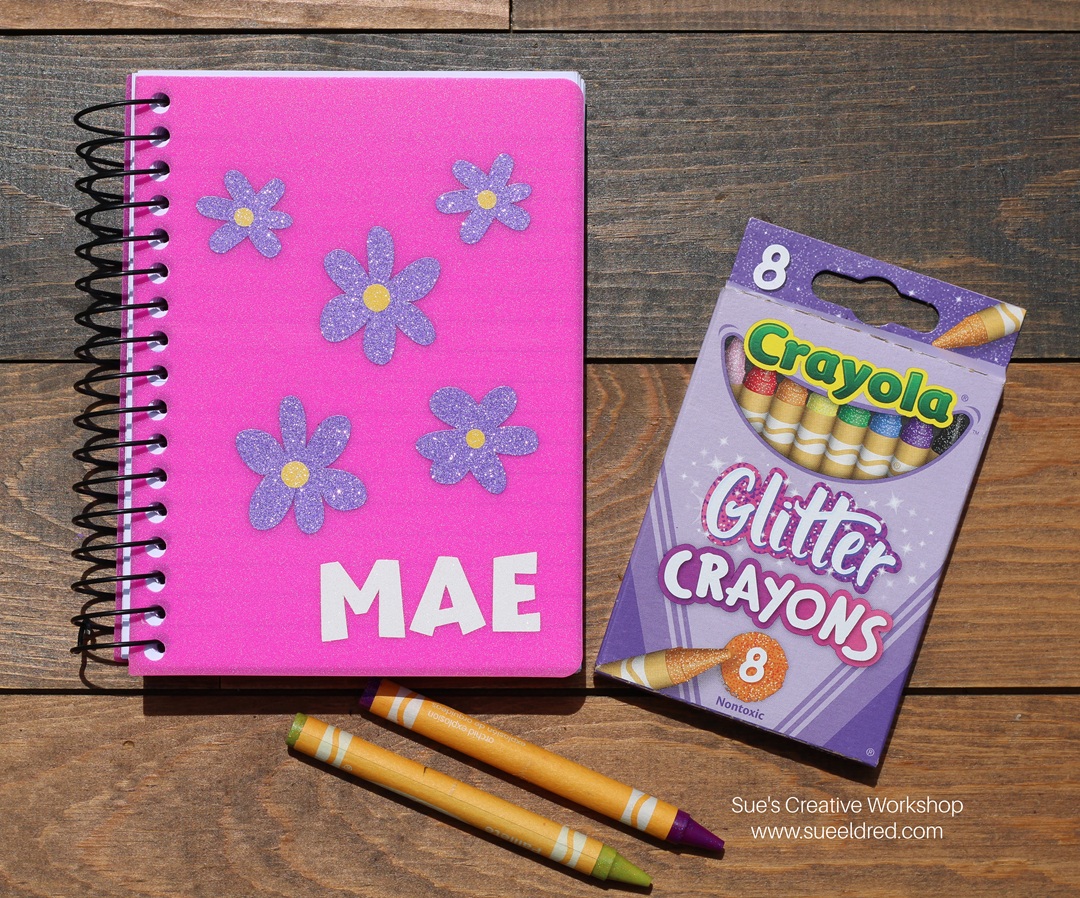
To go with the theme, I decorated a plain notebook to match the box. 
Somewhere, I have a picture of my daughter covered in foil stars on one long road trip.   

Oh, and on a side note…make sure you don’t leave crayons in a hot car. 

“This is a sponsored post.  As a member of the StyleTechCraft Design Team I have been provided product and compensation in exchange for my creative ideas.  The views and opinions are my own.

DIY Carrot Patch Spring Decoration

Make this cute DIY Easter Carrot Decor craft project

and add a little whimsy to your spring home decor!

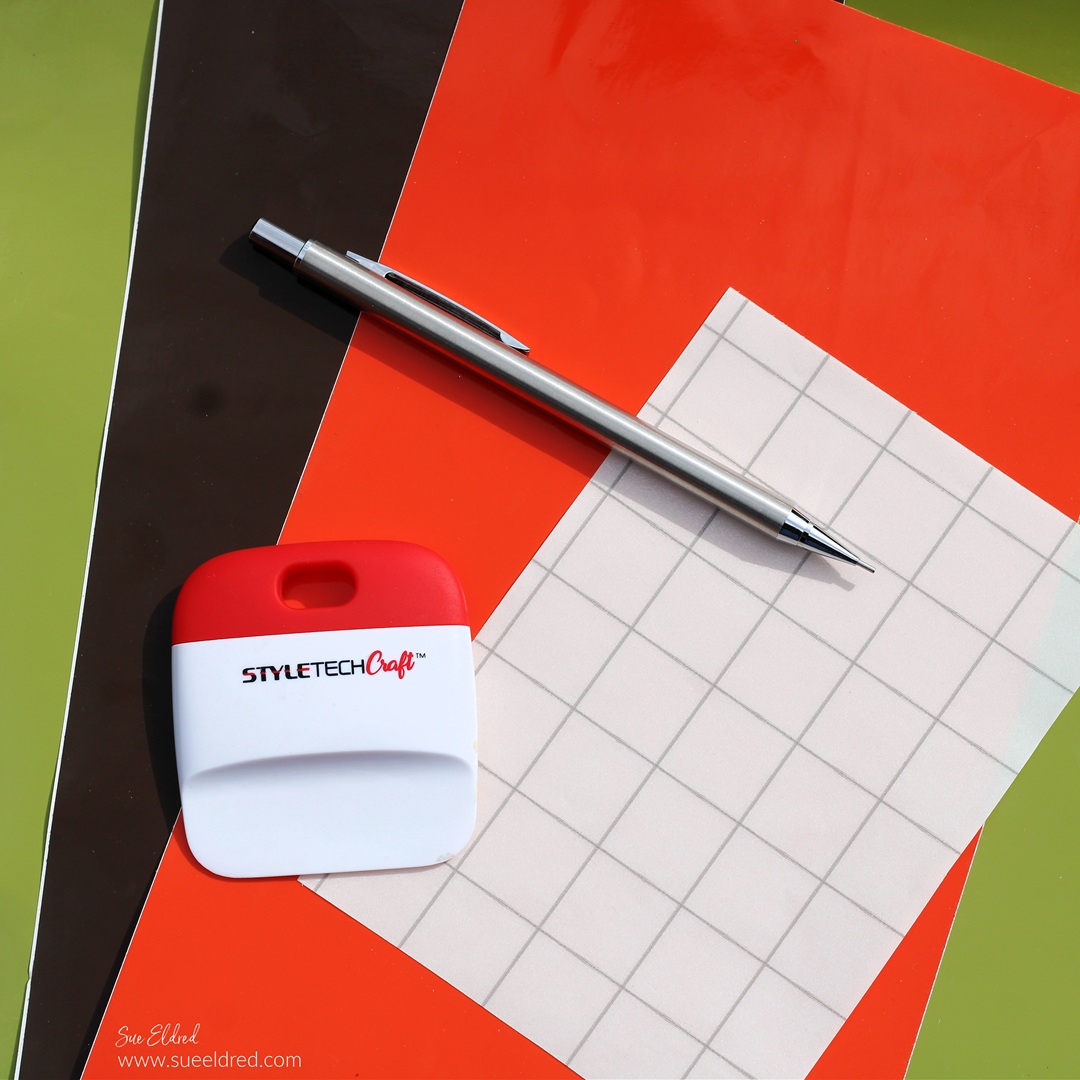
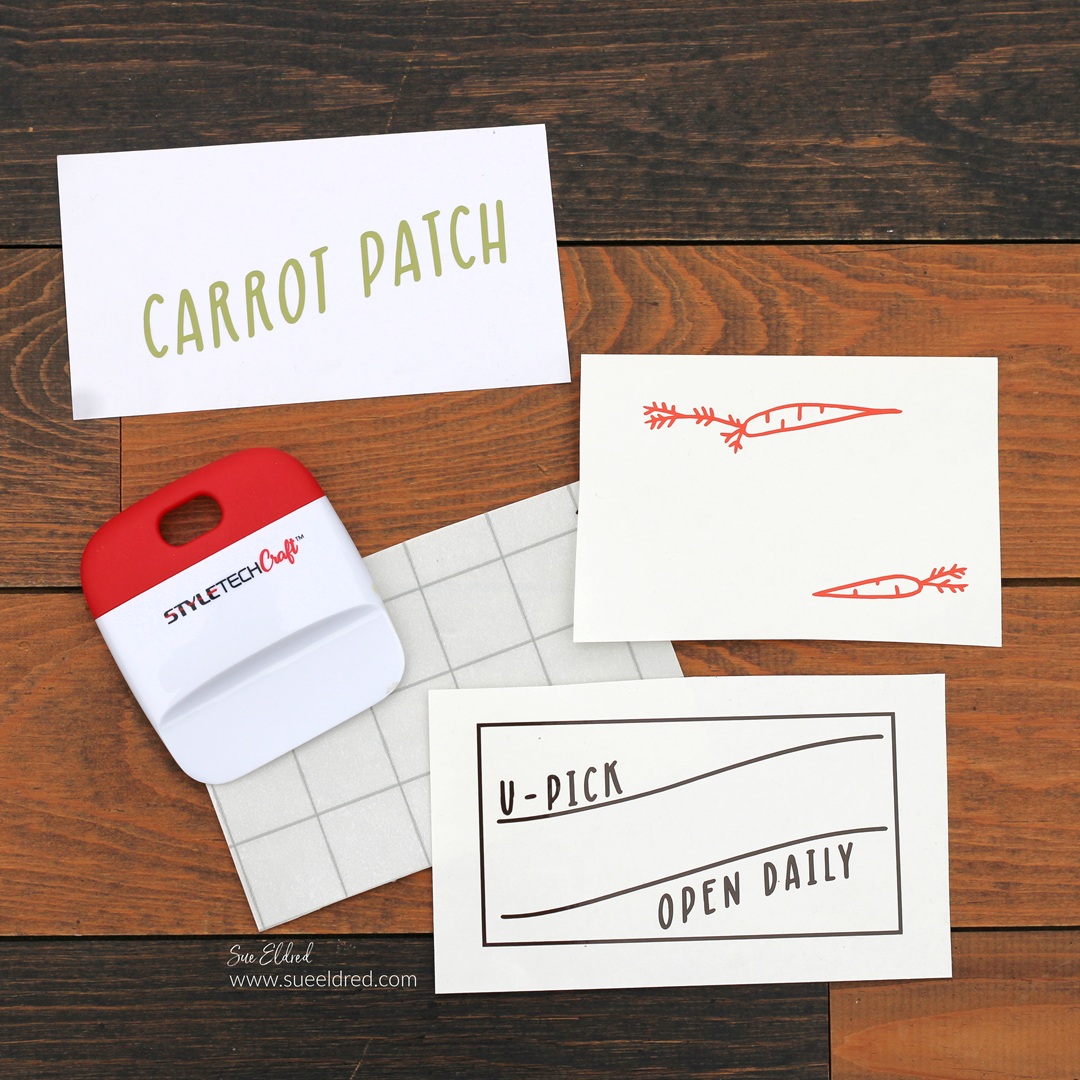
This project uses Dollar Tree craft supplies and StyleTechCraft vinyl

to make the cutest little U-Pick carrot patch.

Materials Used:  *Affiliate Links

Extreme Values Everyday at Dollar Tree – Shop Now!

*Disclosure:  This blog uses ads and affiliate links.  If you choose to make a purchase using one of the links, I receive a small commission (at no additional cost to you) that helps offset the costs of maintaining this blog.  Thanks for your support!

Directions:

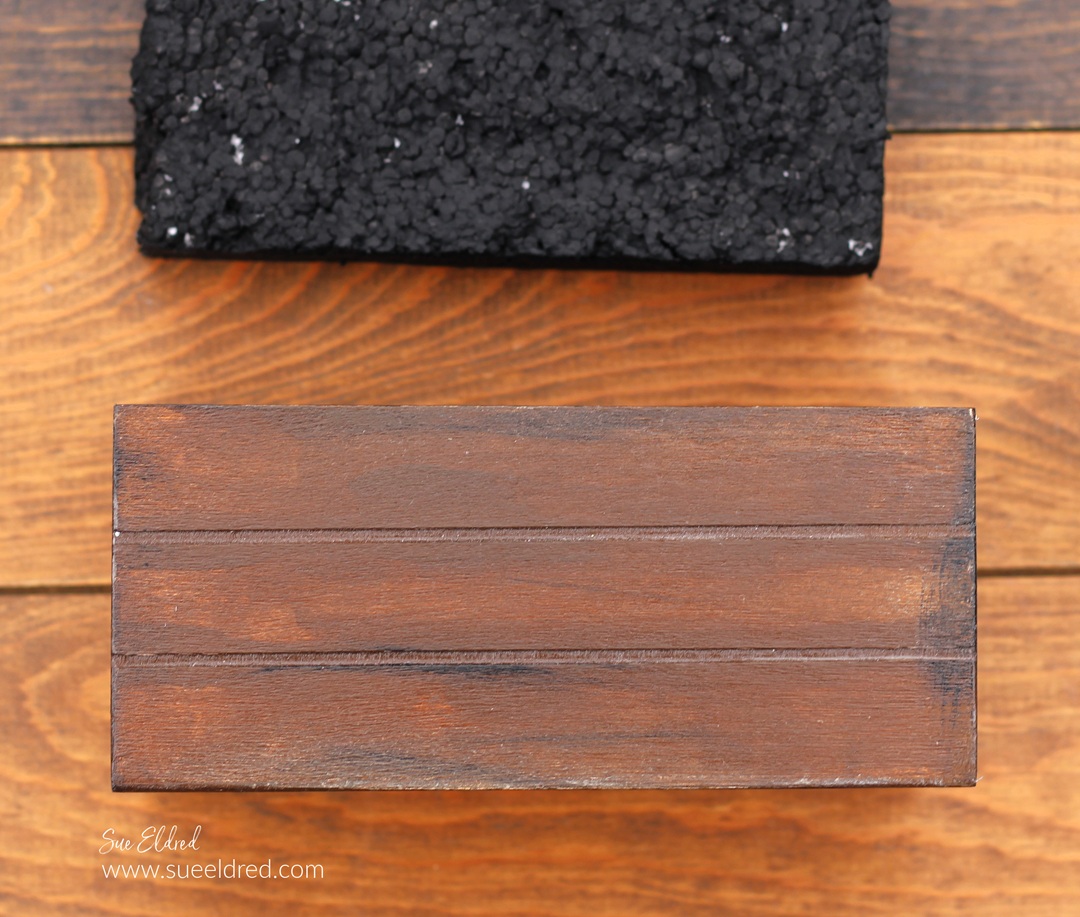
  • Paint the Mini Crate* with brown acrylic paint.
  • To give the crate an aged look, dry brush the edges with black acrylic paint.  Wipe off any extra paint with a damp rag.
  • Seal the crate using Mod Podge Gloss*.  (This makes the crate look like it has been varnished.)
  • Cut a piece of foam to fit inside of the crate.  
  • Paint the foam with black acrylic paint.

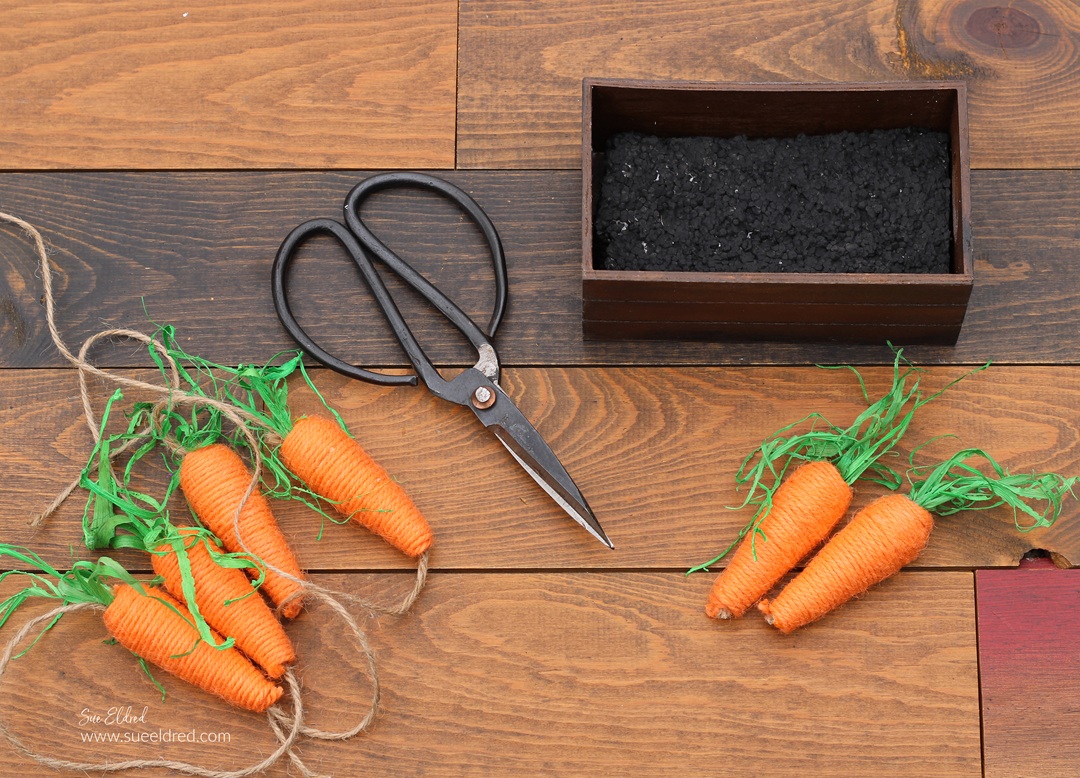
  • Cut the carrots from the garland.

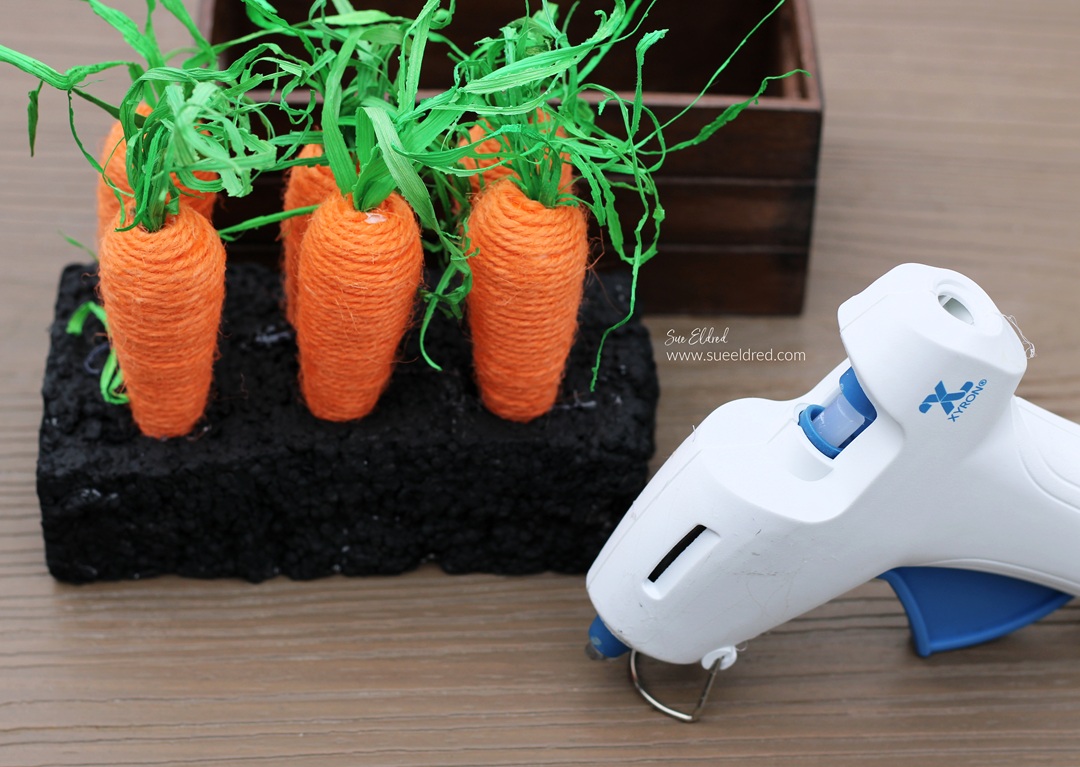
  • Poke holes into the foam that are large enough for the tips of the carrots to fit down into.
  • Hot glue the tips of the carrots in the holes.

StyletechCraft products brought to you by ATSM Craft*

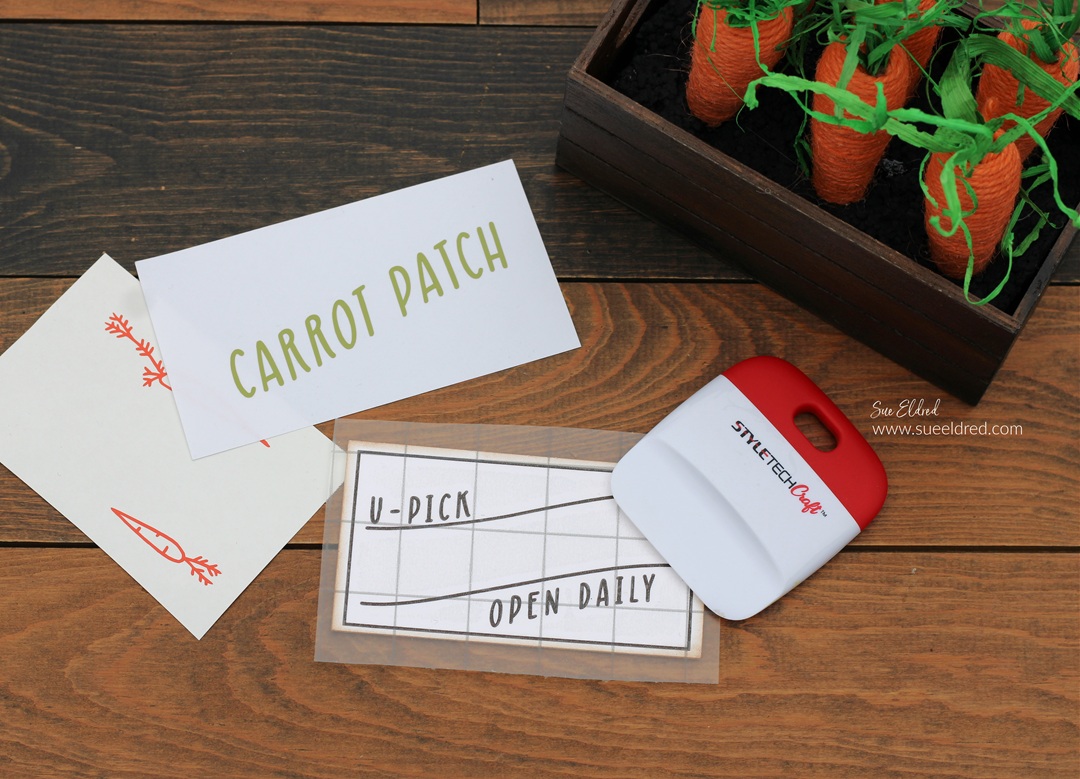
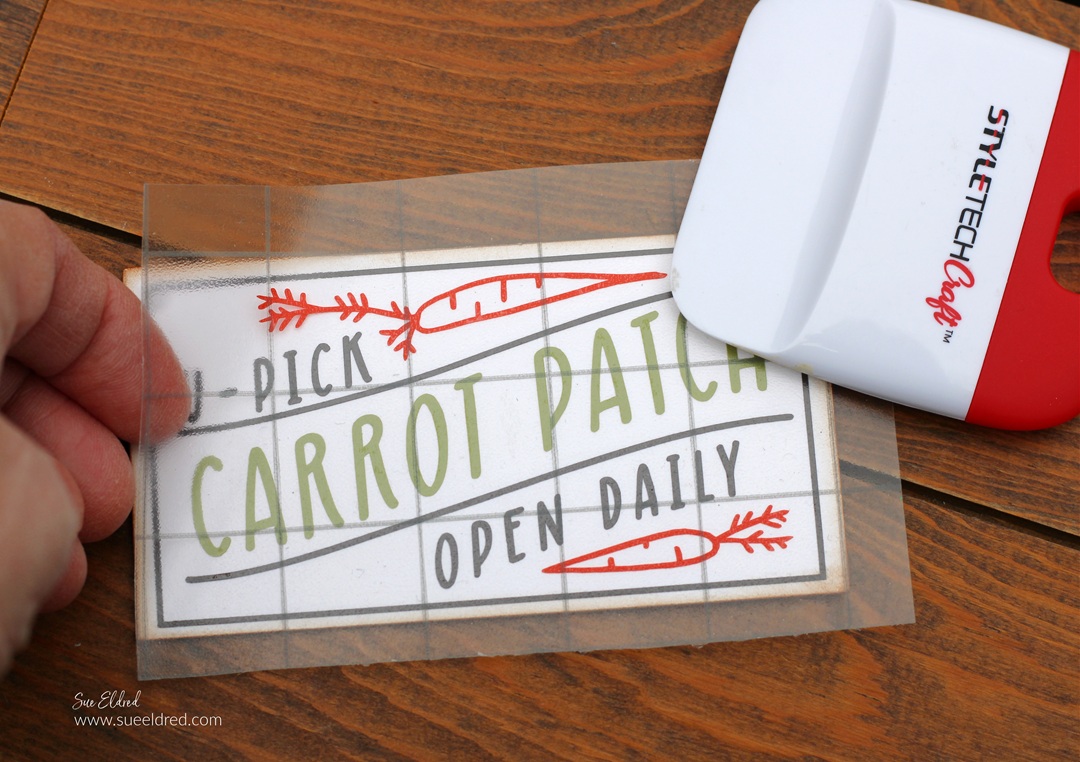
  • Continue adding the additional pieces of the sign.  (Did you know that the transfer tape is reusable?)

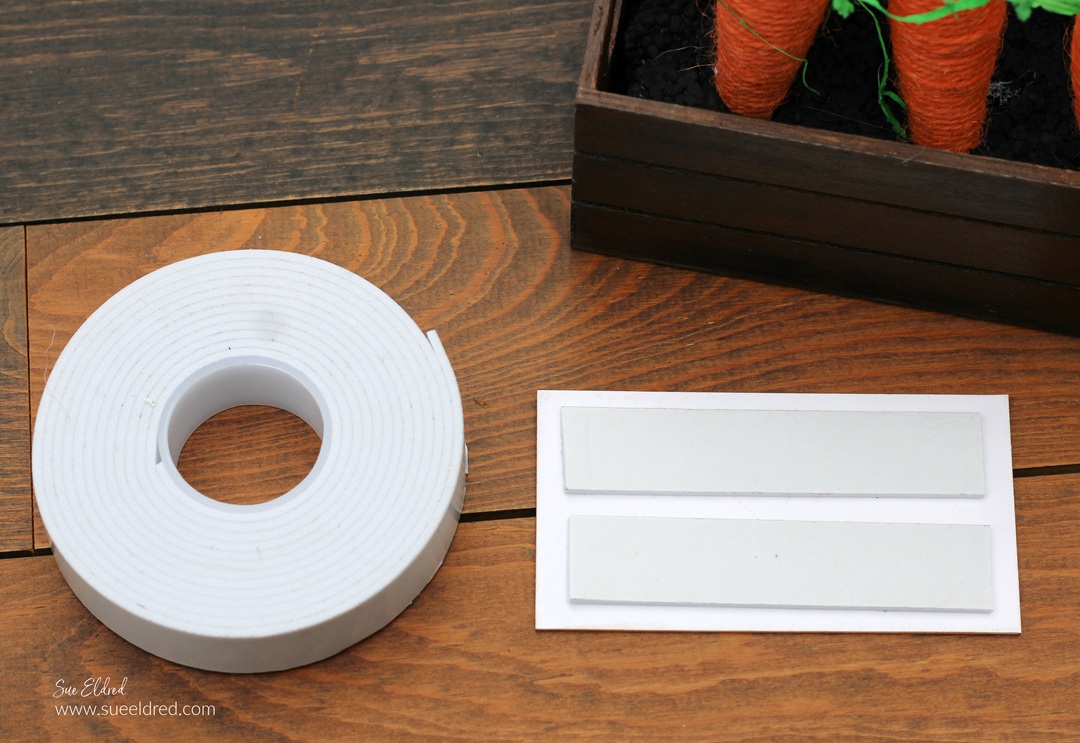
  • Add a couple strips of double-sided foam tape* to the back of the matboard.  
  • Adhere here it to the front of the mini crate.

This little U-Pick Carrot Patch is perfect for displaying on a mantel,

on styled shelves, or in a tiered tray.  There are so many ways to style it!

“This is a sponsored post.  As a member of the StyleTechCraft Design Team I have been provided product and compensation in exchange for my creative ideas.  The views and opinions are my own.

Cute DIY Bunny Treat Container

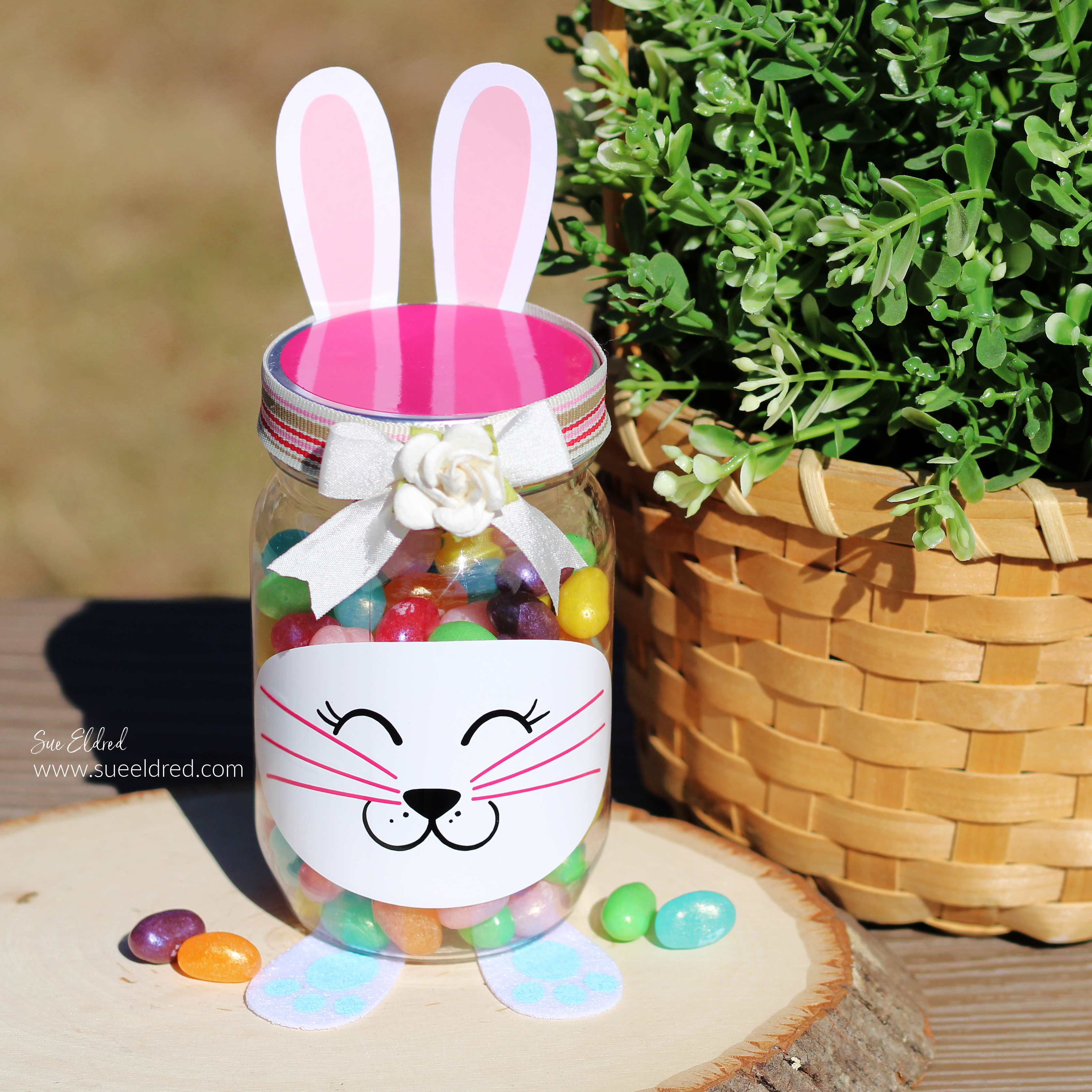
How to make a Cute Bunny Treat Container

With Spring and Easter around the corner, it’s time to start all things bunnies.

The Bunny Treat Container is a fun Dollar Tree* and StyletechCraft* Spring DIY.

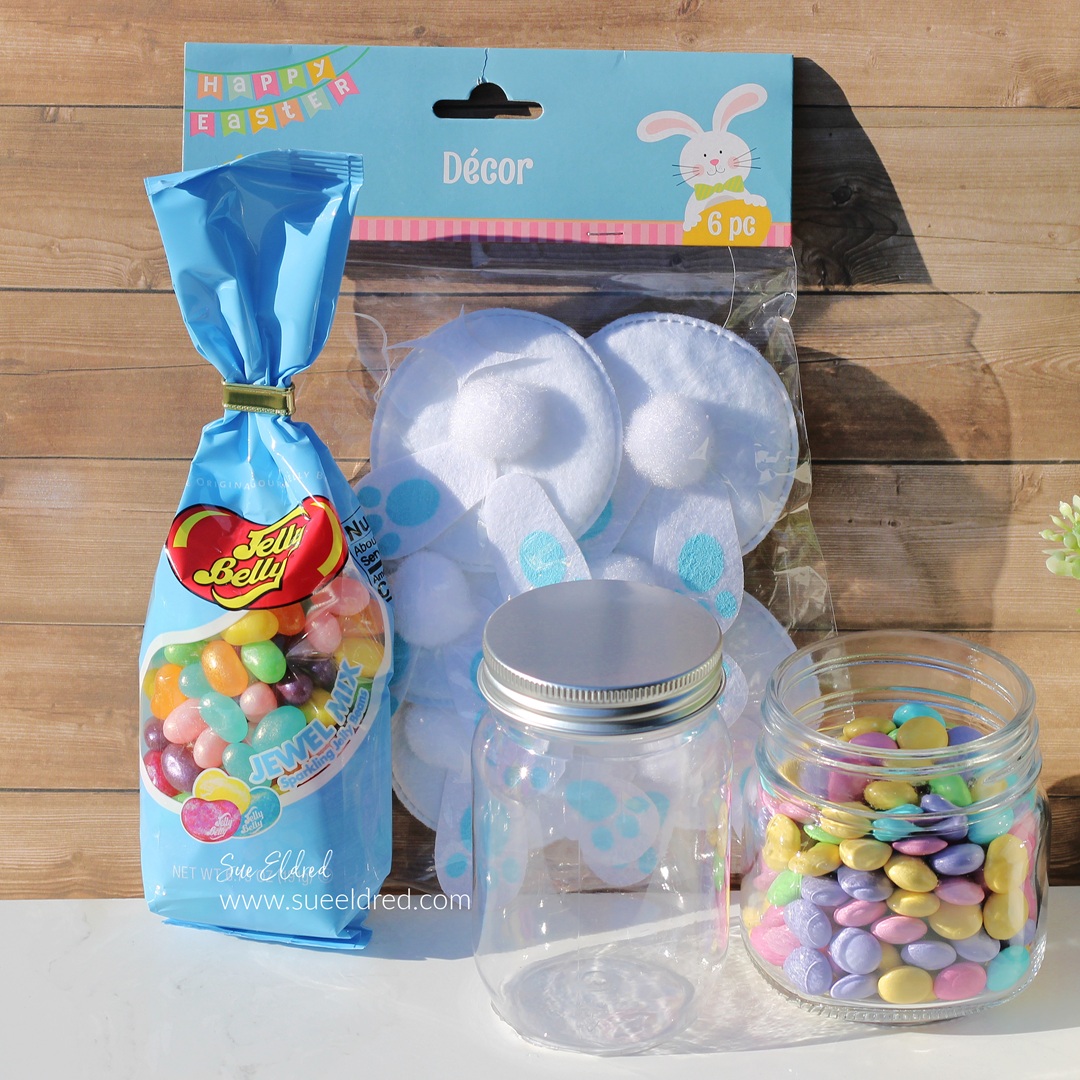
When I stopped at Dollar Tree the other day to pick up a

Clear Plastic Craft Jar* to make an Easter Bunny Treat Container,

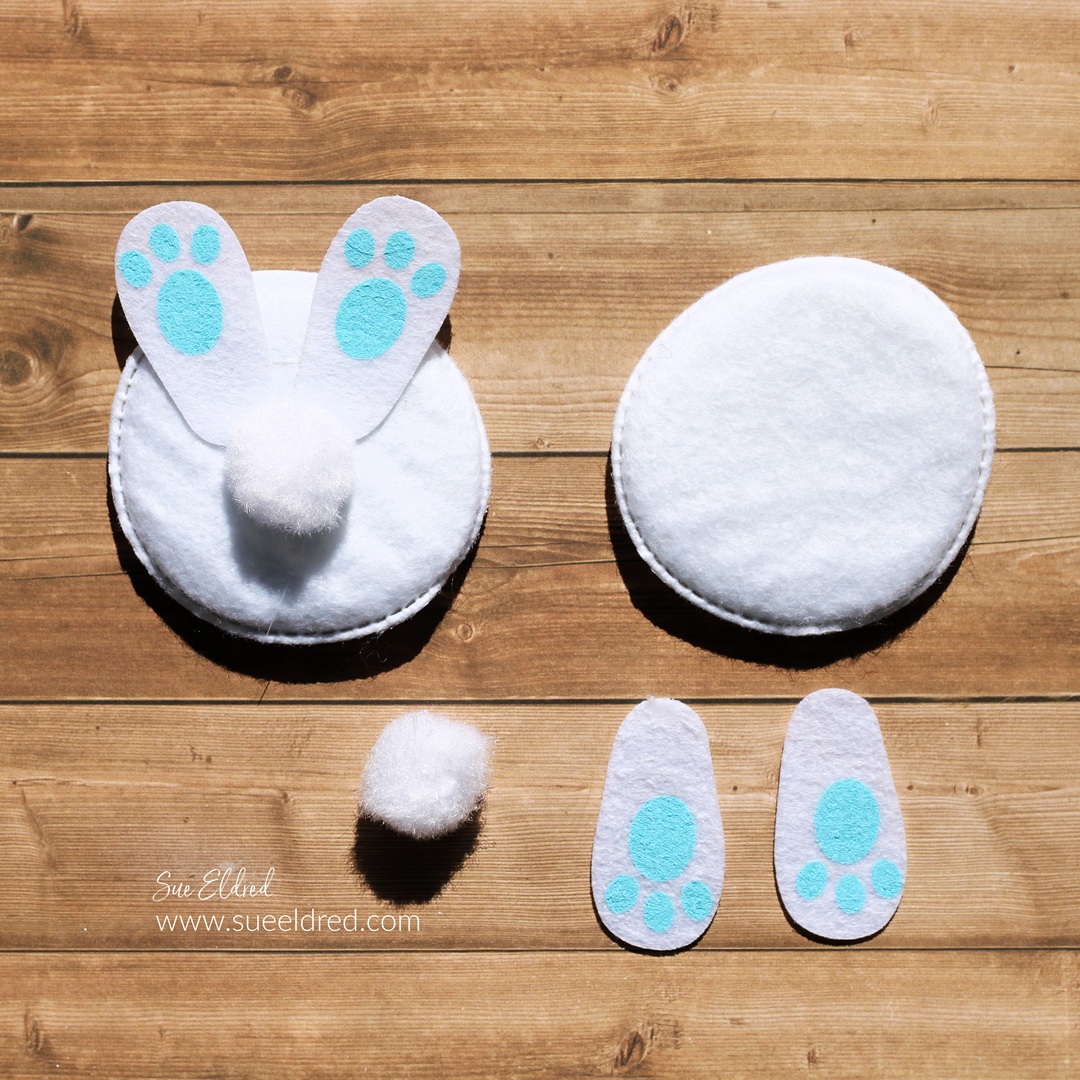
I saw these cute bunny backside embellishments.  

(I’m not sure what the correct description would be.)

I knew they would be great for my little Easter Bunny.

Extreme Values Everyday at Dollar Tree – Shop Now!

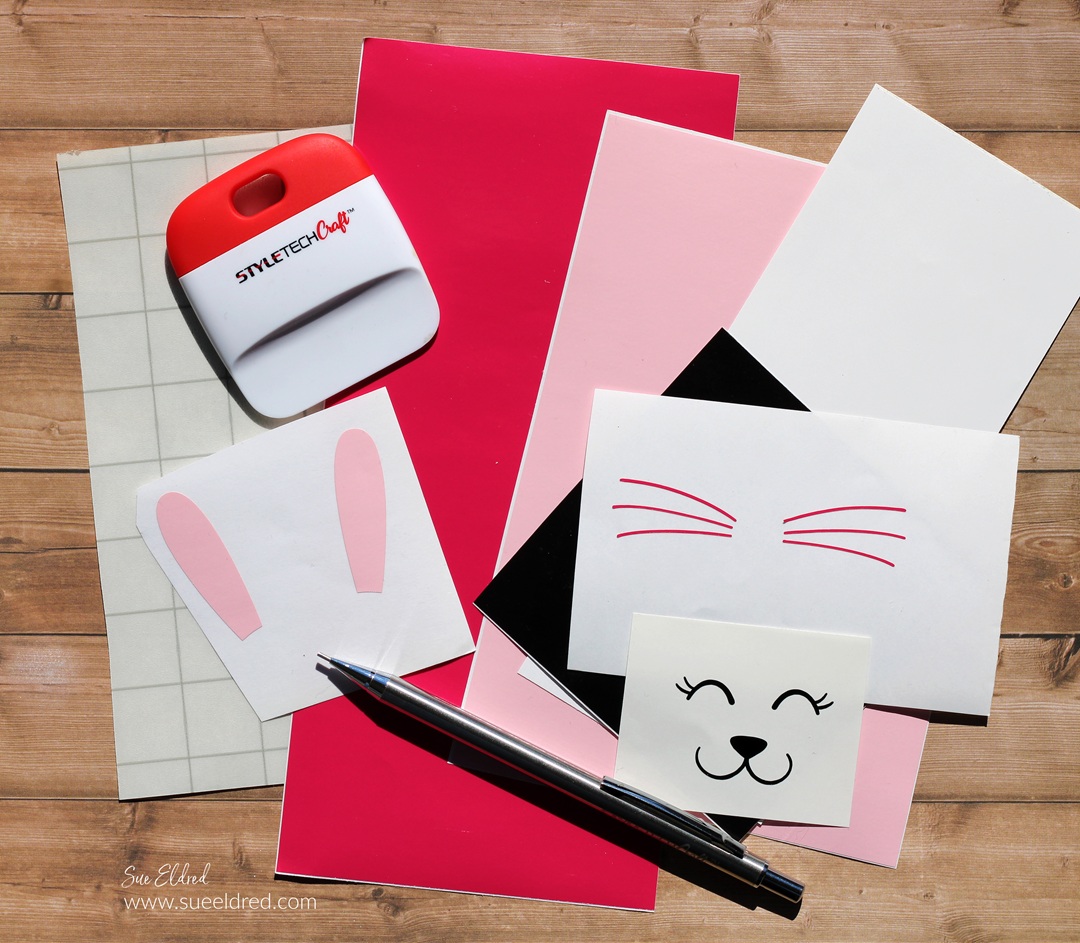
Materials Used:    (*affiliate links)

StyletechCraft products brought to you by ATSM Craft*

*Disclosure:  This blog uses ads and affiliate links.  If you choose to make a purchase using one of the links, I receive a small commission (at no additional cost to you) that helps offset the costs of maintaining this blog.  Thanks for your support!

“This is a sponsored post.  As a member of the StyleTechCraft Design Team I have been provided product and compensation in exchange for my creative ideas.  The views and opinions are my own.

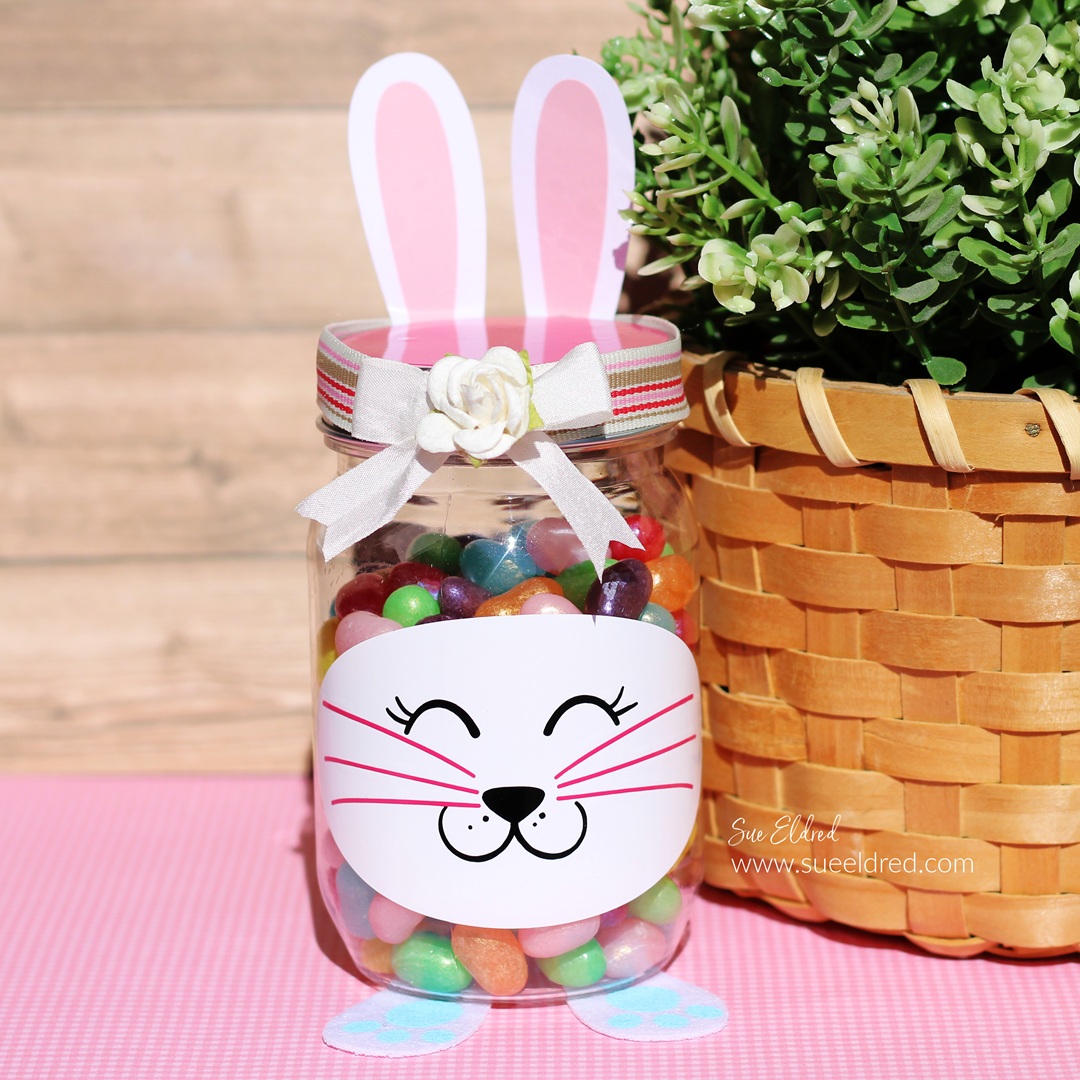
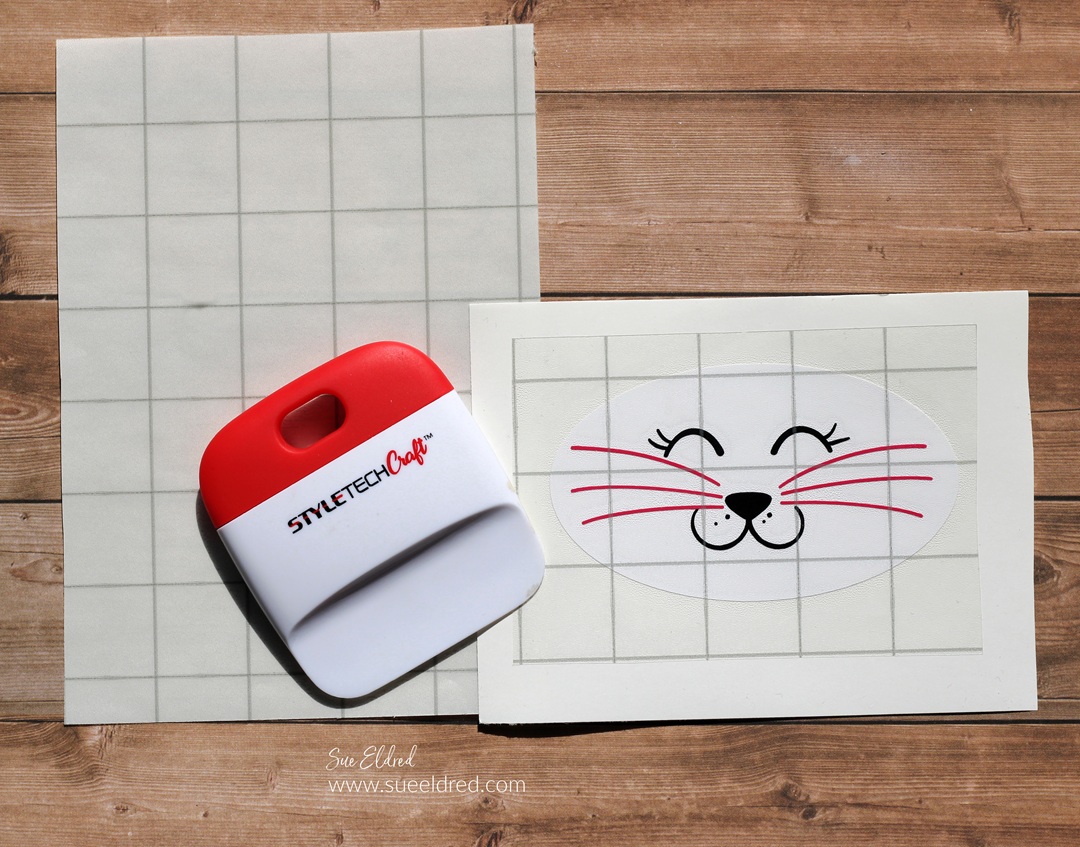
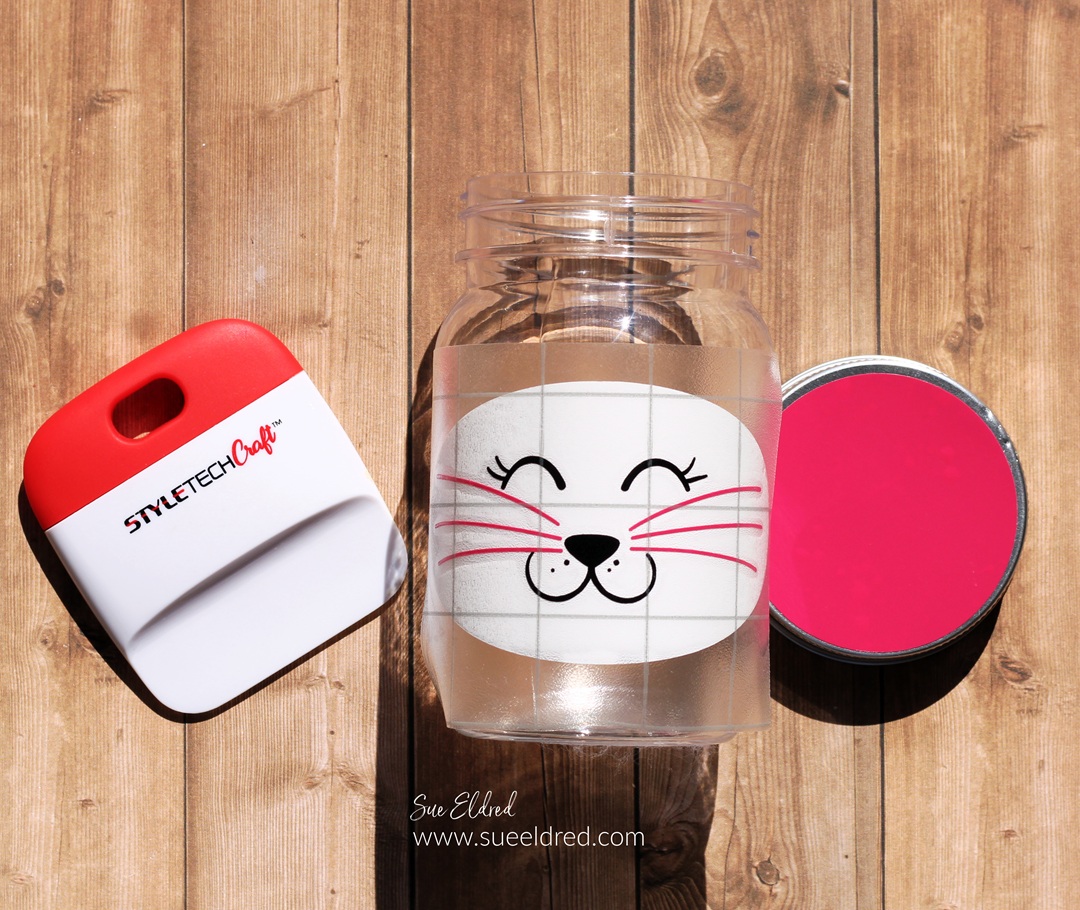
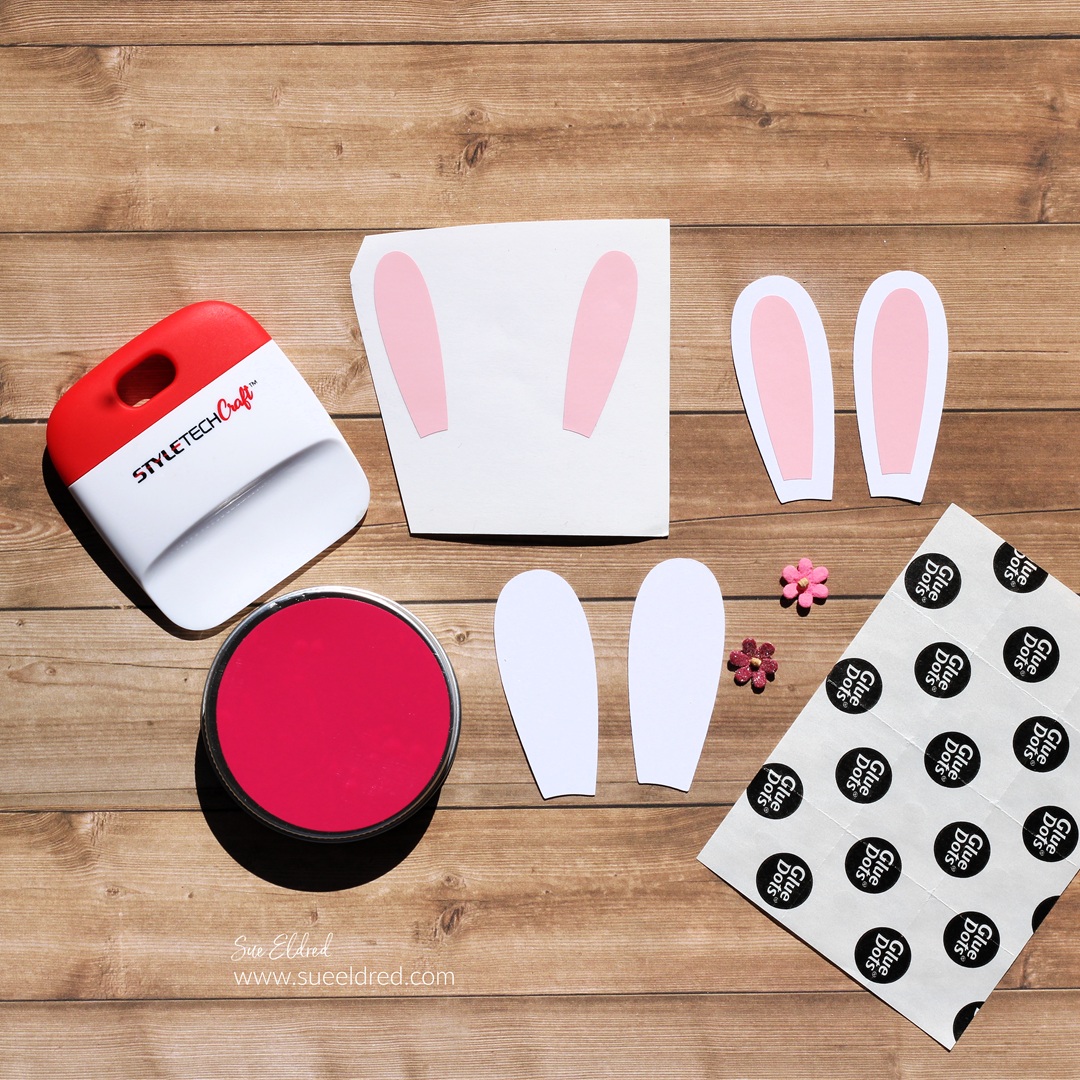
  • Cut a pink circle and bunny ears for the top of the jar.  (The ears for the bunny came with the Bunny Face SVG file.) I used white cardstock for the bunny ears and pink vinyl for the inside.  You could also use felt to create the bunny ears. 
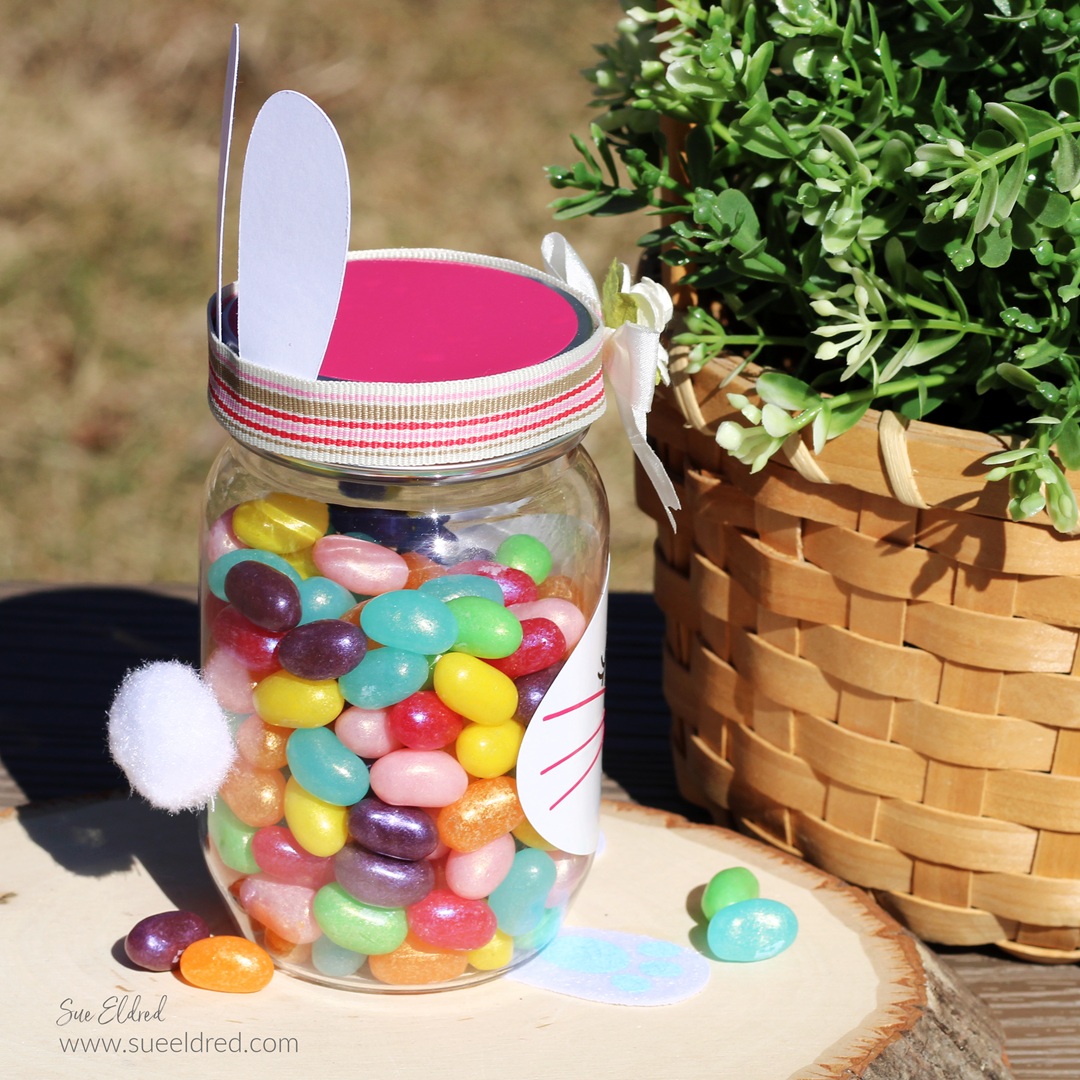
  • Adhere the bunny ears to the lid with Glue Dots* or hot glue.

  • Disassemble the “bunny backside” embellishment.
  • Adhere the feet under the front of the jar.

  • Use Glue Dots* to adhere the tail to the back of the jar.

  • Add a ribbon around the top of the lid. 
  • Use Glue Dots* under the ribbon to keep it from slipping.  
  • Glue a small bow and flower embellishment to the front of the lid.  
  • Fill the jar with Spring Jellybeans* or Spring M & M’s*.  (Or your favorite treat.)

Create a Custom Stencil using Removable Vinyl

How to Create a Custom Stencil using Removable Vinyl.

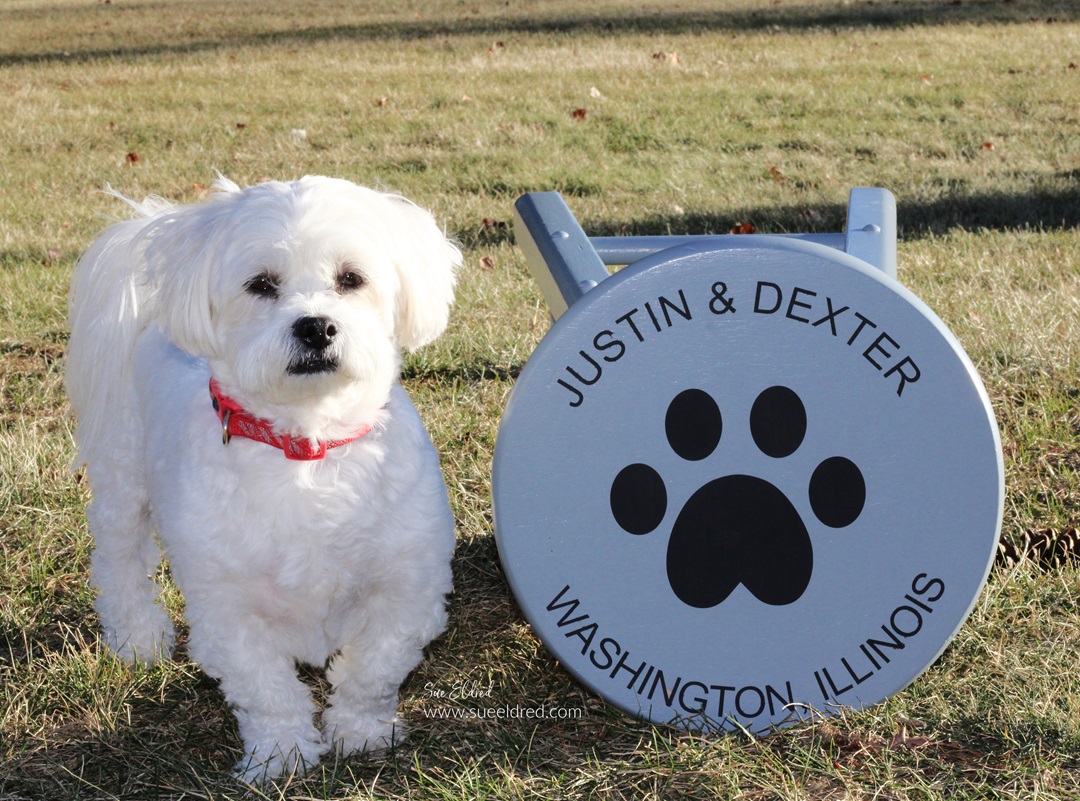
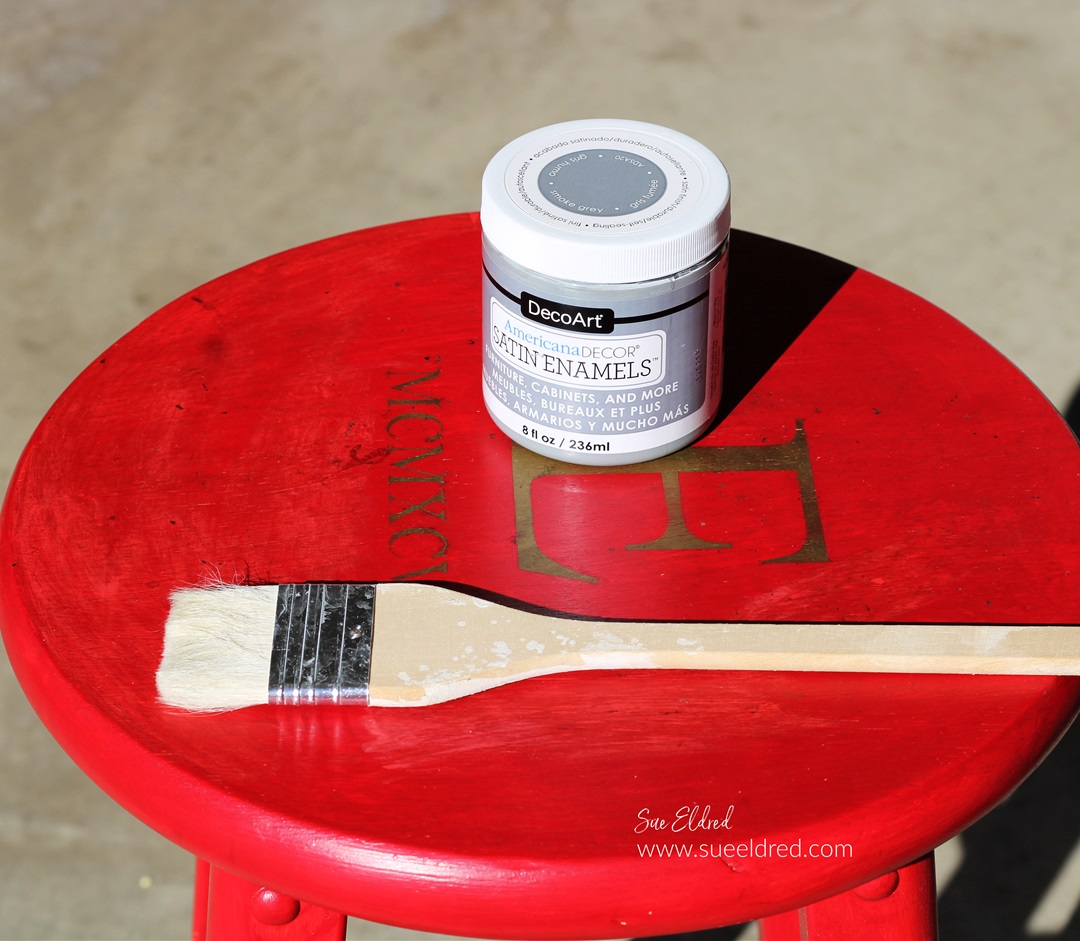
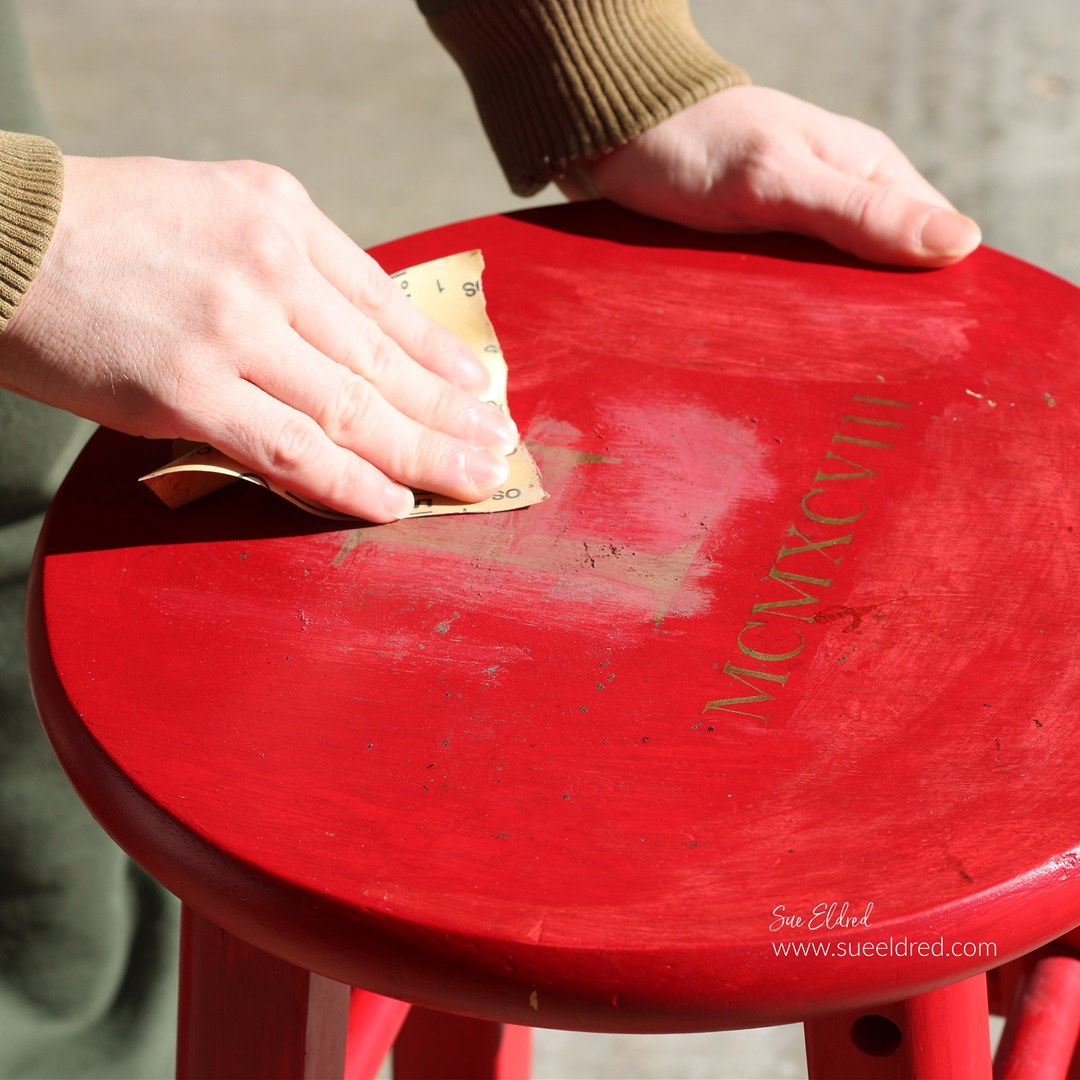
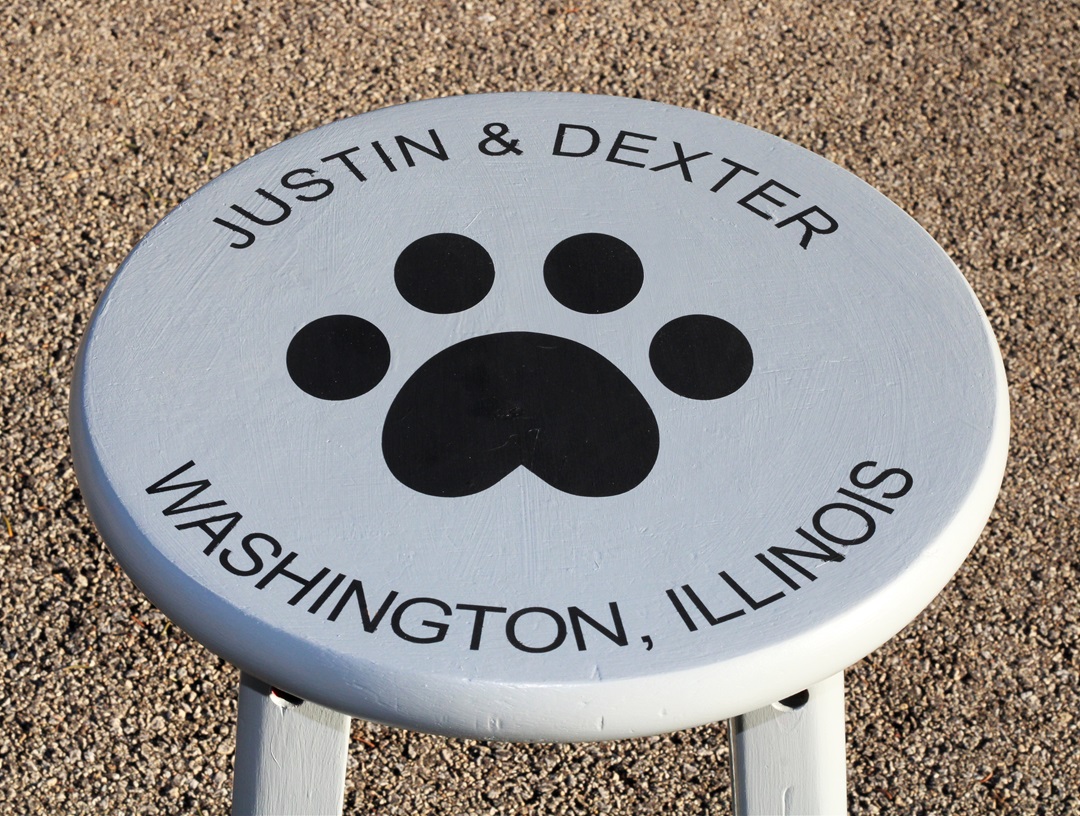
My son Justin asked me recently to help him personalize

an old stool in his room.  It really is fairly simple to do.  

If you have Removable Craft Vinyl* and an Electronic Die-Cutting Machine*,

then you can make a stencil too.

“This is a sponsored post.  As a member of the StyleTechCraft Design Team I have been provided product and compensation in exchange for my creative ideas.  The views and opinions are my own.
Here’s how we made over Justin’s Stenciled Stool.

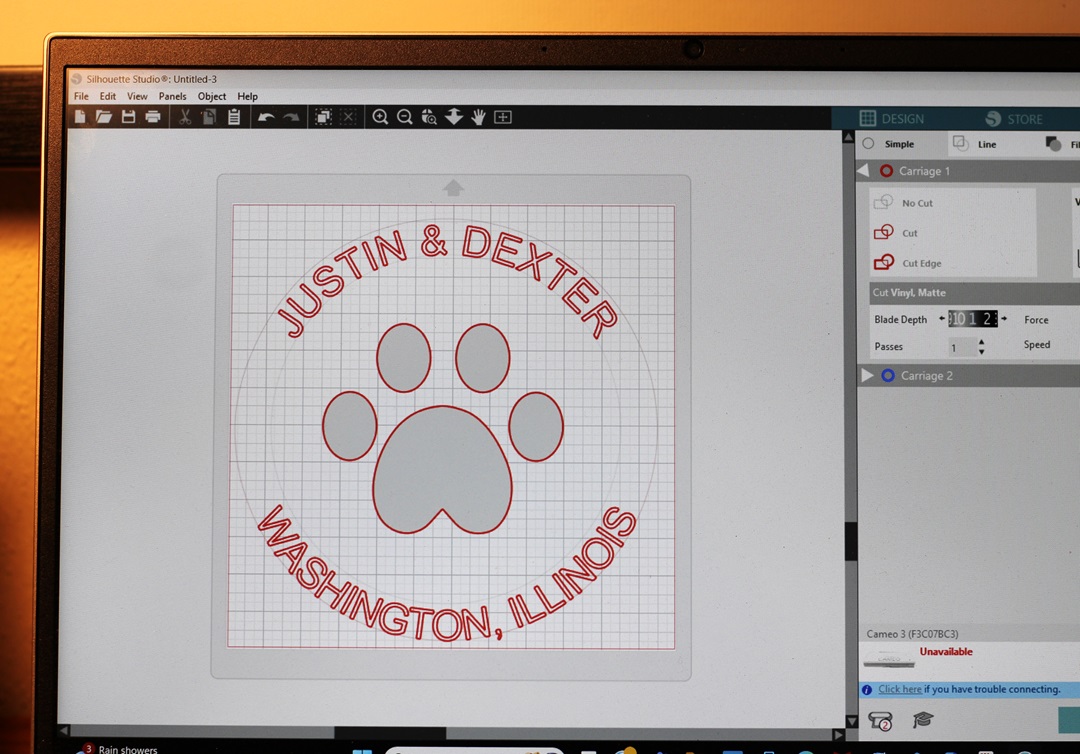
  • I used a Silhouette Cameo Electronic Die-Cutting Machine* to create my design.
  • To make the letters curve you will need to follow a few steps. 
  • Draw a circle shape with the shape tool menu.
  • Use the text tool to type your words.
  • Double-click the text until the green box pops up.
  • Grab the small circle with the crosshairs and drag it to the part of the shape where you want the text to contour to.
  • Adjust the text until it’s just right.
  • Cut your design using REMOVABLE VINYL*.  
  • Your design will be a one-use stencil.  It’s important to use removable vinyl* so it doesn’t stick to the surface you are working on.  
  • I love using StyleTechCraft Removable Vinyl*.

StyletechCraft products brought to you by ATSM Craft*

*Disclosure:  This blog uses ads and affiliate links.  If you choose to make a purchase using one of the links, I receive a small commission (at no additional cost to you) that helps offset the costs of maintaining this blog.  Thanks for your support!

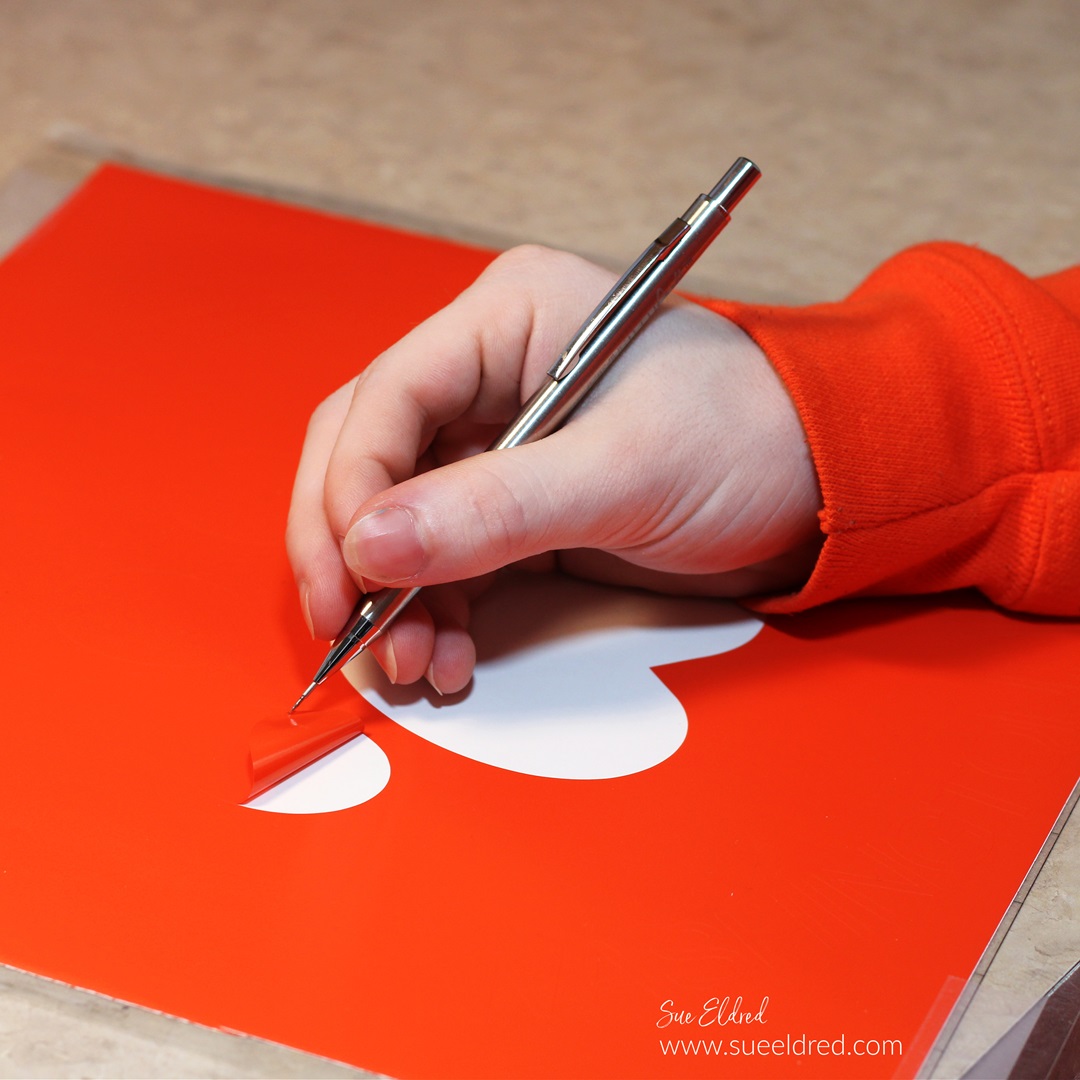
  • Remove the vinyl using a StyleTechCraft Weeding Tool*.
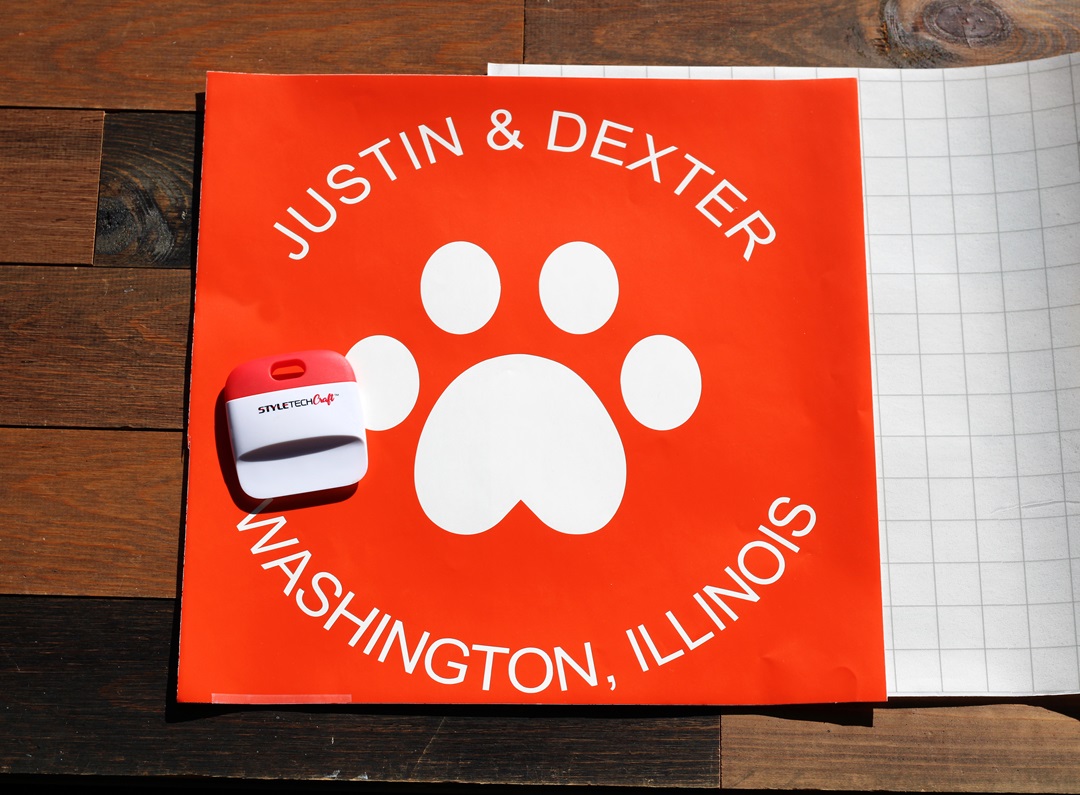
  • Usually, when working with an image on vinyl, you remove the background.  When creating a stencil remove the inside of the design leaving the background.  Remember to leave the inside of the letters.  

  • Here is the finished design on a 12″ x 12″ piece of removable vinyl.  
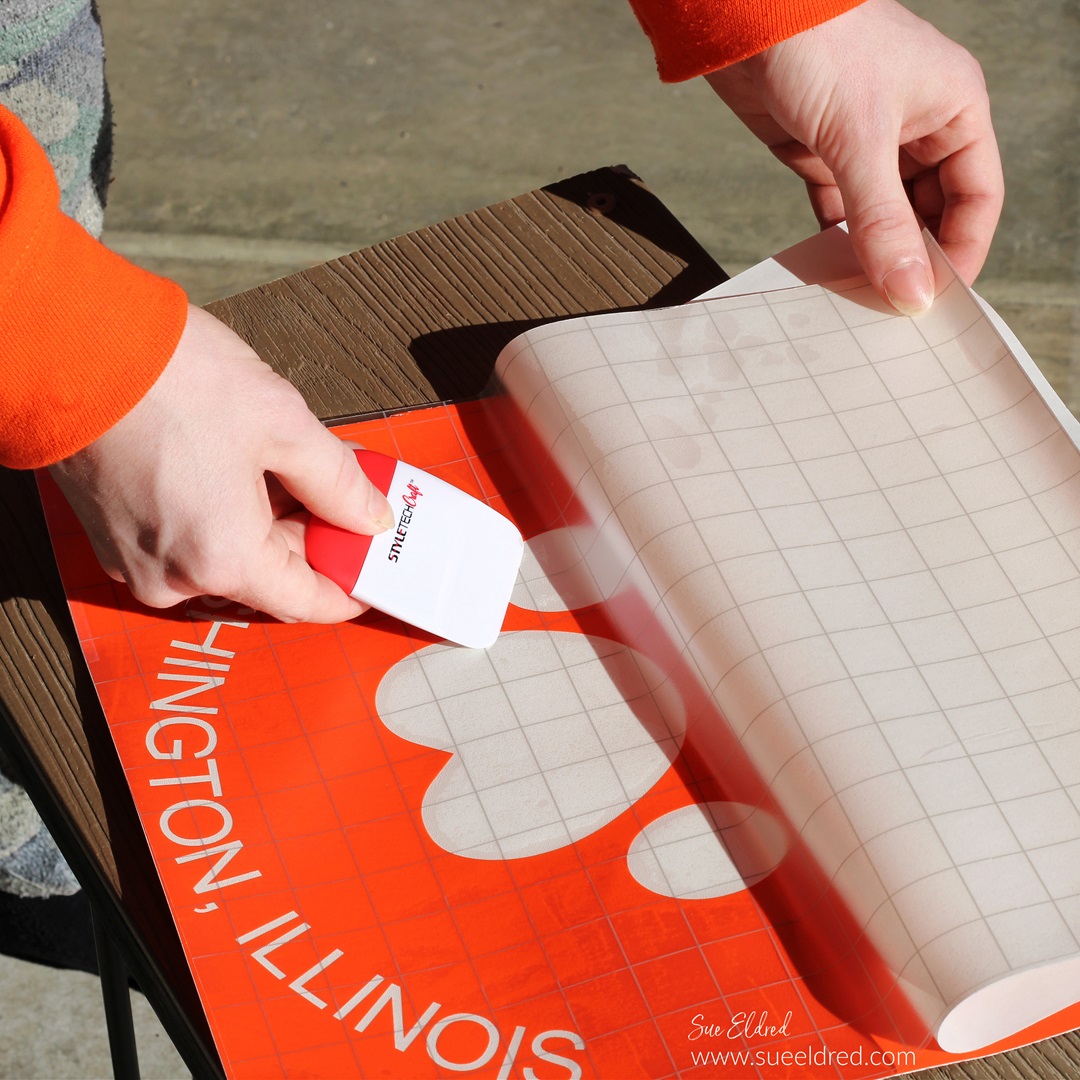
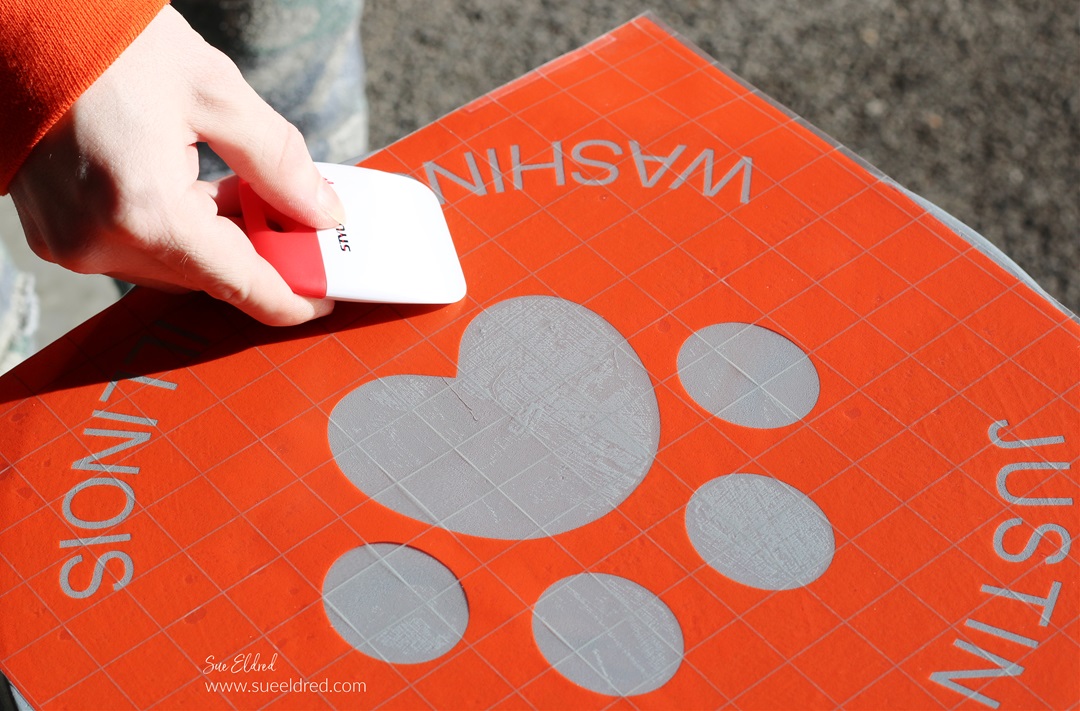
  • You will need a large sheet of Low Tack Vinyl Transfer Paper.

  • Slowly place the transfer paper onto one end of the vinyl.  
  • Pull the transfer paper over the vinyl.  
  • Gently rub over the transfer paper with a vinyl scraper tool to ensure that the vinyl sticks to the transfer paper.  

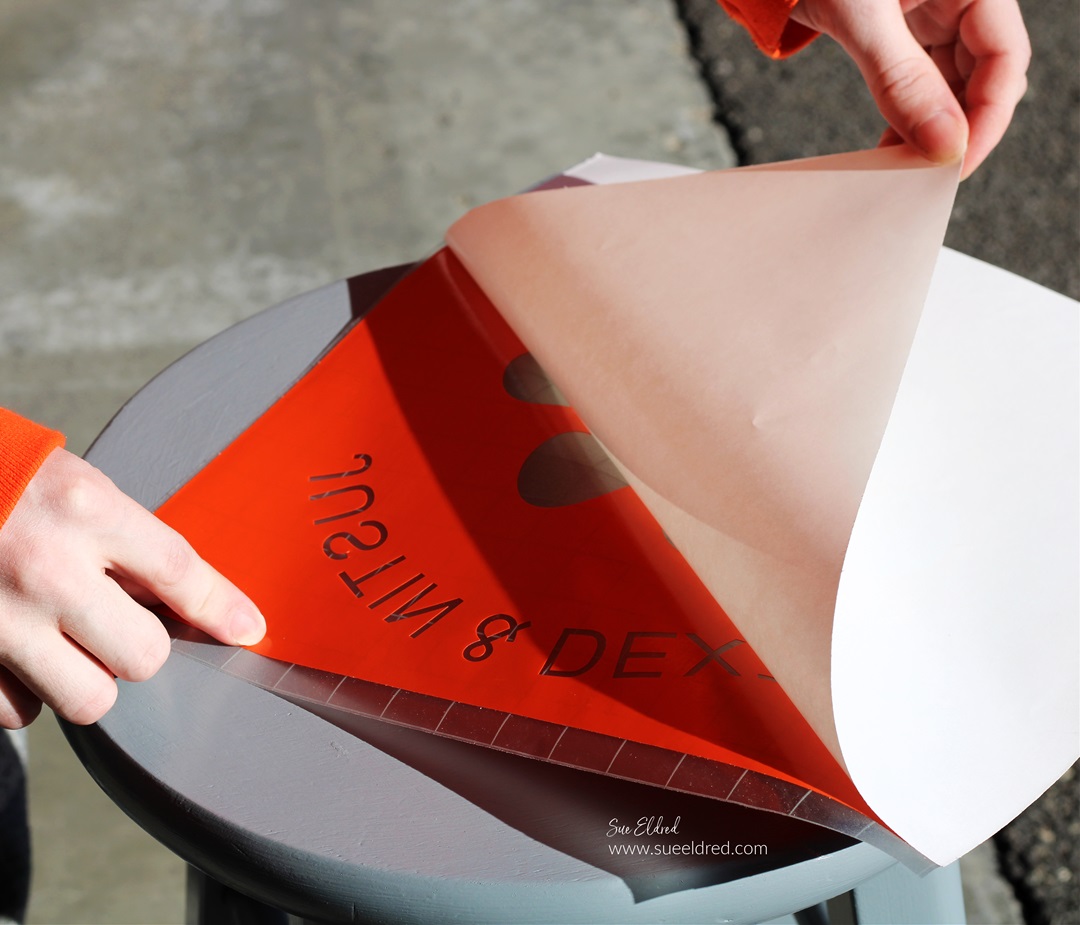
  • Gently lift the white backing paper from the vinyl.  

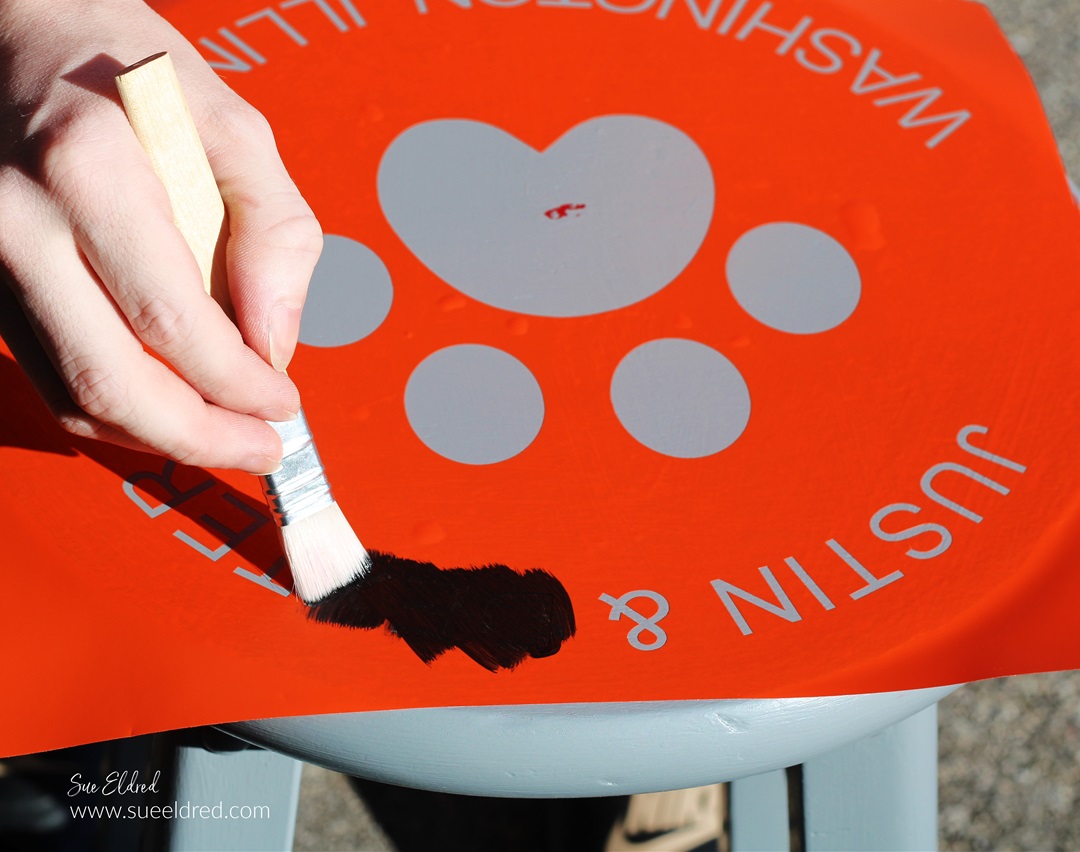
  • Place the vinyl onto the stencil and gently rub to eliminate air bubbles.
  • Make sure that the stencil is securely stuck to eliminate paint seepage.

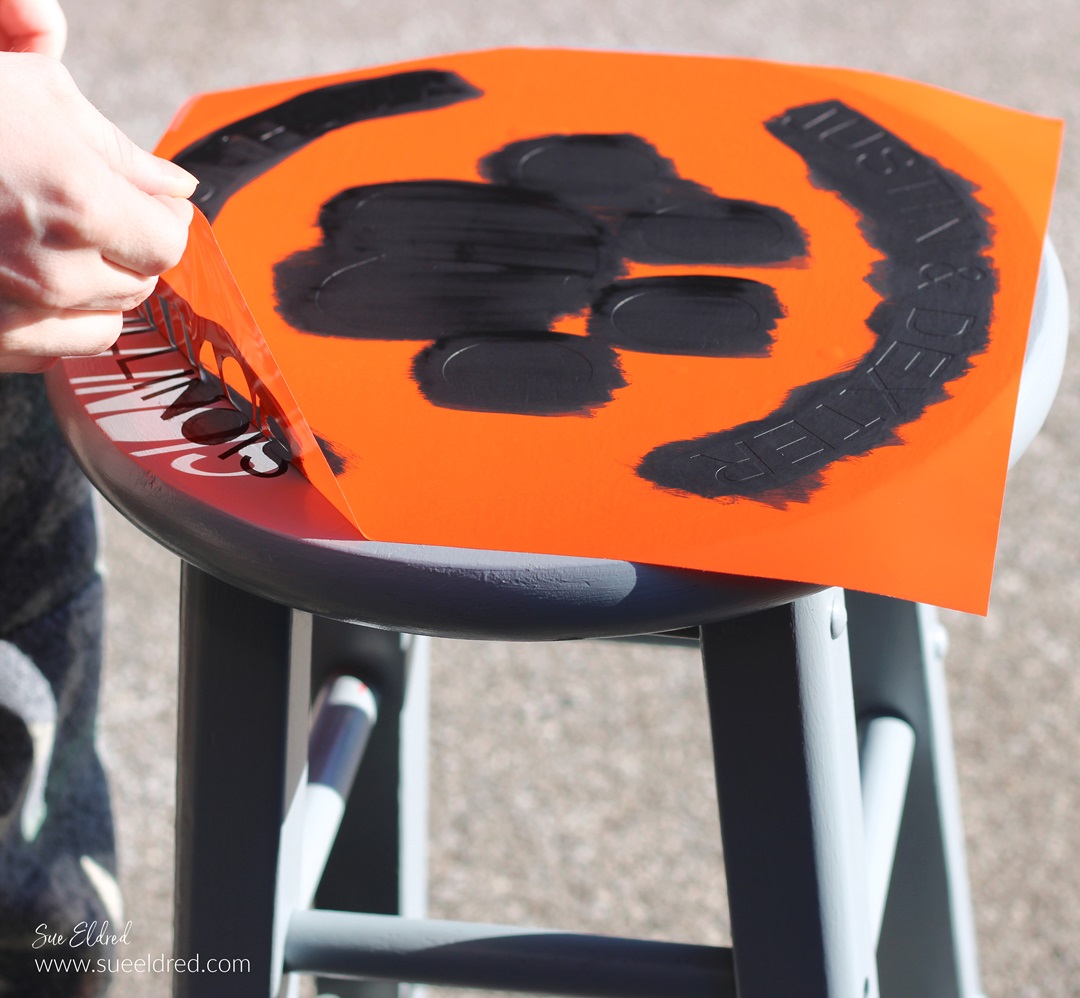
  • After the paint has dried, carefully remove the vinyl stencil.  
  • You may need a craft pick* or exact-o knife* to remove the inside of the letters.  

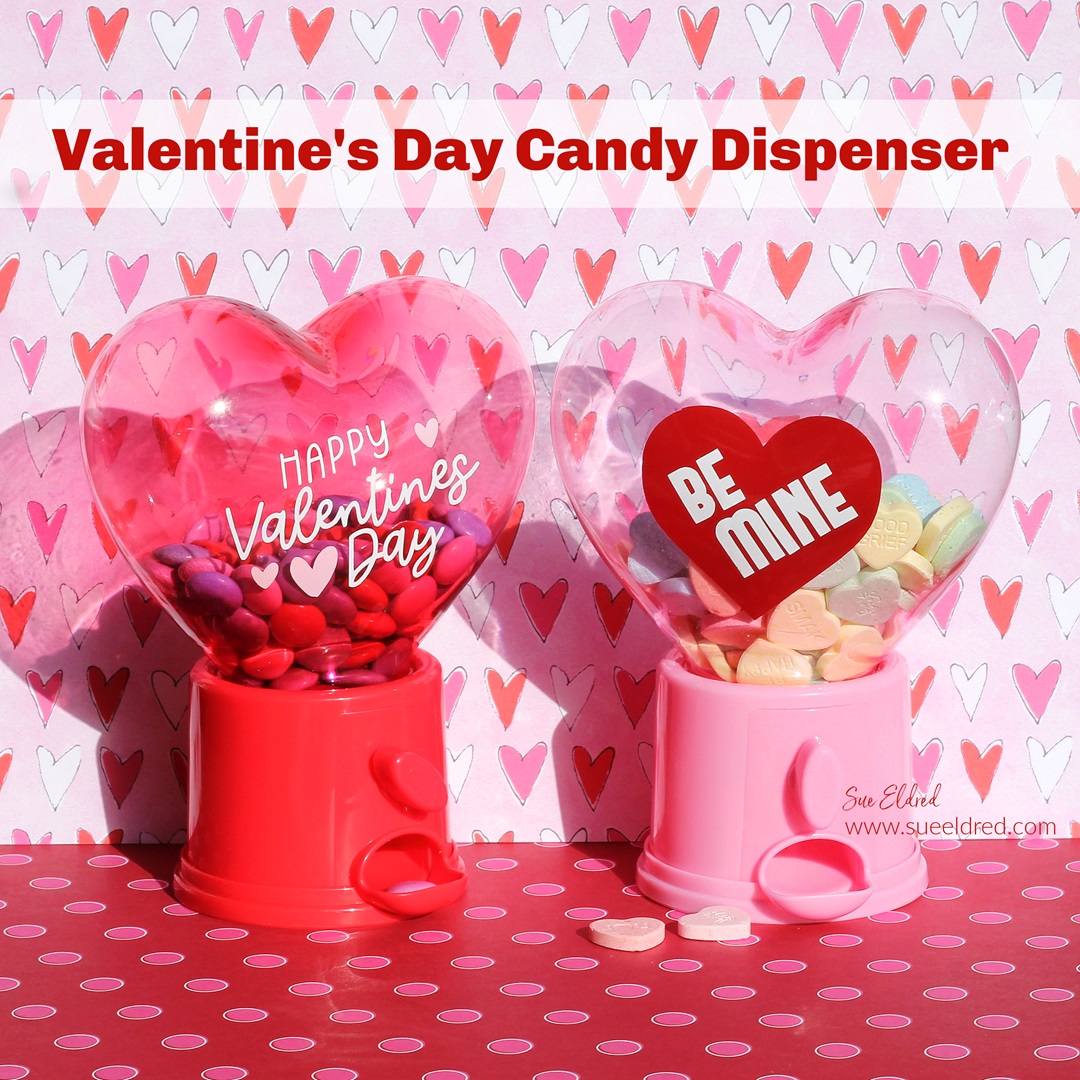
Valentine’s Day Candy Dispenser

Valentine's Day Candy Dispenser

Dollar Tree Heart Candy Dispensers

Using Dollar Tree* items and StyleTechCraft Vinyl*,

you can create an adorable, simple,

and inexpensive Valentine’s Day Treat Dispenser.

They make a fun little gift.

“This is a sponsored post.  As a member of the StyleTechCraft Design Team I have been provided product and compensation in exchange for my creative ideas.  The views and opinions are my own.
Valentine's Day Candy Dispensers

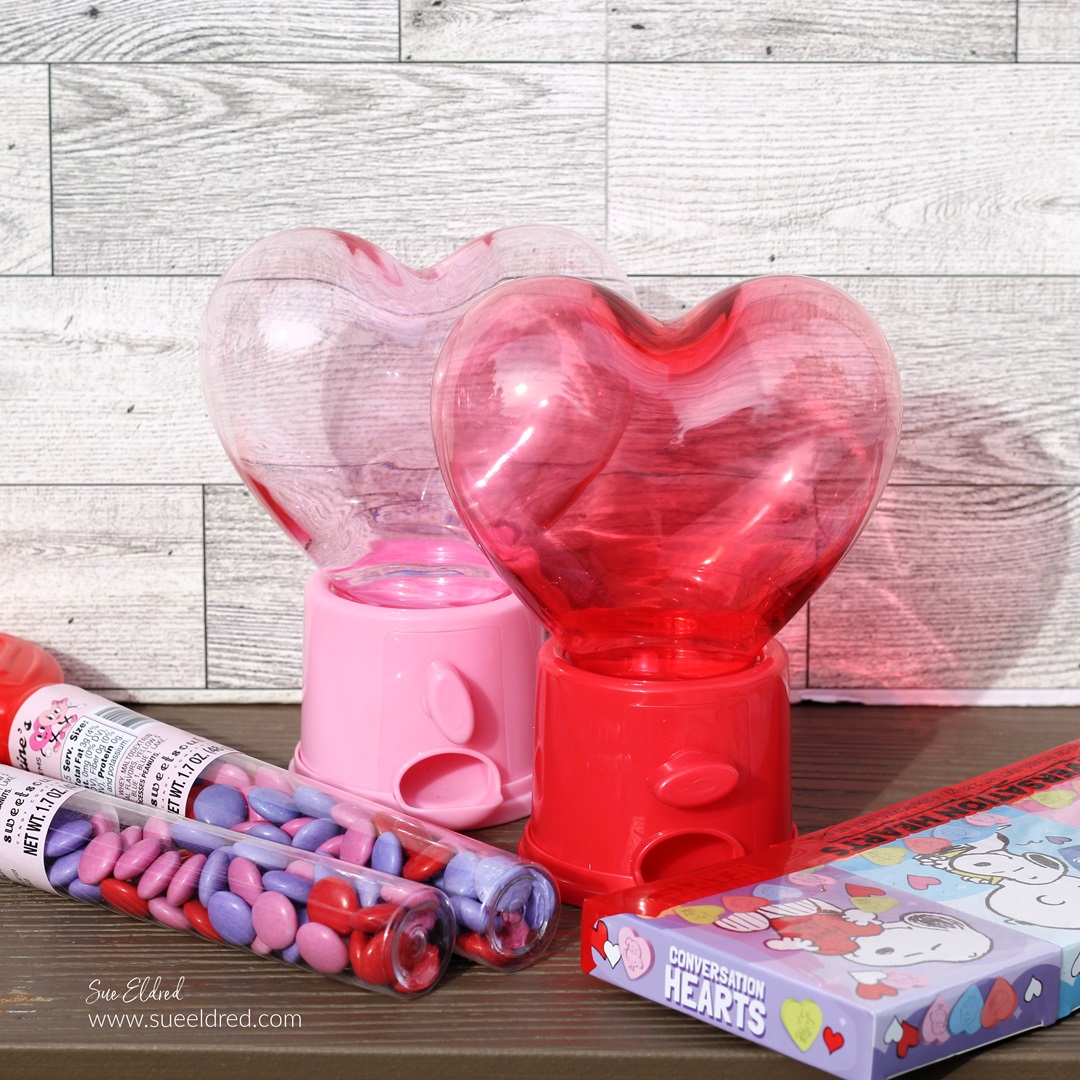
While at my local Dollar Tree* the other day, I found

these adorable Candy Dispensers.

I knew they wouldn’t last long there, so I grabbed a couple.

(FYI…they also have Easter Candy Dispensers*.)

Disclosure:  This blog uses ads and affiliate links.  If you choose to make a purchase using one of the links, I receive a small commission (at no additional cost to you) that helps offset the costs of maintaining this blog.  Thanks for your support!

Valentine's Day Candy Dispensers

I decided to make these cute little dispensers even cuter

with the help of StyleTechCraft Glossy Craft Vinyl*. 

Valentine's Day Candy Dispenser

Materials Used:  (*affiliate links)

Directions:

StyletechCraft products brought to you by ATSM Craft*

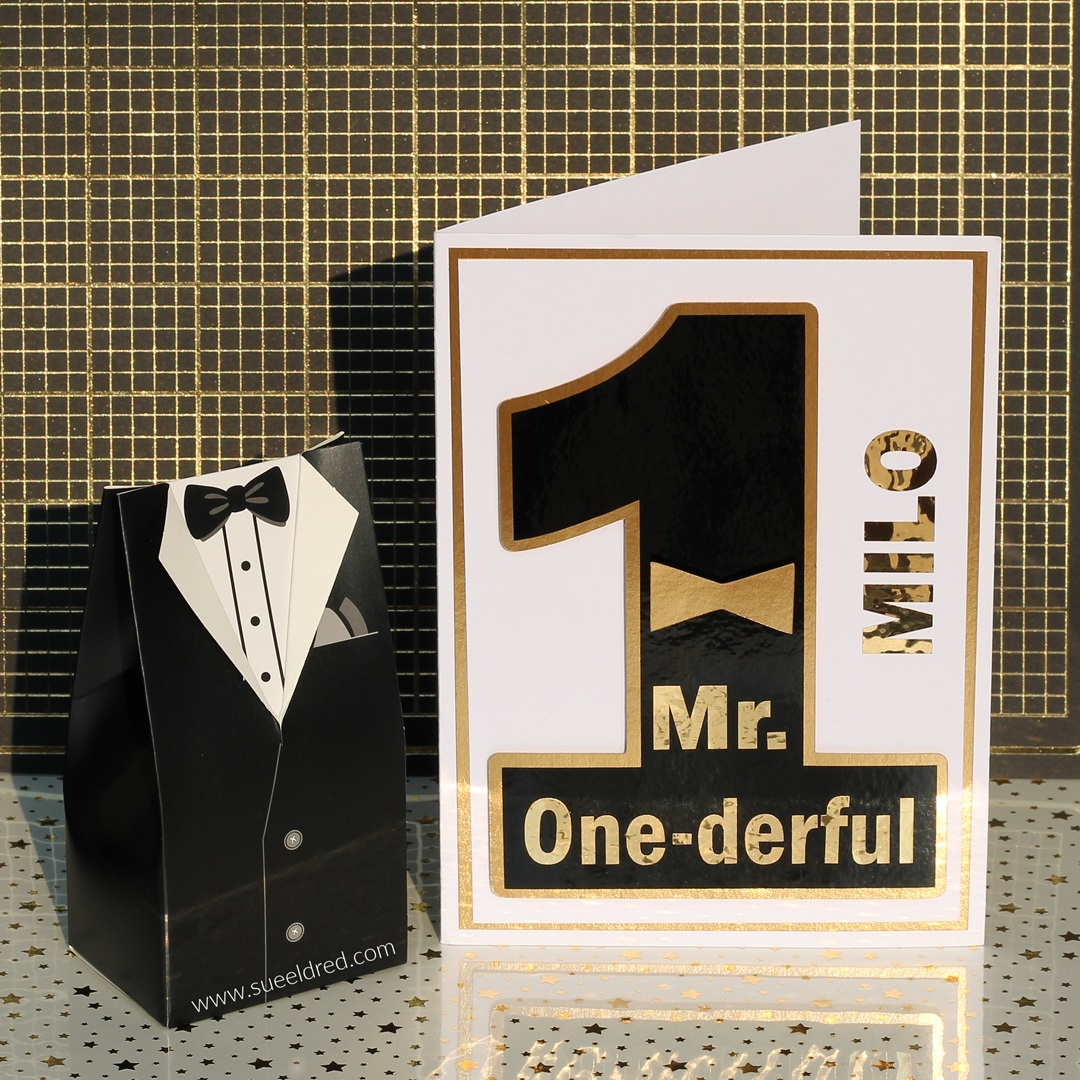
Mr. One-derful’s First Birthday Card

Mr. One-derful's First Birthday Card

Milo’s First Birthday Card

My husband and I recently got invited to my nephew Milo’s First Birthday Soiree.

It’s not every day that you get invited to a Fancy Party for a one-year-old.

So, when that happens, you need to make a “fancy card”.

Mr. One-derful's First Birthday Card

  • I used a Silhouette Cameo Electronic Die Cutting Machine and simple fonts to design the card.
  • I cut out the words for the outside of the card using StyleTechCraft Gold Metallic vinyl.  I cut the large number one using StyleTechCraft Black Glossy Craft Vinyl.

Materials:

StyletechCraft products brought to you by ATSM Craft*

*Disclosure:  This blog uses ads and affiliate links.  If you choose to make a purchase using one of the links, I receive a small commission (at no additional cost to you) that helps offset the costs of maintaining this blog.  Thanks for your support!

Mr. One-derful's First Birthday Card

  • To transfer the large number one onto the gold number one, (which is slightly larger) I used StyleTechCraft transfer tape.
  • Place transfer paper over the vinyl and rub with a vinyl scraper tool to help the vinyl cling to the Vinyl Transfer Tape*.
  • Center the vinyl onto the cardstock and again rub over the vinyl to transfer.
  • Remove the transfer tape.

Mr. One-derful's First Birthday Card

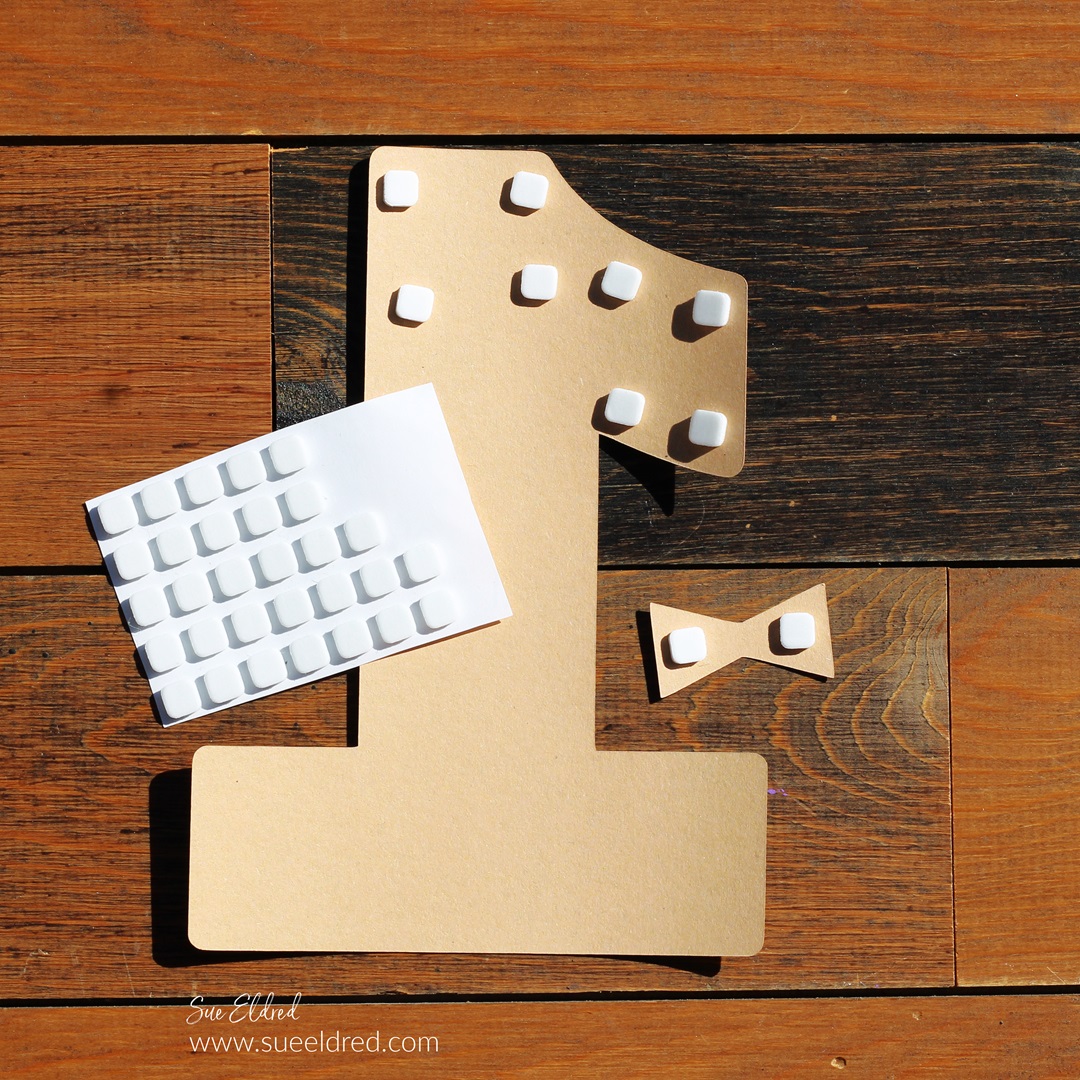
  • To make the layered number one stand out, I added thin foam mounting squares to the back.

Mr. One-derful's First Birthday Card

  • Add the gold chrome words “Mr. One’derful” to the front of the number one with transfer tape.
  • Place the number one onto the front of a simple white card with a gold layer.  I added Milo’s name for fun.

Mr. One-derful's First Birthday Card

The Party was an auspicious event that included

displays of the guest of honor’s fabulous art pieces,

a caricature artist, hors d’oeuvres, and live music.

Formal attire was strongly encouraged, so,

my husband wore a jacket, and I wore a black dress with pearls.

“This is a sponsored post.  As a member of the StyleTechCraft Design Team I have been provided product and compensation in exchange for my creative ideas.  The views and opinions are my own.
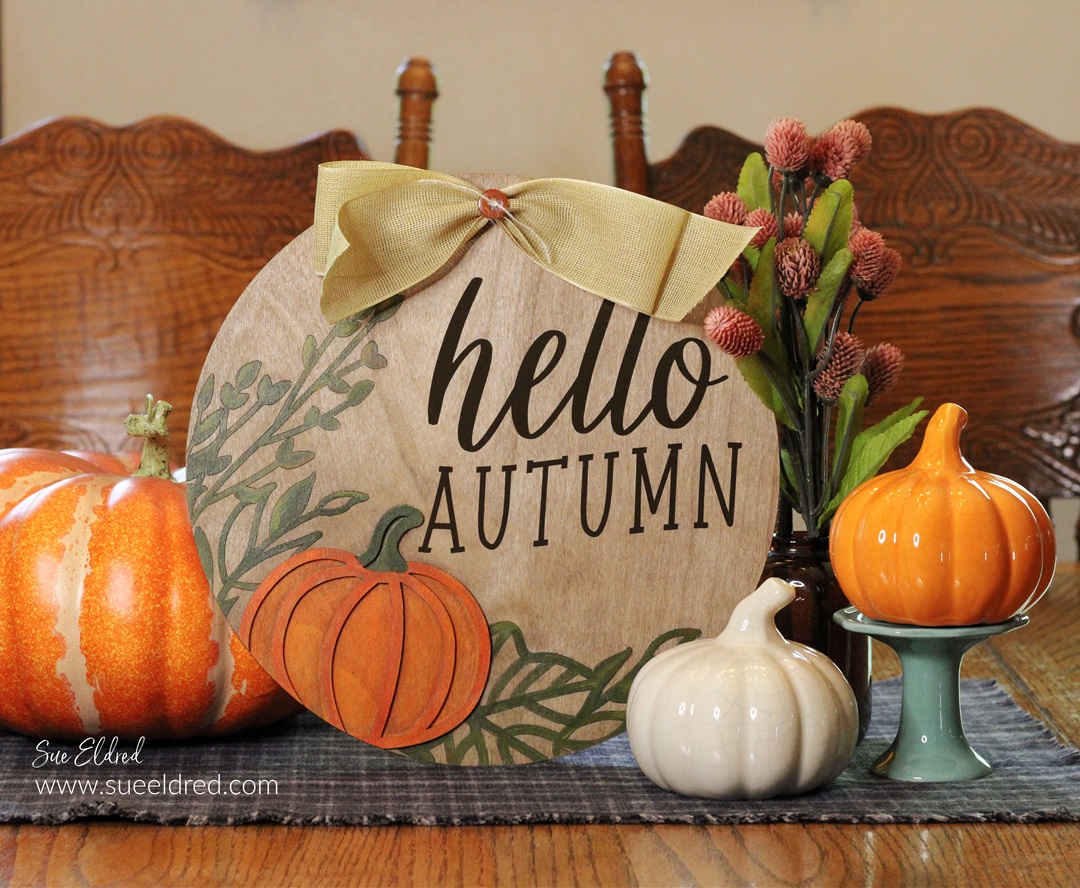
“Hello Autumn” a Fall Dollar Tree DIY

"Hello Autumn" a Fall Dollar Tree DIY

Hello Autumn Home Decor Sign

is an easy Fall Dollar Tree DIY.

With all the beautiful new Fall items on display everywhere you go,

I decided it was time to start working on my fall decorating.

"Hello Autumn" a Fall Dollar Tree DIY

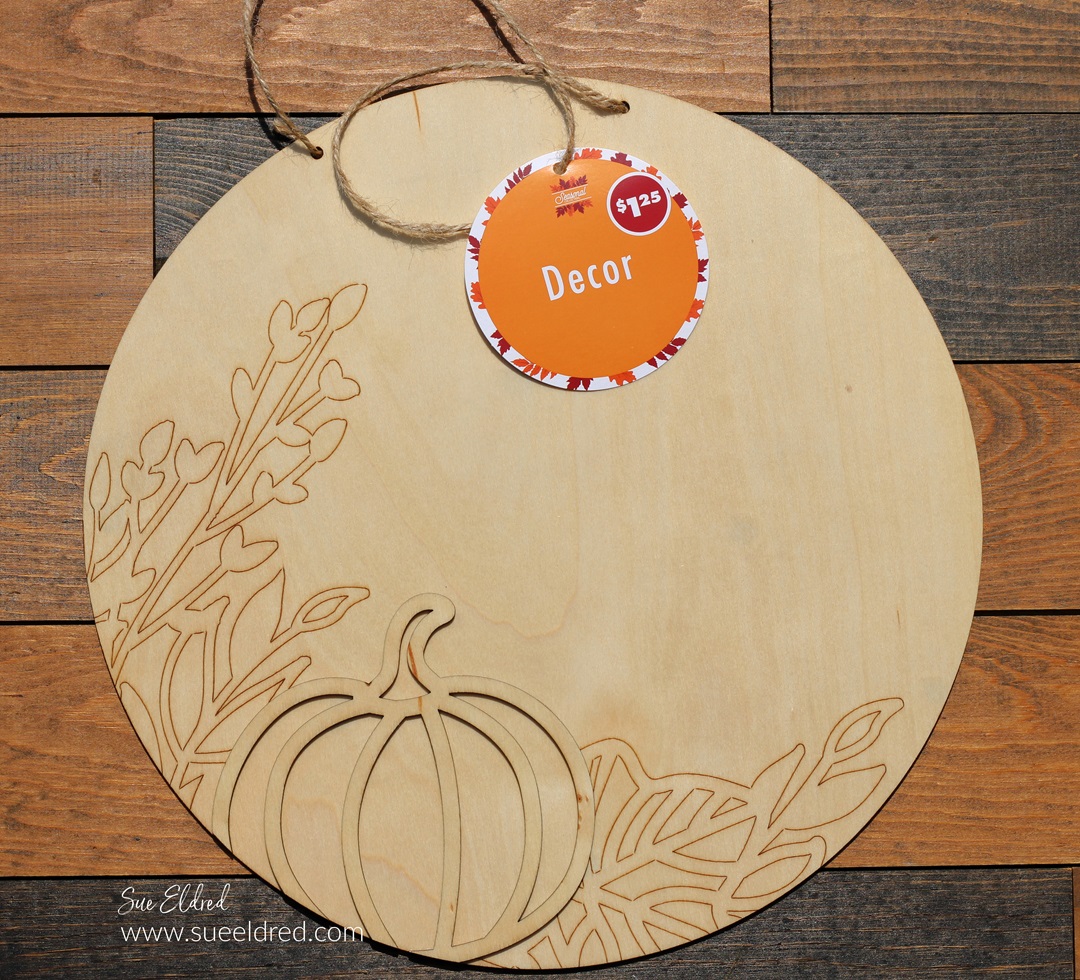
I found this Harvest Pumpkin Hanging Wooden Circle Sign* at Dollar Tree*.  

It measures approximately 11″.

I knew it would be a great piece to hang on a wreath

or to use in my Fall decorating.

*Disclosure:  This blog uses ads and affiliate links.  If you choose to make a purchase using one of the links, I receive a small commission (at no additional cost to you) that helps offset the costs of maintaining this blog.  Thanks for your support!

"Hello Autumn" a Fall Dollar Tree DIY

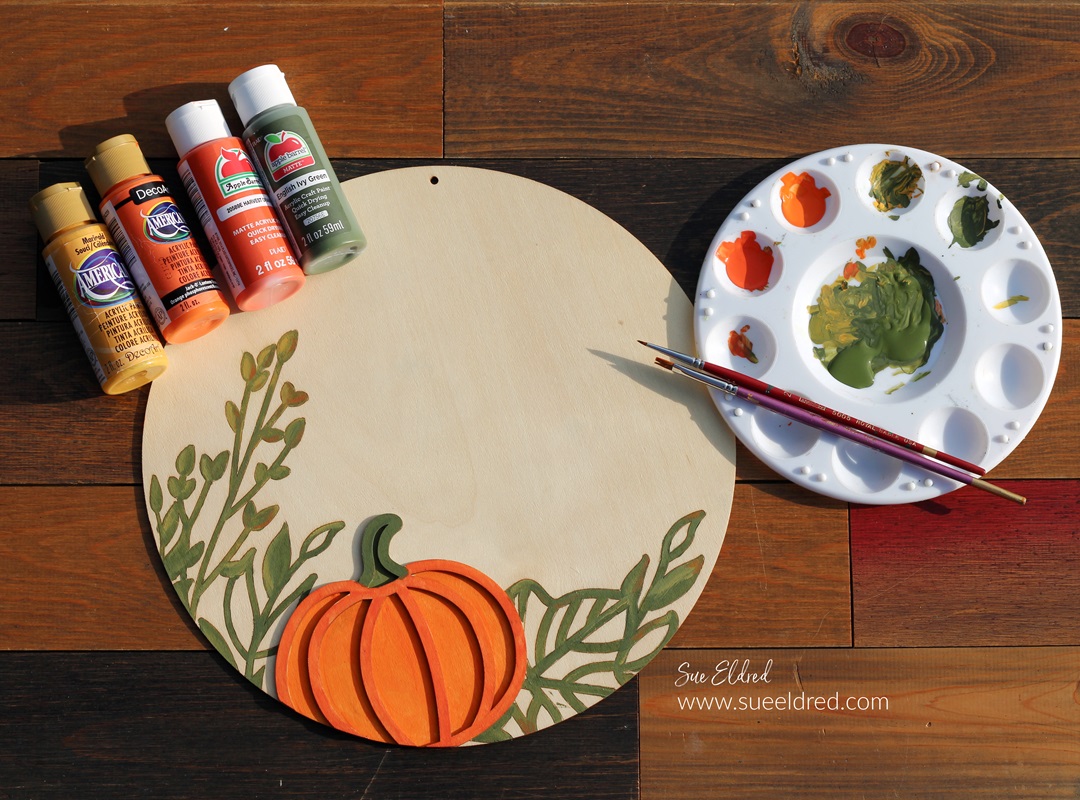
I used acrylic paint to paint the pumpkin and leaves.  

Just follow the etched lines of the leaves.

I blended my paint for a more realistic look.

"Hello Autumn" a Fall Dollar Tree DIY

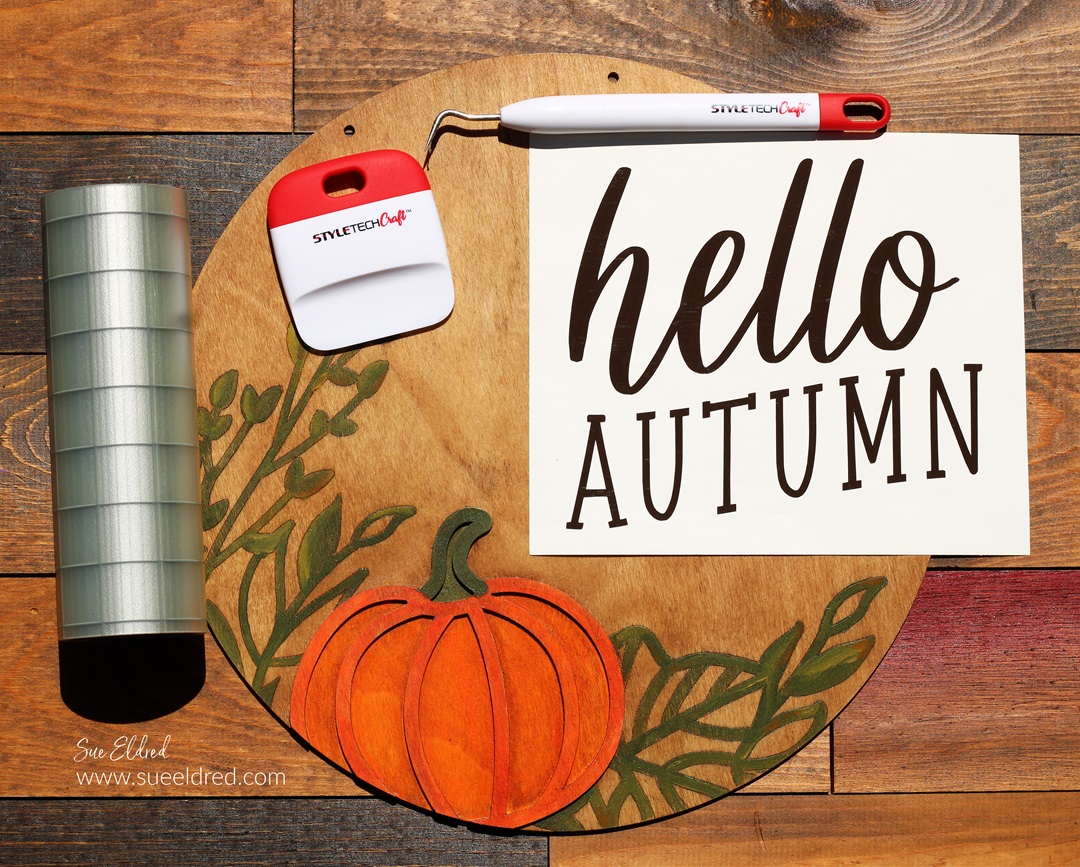
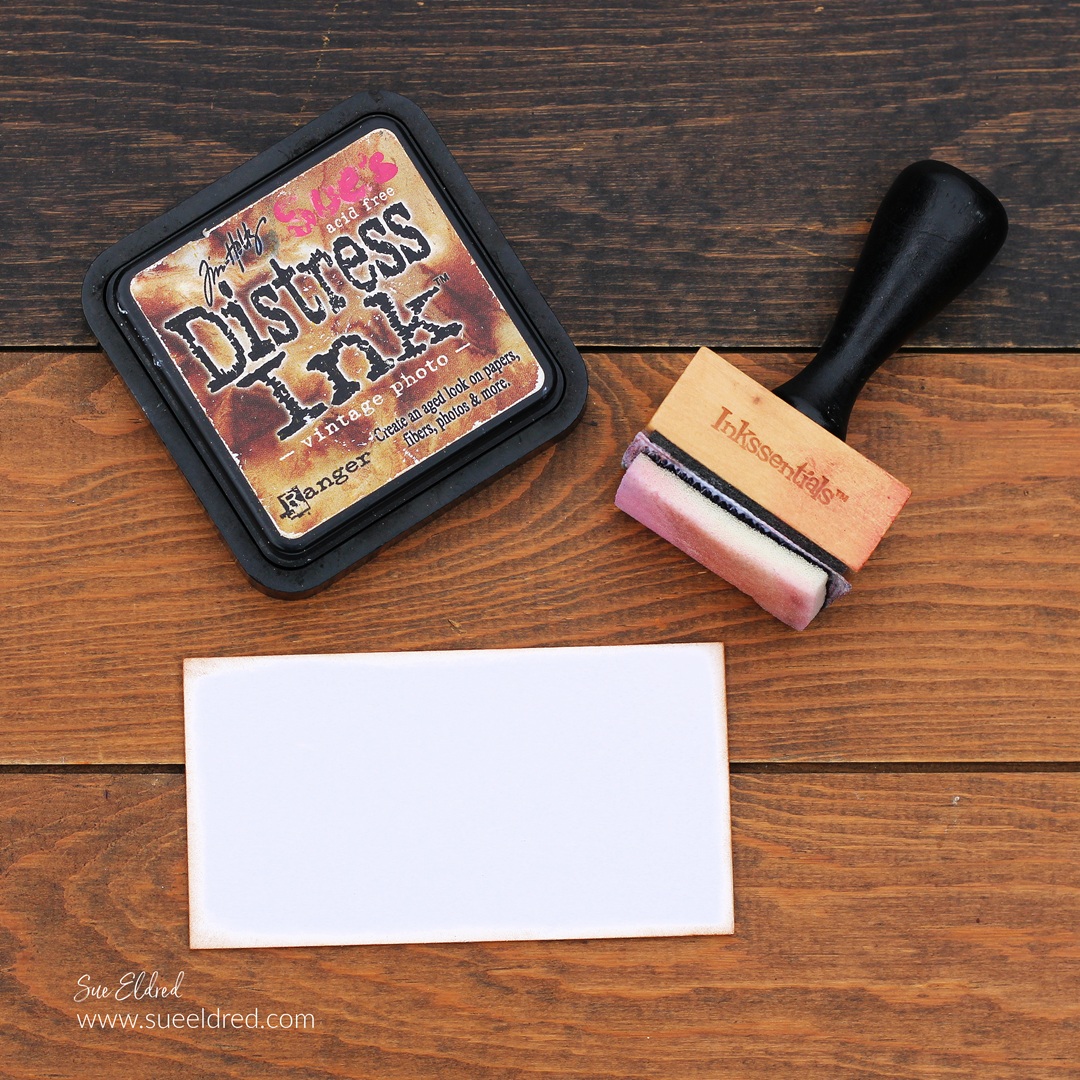
Rub over the wood sign with walnut stain* or ink.

Use Mod Podge Satin Sealer* to give the sign a satin finish.

Lightly rub over the sign with an extra fine sanding block* to smooth the grains.

"Hello Autumn" a Fall Dollar Tree DIY

Cut the words “Hello Autumn” using StyleTechCraft Brown Glossy Craft Vinyl*

and a Silhouette Cameo Electronic Die Cutting Machine*.

StyletechCraft products brought to you by ATSM Craft*

"Hello Autumn" a Fall Dollar Tree DIY

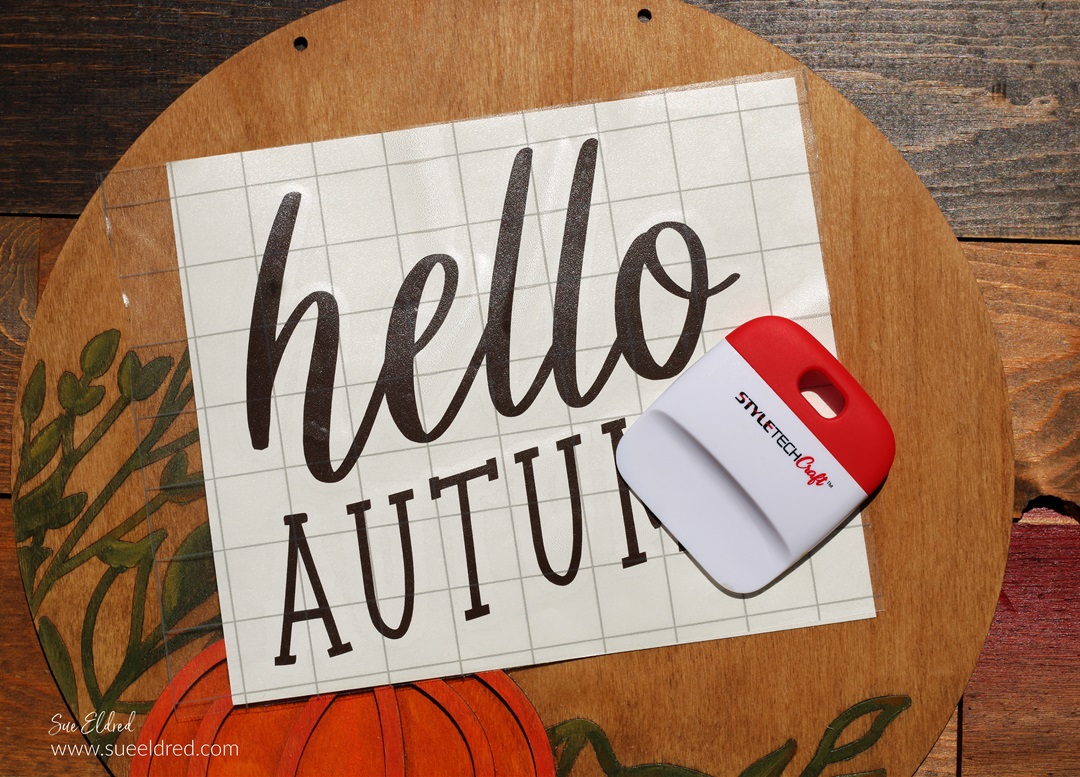
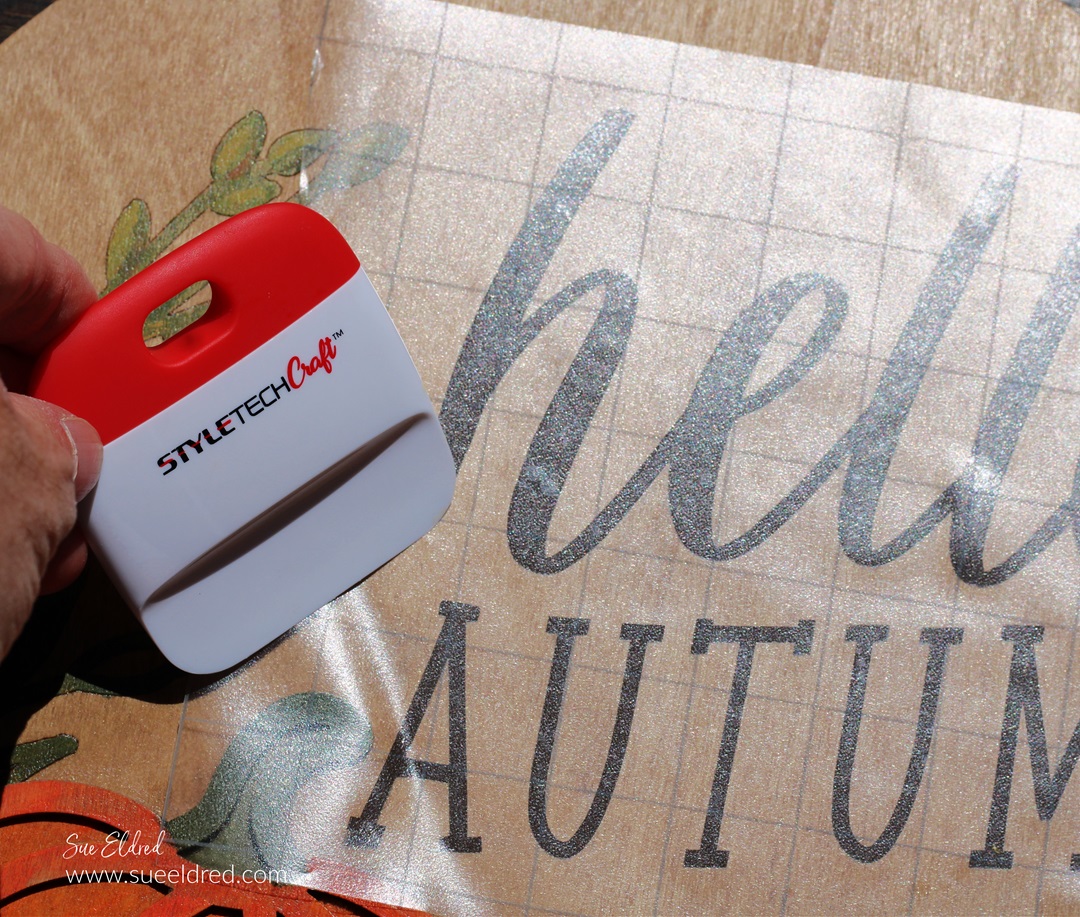
Place vinyl transfer paper over the words.

Rub over the words using a vinyl scraper tool to help

the vinyl cling to the Vinyl Transfer Tape*.

"Hello Autumn" a Fall Dollar Tree DIY

Place the Vinyl Transfer Tape* onto the wood circle.

Gently rub over the design and remove the Vinyl Transfer Tape*.

"Hello Autumn" a Fall Dollar Tree DIY

The sign has two holes on the top for hanging.

I added a simple bow to the top between the two holes.

It would look great in the center of a Large Fall Wreath.

"Hello Autumn" a Fall Dollar Tree DIY

I can’t decide whether to leave it on the table or add it to the mantle. 

(Maybe I’ll just hang it from the wreath.)

“This is a sponsored post.  As a member of the StyleTechCraft Design Team I have been provided product and compensation in exchange for my creative ideas.  The views and opinions are my own.
How to make a Farmhouse Garden Sign

How to make a Farmhouse Garden Sign

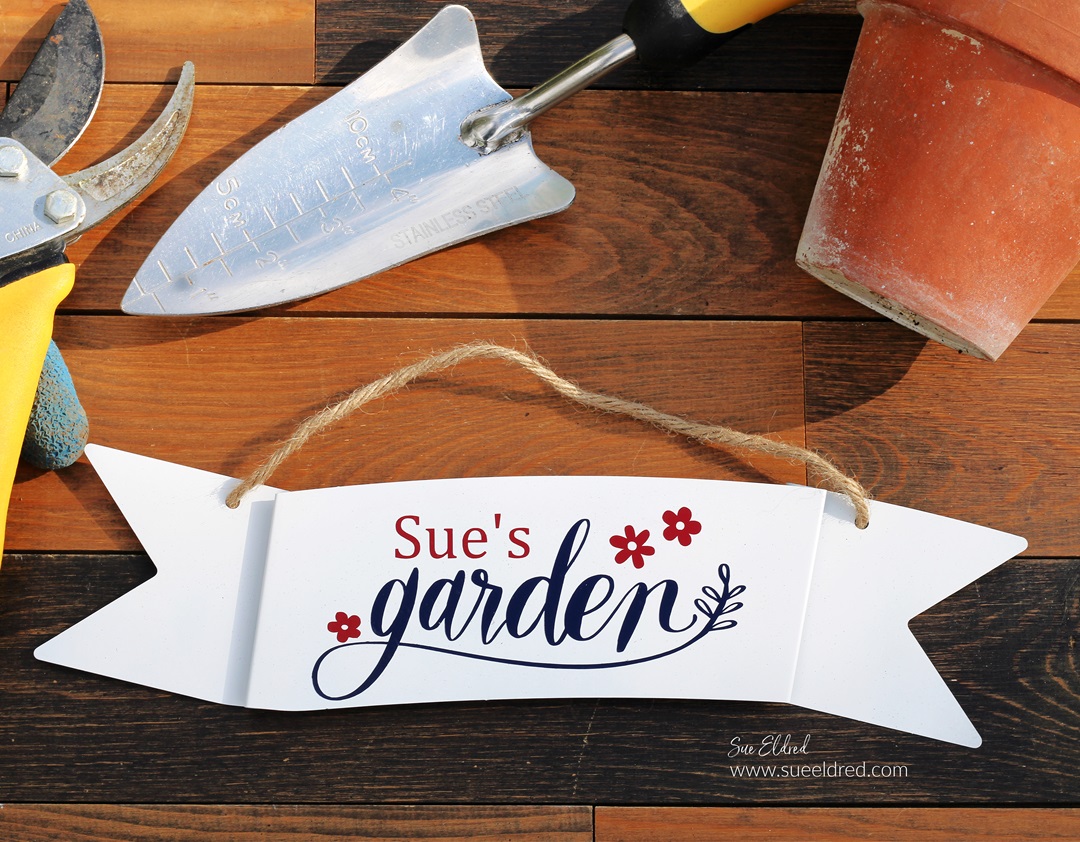
How to make a Personalized Farmhouse Garden Sign.

The “Garden sign” is a quick and easy Dollar Tree project.

Now that garden season is upon us, my mind is distracted with all things gardening.

I will start planting next week, and I can’t wait.

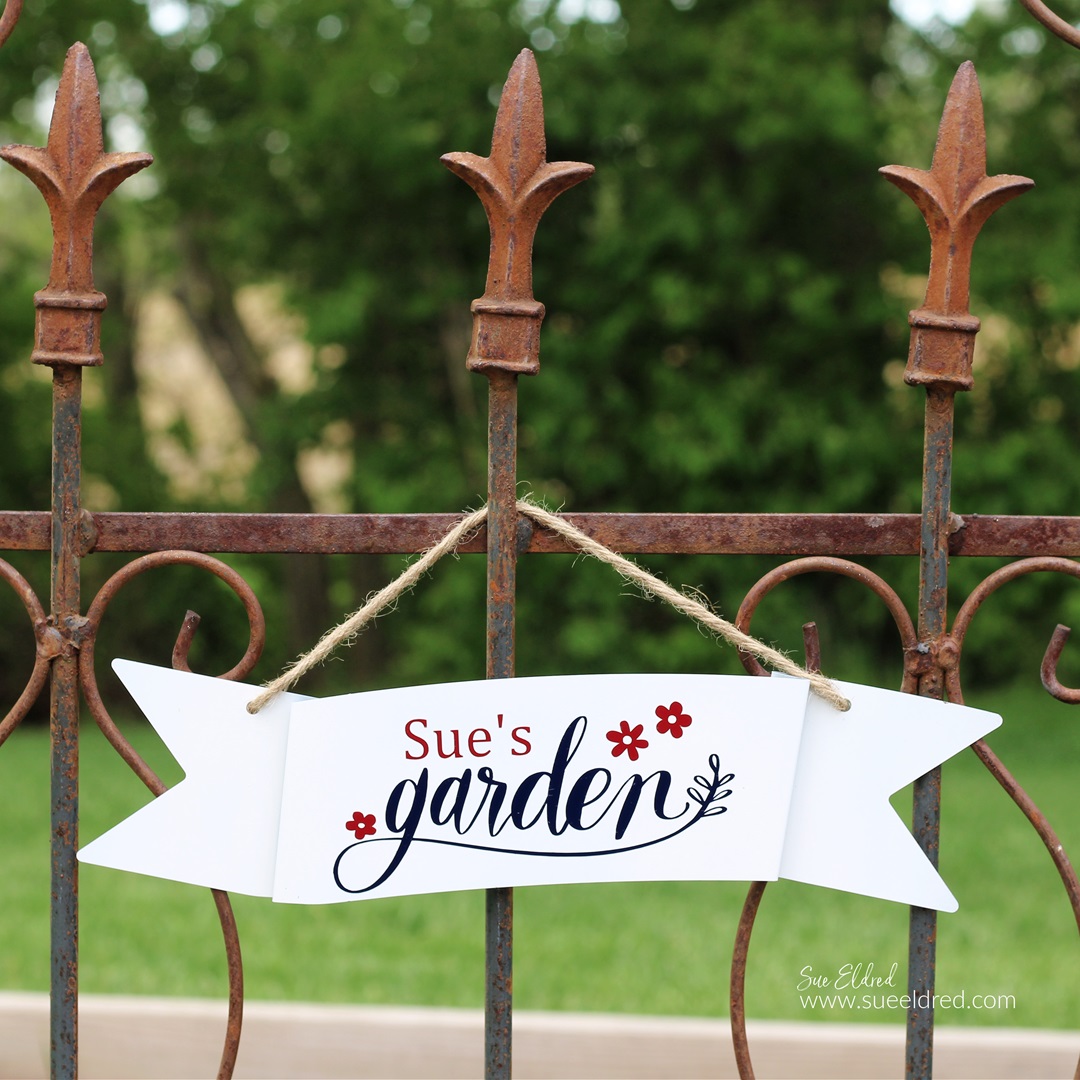
In anticipation of this year’s garden, I created a garden sign

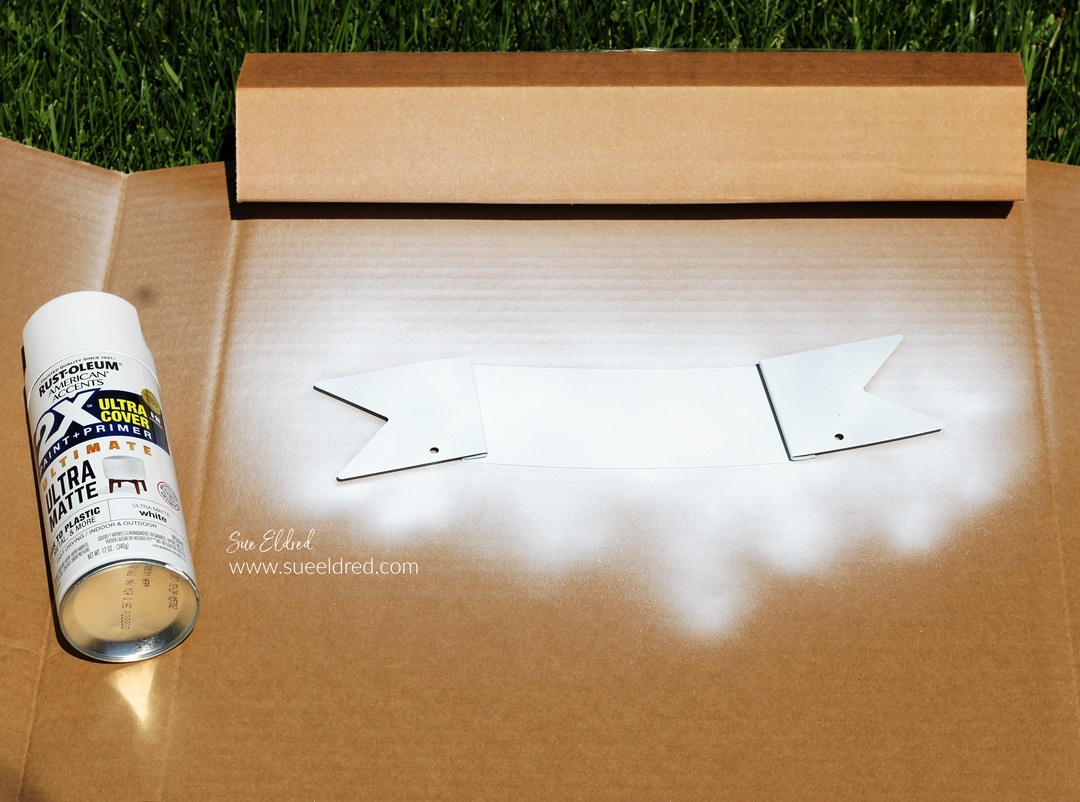
using an inexpensive galvanized banner purchased at Dollar Tree*.

I made it with a traditional red, white, and blue color scheme.

How to make a Farmhouse Garden Sign

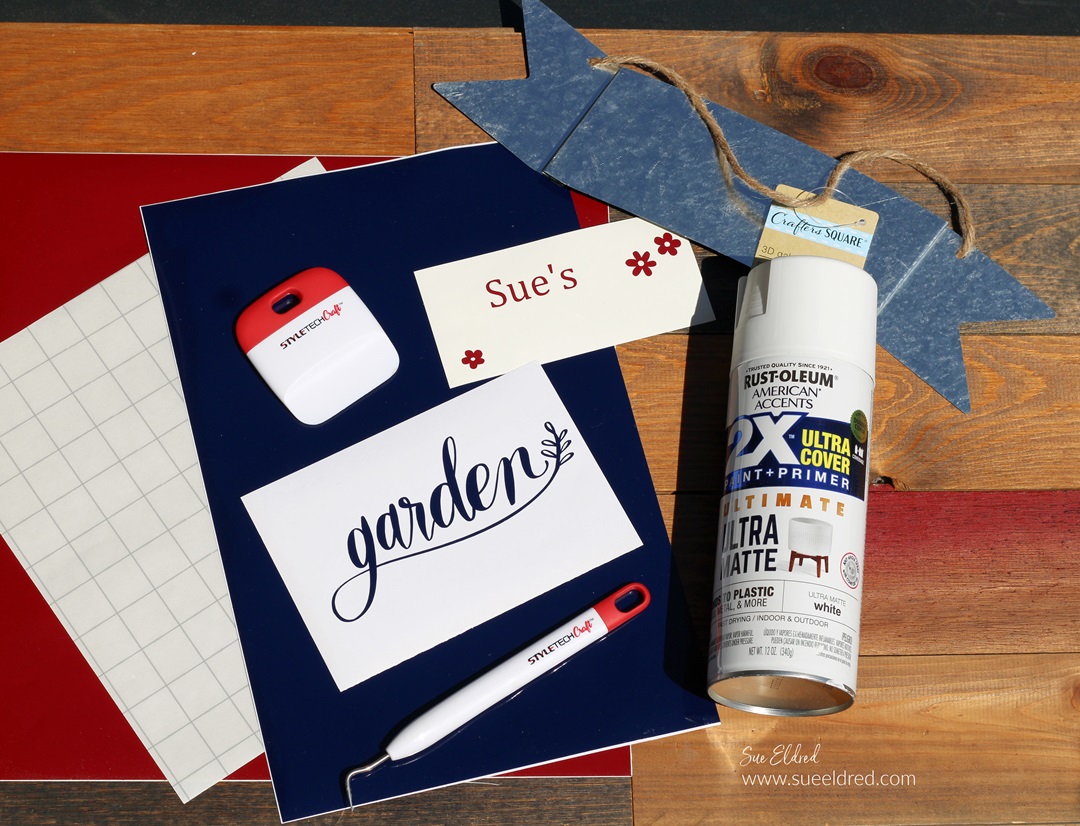
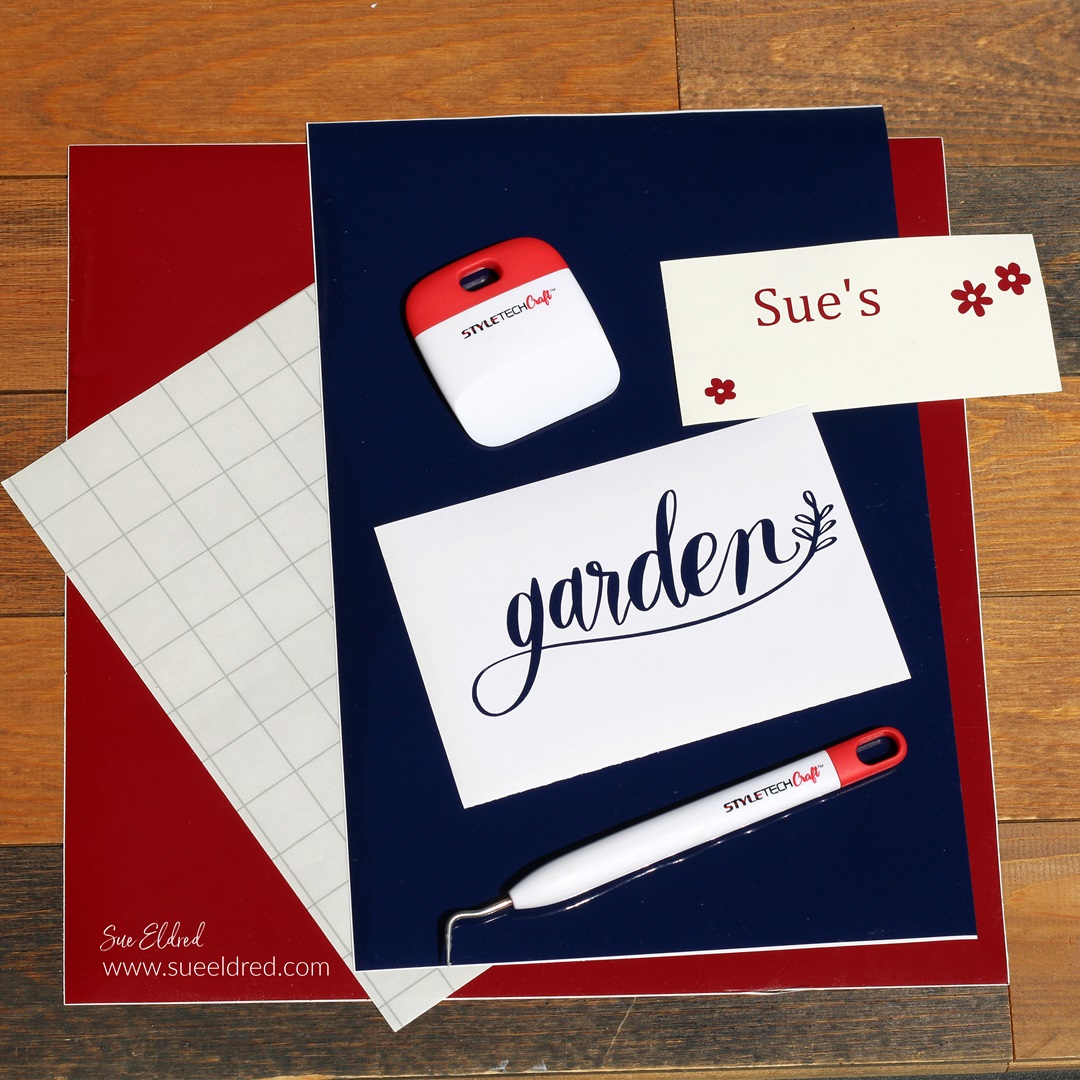
Materials Used:  (*affiliate links)

StyletechCraft products brought to you by ATSM Craft*

*Disclosure:  This blog uses ads and affiliate links.  If you choose to make a purchase using one of the links, I receive a small commission (at no additional cost to you) that helps offset the costs of maintaining this blog.  Thanks for your support!

How to make a Farmhouse Garden Sign

Directions:

Buy Your Crafting Supplies Now at Dollar Tree starting at $1.25!

How to make a Farmhouse Garden Sign

There are so many great colors of StyleTechCraft Glossy Craft Vinyl to choose from.

How to make a Farmhouse Garden Sign

How to make a Farmhouse Garden Sign

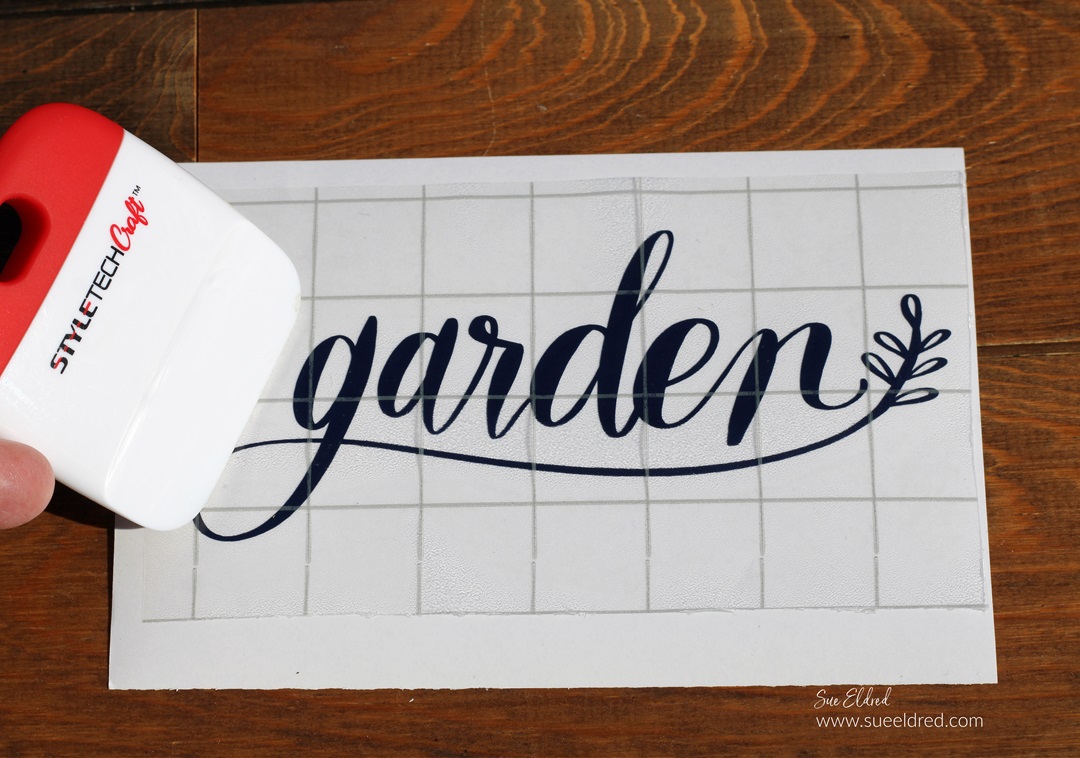
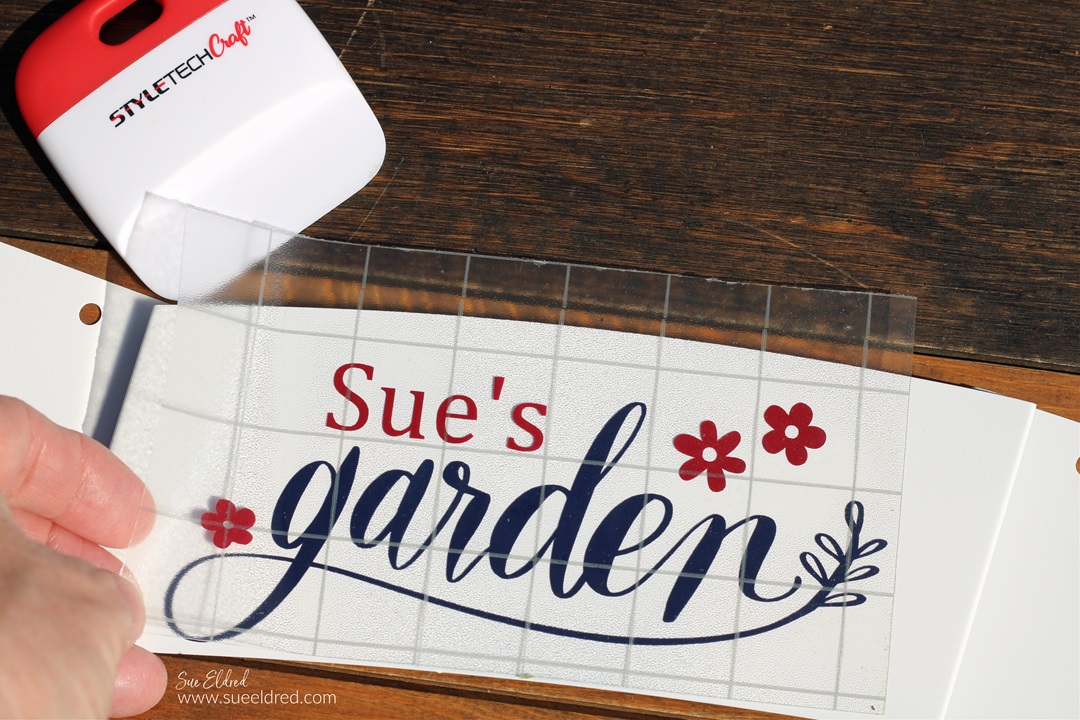
  • Remove the vinyl from its white protective layer and place onto the banner.
  • Rub over the vinyl with the scraper tool to transfer the vinyl onto the banner.
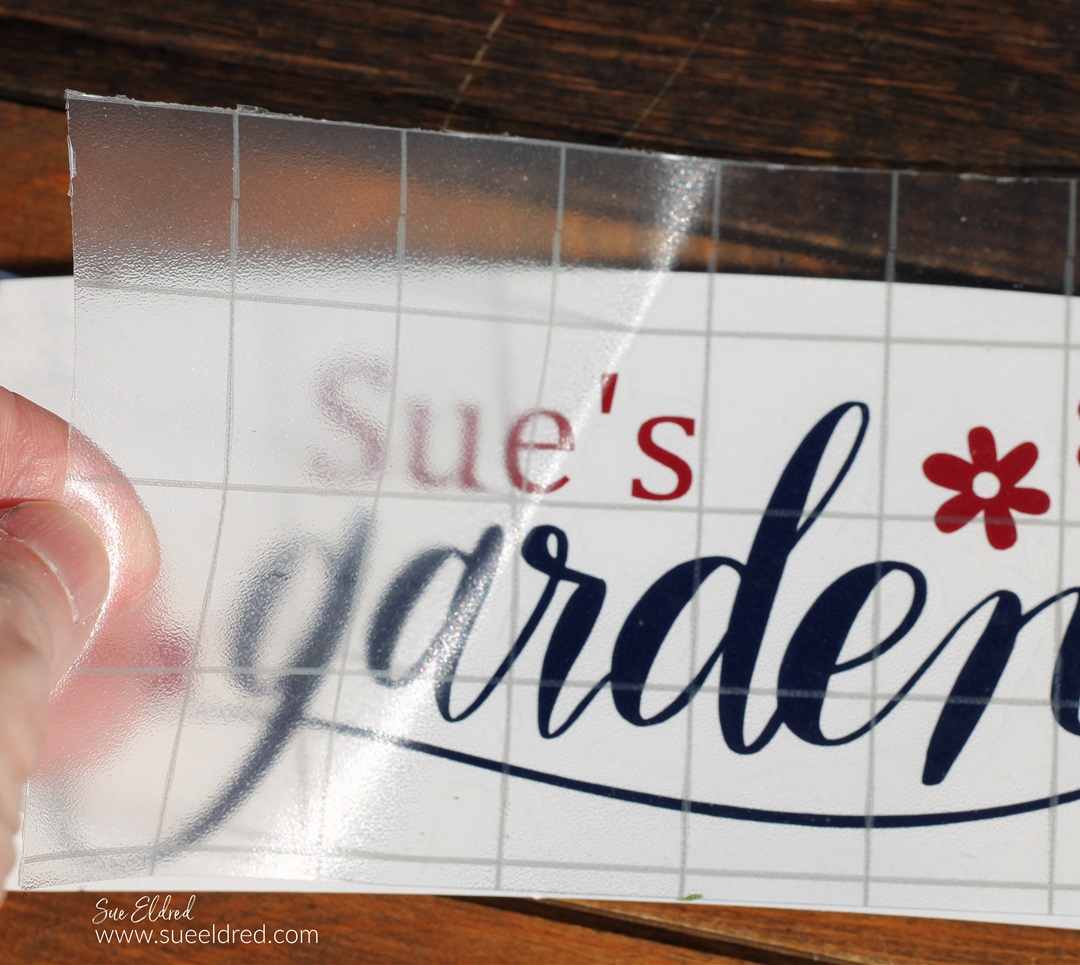
  • Gently lift the transfer paper from the vinyl.

FYI…the transfer paper is reusable.

How to make a Farmhouse Garden Sign

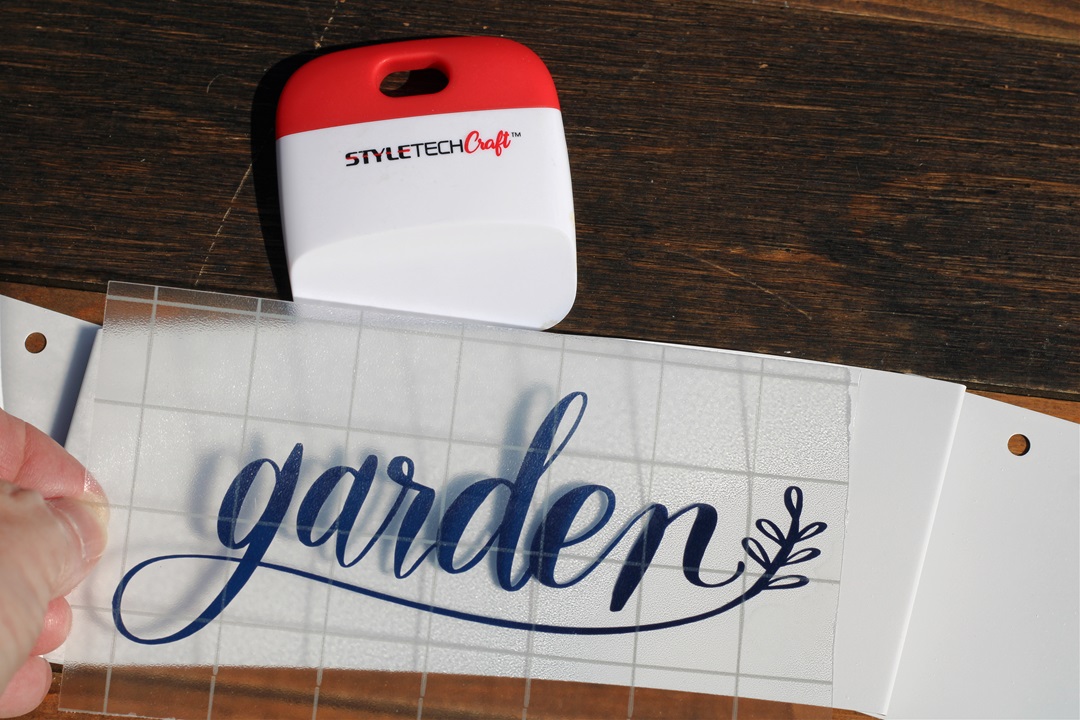
  • Line up the second layer over the first.

How to make a Farmhouse Garden Sign

  • Gently remove transfer paper from the banner.
  • Allow the vinyl to cure for 72 hours before using.

How to make a Farmhouse Garden Sign

The vinyl on the sign will hold up to the weather and looks great in my garden.

“This is a sponsored post.  As a member of the StyleTechCraft Design Team I have been provided product and compensation in exchange for my creative ideas.  The views and opinions are my own.
We are all a Work in Progress

We are all a Work in Progress-How to Upcycle a promotional water bottle

How to Upcycle a promotional water bottle.

A few months ago, I joined a gym.

I did it for a couple of reasons.

The first was for my physical self.

And the second for my mental health.

What I didn’t expect was the community I would find

and the friends I would make.

And while I haven’t seen huge improvements in my waistline,

I have seen improvement in my ability to do more than I thought I could.

I’m still a work in Progress. 

We are all a Work in Progress-How to Upcycle a promotional water bottle.

Wanting to be like the “cool kids” and help save the planet from plastic water bottles,

I told my husband I needed a metal water bottle to take to the gym.

“I have one at work you can have,” he said.  (he knows I’m cheap)

His company had given them metal water bottles that included the company’s core values.

While the values are good and everything, I wanted something different.

I wanted something more inspirational, more personal.

Being a creative person, I brought out my favorite StyleTechCraft adhesive vinyl.

“This is a sponsored post.  As a member of the StyleTechCraft Design Team I have been provided product and compensation in exchange for my creative ideas.  The views and opinions are my own.
We are all a Work in Progress-How to Upcycle a promotional water bottle

Here’s what I Used:  (*affiliate links)

StyletechCraft products brought to you by ATSM Craft*

*Disclosure:  This blog uses ads and affiliate links.  If you choose to make a purchase using one of the links, I receive a small commission (at no additional cost to you) that helps offset the costs of maintaining this blog.  Thanks for your support!

We are all a Work in Progress-How to Upcycle a promotional water bottle

Directions:

We are all a Work in Progress-How to Upcycle a promotional water bottle

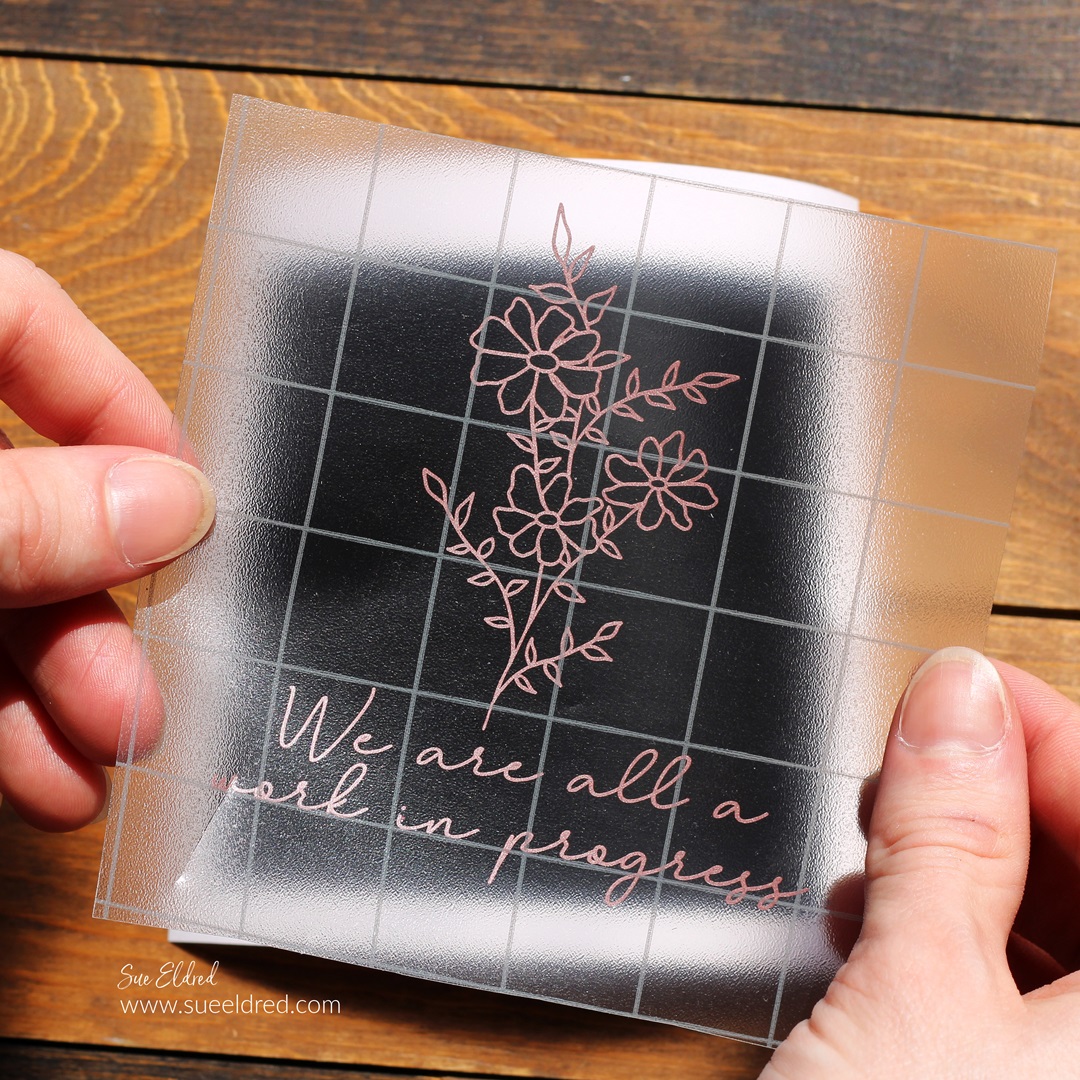
  • Remove the vinyl design from the white liner and center the image onto the black square.
  • Gently rub over the Vinyl Transfer Tape* to make sure the image has transferred.
  • Slowly and carefully, place the design and black square onto the water bottle.  Rub over the design to remove any air bubbles.  Remove the transfer tape.
  • Allow the vinyl to cure on the bottle for a few days before use. (Hand Wash Only)

We are all a Work in Progress-How to Upcycle a promotional water bottle

For those of you who are considering joining a gym,

I suggest starting slow and giving it a try.

You might be able to do more than you think.

WE ARE ALL A WORK IN PROGRESS!

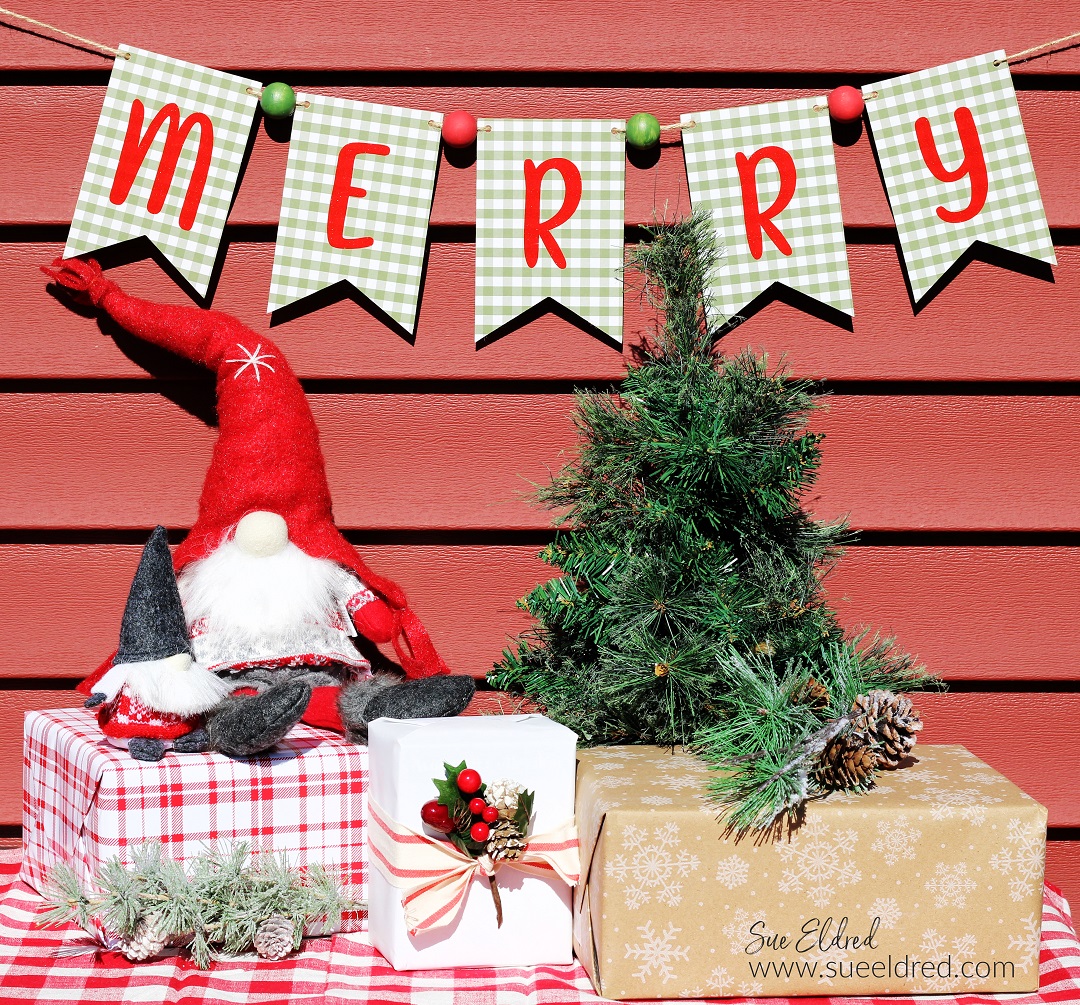
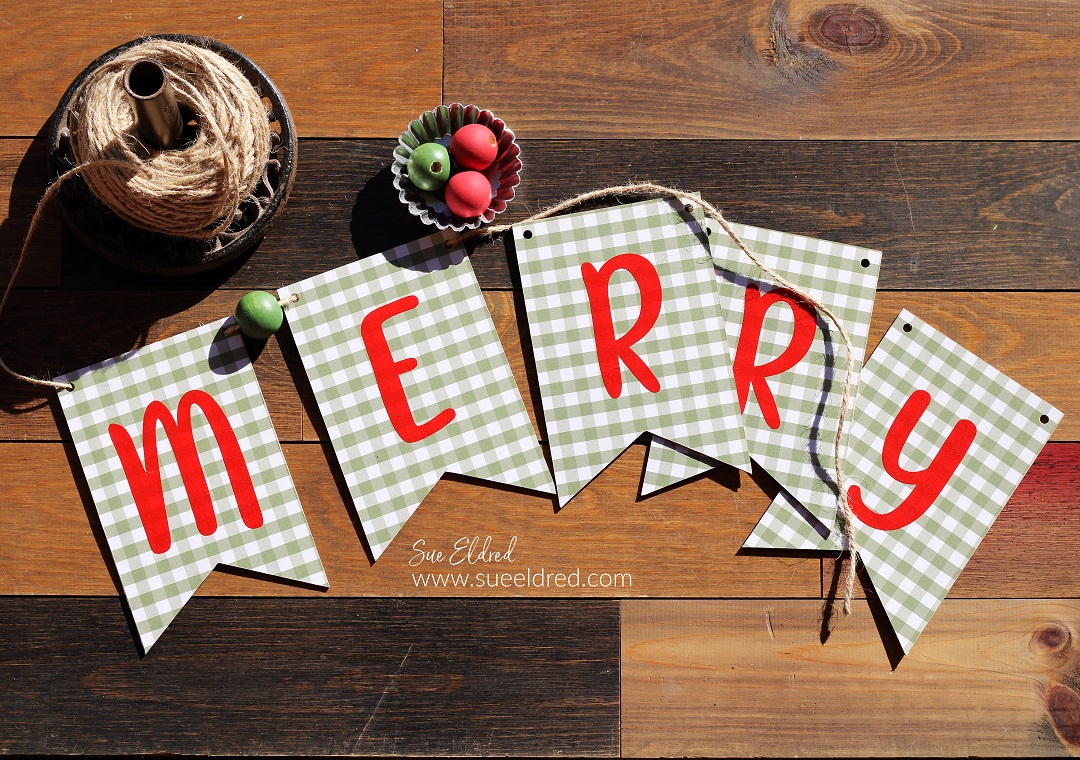
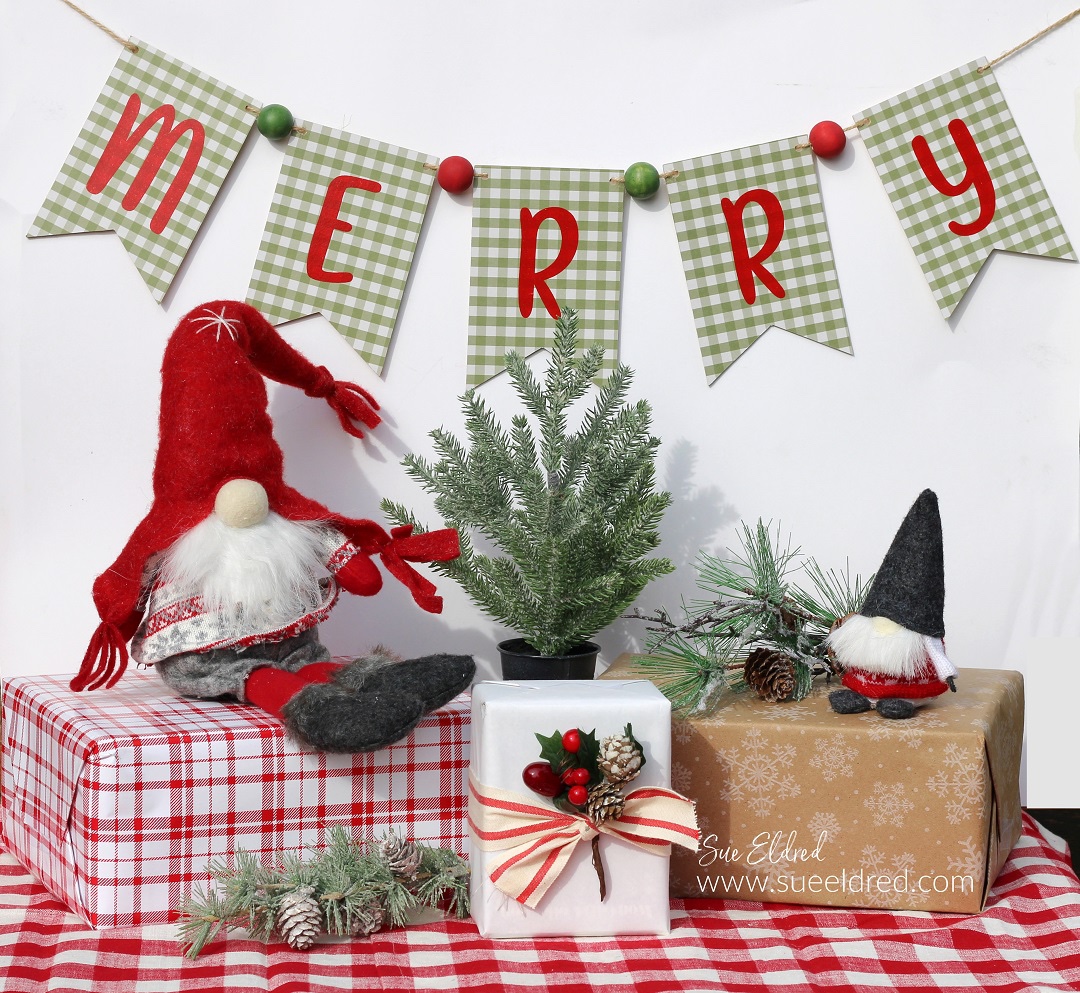
How to Create a “Merry” Holiday Banner

How to Create a Merry Holiday Banner

How to make a “Merry” Banner to add to your Holiday Decorations.

Now that the weather has turned cooler, I’m starting to plan my Holiday decorating.

If you love banners and quick and easy projects, this one’s for you.

How to Create a Merry Holiday Banner

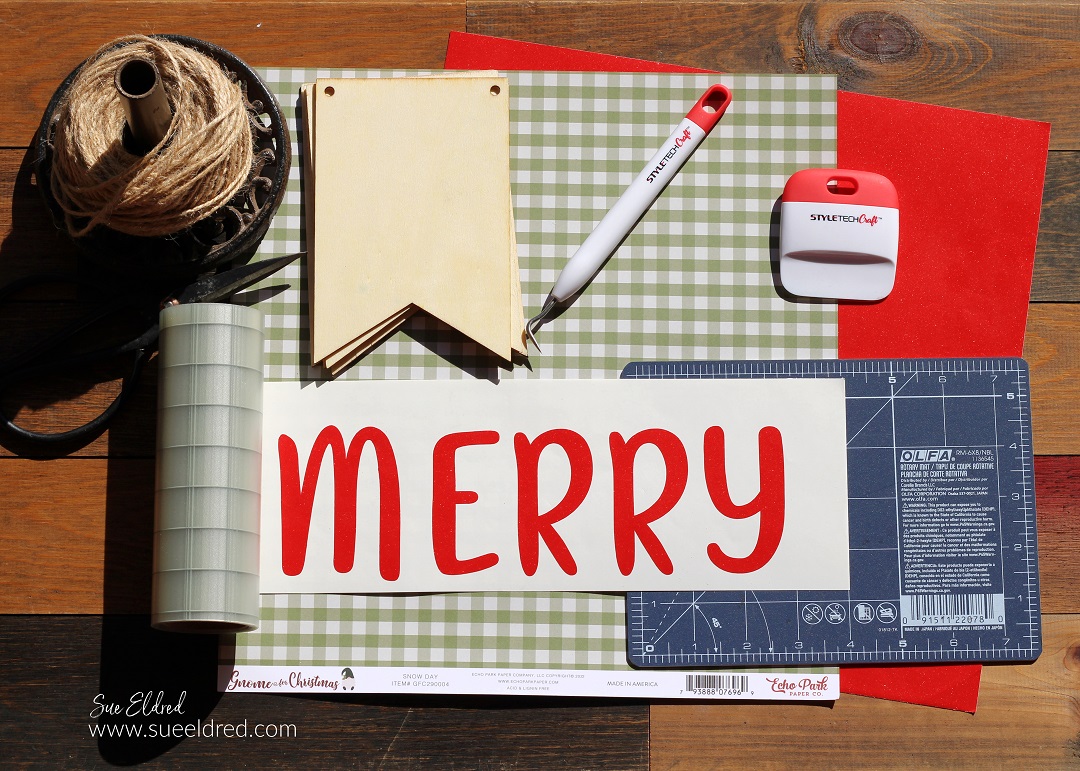
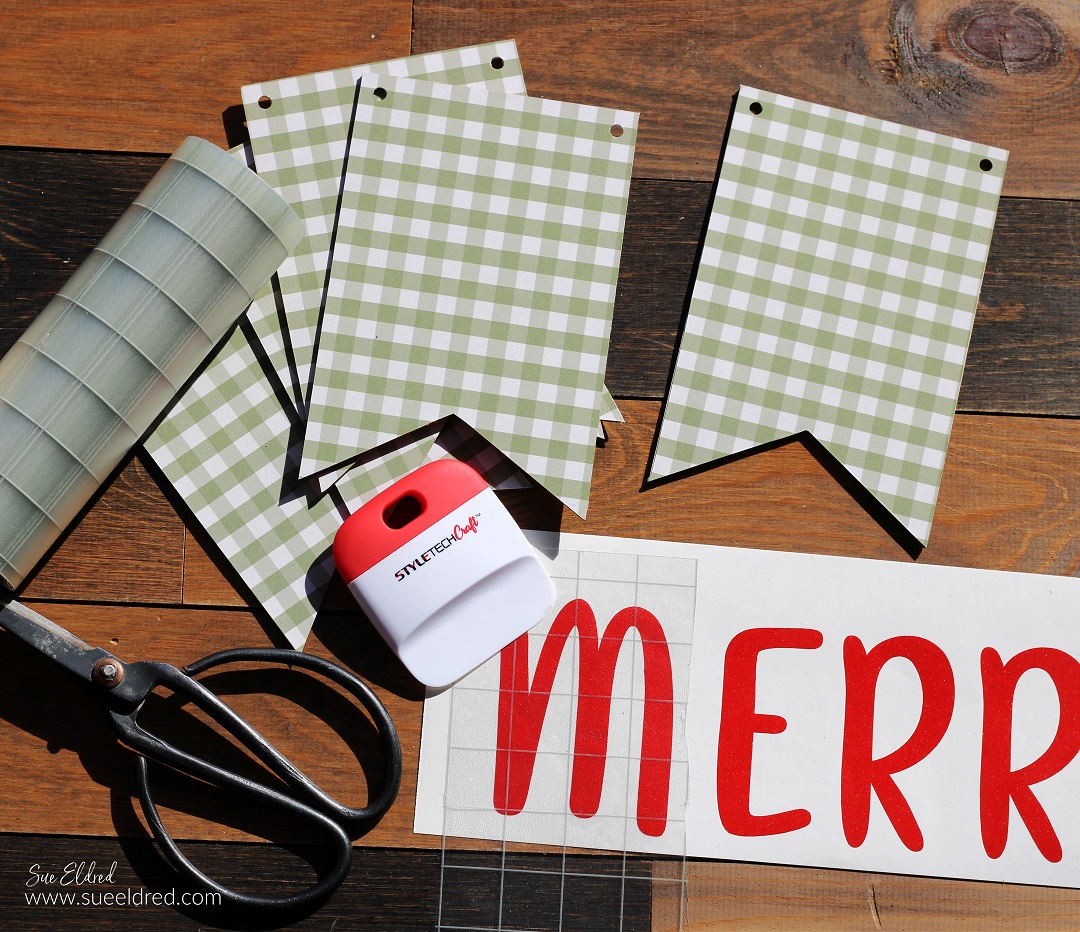
Materials Used:  (*affiliate links)

*Disclosure:  This blog uses ads and affiliate links.  If you choose to make a purchase using one of the links, I receive a small commission (at no additional cost to you) that helps offset the costs of maintaining this blog.  Thanks for your support!

StyletechCraft products brought to you by ATSM Craft*

How to Create a Merry Holiday Banner

Directions:

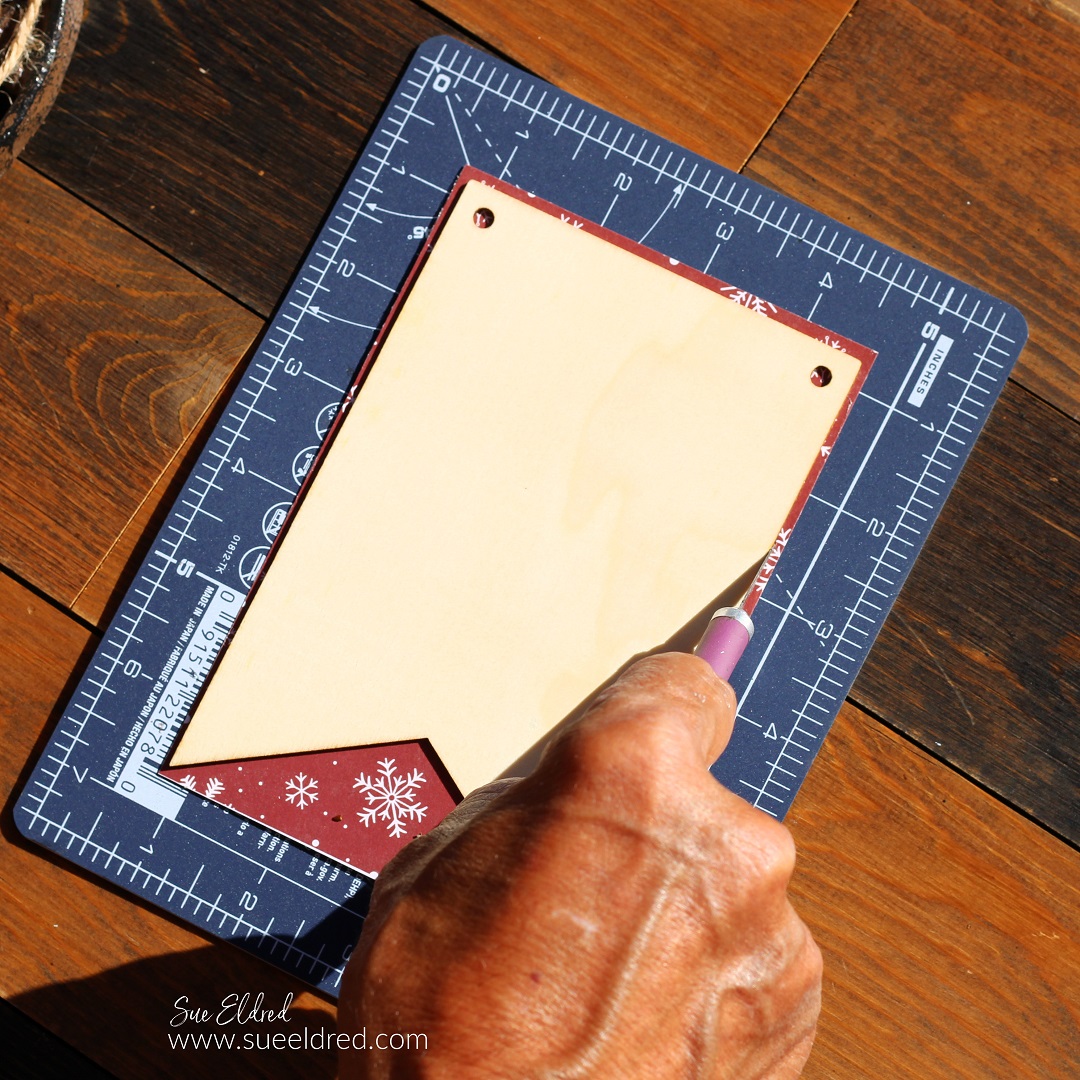
  • Cut the scrapbook paper slightly larger than the wood banner pieces.
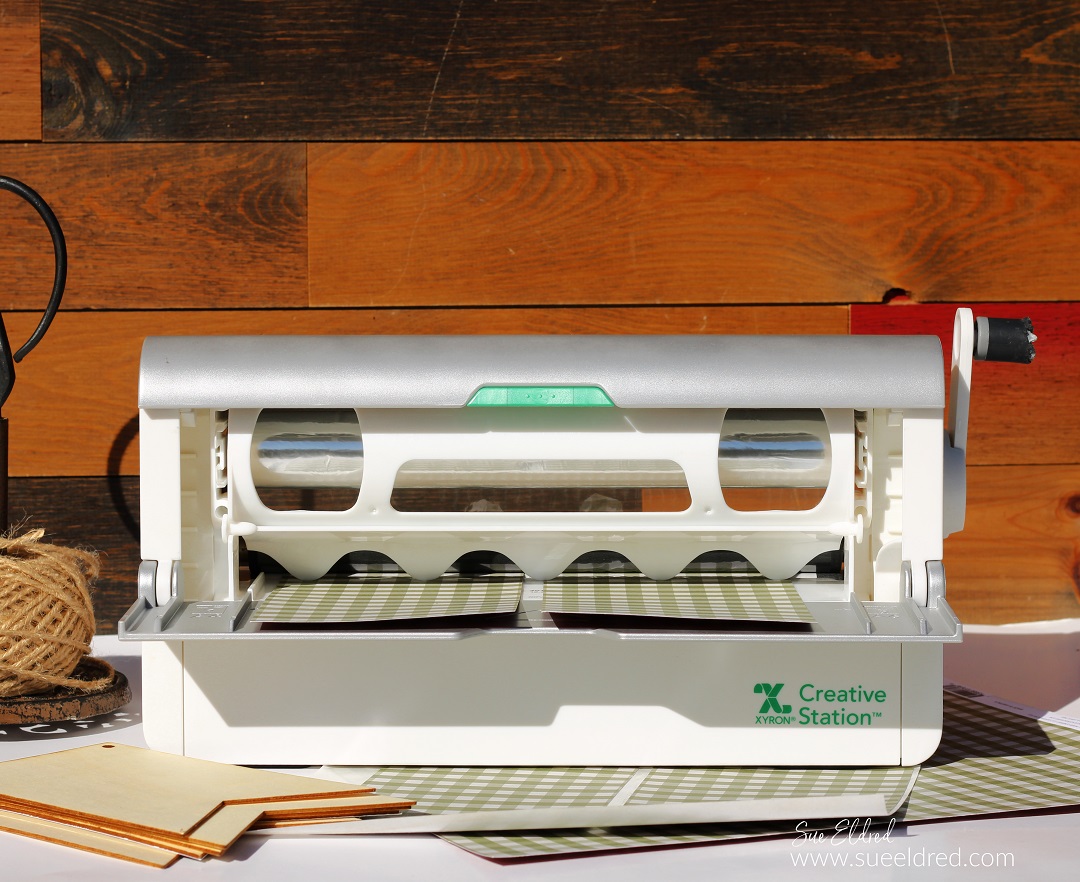
  • Place the scrapbook paper design side up in the Xyron Creative Station®*

How to Create a Merry Holiday Banner

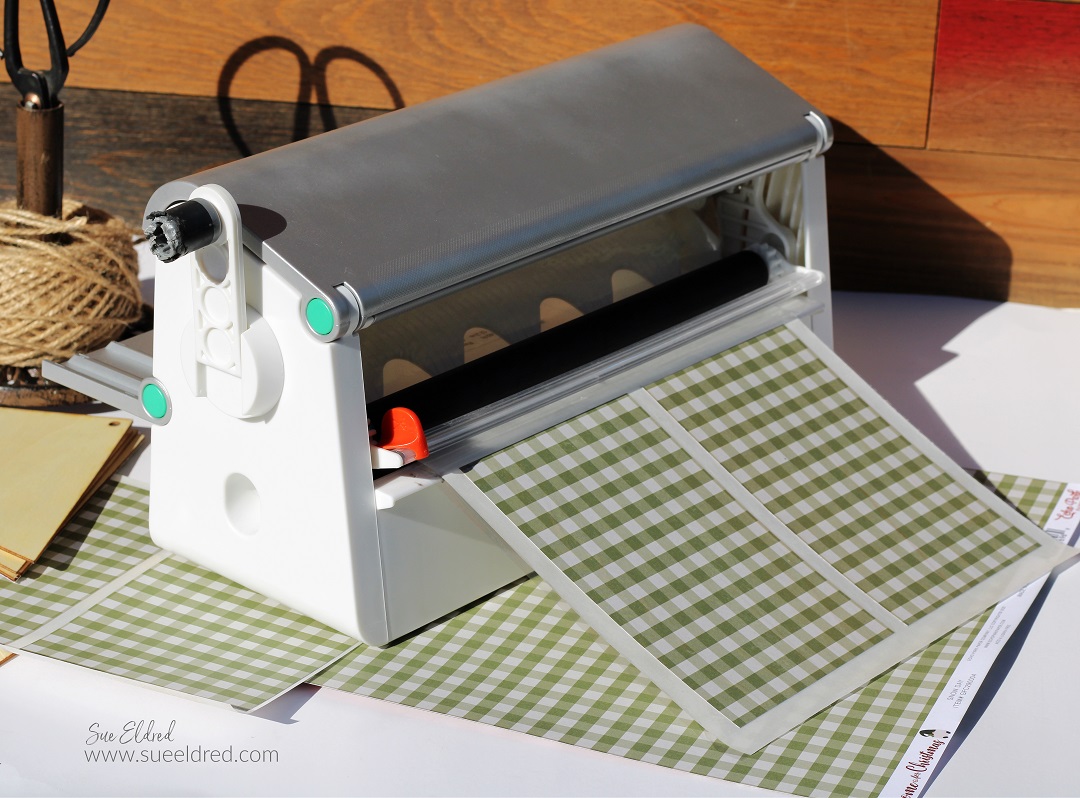
  • Turn the handle of the Creative Station to run the paper through.  As it runs through, it adds complete adhesive covering on the underneath side of the paper.

How to Create a Merry Holiday Banner

How to Create a Merry Holiday Banner

How to Create a Merry Holiday Banner

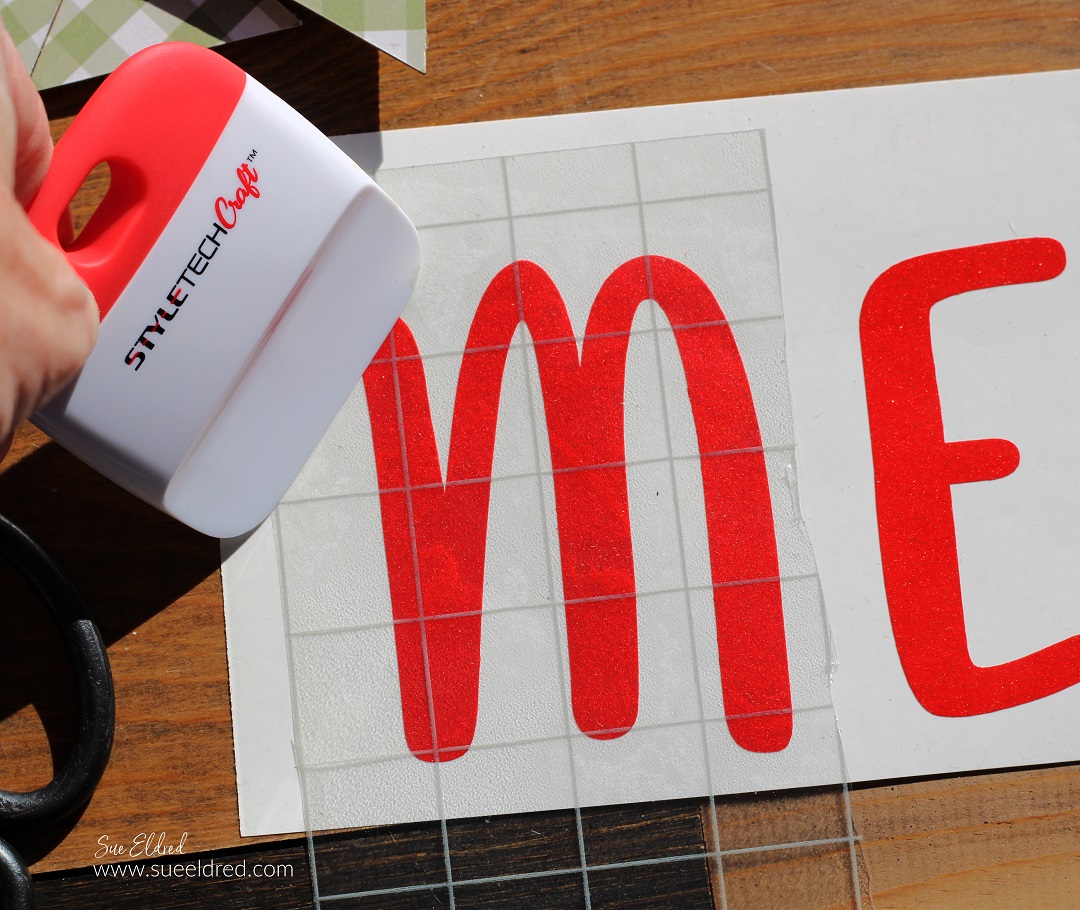
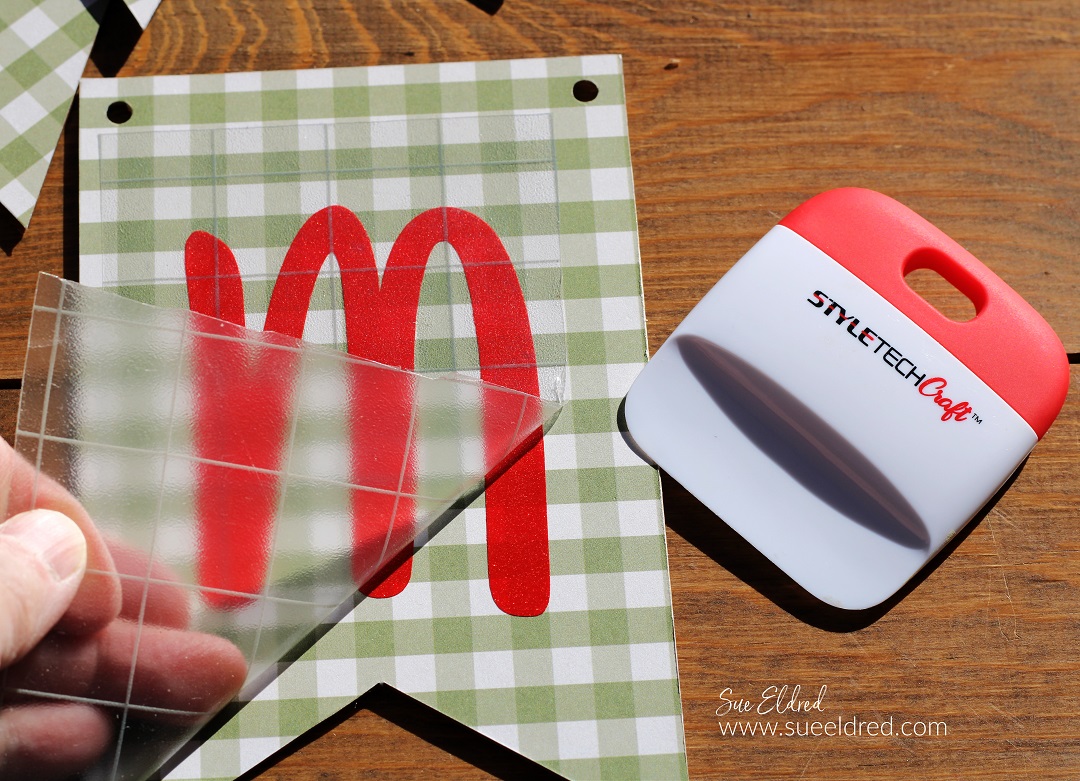
  • Lay the Transfer paper over the vinyl and gently rub with a vinyl scraper tool.

How to Create a Merry Holiday Banner

How to Create a Merry Holiday Banner

  • Paint the wood beads with red and green acrylic paint.
  • String the banner and wood beads onto ribbon or twine.

I wanted to keep the banner pieces simple. 

But you could add Holiday Flowers and embellishments to make it special.

“This is a sponsored post.  As a member of the StyleTechCraft Design Team I have been provided product and compensation in exchange for my creative ideas.  The views and opinions are my own.