Winston the Snowman: A Comfort & Joy Holiday Craft

Comfort & Joy for the Christmas Season.

In the midst of the 2020 pandemic, when Holiday gatherings felt distant

and spirits needed lifting, the Eileen Hull team came together to

spark creativity and connection.

By sharing festive projects with the Eileen Hull Fan Club and our readers,

we hoped to deliver a dose of comfort and joy to brighten an

otherwise challenging season.

We called it Comfort & Joy.

The idea was a hit, so we decided to continue the tradition.

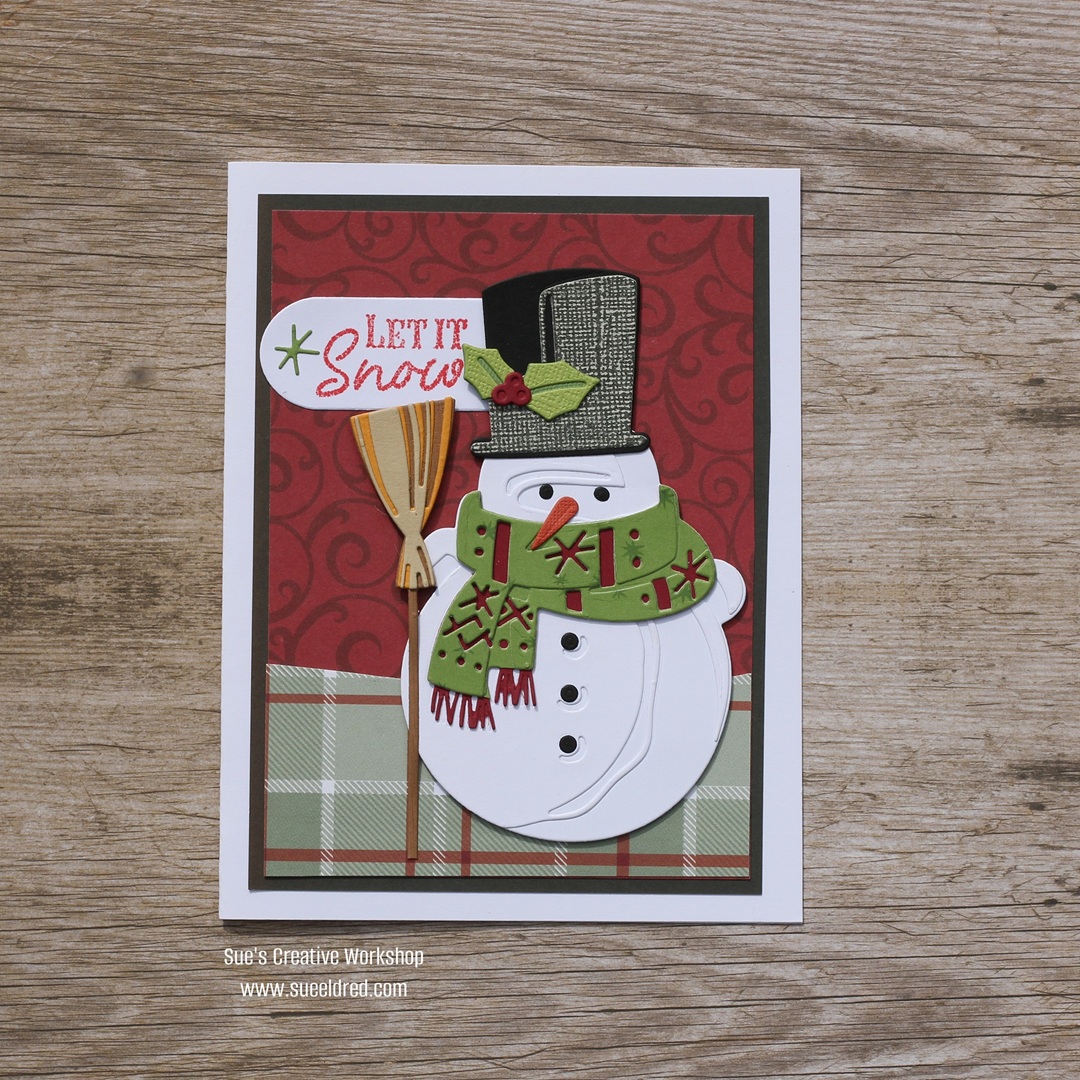
Winston the Snowman is my “Comfort & Joy” project for this year.

Eileen Hull Educator Logo

Disclosure:  This is a sponsored post.  As a member of the Eileen Hull Inspiration Team, I have been provided product in exchange for my creative ideas.  The view and opinions are my own.

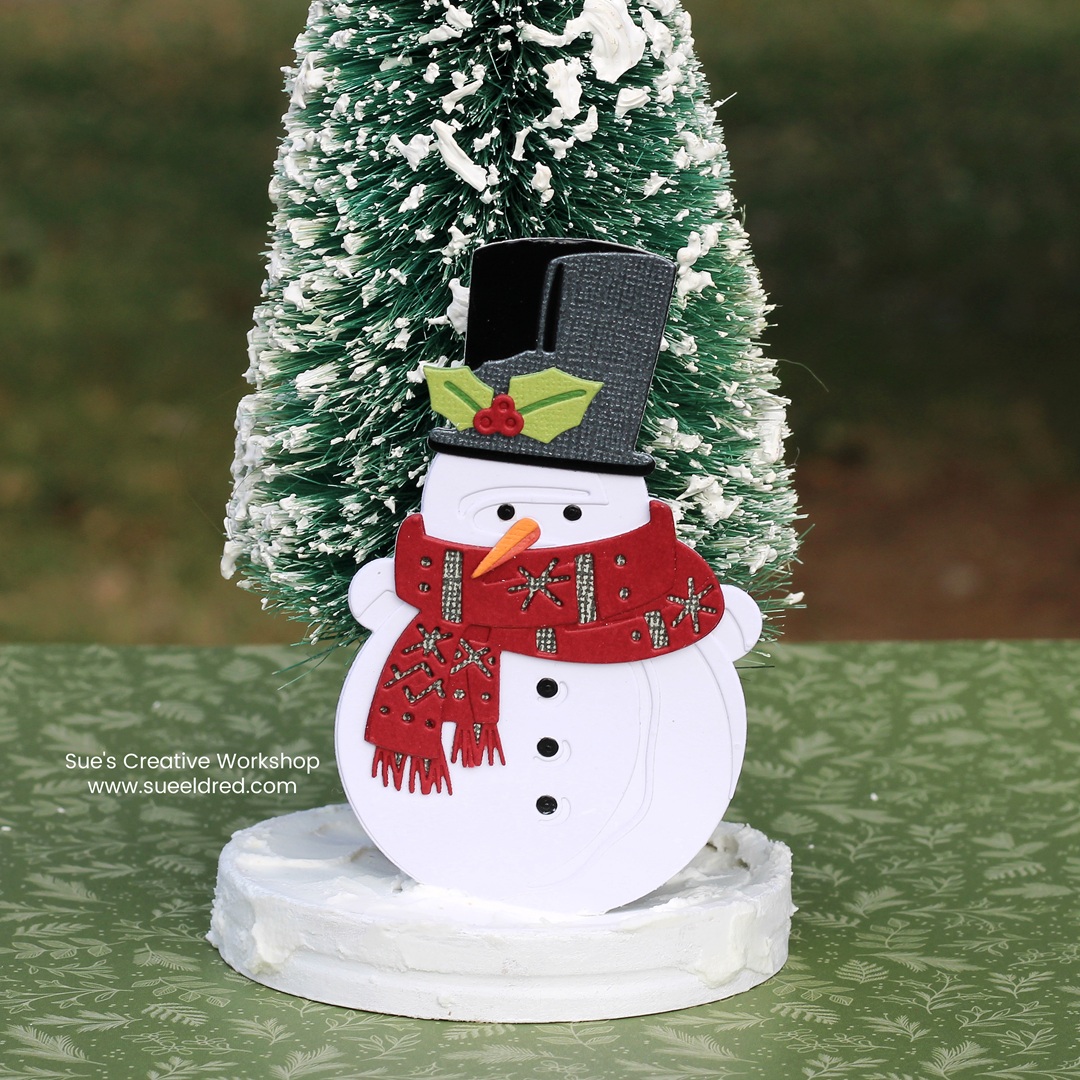
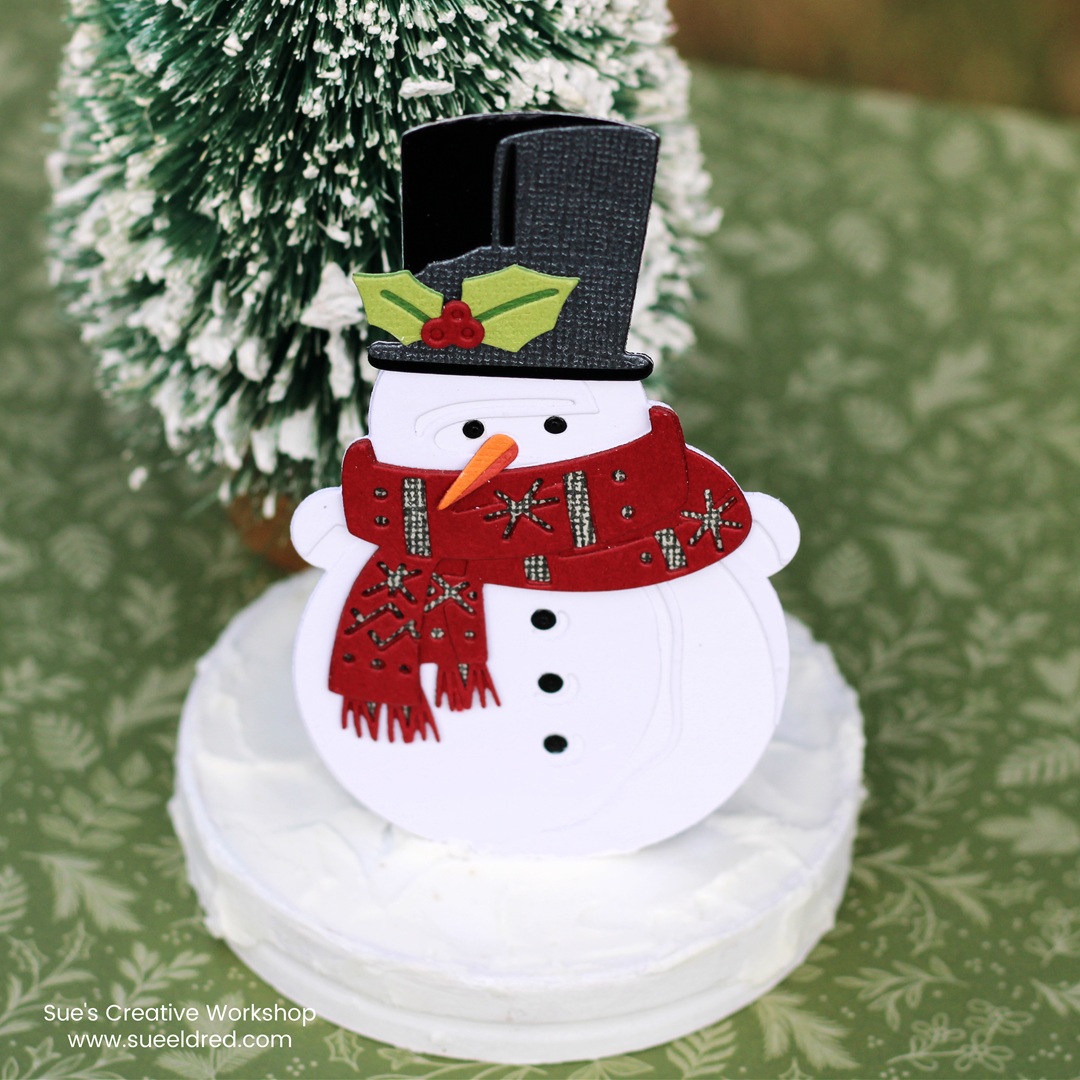
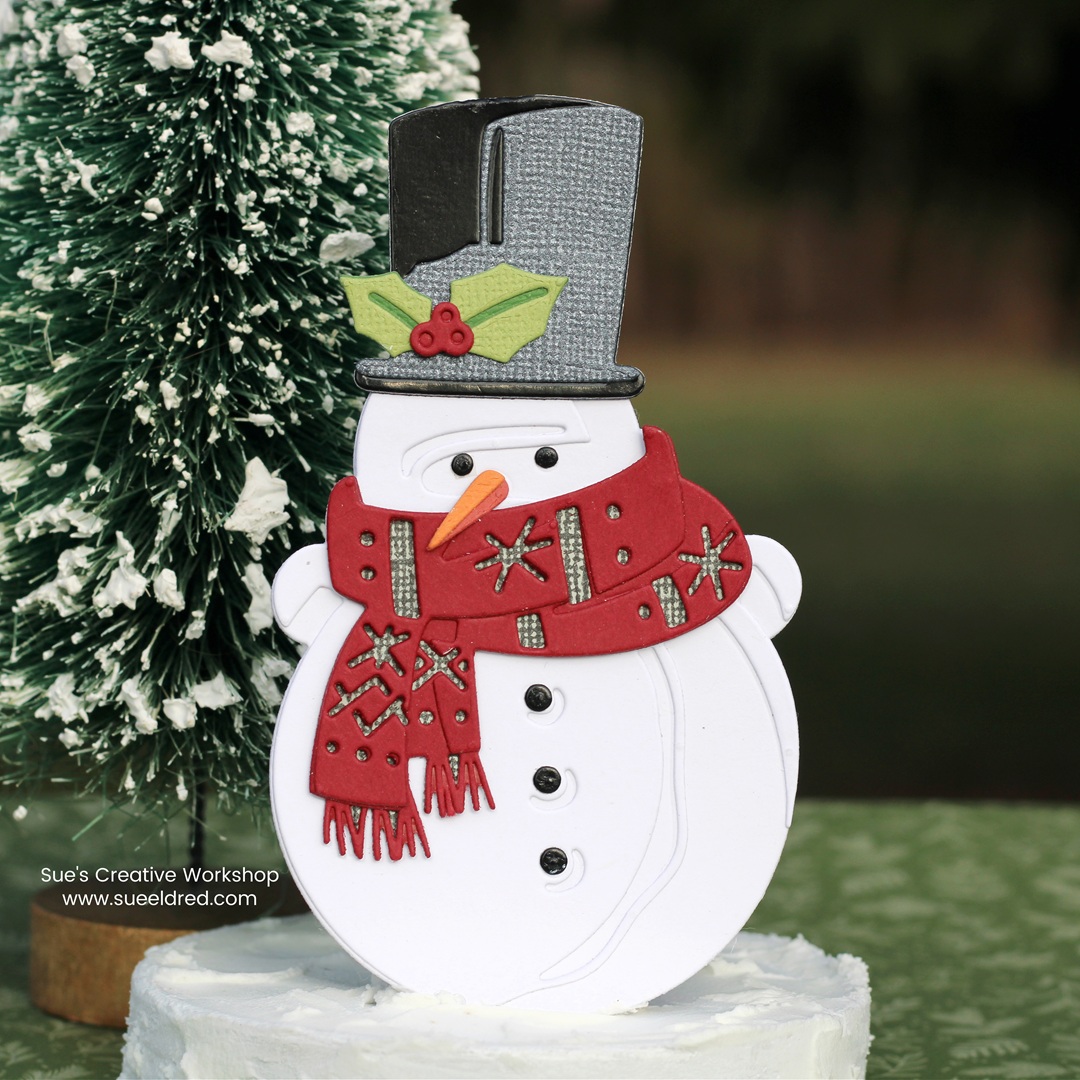
Winston is a snowman with plenty of dimension-

something I absolutely love bringing into my projects!

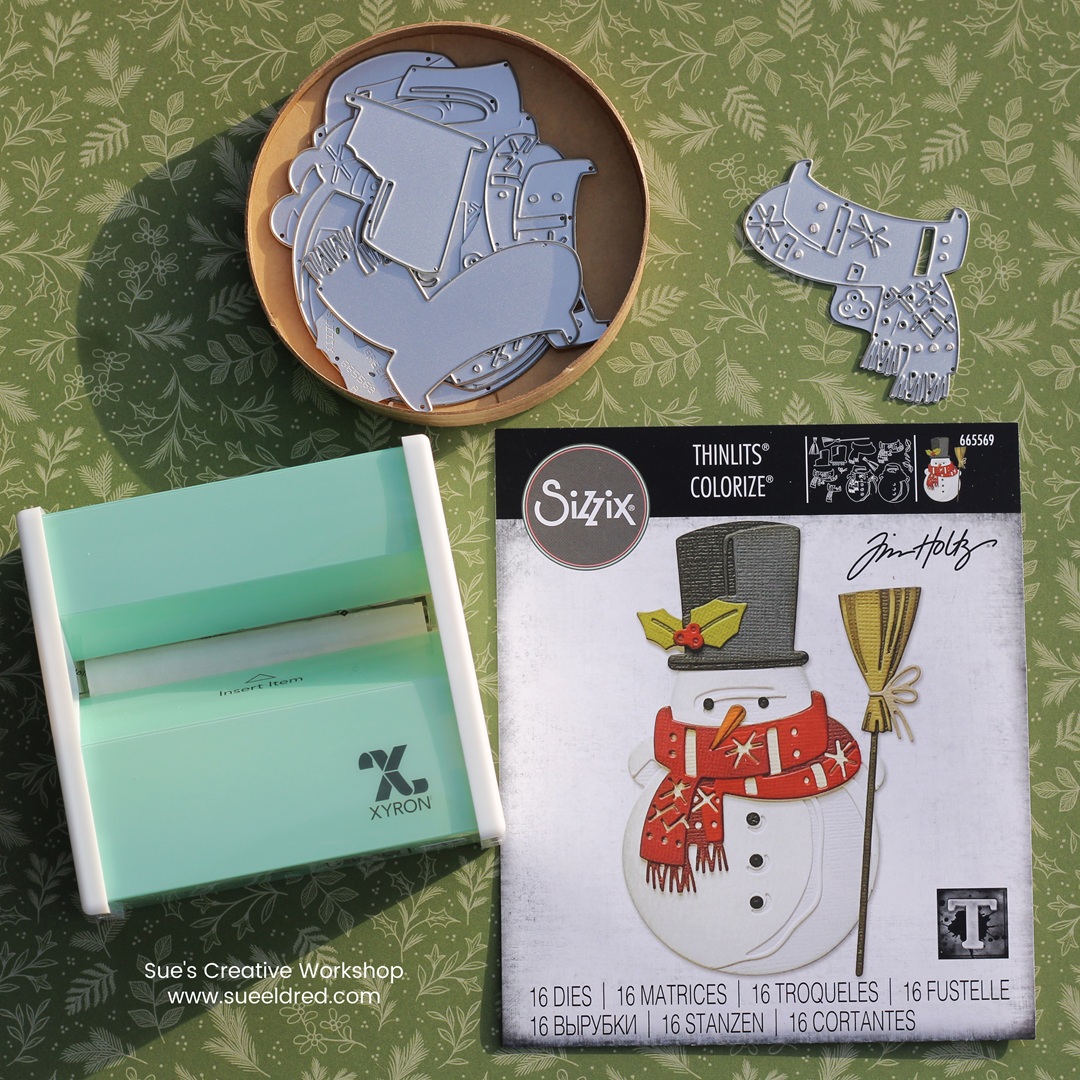
The Winston Die, designed by Tim Holtz for Sizzix*,

includes an impressive 16 different dies.

Don’t let that number intimidate you, despite all the tiny pieces,

the assembly is surprisingly simple.

Here’s a tip I swear by.  When I’m die-cutting small pieces, I run my paper through the Xyron Disposable Sticker Maker* first.  This way, the adhesive is already on the back, making it quick and easy to piece everything together.

The Winston Die* uses Colorize technology, which means you get a selection of intricate, paper-layering designs that add incredible detail and dimension.  With drop shadows and highlights, you can create a snowman that looks dimensional and full of character.  It’s great for cardmaking, scrapbooking, gift tags, and more.

*Disclosure:  This blog uses ads and affiliate links.  If you choose to make a purchase using one of the links, I receive a small commission (at no additional cost to you) that helps offset the costs of maintaining this blog.  Thanks for your support!
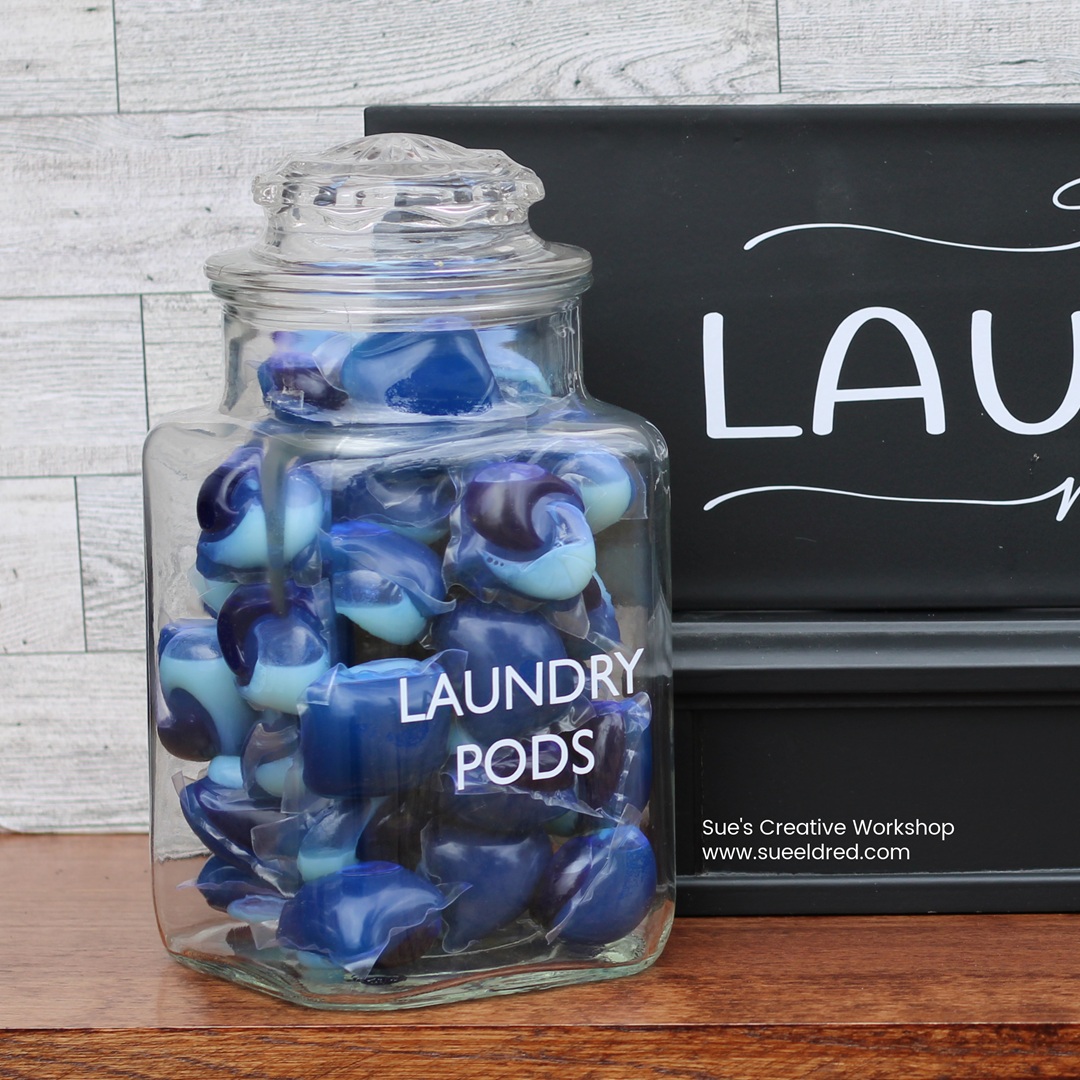
Last month, after our family wiener roast, my sister-in-law

had a bunch of lids left over from the disposable soup containers*.

She asked me if I had a use for them.

Besides being a wonderful tray to hold little dies in my workspace.

I knew it would make a great base for my snowman.

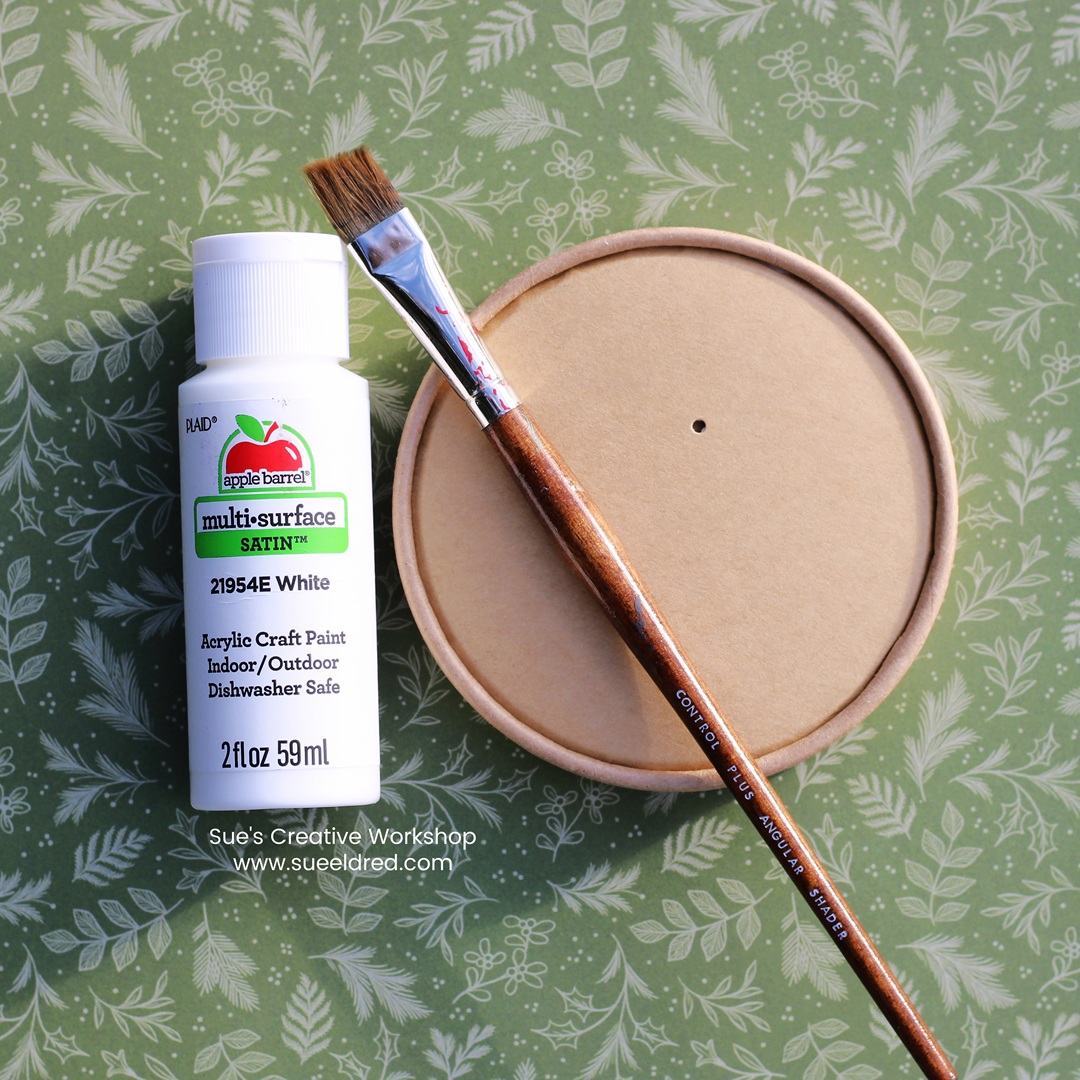
I painted the base with white acrylic paint*.

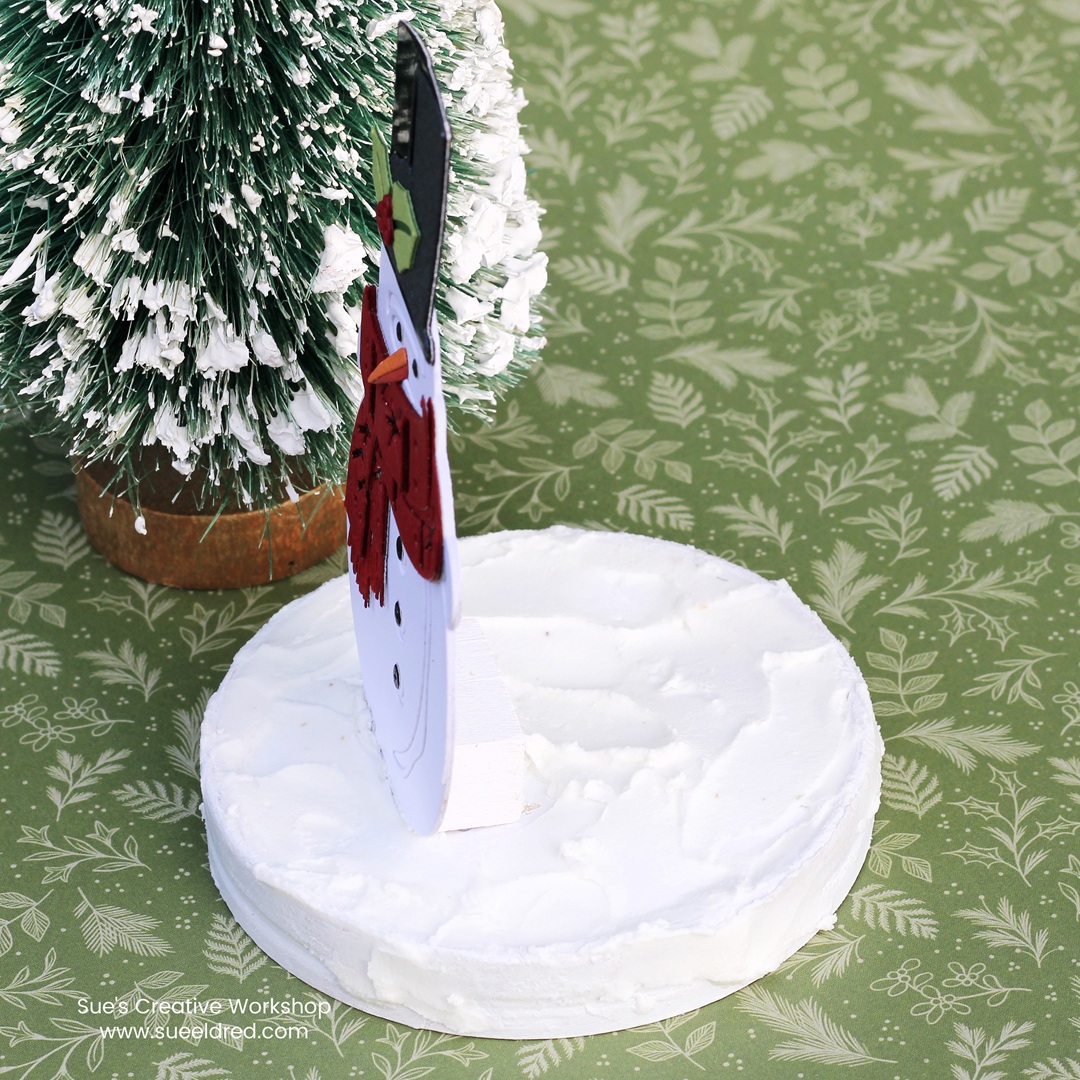
Once the paint was dry, I added dimensional snow* onto the base with a palette knife*.

To make Winston sturdy on the base, I painted two small wooden cubes

crisp white and used them as hidden support.

Once the paint dried, I glued the cubes to the back of the snowman

and then attached them securely to the finished base.

Doesn’t he make a cute little tabletop decoration?

May your holidays sparkle…

with creative projects and heartwarming memories.

Here’s to making something special this season!

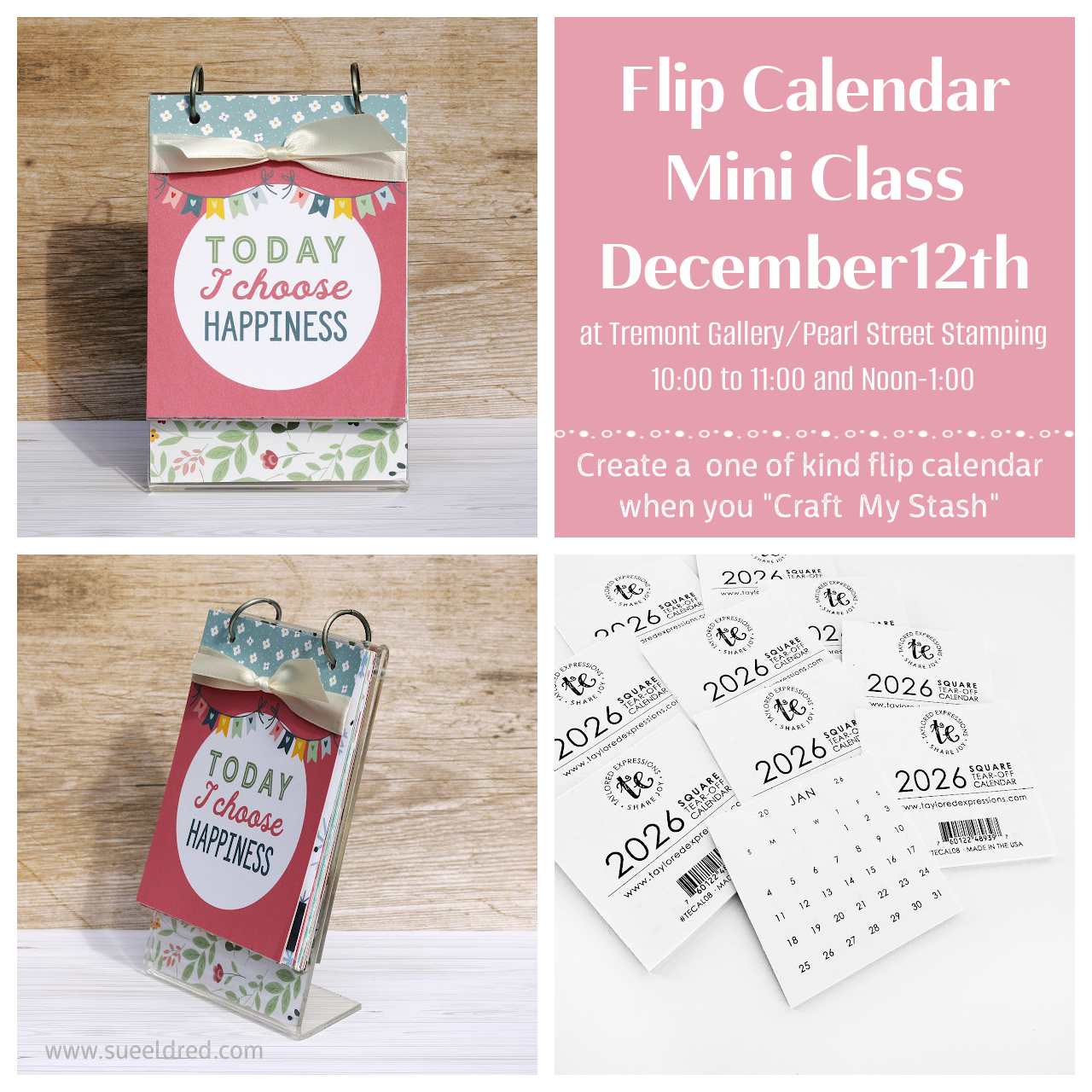
“Craft My Stash” 2026 Flip Calendar Mini Class

CRAFT MY STASH! 2026 Flip Calendar Mini Class

I am teaching a one-hour Mini Class on December 12th at Tremont Gallery/Pearl Street Stamping using the mini calendars from Taylored Expressions.  Bring your own paper scraps or use my paper, stickers and embellishments to create a one-of-a-kind Mini Flip Calendar for 2026.  After the year is over, you can use the calendar pages to make a Mini Flip Album.  Every Album will be unique!  

Contact Tremont Gallery/Pearl Street Stamping at 309-925-4438 to sign up for this class.

December 12th

  • 10:00-11:00 a.m.
  • Noon-1:00 p.m.

Cost:  $10.00

Please Bring:

  • tape runner
  • scissors
  • paper trimmer

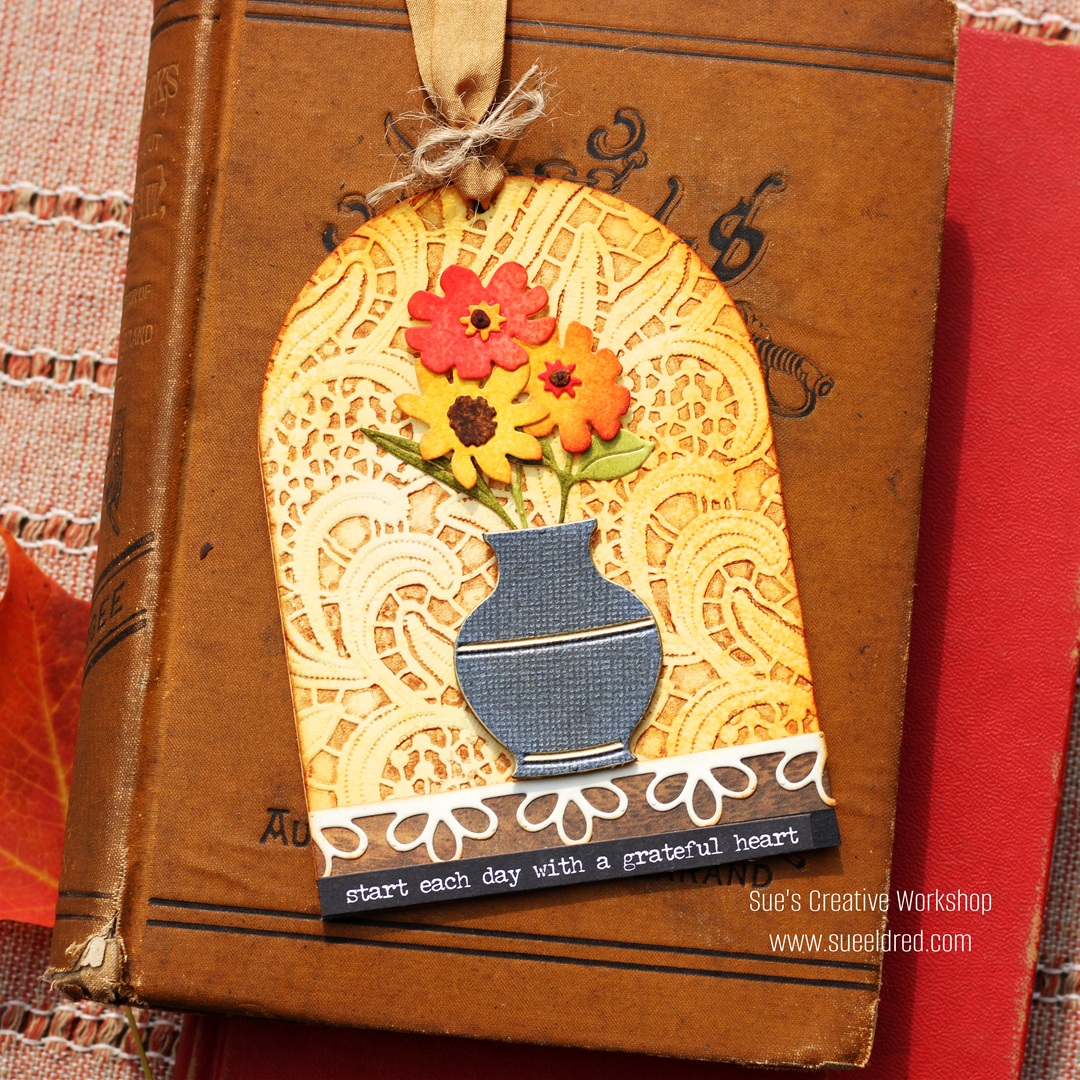
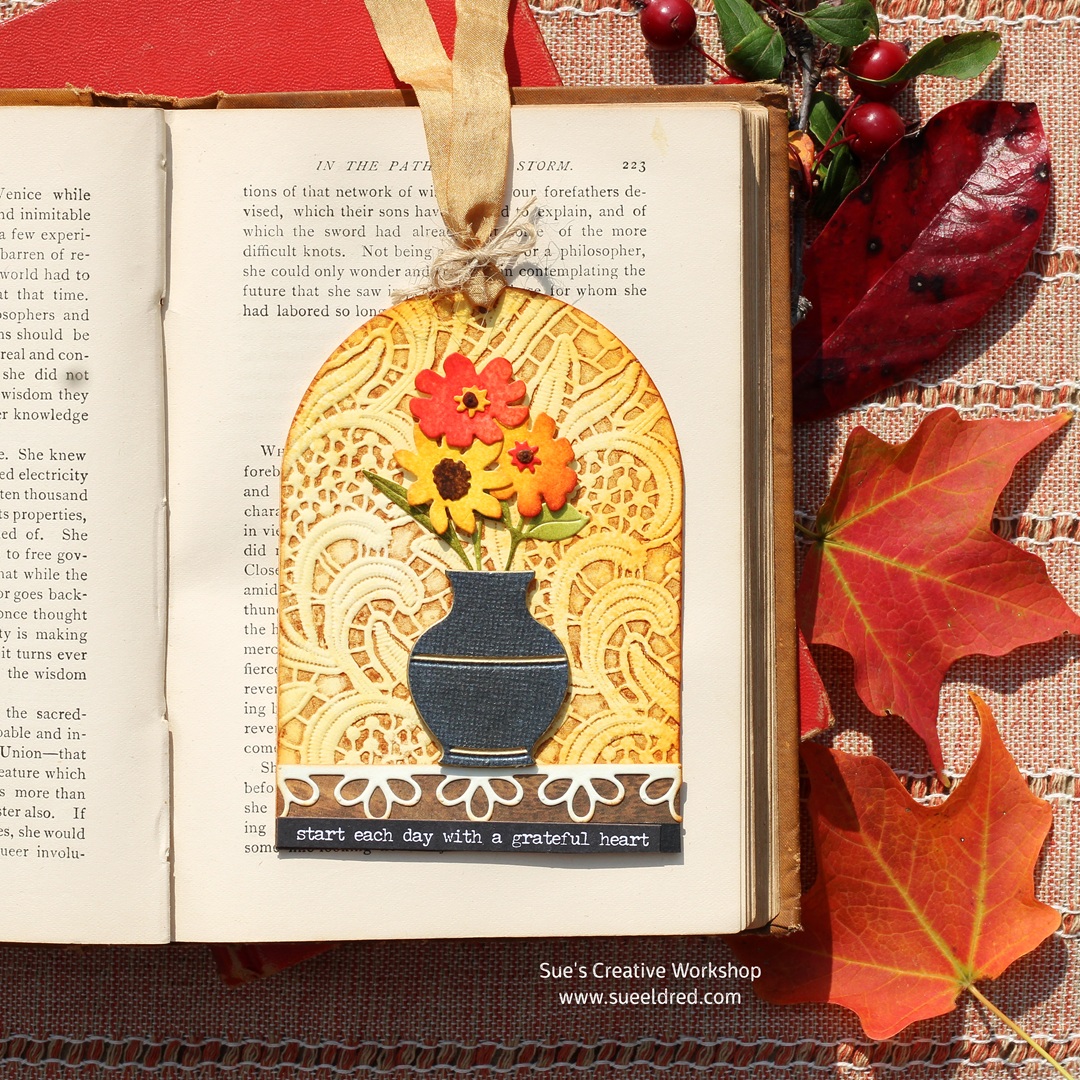
Make a Gratitude Tag/Bookmark

Start Each Day with a Grateful Heart…

As the warm summer days quickly turn into Autumn, 

I am enjoying having the windows open again, feeling the cool breeze, 

and enjoying the fall colors.  

After years of trying, we have finally grown our own pumpkin.

It’s not that big, but it’s perfectly round and perfect for the front porch.

To Celebrate Fall…

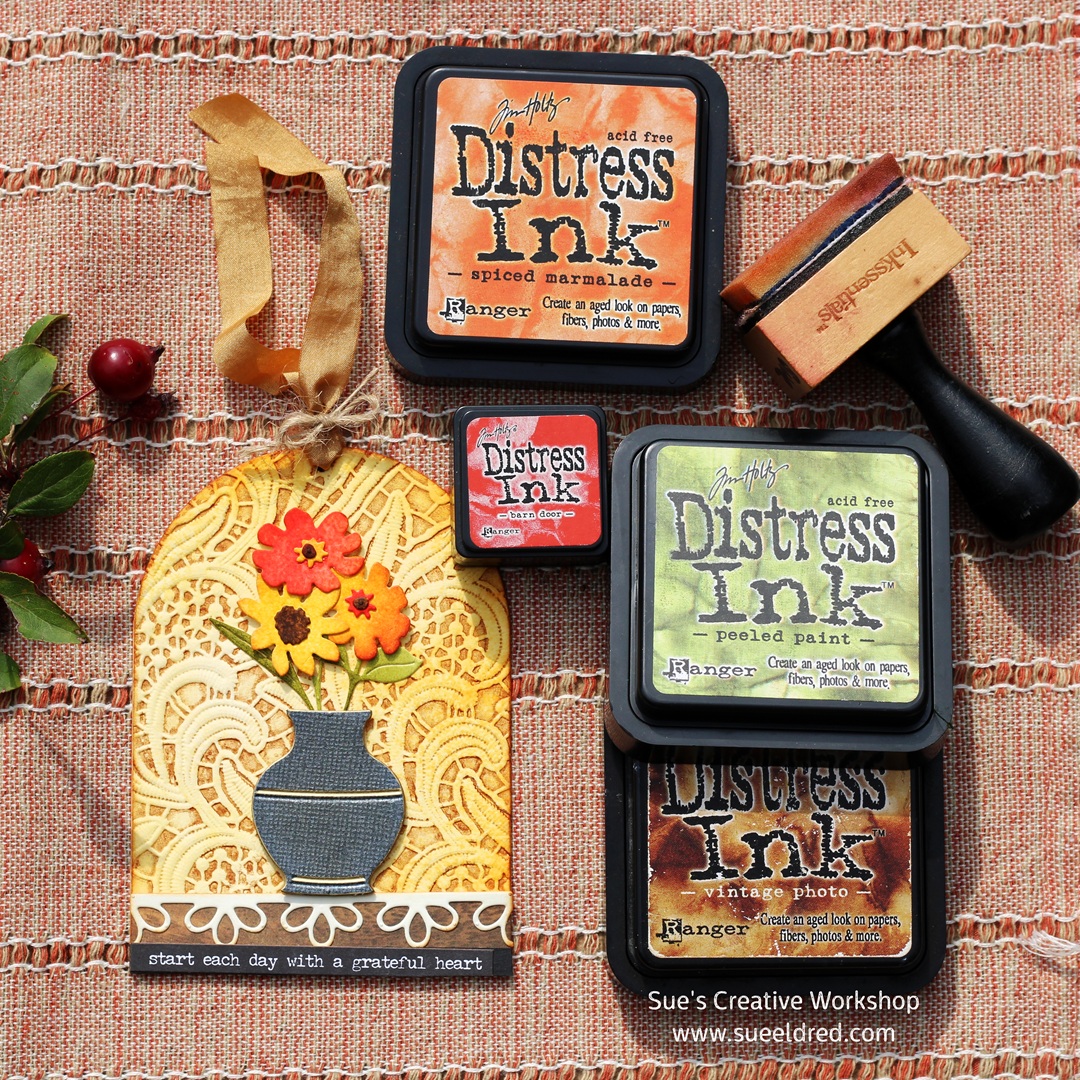
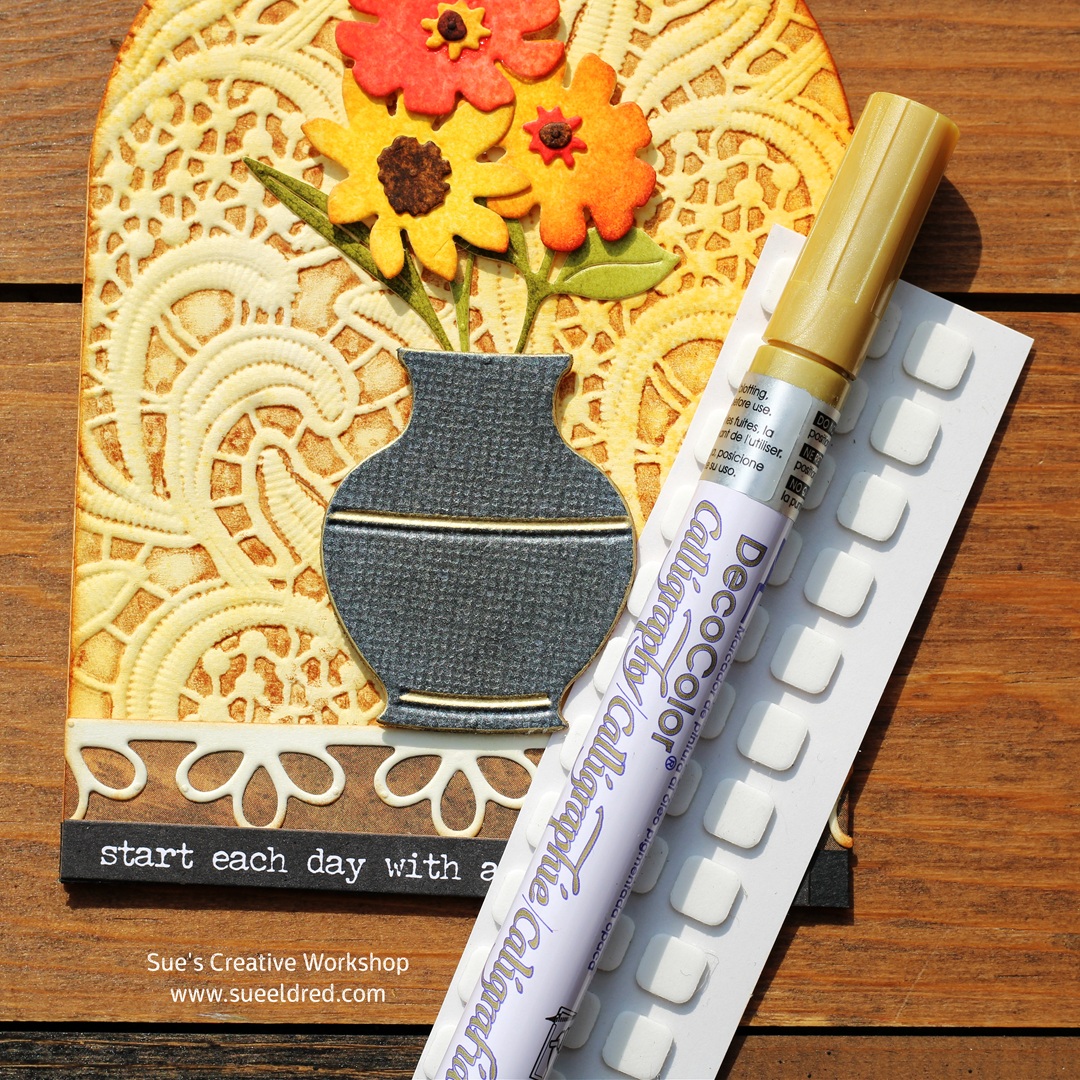
I decided to make a tag/bookmark with the bright and beautiful colors of fall.  

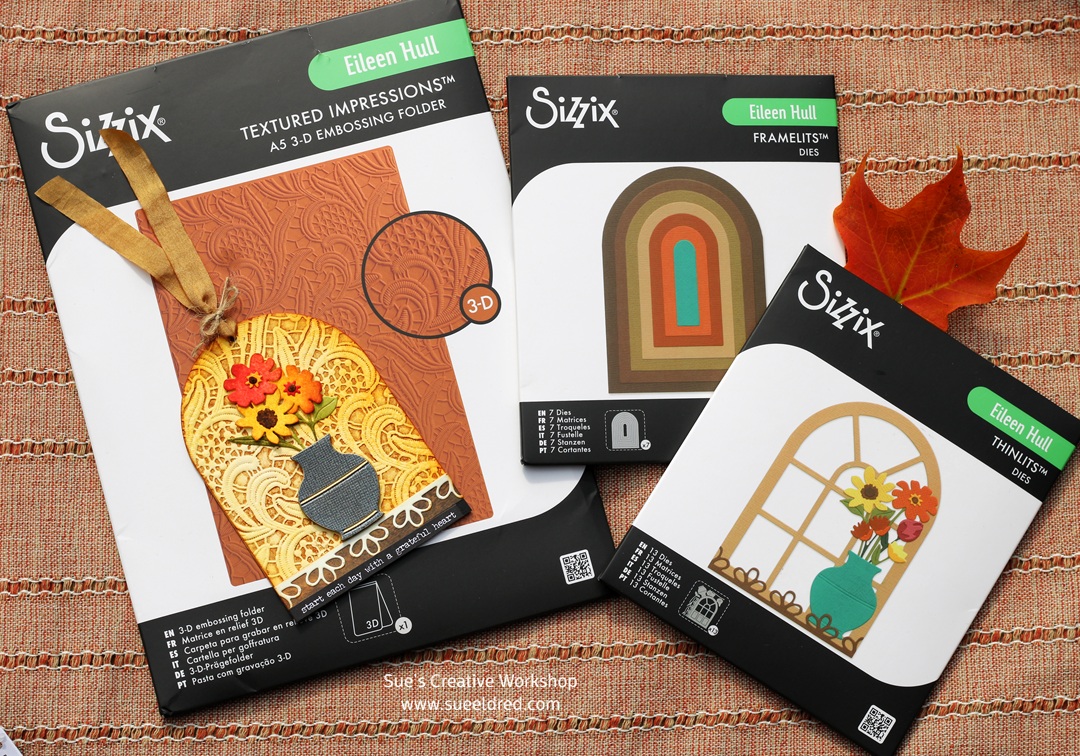
I used a couple of Eileen Hull’s New Sizzix Dies and the New Lacy Leaves Embossing Folder to make the tag.  

*Disclosure:  This blog uses ads and affiliate links.  If you choose to make a purchase using one of the links, I receive a small commission (at no additional cost to you) that helps offset the costs of maintaining this blog.  Thanks for your support!

I decided to get “inky” with this tag using Tim Holtz Distress Inks*.  

  • For the base of the tag, I used heavyweight cream cardstock*
  • I used a golden yellow ink pad along with Spiced Marigold Distress Ink and lightly applied the inks onto the cardstock using an ink applicator. 
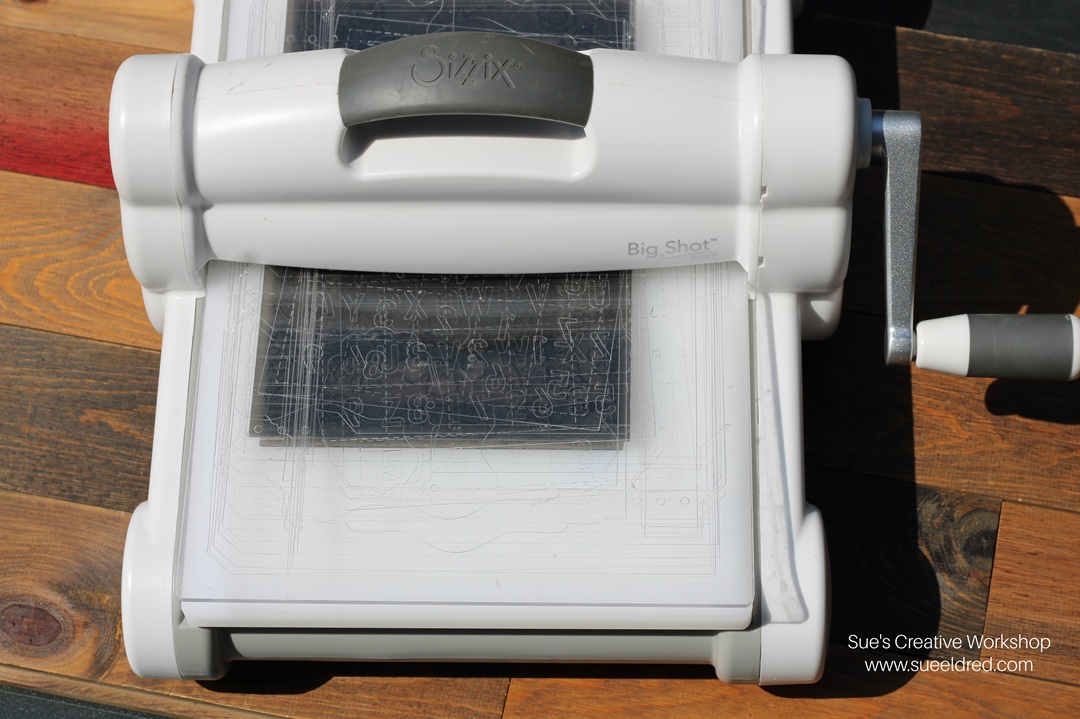
  • Next, I rubbed Vintage Photo Ink onto one side of the embossing folder.  Place the inked cardstock onto the inked side of the embossing folder.  Place the embossing folder into a Big Shot Die-Cutting Machine* and run the embossing folder through the machine.  
  • Cut a tag with the embossed cardstock using the largest of the Tunnel Arch Dies*.   

Want a tip for adhering small pieces?  (for example:  flowers and leaves) I use the Xyron Disposable Sticker Maker*.  I put my cardstock through the Sticker Maker* first, then I die-cut the small pieces.  It makes gluing them in place so much easier.  

Eileen Hull Educator Logo

Disclosure:  This is a sponsored post.  As a member of the Eileen Hull Inspiration Team, I have been provided product in exchange for my creative ideas.  The view and opinions are my own.

Holiday Sizzix Cards and More

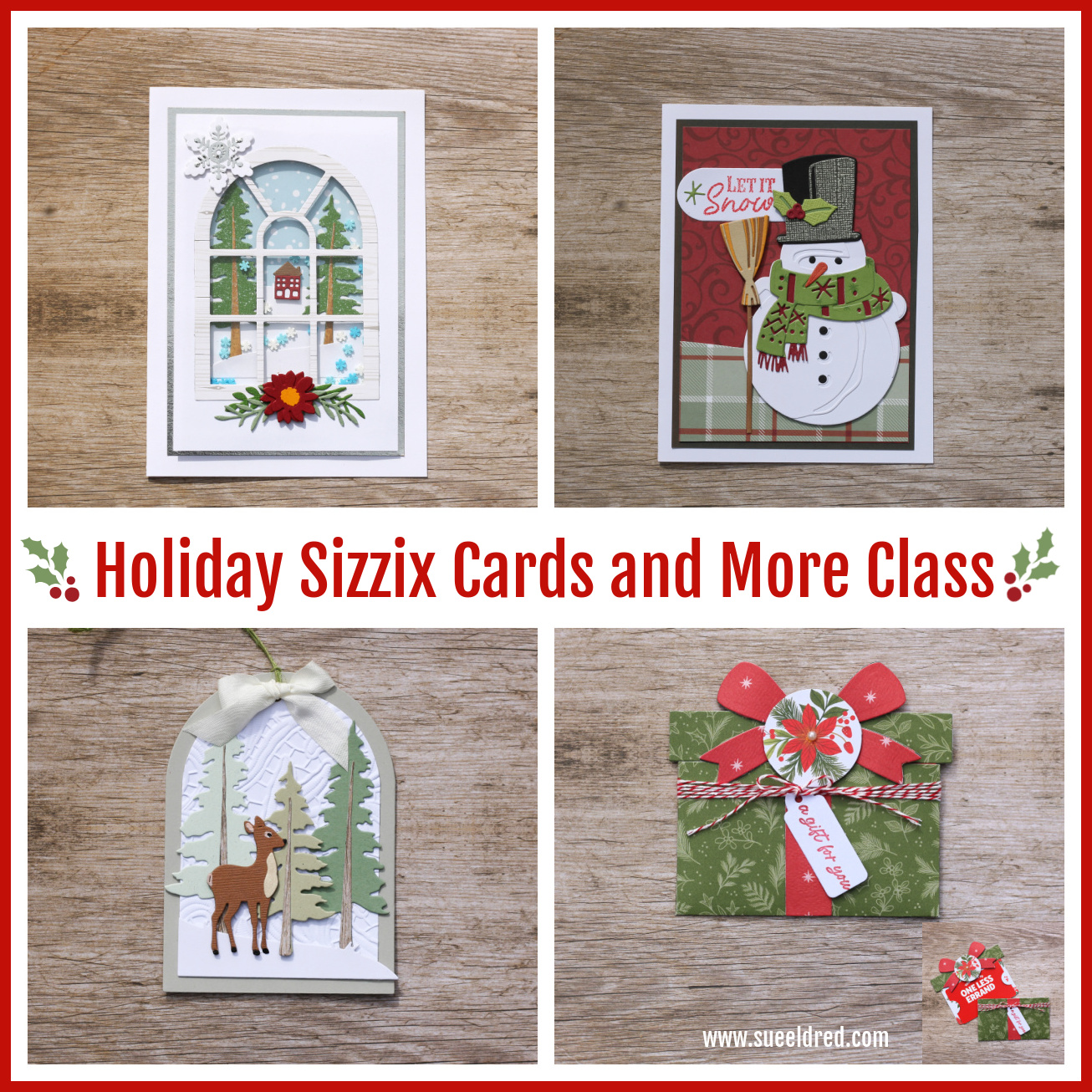
Holiday Christmas Card Class using Sizzix Dies.

I am teaching a New Holiday Paper Crafting class at Tremont Gallery/Pearl Street Stamping

in Tremont, IL using Sizzix Dies and Stamps.  There will be four class times to choose from.

Join with other crafters for a fun time of creating together.

To sign up, contact the store at 309-925-4438 (Wednesday-Friday)

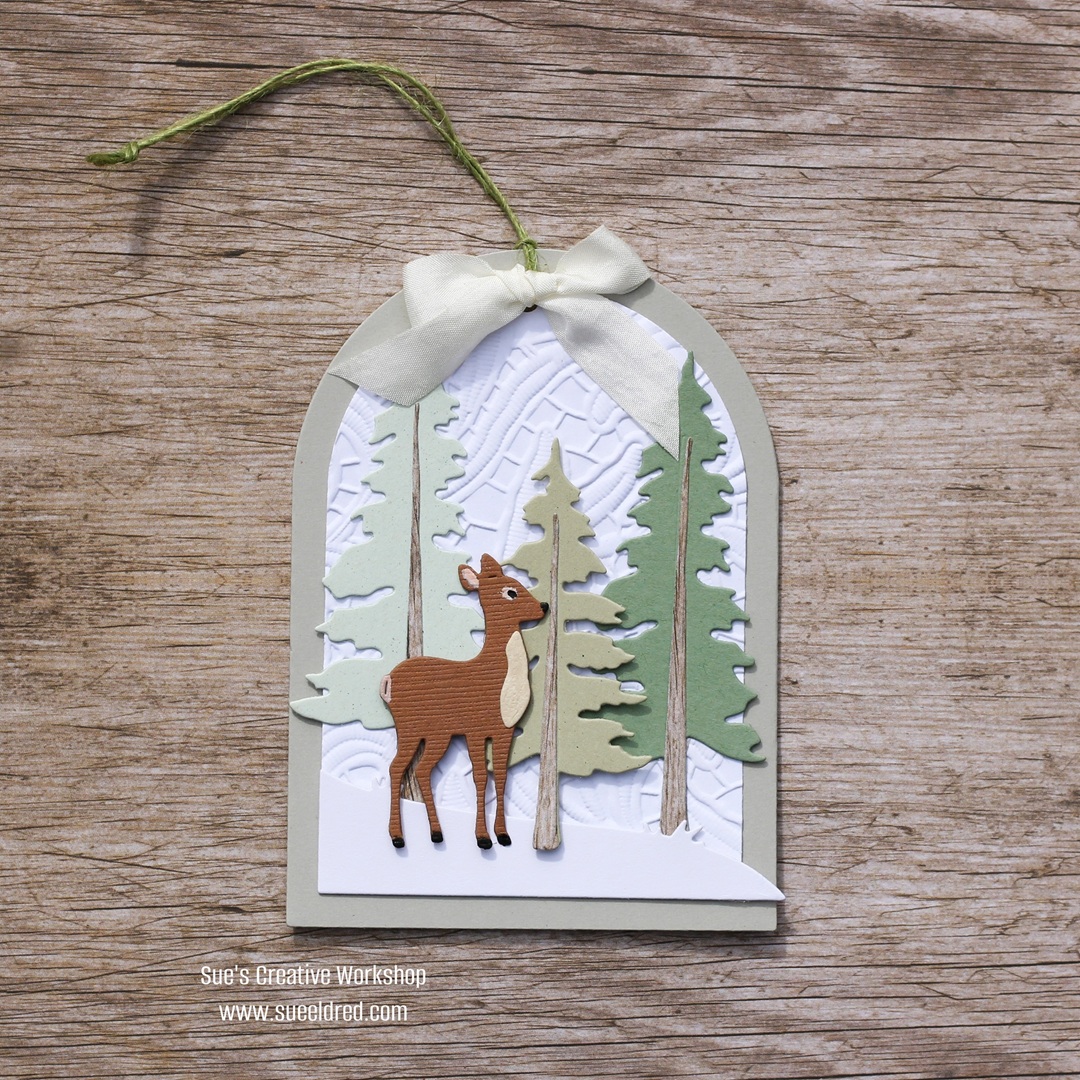
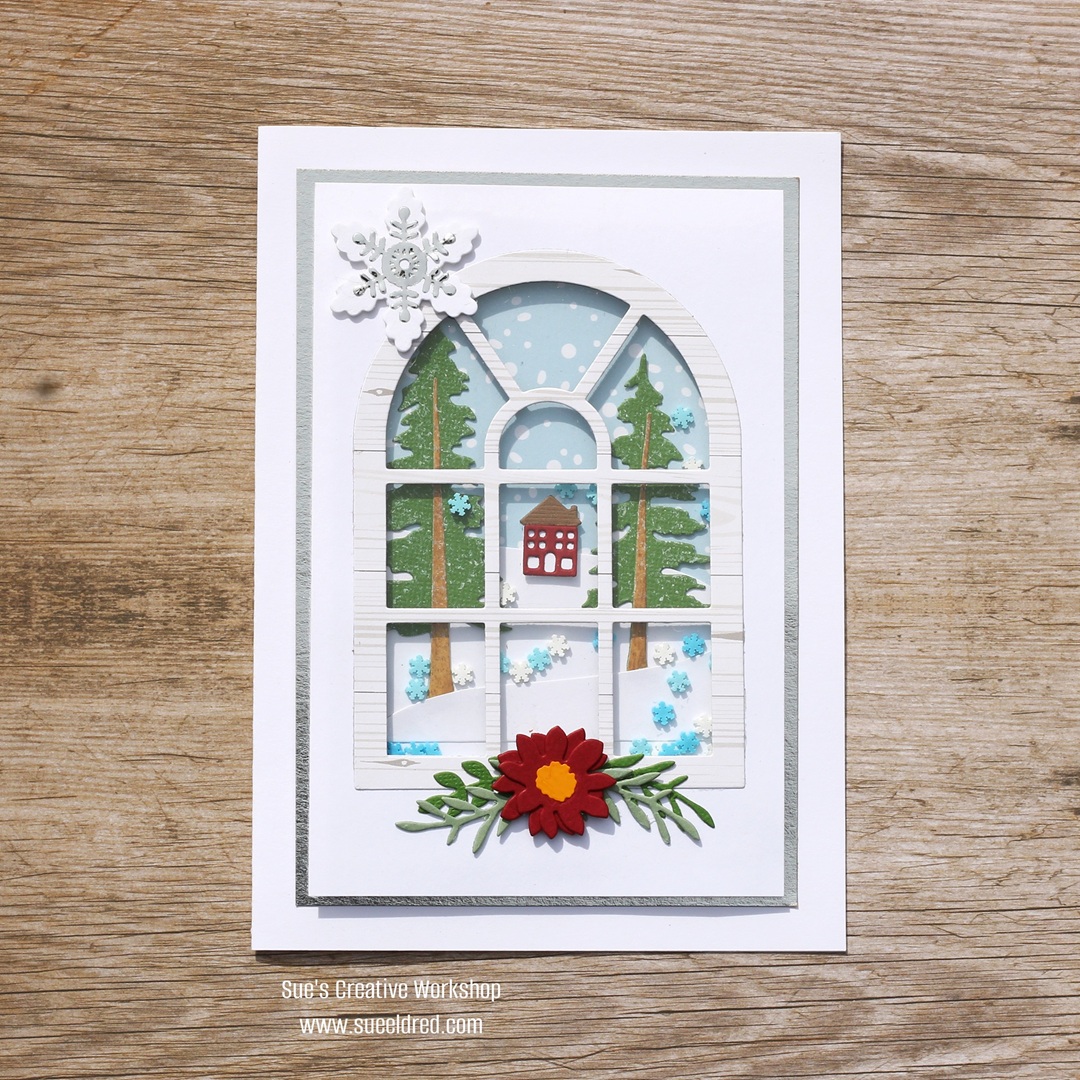
In the class, we will be making a Holiday Window Shaker Card,

Winter Window Shaker Card dies used: (*affiliate links)

*Disclosure:  This blog uses ads and affiliate links.  If you choose to make a purchase using one of the links, I receive a small commission (at no additional cost to you) that helps offset the costs of maintaining this blog.  Thanks for your support!

the Winter Deer Tag,

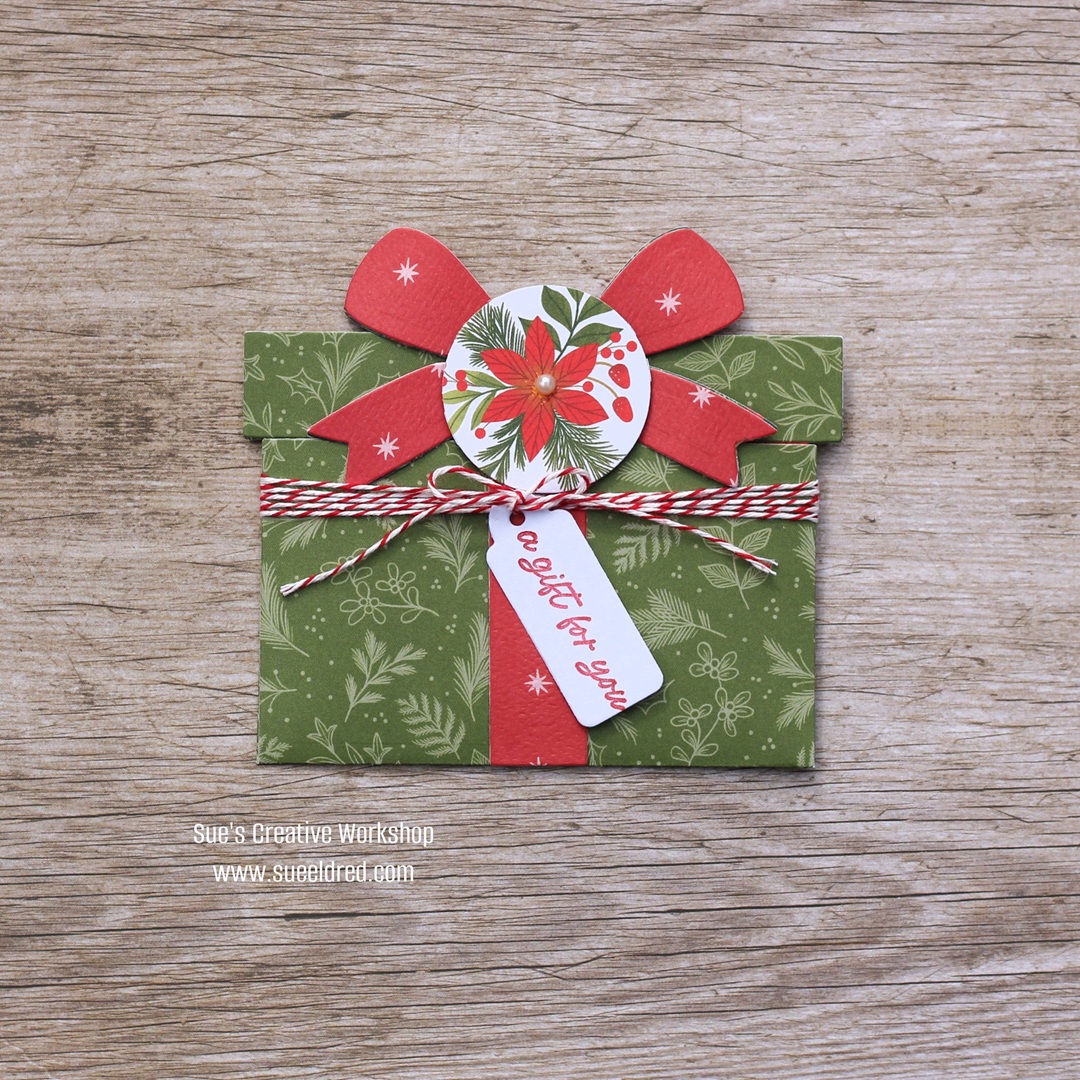
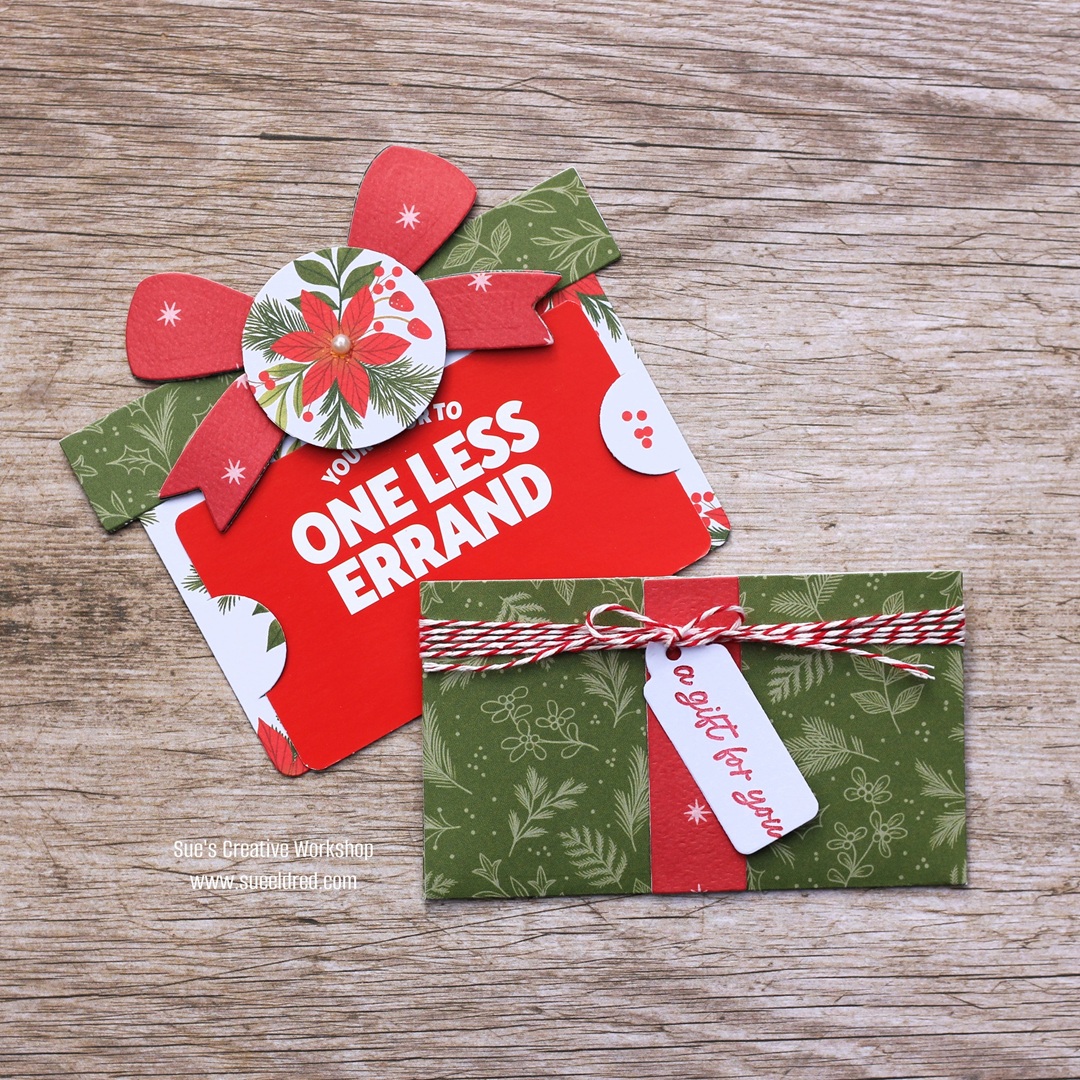
Tim Holtz Package Gift Card Holder

and the Tim Holtz Winston Snowman* Card.  

Cost:  $25.00

Saturday, November 15th

  • 10:00-Noon

Friday, November 21st

  • 10:00-Noon
  • 1:00 p.m.-3:00 p.m.

Saturday, November 22nd

  • 10:00-Noon

Students Bring:  Scissors, Craft Pick or Needle Tool, Tape Runner, Foam Mounting Squares, Liquid Glue for gluing small pieces.

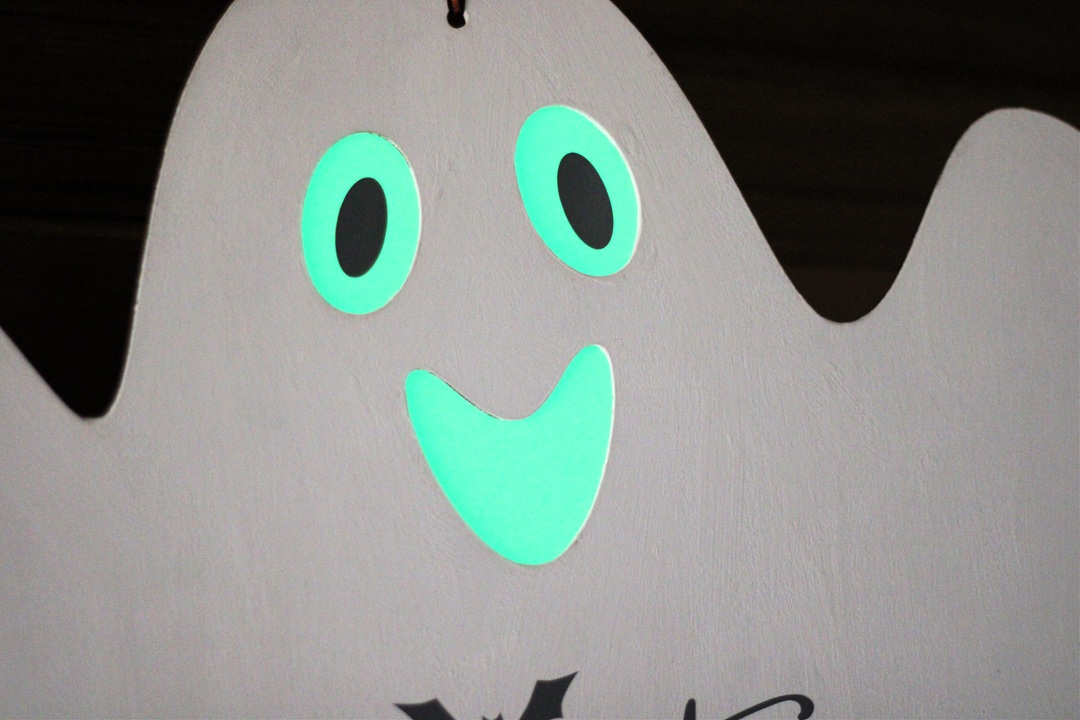
Halloween Ghost with Glow in the Dark Eyes

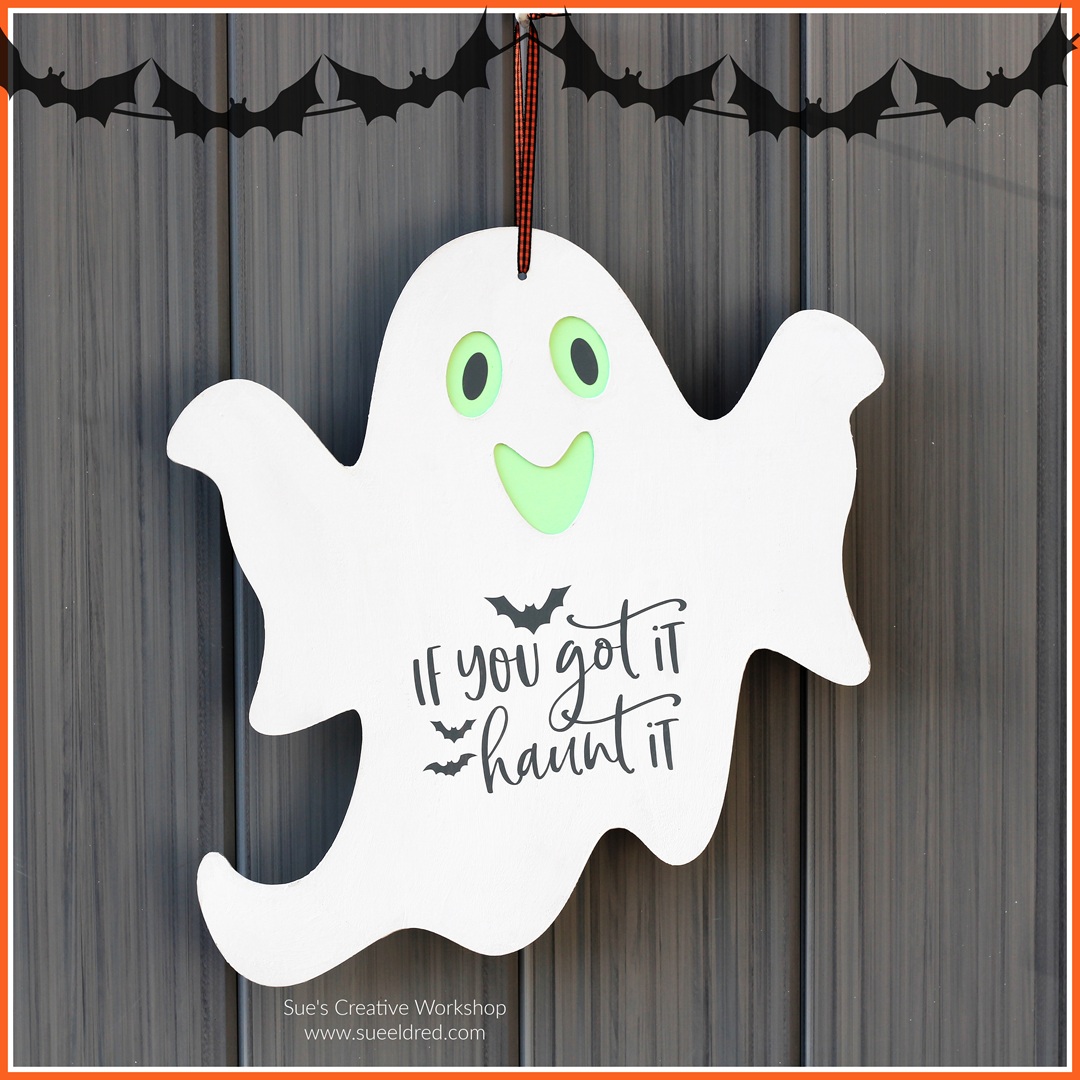
How to make a Halloween Ghost with Glow-in-the-Dark Eyes.

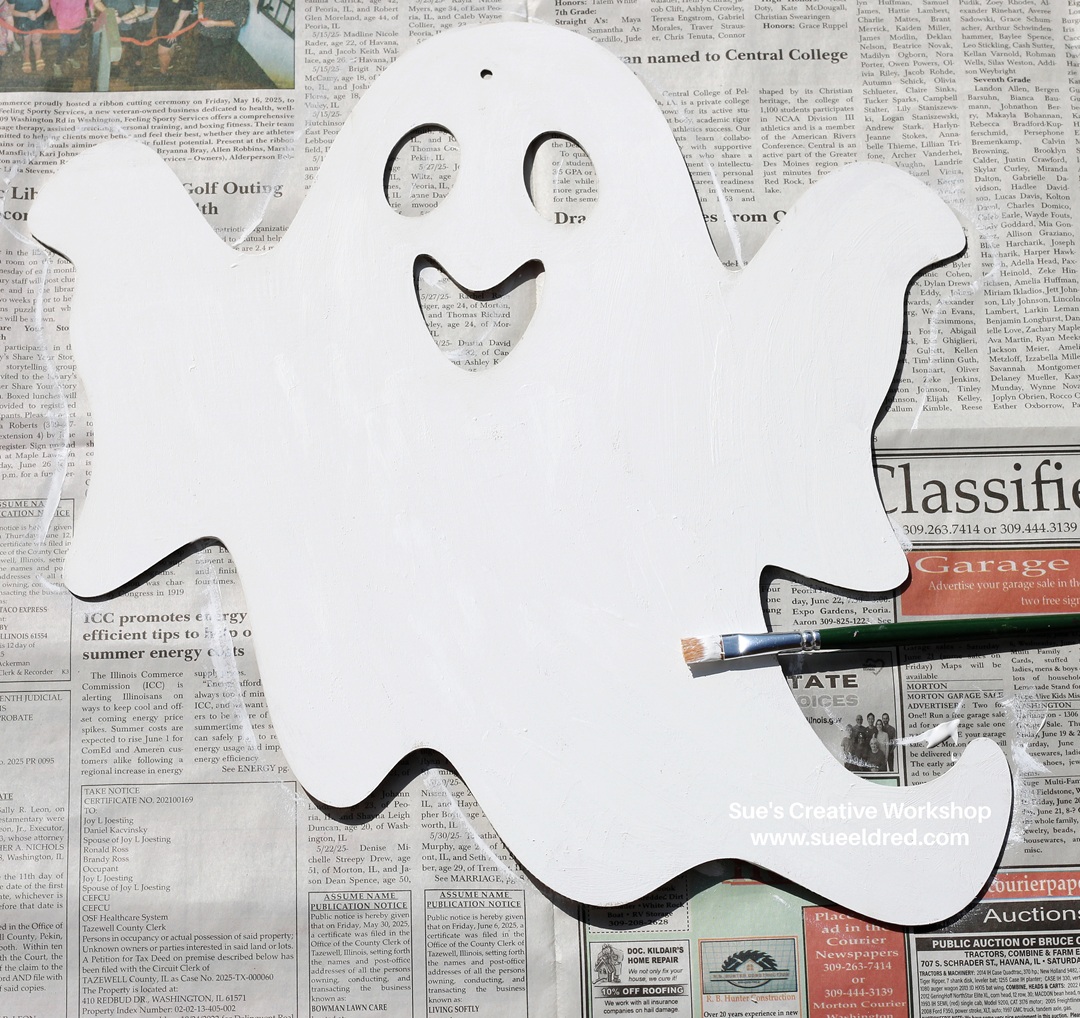
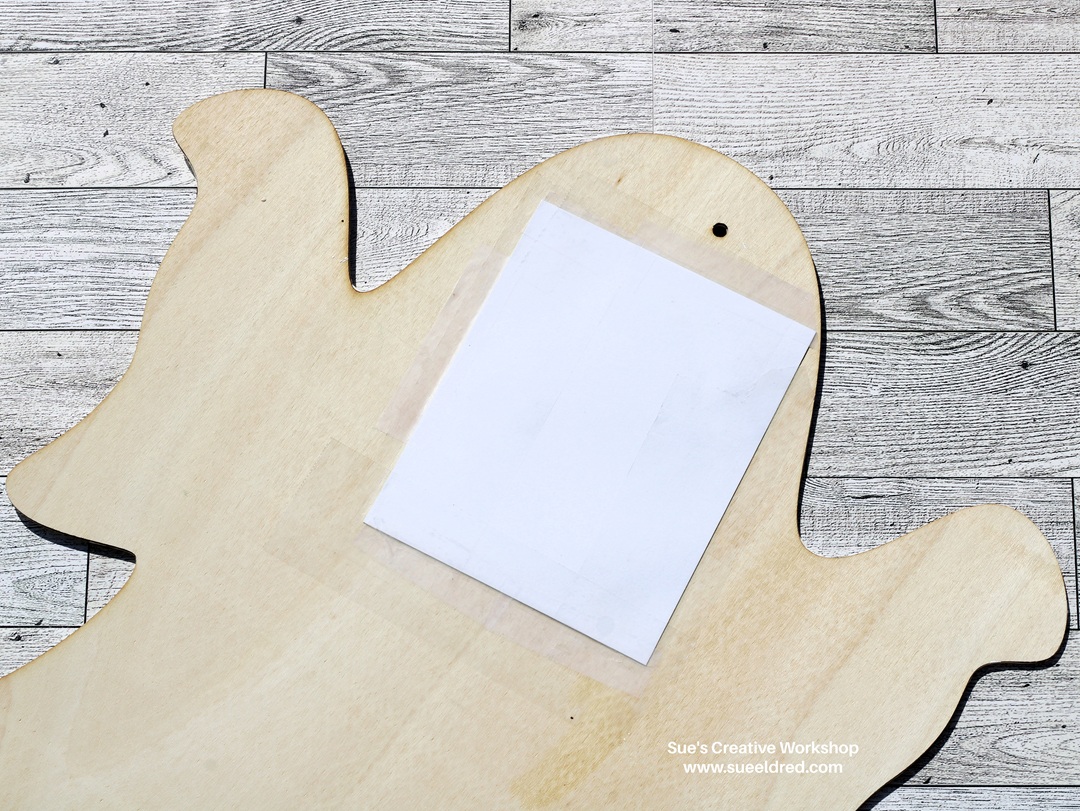
I picked up this cute wooden ghost cutout at my local Dollar Tree.

I knew it would make a fun Halloween Decoration when added 

with StyleTechCraft Glow in the Dark Vinyl.  

Materials Used:  (*affiliate links)

*Disclosure:  This blog uses ads and affiliate links.  If you choose to make a purchase using one of the links, I receive a small commission (at no additional cost to you) that helps offset the costs of maintaining this blog.  Thanks for your support!


My wood ghost was from Dollar Tree.

Here’s where things got a little tricky.  

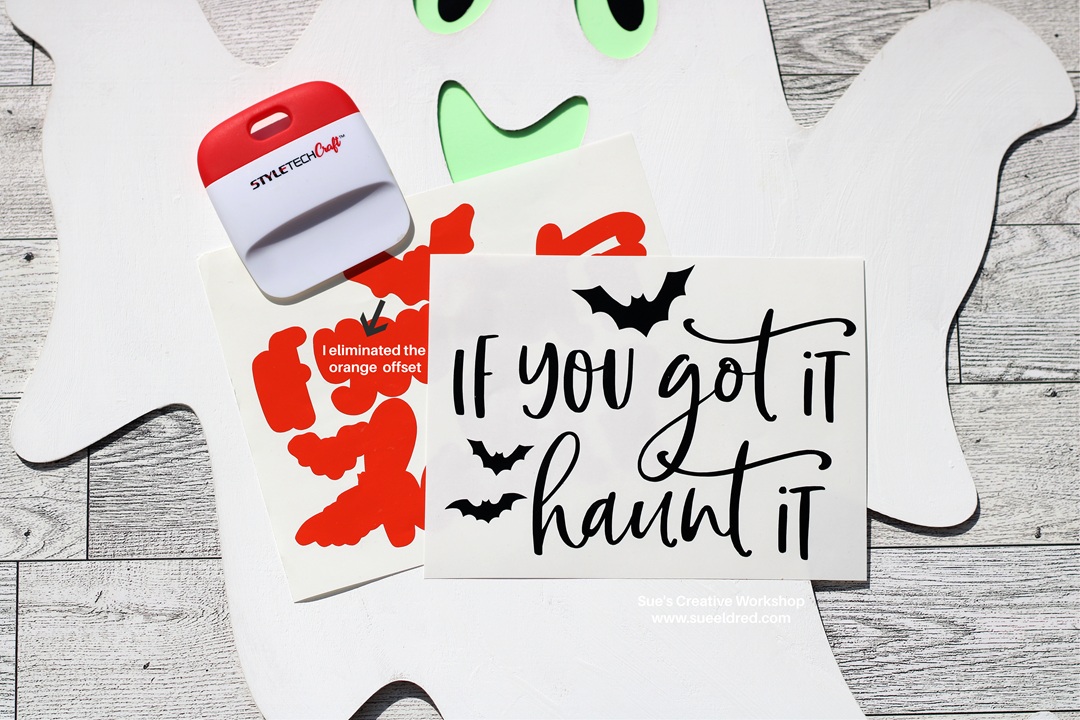
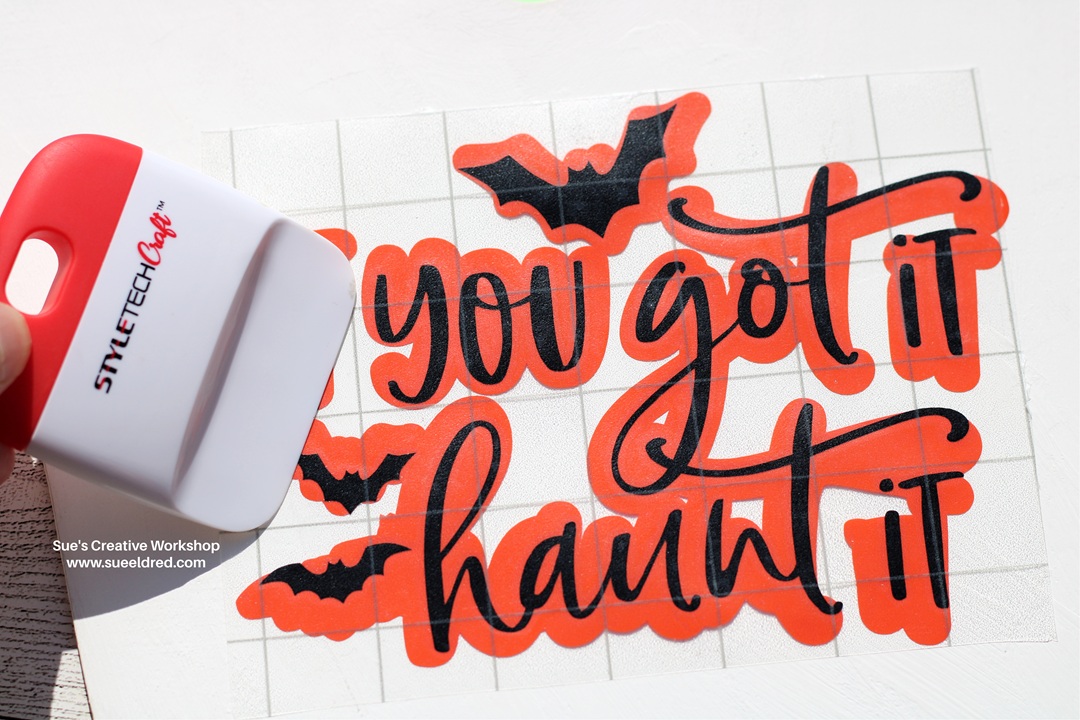
  • I planned to use black vinyl with an orange vinyl to offset the words.   

  • Once I put the black vinyl letters onto the orange vinyl, I quickly realized that I didn’t like the way it looked on the white ghost.  It actually stood out too much.
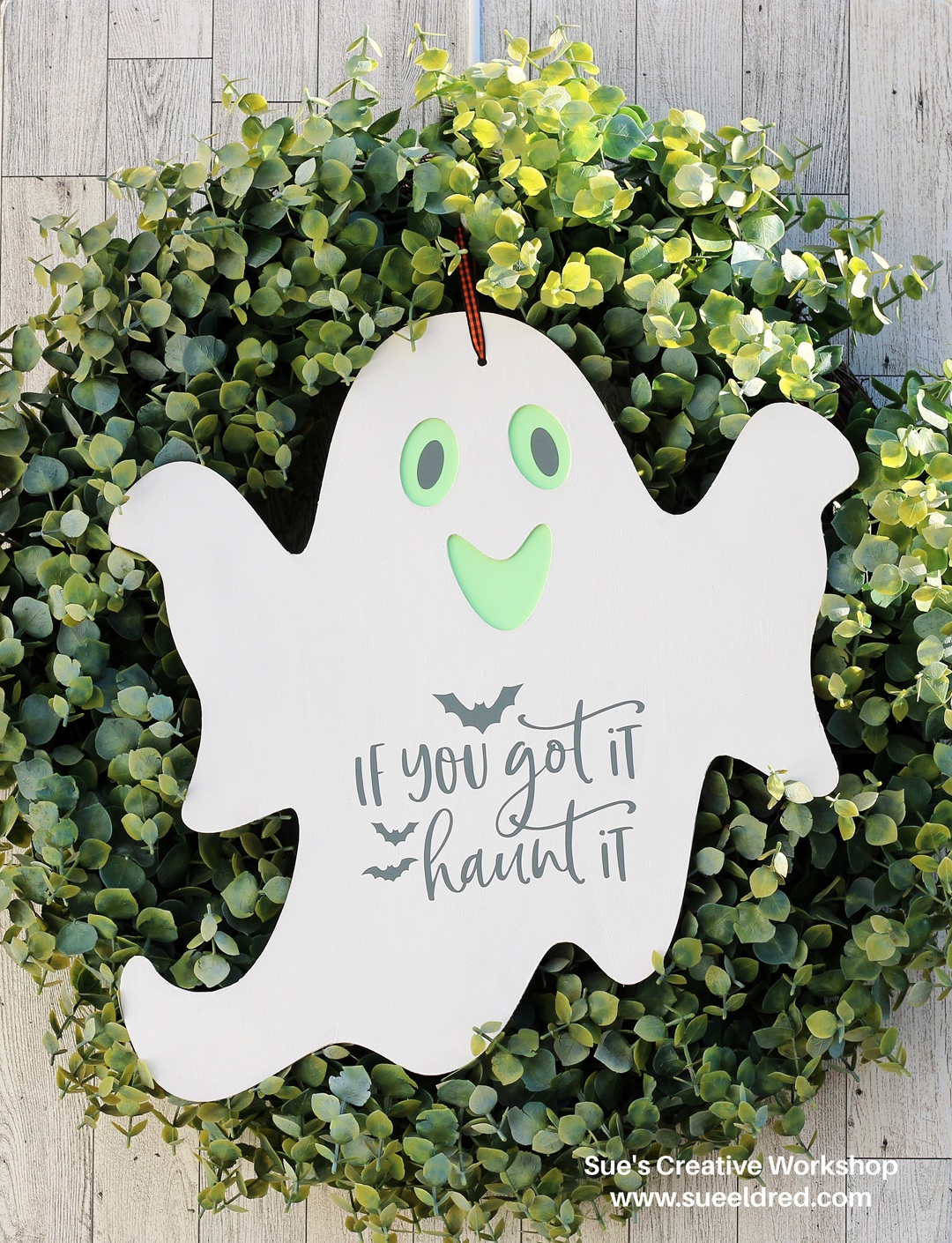
  • I recut the words “If you got it Haunt it” using dark gray vinyl instead and ditched the idea of the orange offset.  (much better)

The fun little ghost would look cute in the middle of a wreath hanging from a door.          

StyleTechCraft’s Glow in the Dark Vinyl, once it’s charged,

has an awesome green glow that lasts for about 6 hours.  

“This is a sponsored post.  As a member of the StyleTechCraft Design Team I have been provided product and compensation in exchange for my creative ideas.  The views and opinions are my own.
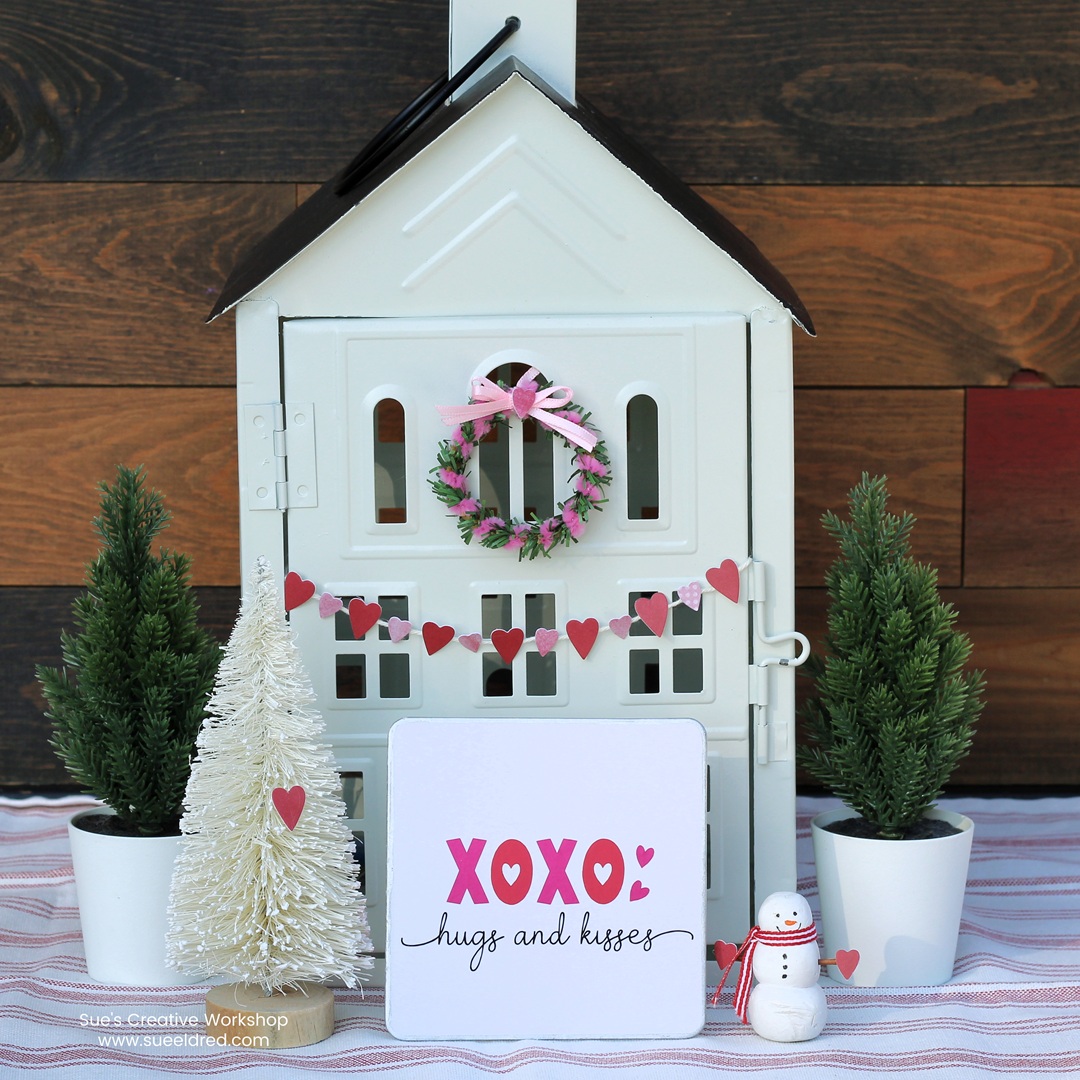
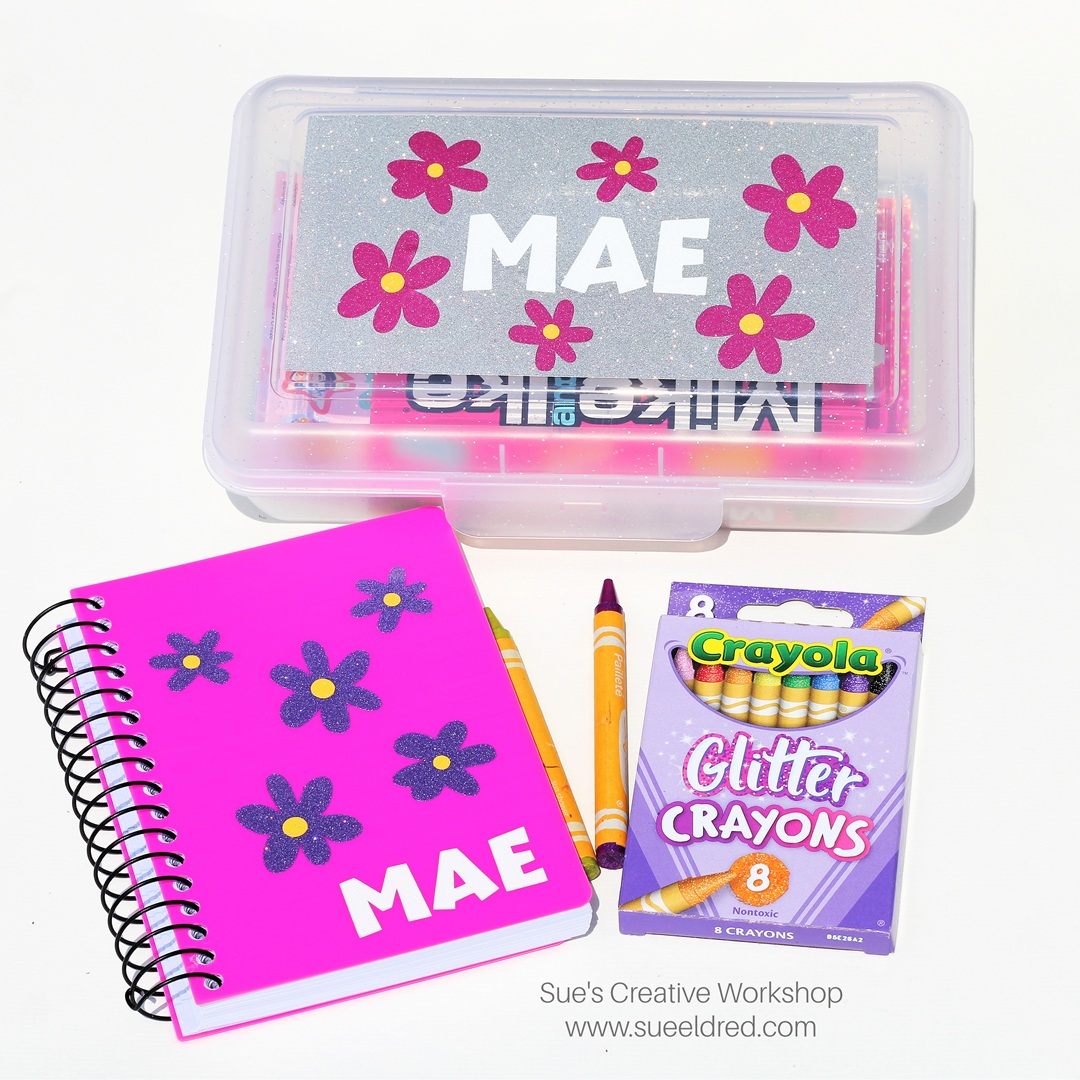
Personalized Travel Activity Kit for Kids

Personalized Travel Activity Kit for Kids

A lot of parents nowadays are looking for alternatives to screen time 

to keep little ones happy and busy on trips or when eating out.

When my kids were young, we didn’t have phones or tablets 

to keep them occupied while sitting in church or restaurants.  

When we would go on a long road trip, I’d make each kid a new 

“Busy Box” and bring a few extra items to add along the way.  

I can’t tell you it’s fail-proof, but it did work most of the time. 

Back to School is a great time to look for items to put in your box.

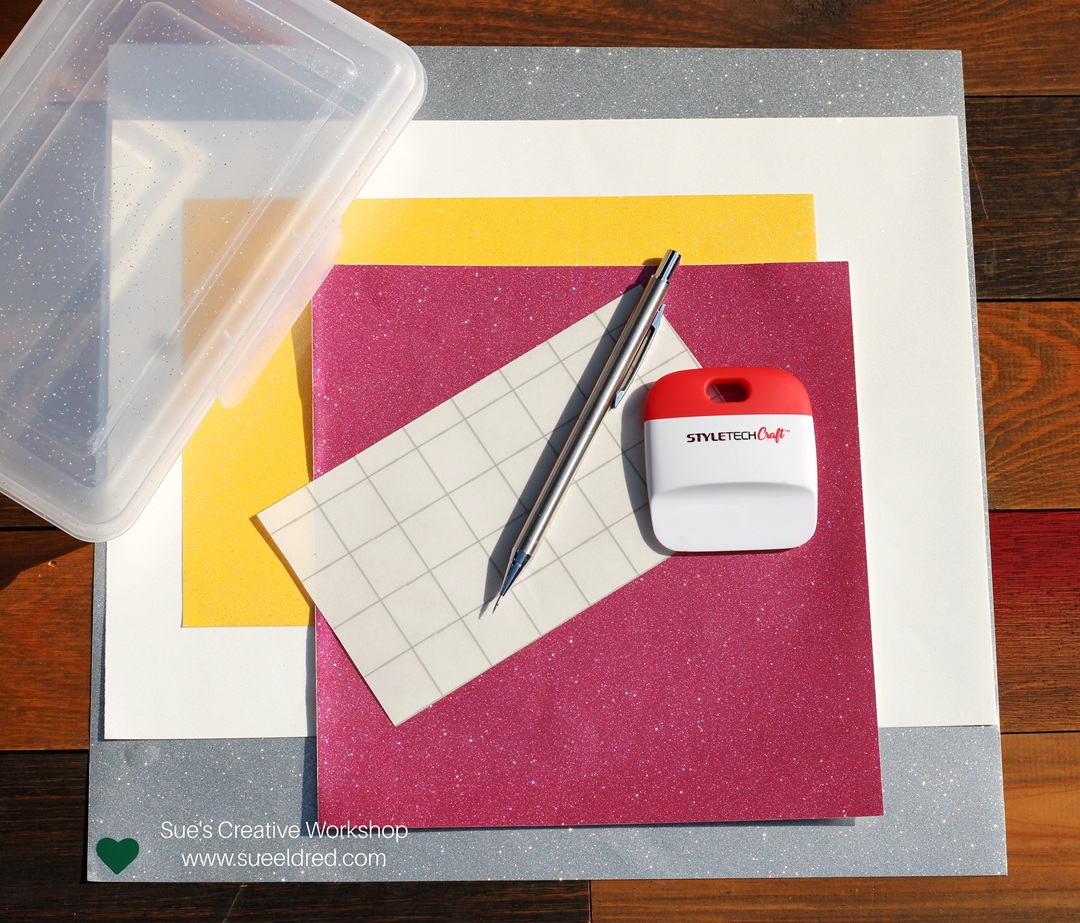
Materials Used:  (*affiliate links)

*Disclosure:  This blog uses ads and affiliate links.  If you choose to make a purchase using one of the links, I receive a small commission (at no additional cost to you) that helps offset the costs of maintaining this blog.  Thanks for your support!

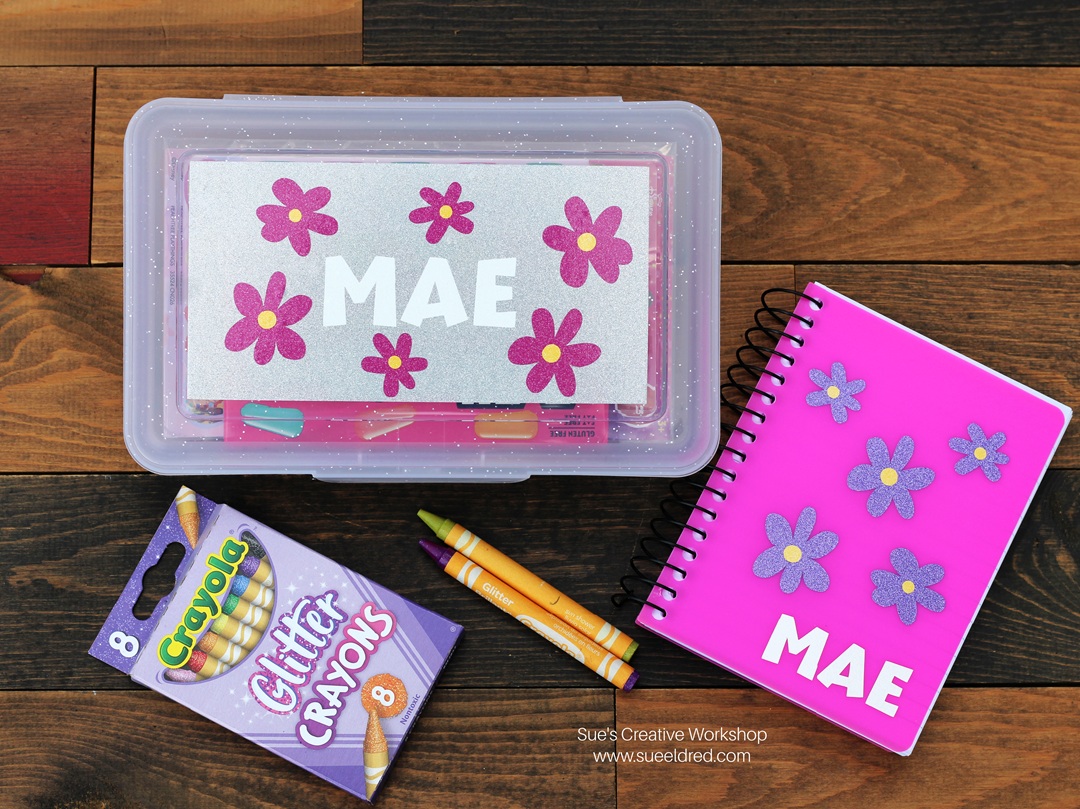
Since I’m making a girl box for my granddaughter…

I chose a box that had glitter on it. 

I also used StyleTechCraft Ultra Metallic Glitter Vinyl for my designs.  

Directions:

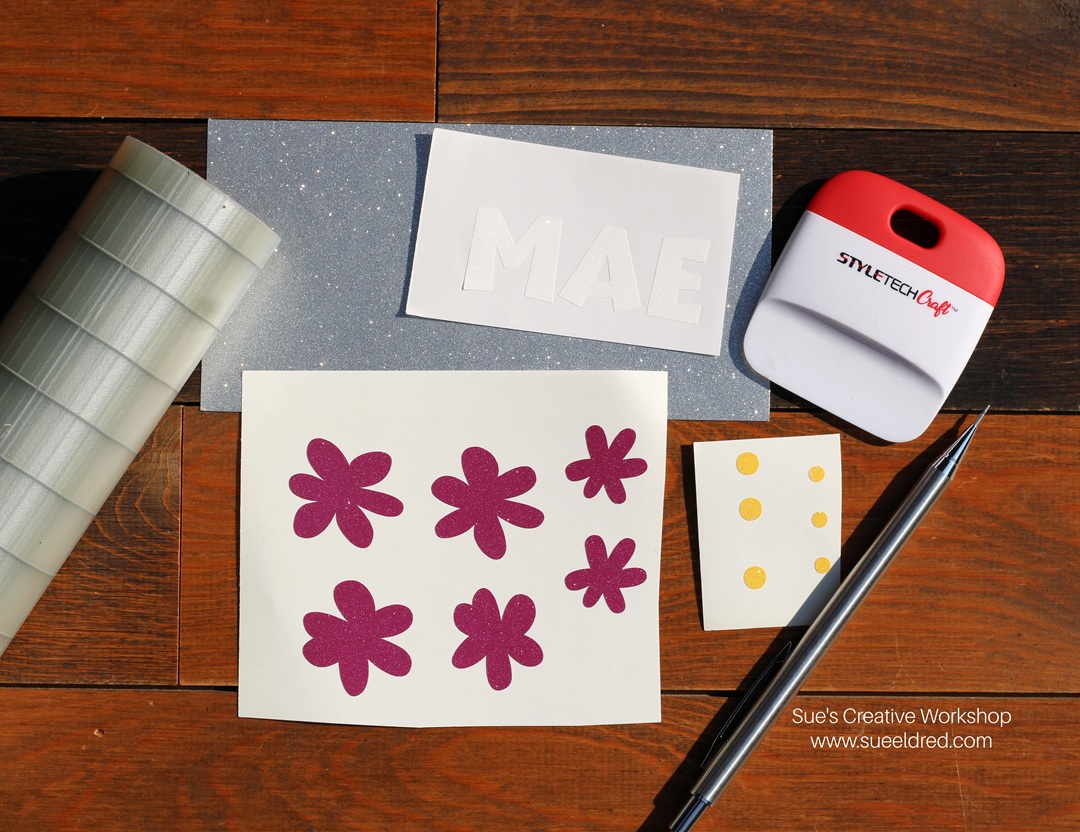
  • I used a Silhouette to cut out flowers and letters to decorate the box using StyleTechCraft Ultra Metallic Vinyl.  I also cut a 3 1/4″ x 6 1/4″ piece of silver vinyl to put on the lid.  
  • If you don’t have an electronic die-cutting machine, you can also use thin metal dies to cut the vinyl.  
  • Place transfer paper over the cut vinyl.  Gently rub over the vinyl with the scraper tool.  
  • Remove the transfer paper from the white protective backing and place it onto the box.
  • Rub the transfer paper with the scraper tool to ensure the vinyl has transferred.  Remove the transfer paper.

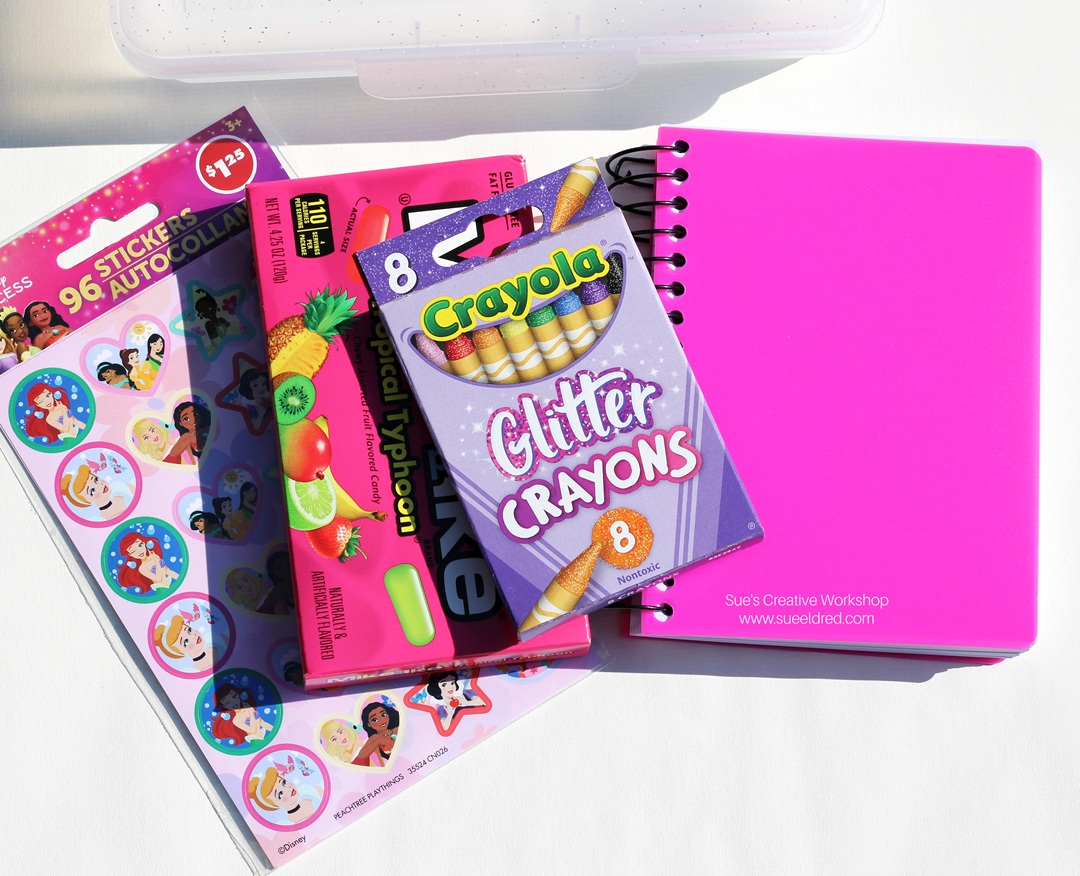
I picked up a few items for my box at Dollar Tree.

Don’t forget to also pick up an age-appropriate snack.

Shop Dollar Tree for Back to School and Crafting Supplies!

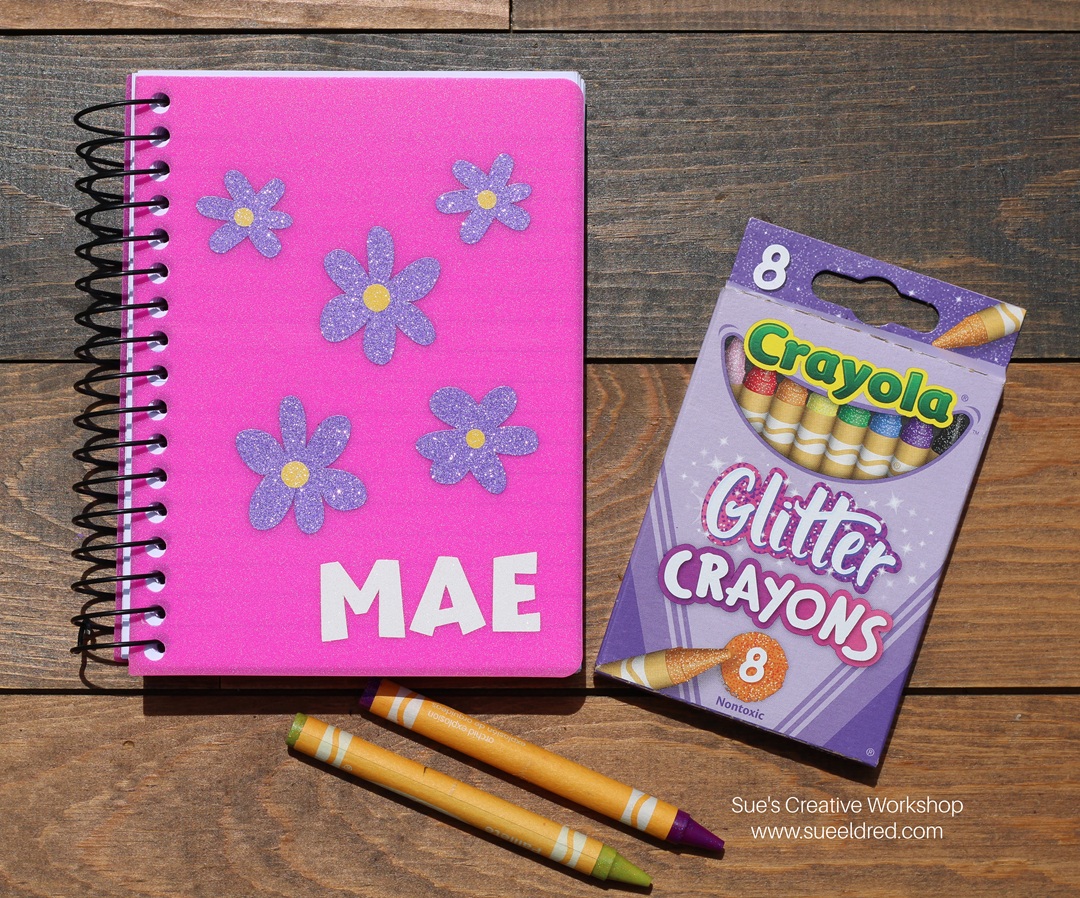
To go with the theme, I decorated a plain notebook to match the box. 

Somewhere, I have a picture of my daughter covered in foil stars on one long road trip.   

Oh, and on a side note…make sure you don’t leave crayons in a hot car. 

“This is a sponsored post.  As a member of the StyleTechCraft Design Team I have been provided product and compensation in exchange for my creative ideas.  The views and opinions are my own.
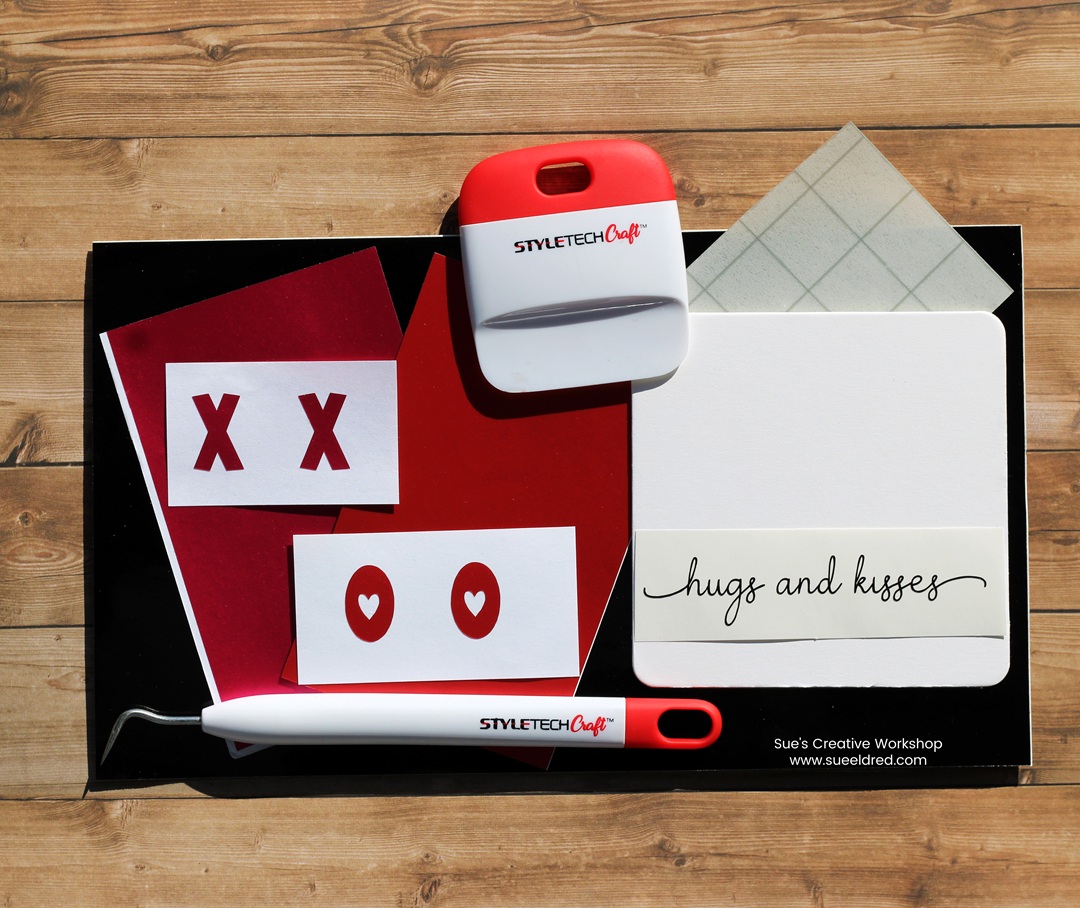
DIY Black & Gold Embossed Photo Mat

How to make a Black and Gold Vintage-Inspired Embossed Photo Mat.

Elevate a special family photo with a Black and Gold, Vintage-Inspired, 

Floral Embossed Photo Mat.  

To make the Black and Gold Embossed Photo Mat:

*Disclosure:  This blog uses ads and affiliate links.  If you choose to make a purchase using one of the links, I receive a small commission (at no additional cost to you) that helps offset the costs of maintaining this blog.  Thanks for your support!

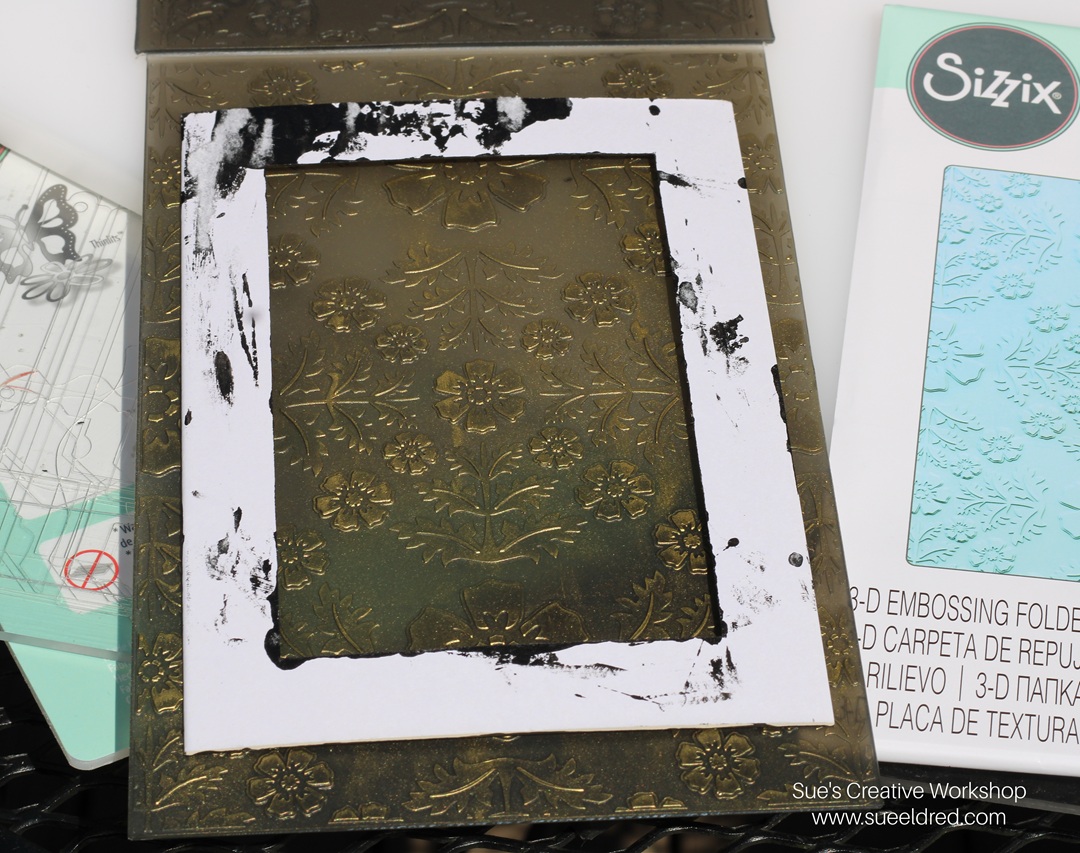
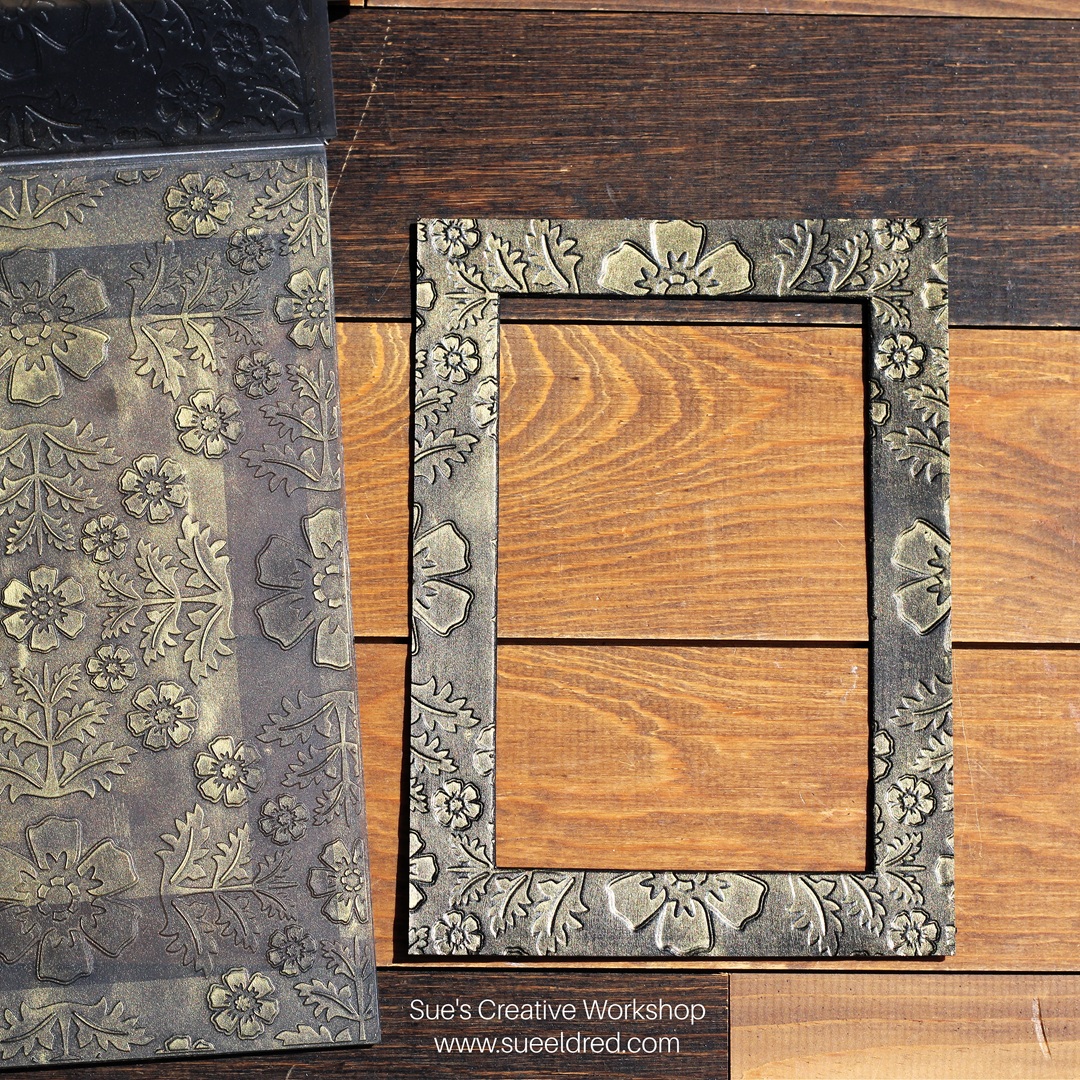
  • Place the painted matboard into the embossing plate over the gold ink and close the embossing folder.  

  • Place the embossing folder and matboard in the Sizzix Big Shot Die-Cutting Machine*.  (I only used one of the clear embossing plates with the folder since it was so thick.)  
  • Crank the handle to run the folder through.  

Did you know that you could emboss thick material like mat board?  

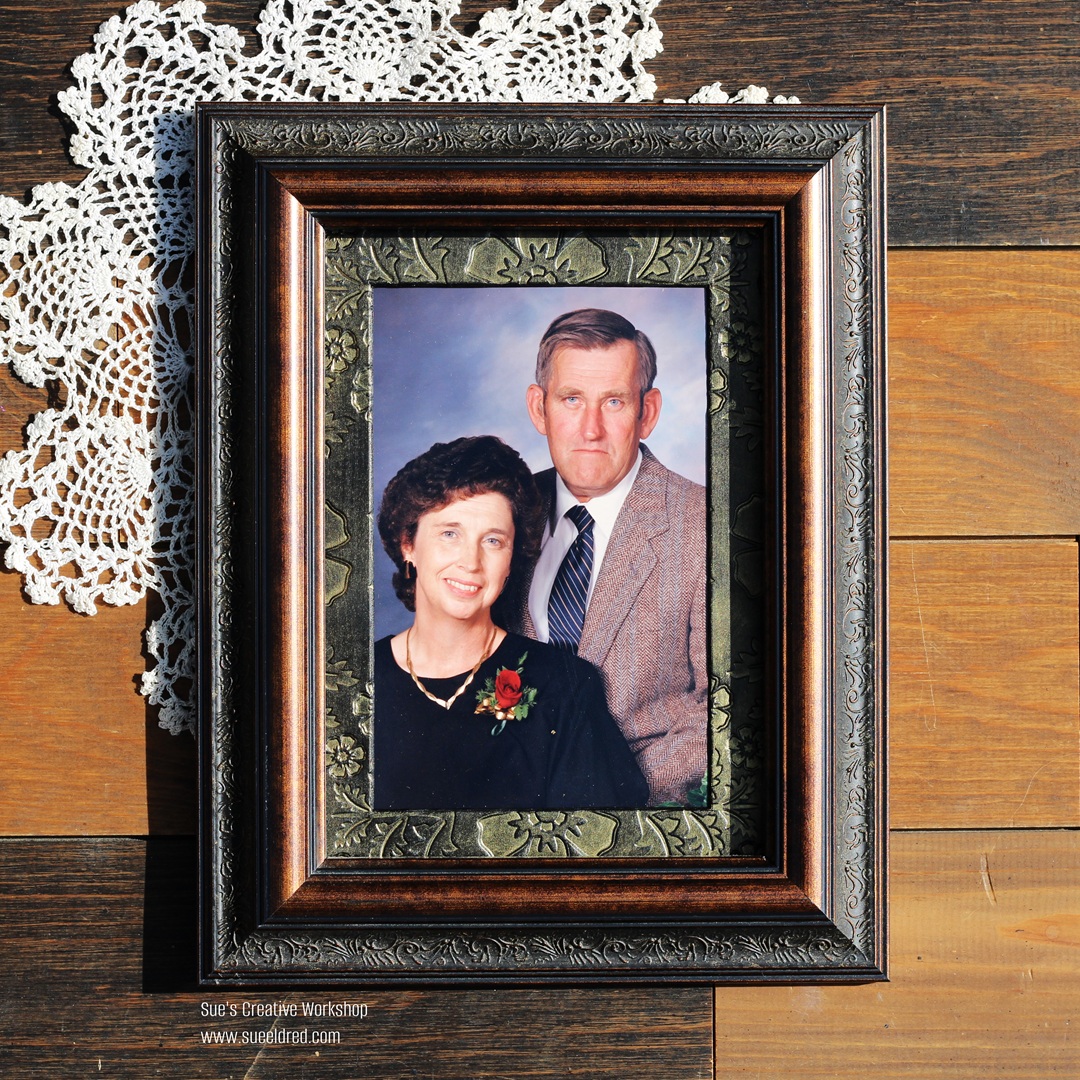
The gold embossing on the black mat makes the boring photo mat look expensive.

The photo inside the frame is a picture of my mom and dad,

taken in 1990 for their 35th Anniversary.  (young and beautiful)

Eileen Hull Educator Logo

Disclosure:  This is a sponsored post.  As a member of the Eileen Hull Inspiration Team, I have been provided product in exchange for my creative ideas.  The view and opinions are my own.

Flower Power Shaker Card

How to make a Flower Power Shaker Card.

One of my favorite cards to make is a shaker card.  

I love using dimension and movement.  

Did you know that vinyl is perfect for cardmaking?

For my card, I used StyleTechCraft Green Opal Adhesive Craft Vinyl*.

The Opal Vinyl is a color-shifting vinyl that takes on a different look

depending on how you hold it.  

Materials Used to make the Flower Power Shaker Card: (*affiliate link)

StyletechCraft products brought to you by ATSM Craft*

*Disclosure:  This blog uses ads and affiliate links.  If you choose to make a purchase using one of the links, I receive a small commission (at no additional cost to you) that helps offset the costs of maintaining this blog.  Thanks for your support!

Directions:  

  • Cut the “Daisy Background” using Opal Vinyl and the Silhouette Die Cutting Machine.  (I sized the image to a 3 ¼” x 3 ¼” design.)
  • Remove the excess vinyl around the design using a Vinyl Weeding Pen*.
  • Cut a piece of transfer tape and place it over the vinyl design.  
  • Gently rub over the design with the Scraper Tool*.

  • I cut a simple cardstock frame using my Silhouette Die-Cutting Machine.  My frame measures 4 ½” x 4 ½”.  The inside cutout measures 3 ½” x 3 ½”, which leaves a ½” border around the frame. 
  • Cut a 4 ¼” x 4 ¼” piece of clear acetate. (My acetate has a blue protective coating on both sides.) Place Scor-tape* around the border of the frame. 
  • Remove the protective coating from both sides of the acetate.  (If yours has them.)
  • Place acetate over the sticky Scor-tape*. 

  • Remove the design from the vinyl backing sheet using the transfer paper.
  • Place the design onto the acetate on the front of the frame.  

  • Cut a piece of cardstock 4 ¼” x 4 ¼”.
  • Cut thin strips from the adhesive foam sheet.  
  • Adhere the strips to the back of the frame. 
  • Add iridescent shaker sprinkles inside the frame.  (Do not overfill with shaker sprinkles.)
  • Adhere the 4 ¼” piece of cardstock to the back of the frame to create your shaker element.

  • Adhere the shaker to a 5″ x 5″ card.

  • Stamp a small greeting onto cardstock.  Notch one end to create a banner.
  • Adhere the greeting to the front of the card. 

I hope you enjoyed the Iridescent Opal Shaker card.

It’s a nod to those vintage Flower Power Shirts of the 70s.  

“This is a sponsored post.  As a member of the StyleTechCraft Design Team I have been provided product and compensation in exchange for my creative ideas.  The views and opinions are my own.

Hello Summer Days Mini Album

Hello Summer Days

I wanted to share a fun little album that I put together using 

the New Sizzix Hardbound Journal by Eileen Hull* and the

“My Favorite Summer” Scrapbook Collection* by Echo Park.

It’s a simple little album that went together quickly.  

Materials Used:  (affiliate links)

*Disclosure:  This blog uses ads and affiliate links.  If you choose to make a purchase using one of the links, I receive a small commission (at no additional cost to you) that helps offset the costs of maintaining this blog.  Thanks for your support!

  • I used twine and looped it through the top and bottom holes.

  • Slide the little books onto the twine.  

This was one of the quickest albums I’ve made in a long time.

It’s a great little album for adding Summer memories.

Eileen Hull Educator Logo

Disclosure:  This is a sponsored post.  As a member of the Eileen Hull Inspiration Team, I have been provided product in exchange for my creative ideas.  The view and opinions are my own.
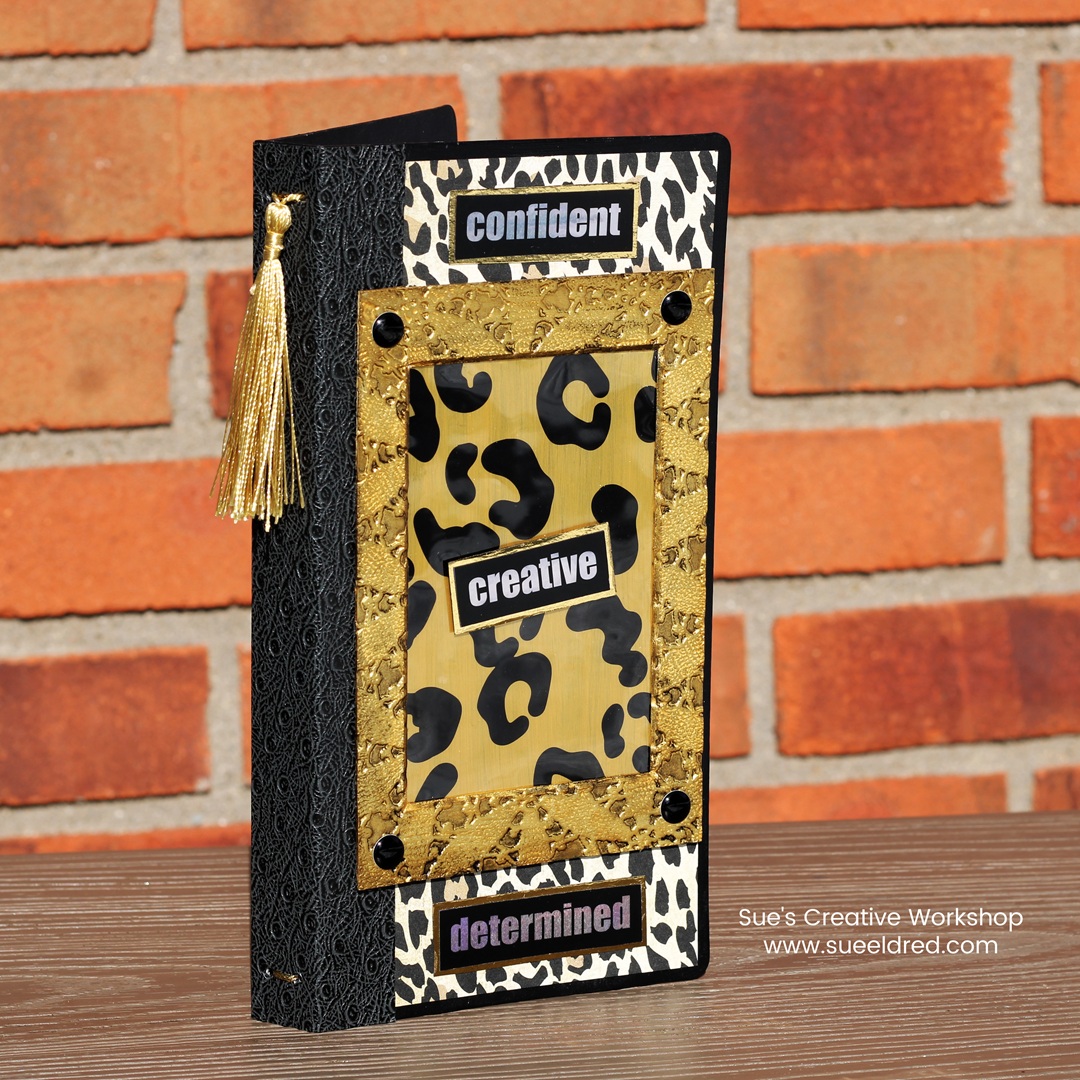
The Blue Album-Projects Revisited

Do you have any UFOs lying around your crafting space?

This month the Eileen Hull Creative Team was challenged to

complete an unfinished project.  

This one was not as much as a UFO as it was revisiting old stuff.

The Blue Album uses the Sizzix Mini Album by Eileen Hull* 

and a very old scrapbook collection from K & Company.

Materials Used:  (*affiliate links)

*Disclosure:  This blog uses ads and affiliate links.  If you choose to make a purchase using one of the links, I receive a small commission (at no additional cost to you) that helps offset the costs of maintaining this blog.  Thanks for your support!

Does anyone remember K & Company?

I created project samples for them for 4 years.

That was 16 years ago.  

So, this paper collection is at least 16 years old.  

They were one of my favorite companies.  

(And this collection was almost too pretty to use.)

To create the mini album…

  • Add adhesive to the back of the scrapbook paper.  I like to use my Xyron Creative Station* to do that.  It adds a complete layer of adhesive with no bubbles or puckers.  
  • Adhere paper to both sides of a piece of matboard*.
  • Use the Mini Album Die* and the Big Shot Die-Cutting Machine* to cut the album from the matboard*.  
  • Decorate the front of the album with stickers and frames.  
  • I also like to add a coordinating paper to the spine to give it visual interest.  

  • I created three small “signature books” using cardstock for the inside of the album.
  • I cut them approx. 1/4″ smaller than the book.  

  • I added them to the album by wrapping a heavy-duty upholstery thread several times around the spine.

  • On the ends of the thread, I added a large blue button.
  • The album measures 5″ x 5″ and is a great size for a small photo album or journal.  
Eileen Hull Educator Logo

Disclosure:  This is a sponsored post.  As a member of the Eileen Hull Inspiration Team, I have been provided product in exchange for my creative ideas.  The view and opinions are my own.