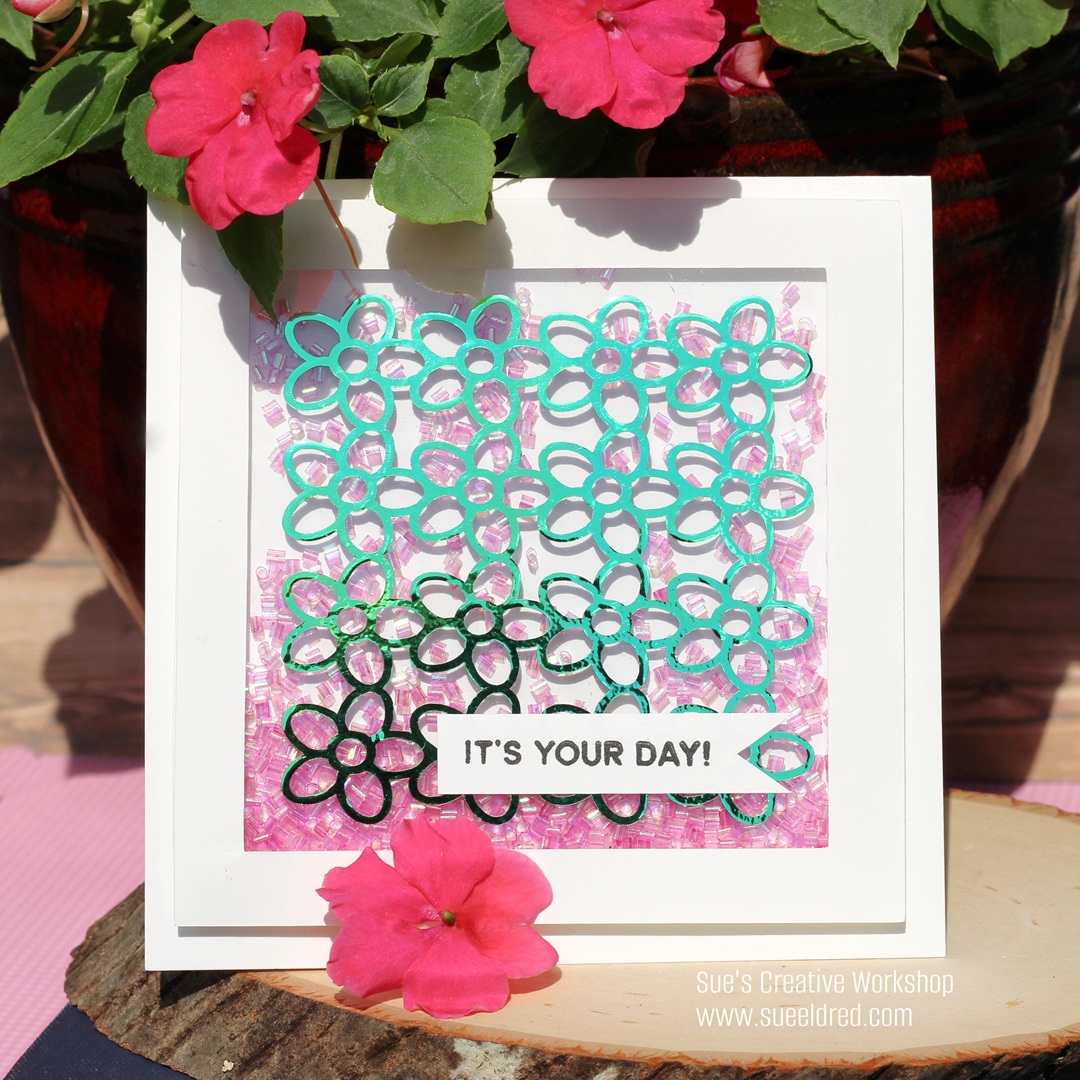
Flower Power Shaker Card

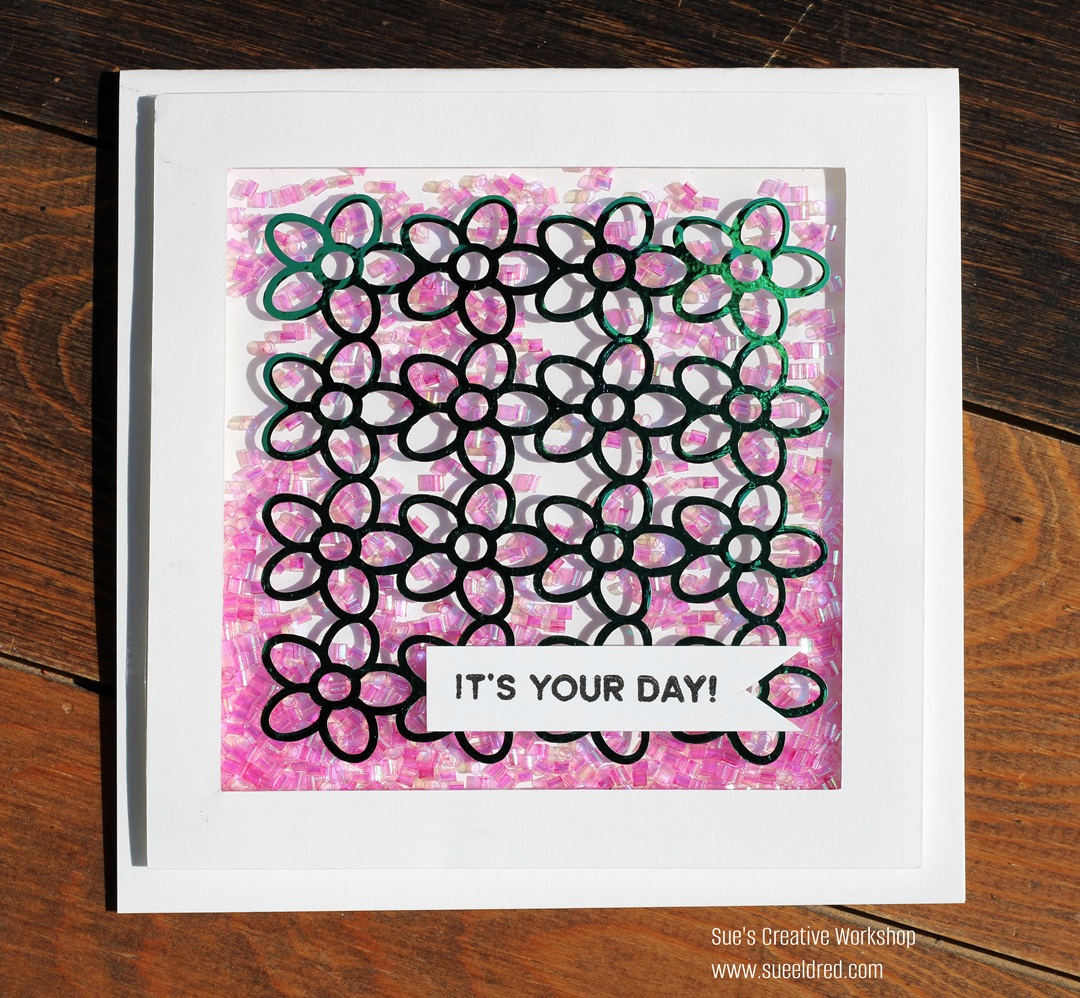
How to make a Flower Power Shaker Card.

One of my favorite cards to make is a shaker card.  

I love using dimension and movement.  
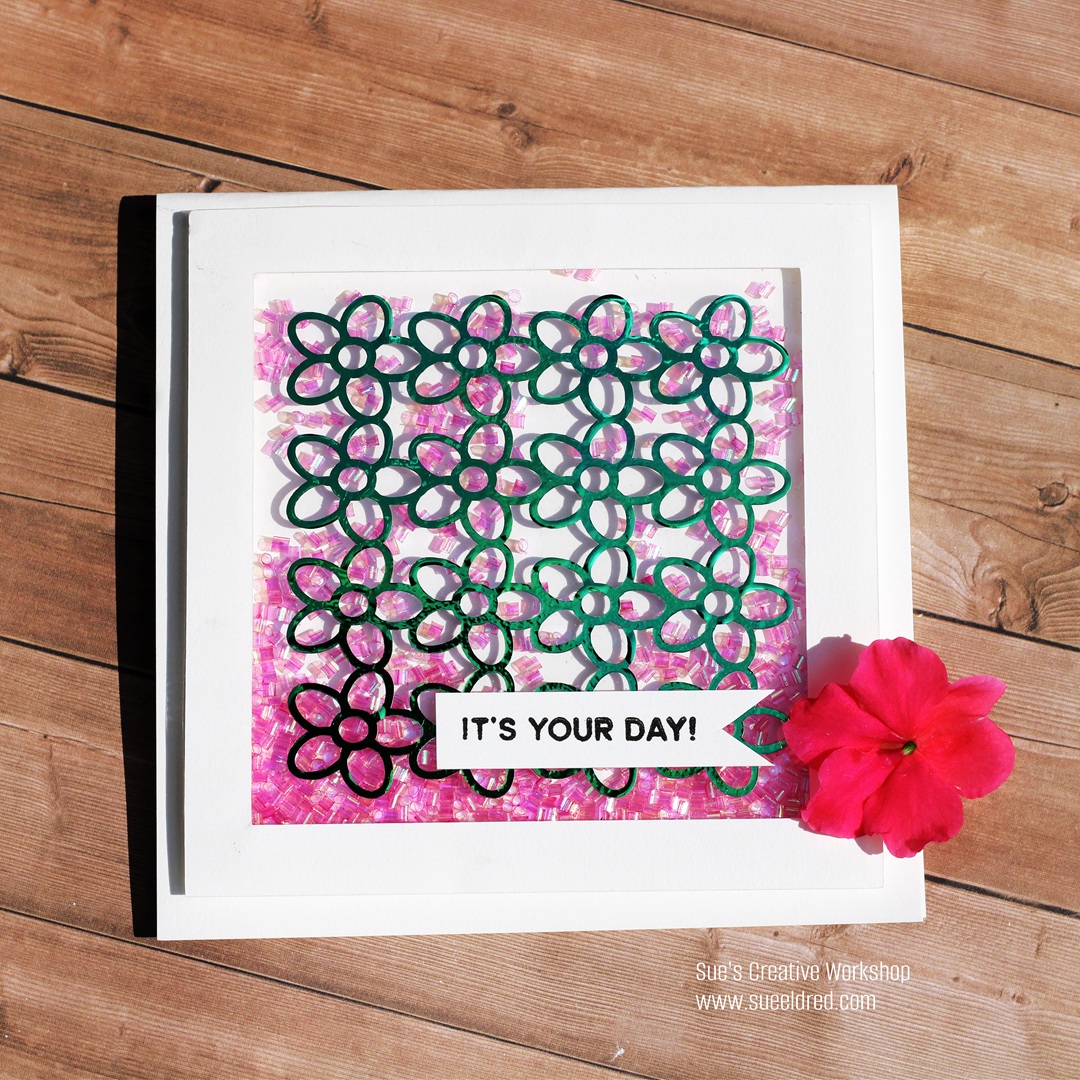
Did you know that vinyl is perfect for cardmaking?

For my card, I used StyleTechCraft Green Opal Adhesive Craft Vinyl*.

The Opal Vinyl is a color-shifting vinyl that takes on a different look

depending on how you hold it.  
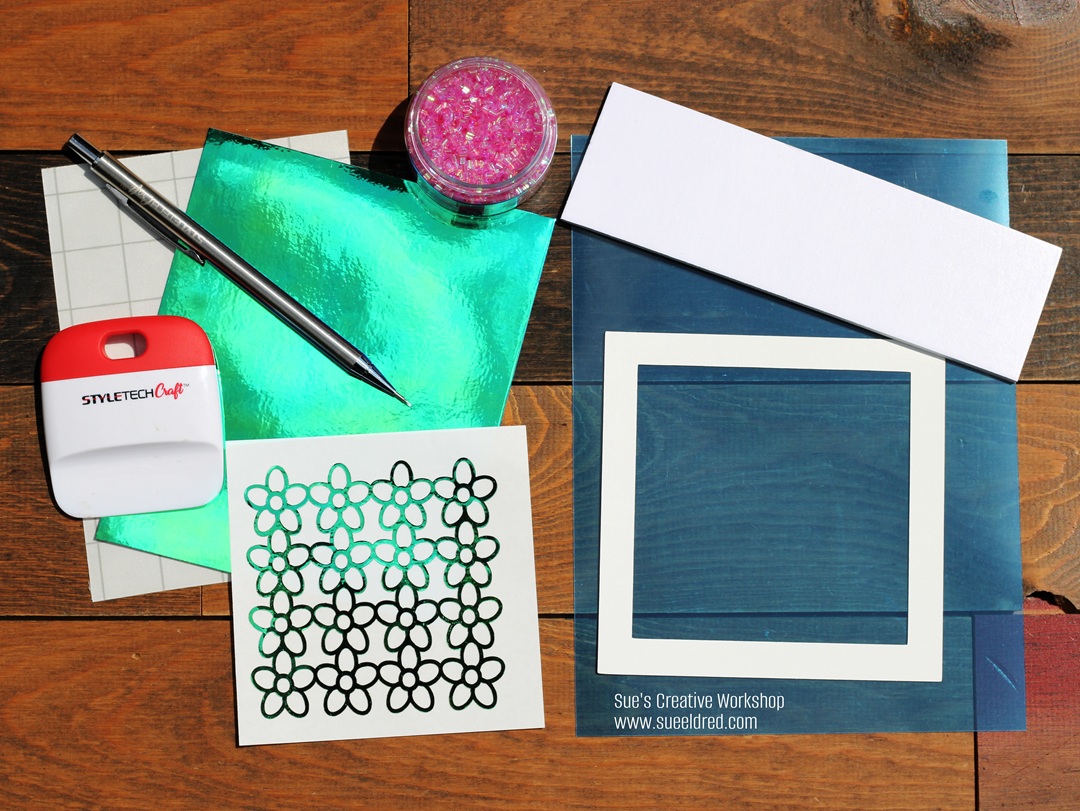
Materials Used to make the Flower Power Shaker Card: (*affiliate link)

StyletechCraft products brought to you by ATSM Craft*

*Disclosure:  This blog uses ads and affiliate links.  If you choose to make a purchase using one of the links, I receive a small commission (at no additional cost to you) that helps offset the costs of maintaining this blog.  Thanks for your support!
Directions:  

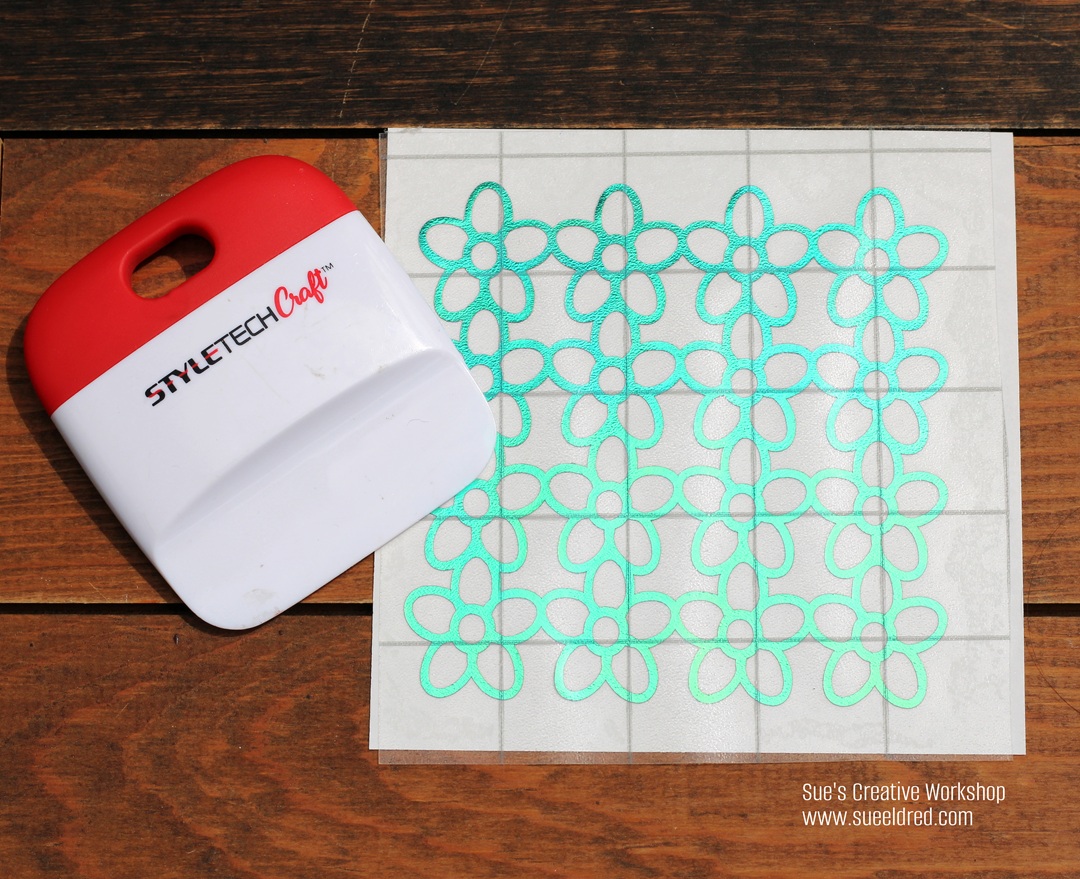
  • Cut the “Daisy Background” using Opal Vinyl and the Silhouette Die Cutting Machine.  (I sized the image to a 3 ¼” x 3 ¼” design.)
  • Remove the excess vinyl around the design using a Vinyl Weeding Pen*.
  • Cut a piece of transfer tape and place it over the vinyl design.  
  • Gently rub over the design with the Scraper Tool*.
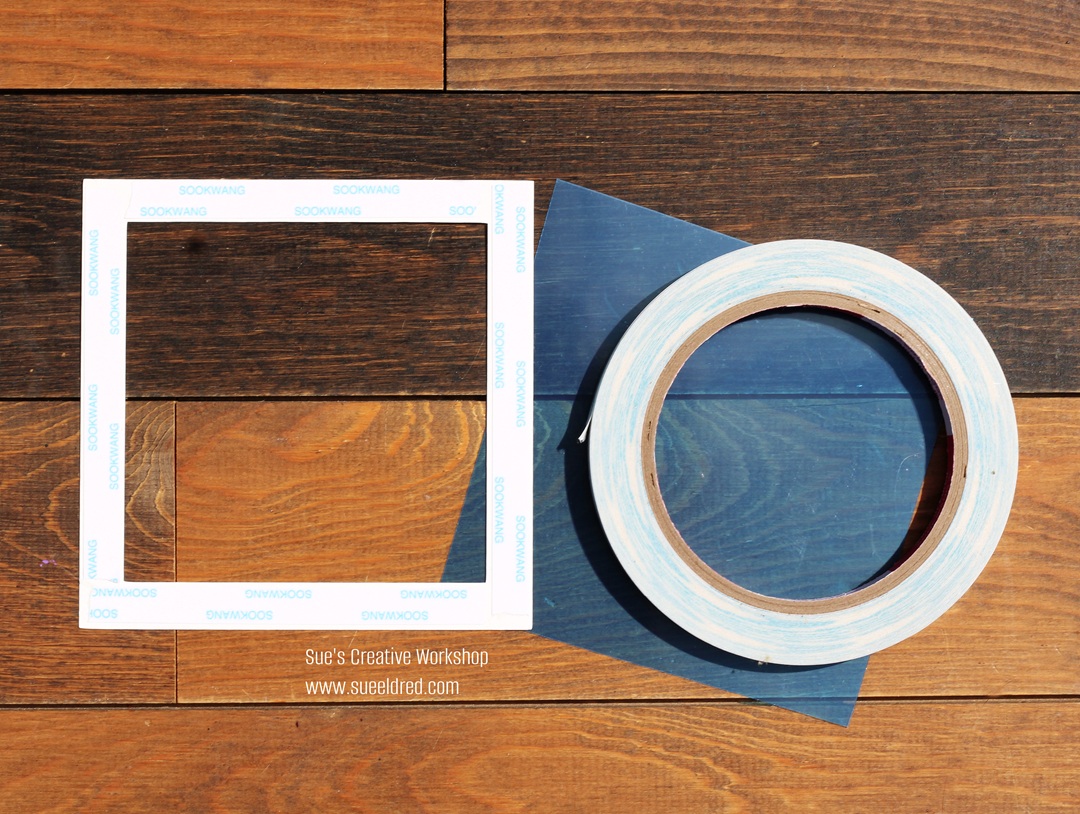
  • I cut a simple cardstock frame using my Silhouette Die-Cutting Machine.  My frame measures 4 ½” x 4 ½”.  The inside cutout measures 3 ½” x 3 ½”, which leaves a ½” border around the frame. 
  • Cut a 4 ¼” x 4 ¼” piece of clear acetate. (My acetate has a blue protective coating on both sides.) Place Scor-tape* around the border of the frame. 
  • Remove the protective coating from both sides of the acetate.  (If yours has them.)
  • Place acetate over the sticky Scor-tape*. 
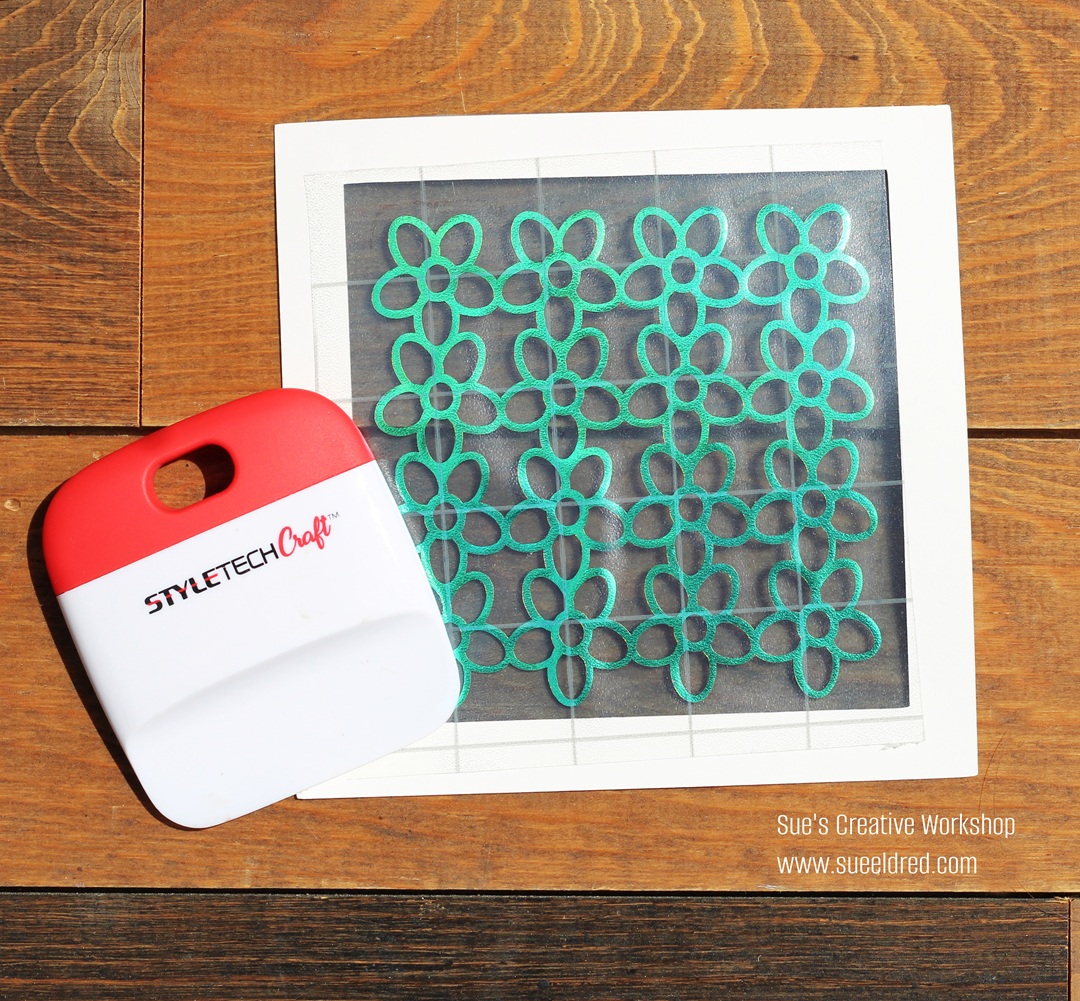
  • Remove the design from the vinyl backing sheet using the transfer paper.
  • Place the design onto the acetate on the front of the frame.  
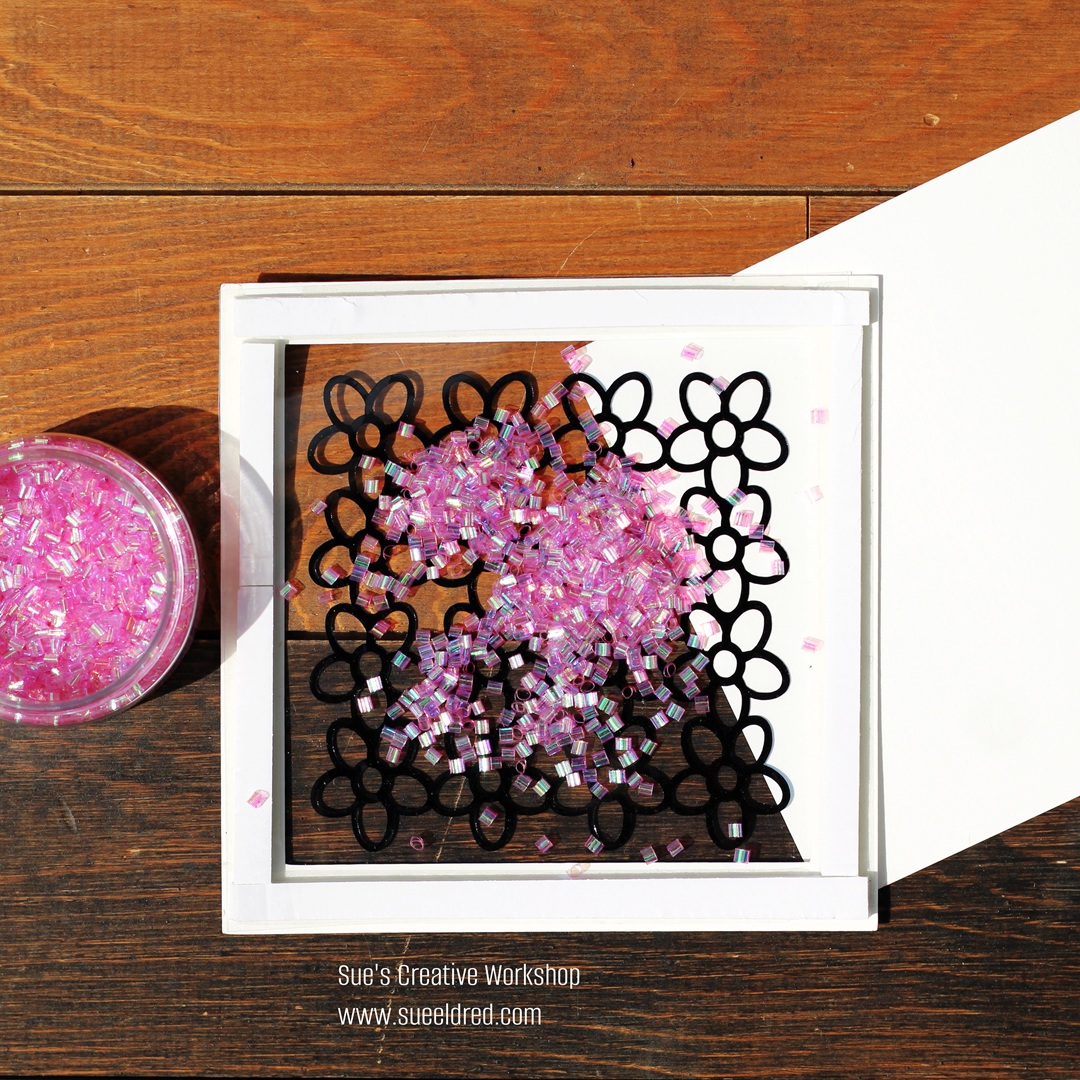
  • Cut a piece of cardstock 4 ¼” x 4 ¼”.
  • Cut thin strips from the adhesive foam sheet.  
  • Adhere the strips to the back of the frame. 
  • Add iridescent shaker sprinkles inside the frame.  (Do not overfill with shaker sprinkles.)
  • Adhere the 4 ¼” piece of cardstock to the back of the frame to create your shaker element.
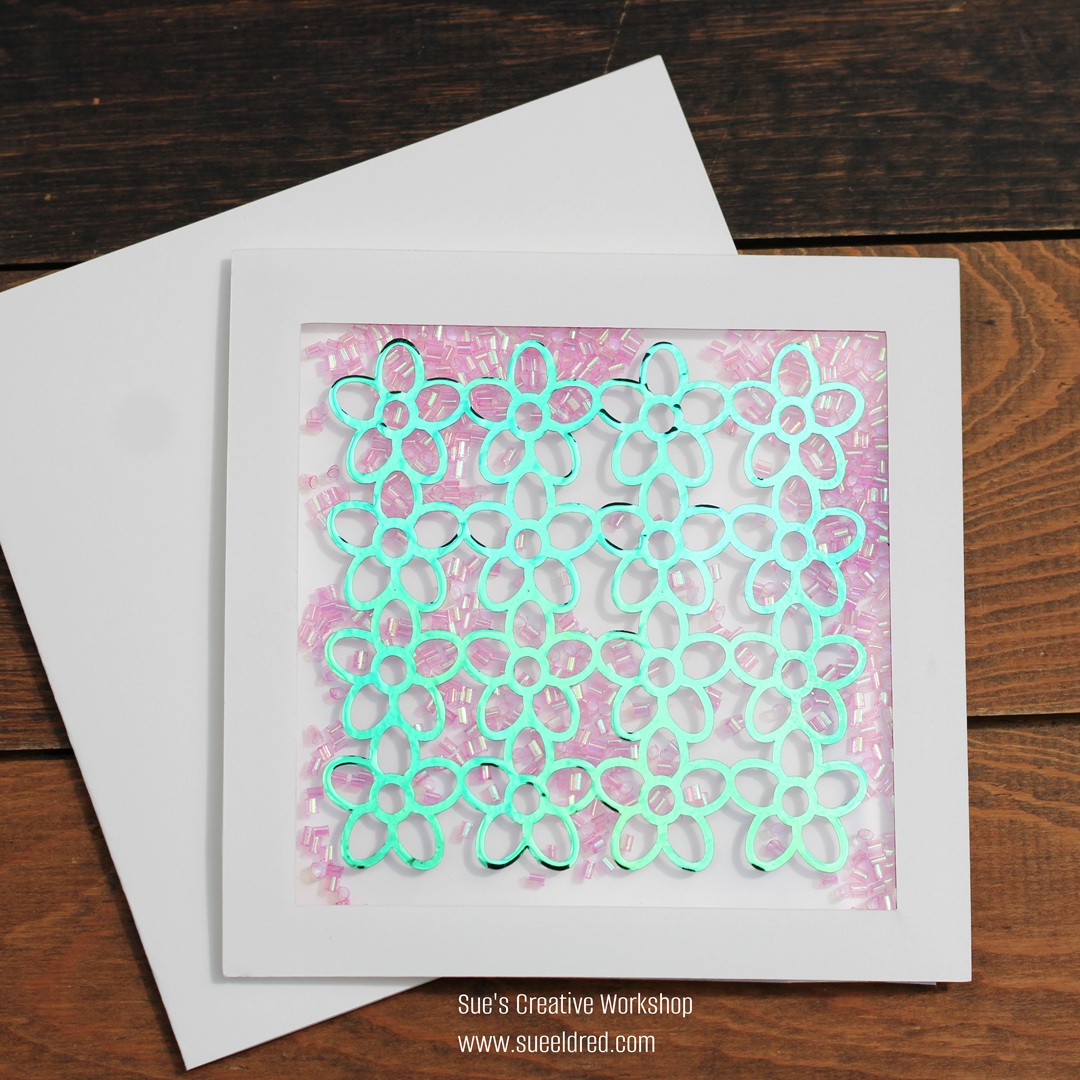
  • Adhere the shaker to a 5″ x 5″ card.

  • Stamp a small greeting onto cardstock.  Notch one end to create a banner.
  • Adhere the greeting to the front of the card. 
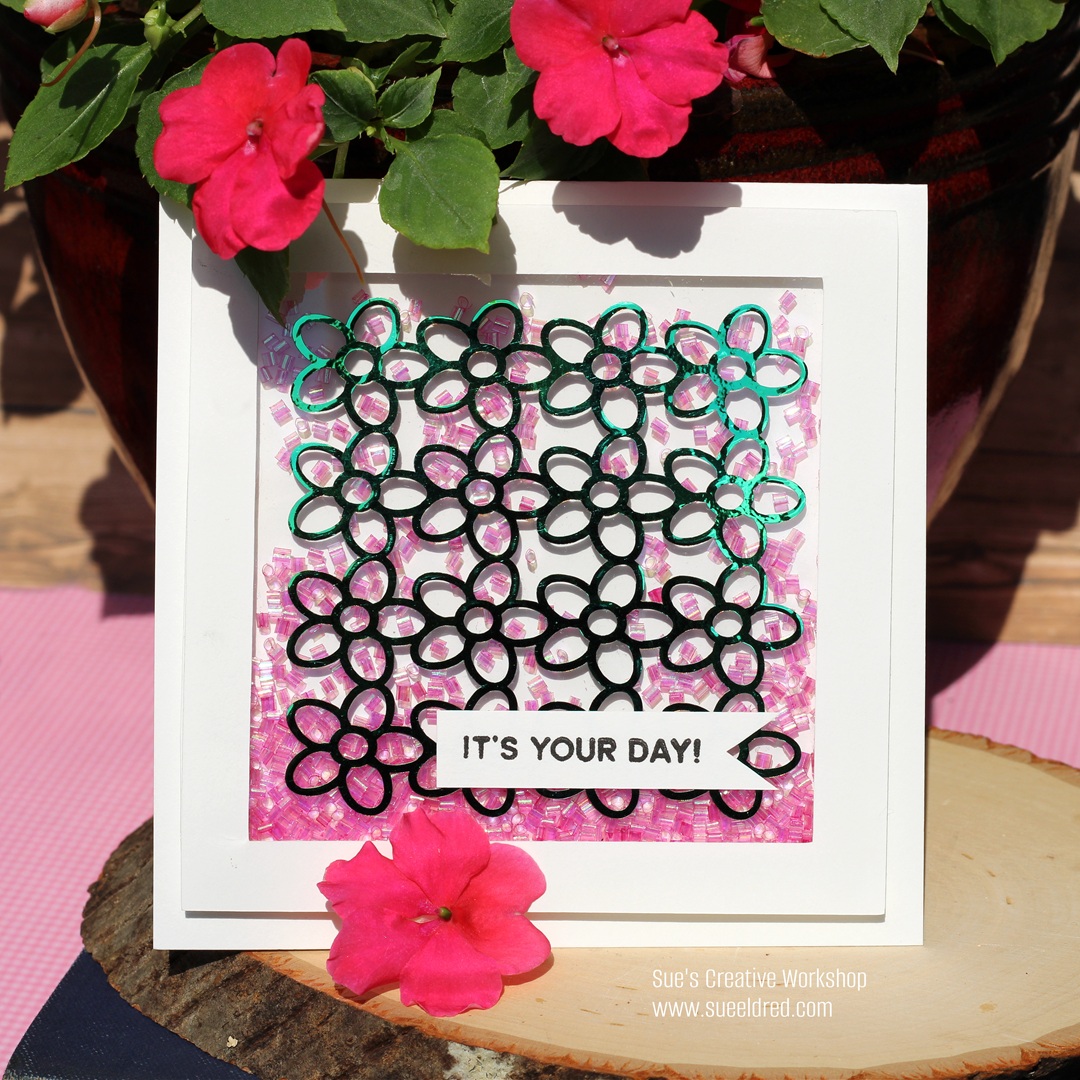
I hope you enjoyed the Iridescent Opal Shaker card.

It’s a nod to those vintage Flower Power Shirts of the 70s.  

“This is a sponsored post.  As a member of the StyleTechCraft Design Team I have been provided product and compensation in exchange for my creative ideas.  The views and opinions are my own.
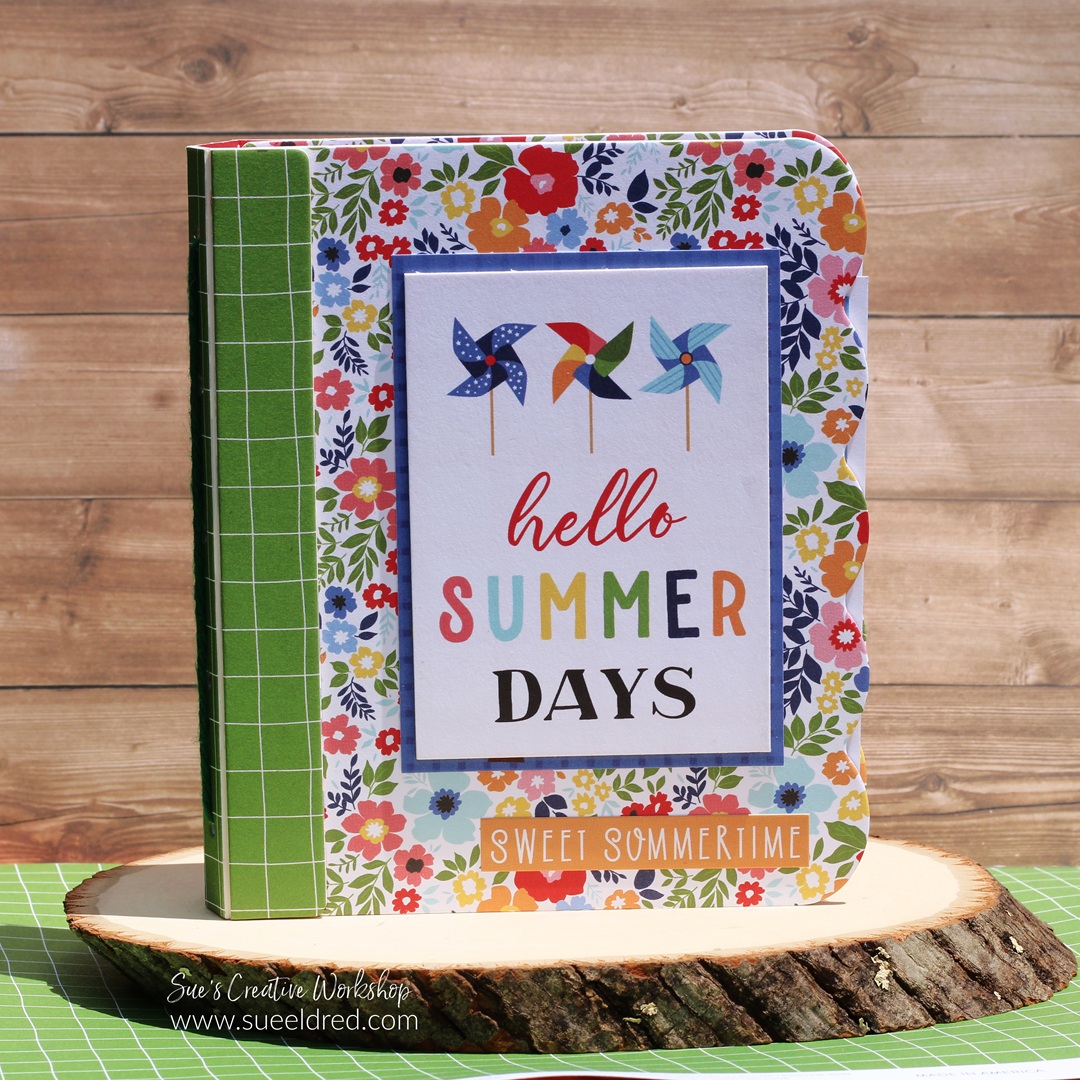
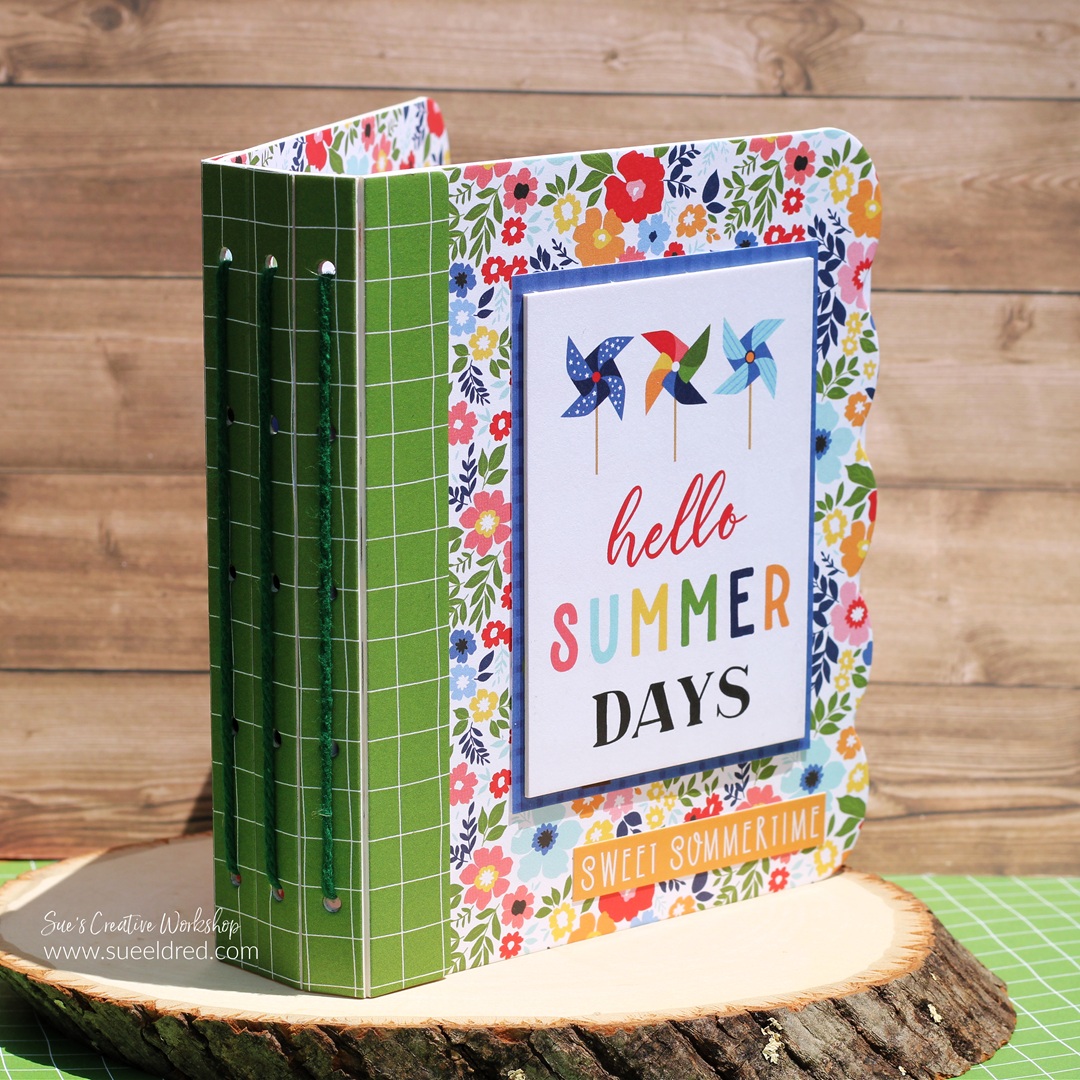
Hello Summer Days Mini Album

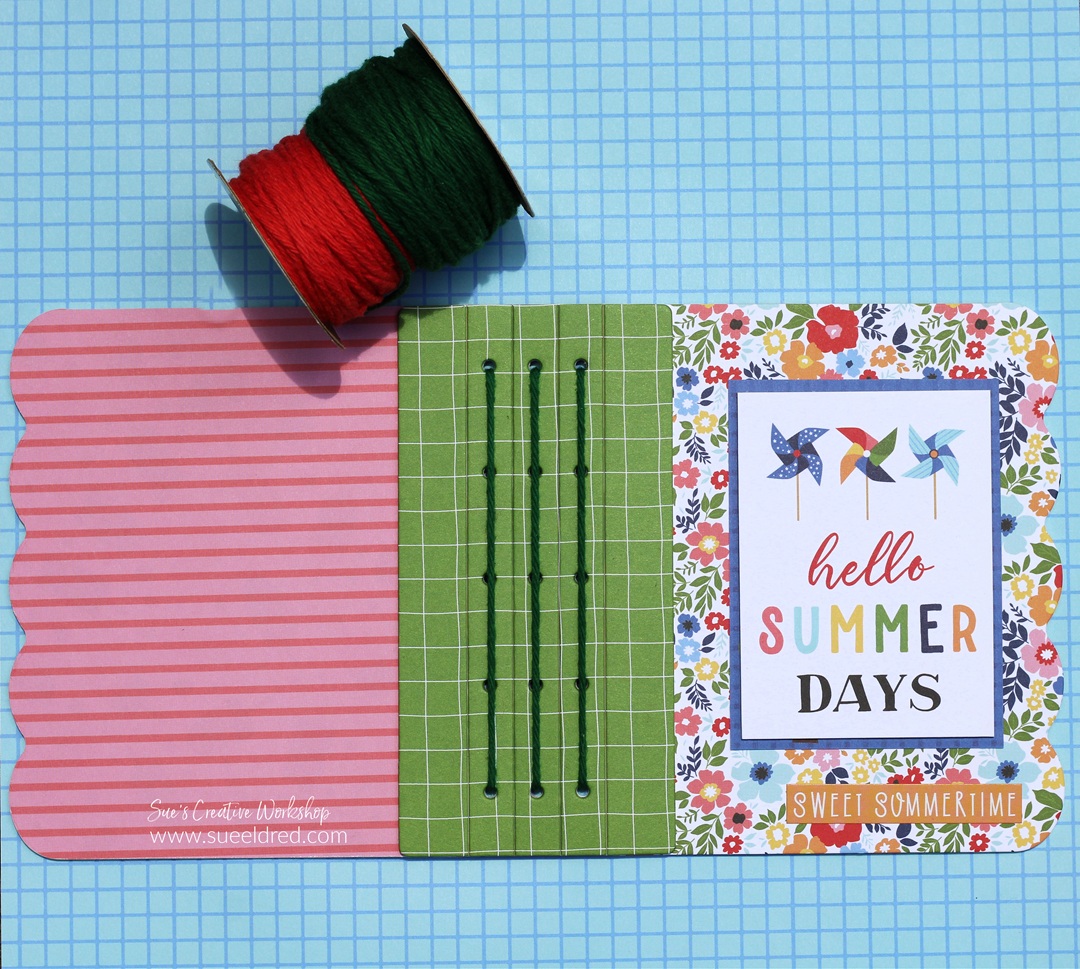
Hello Summer Days

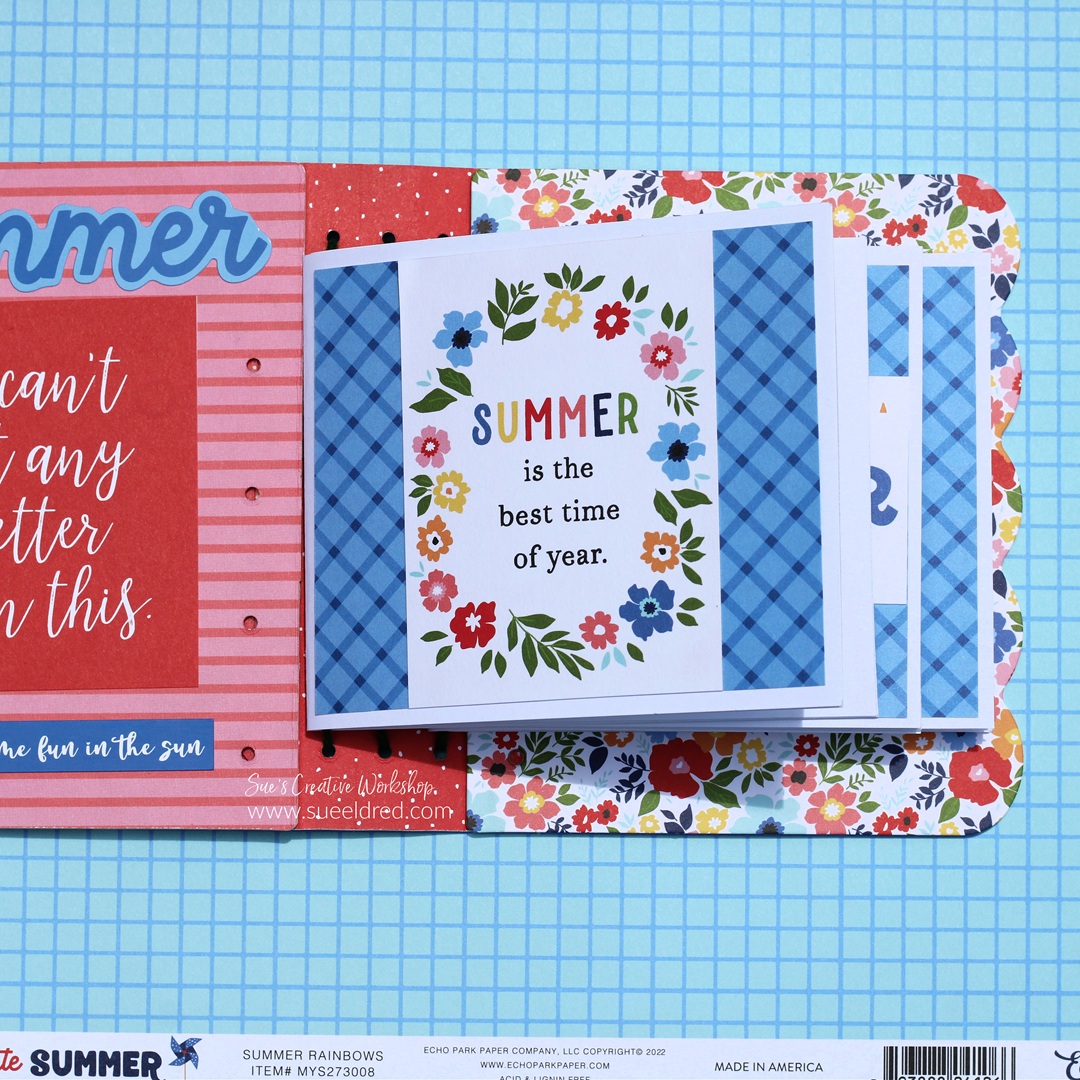
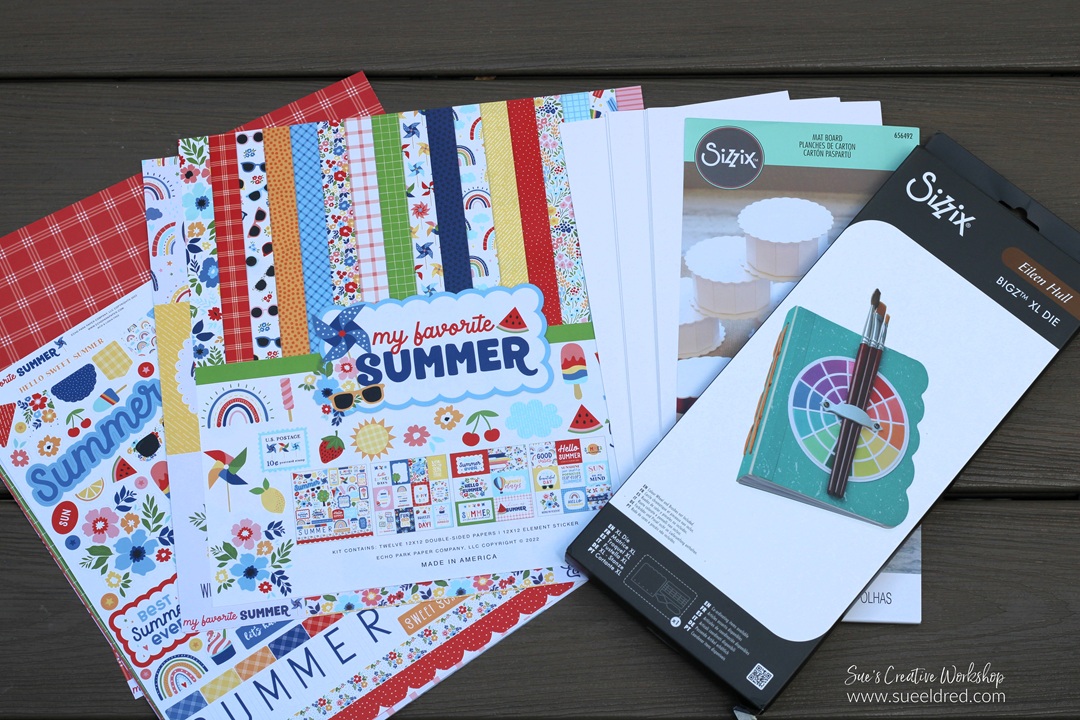
I wanted to share a fun little album that I put together using 

the New Sizzix Hardbound Journal by Eileen Hull* and the

“My Favorite Summer” Scrapbook Collection* by Echo Park.

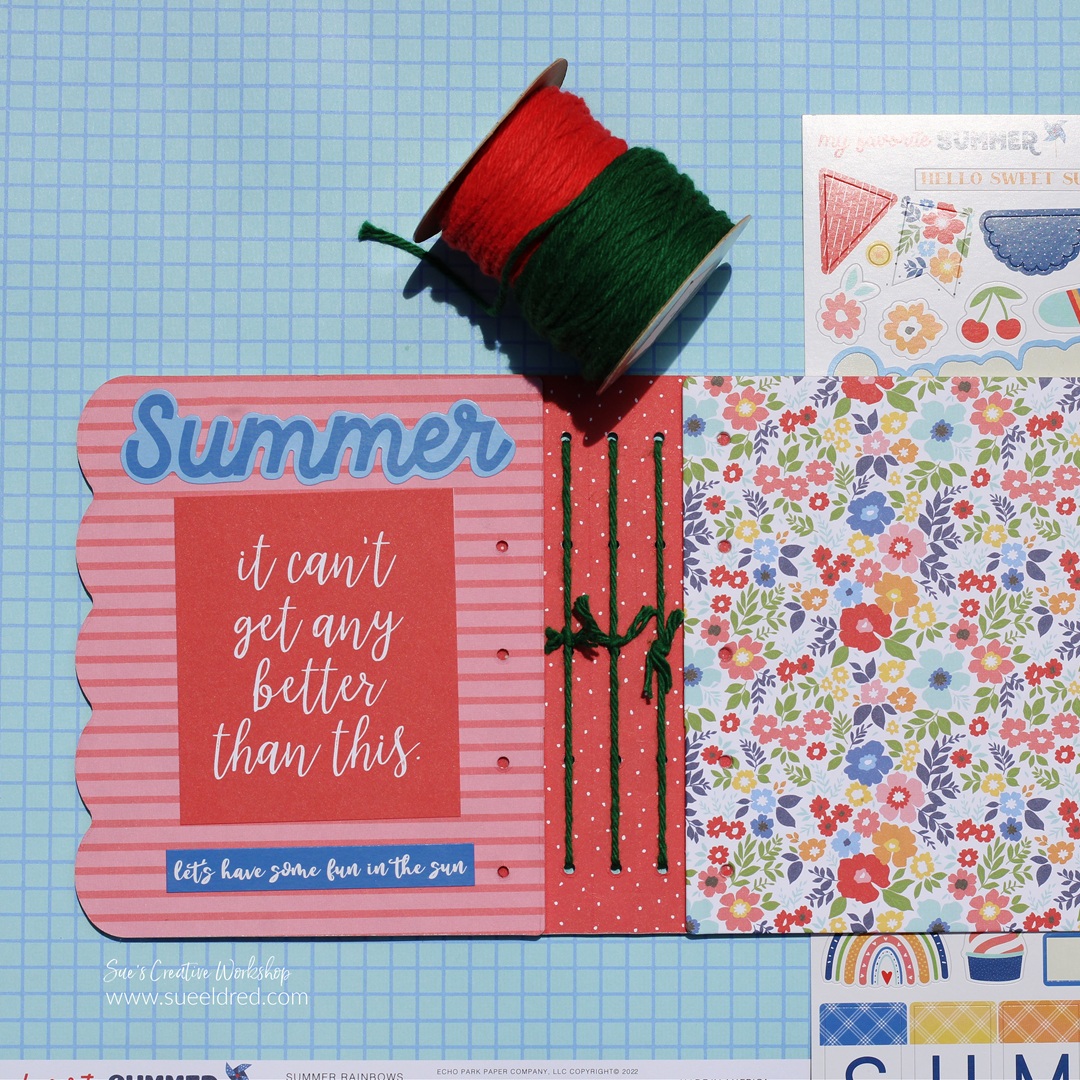
It’s a simple little album that went together quickly.  

Materials Used:  (affiliate links)

*Disclosure:  This blog uses ads and affiliate links.  If you choose to make a purchase using one of the links, I receive a small commission (at no additional cost to you) that helps offset the costs of maintaining this blog.  Thanks for your support!

  • I used twine and looped it through the top and bottom holes.

  • Slide the little books onto the twine.  

This was one of the quickest albums I’ve made in a long time.

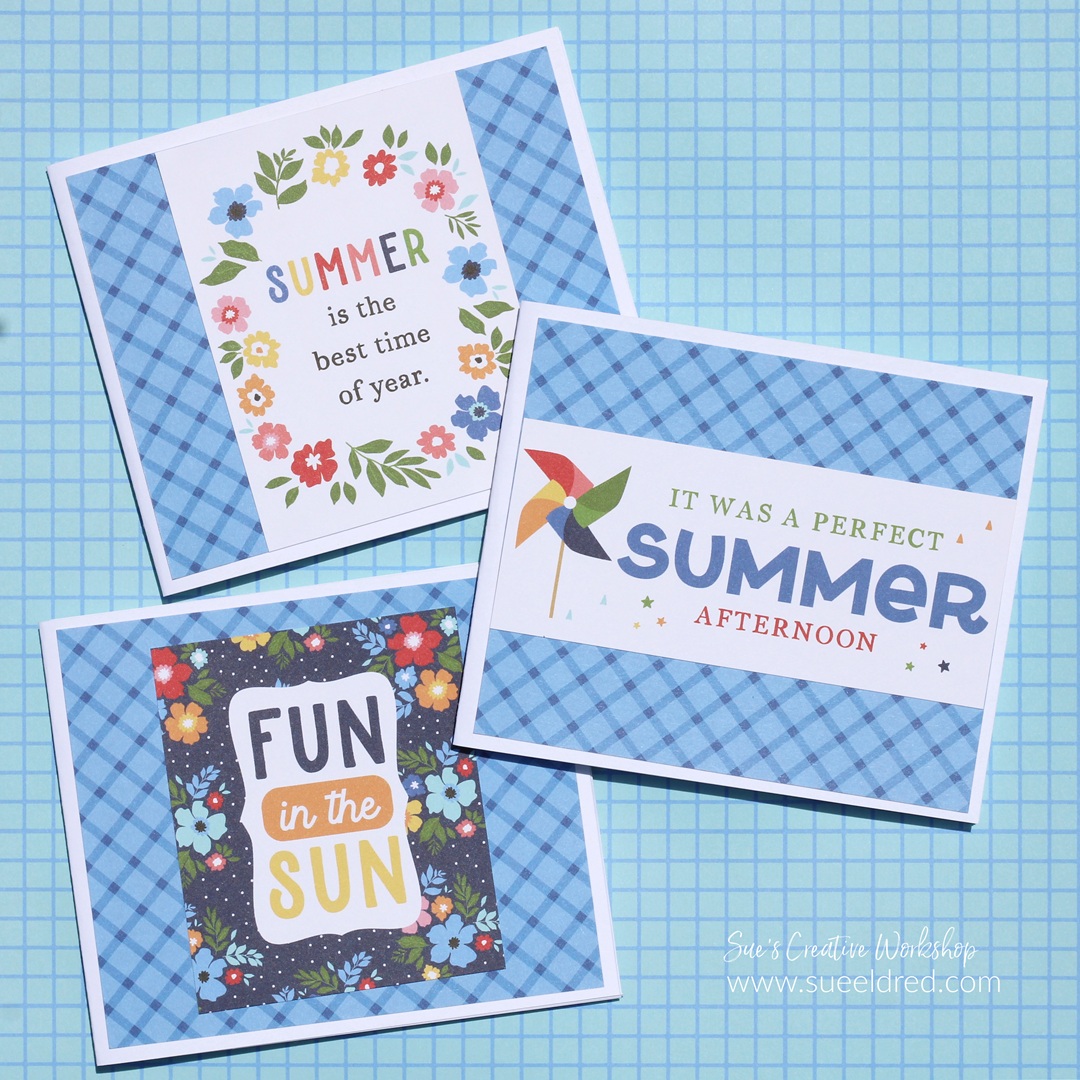
It’s a great little album for adding Summer memories.

Eileen Hull Educator Logo

Disclosure:  This is a sponsored post.  As a member of the Eileen Hull Inspiration Team, I have been provided product in exchange for my creative ideas.  The view and opinions are my own.

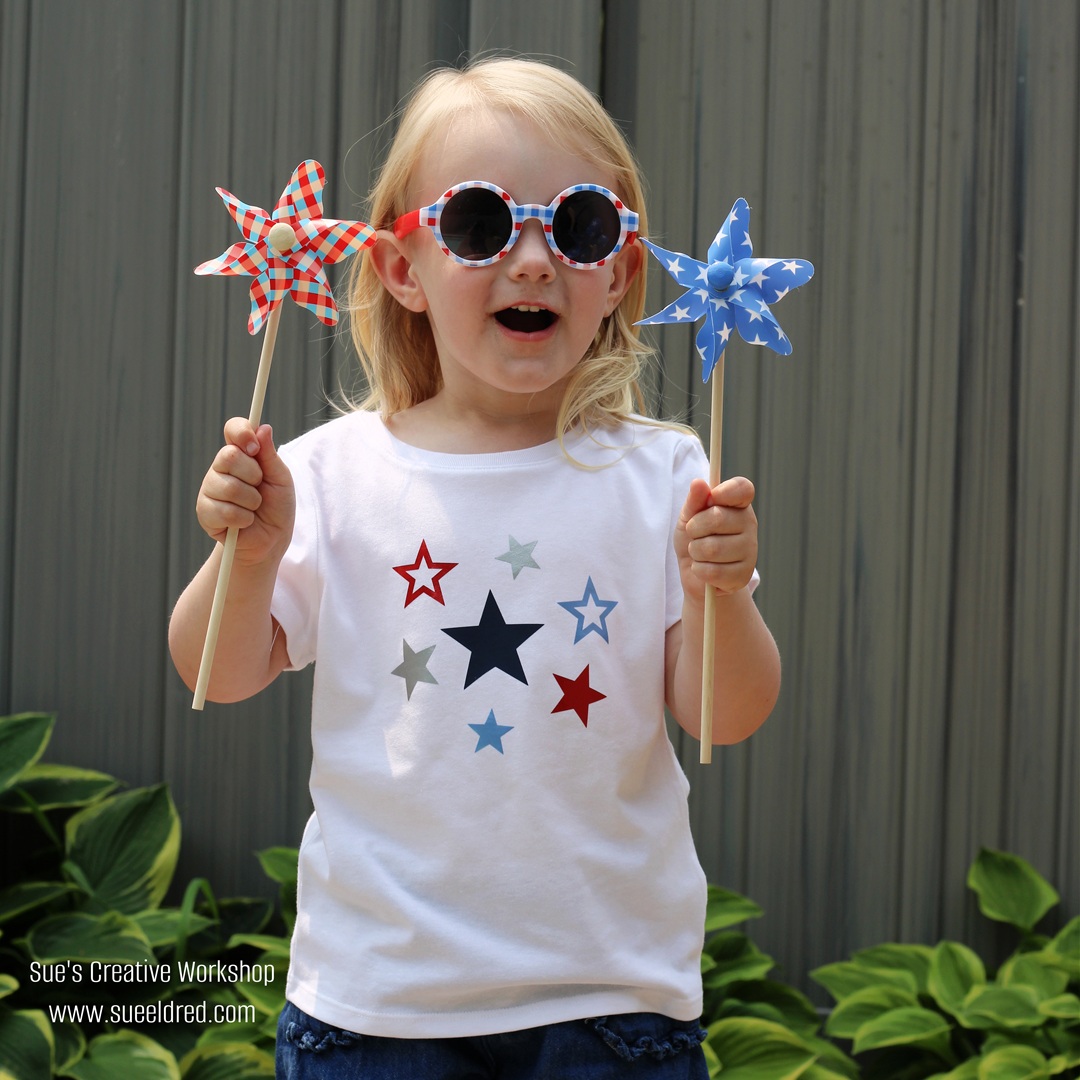
Patriotic Star Shirt for Mae

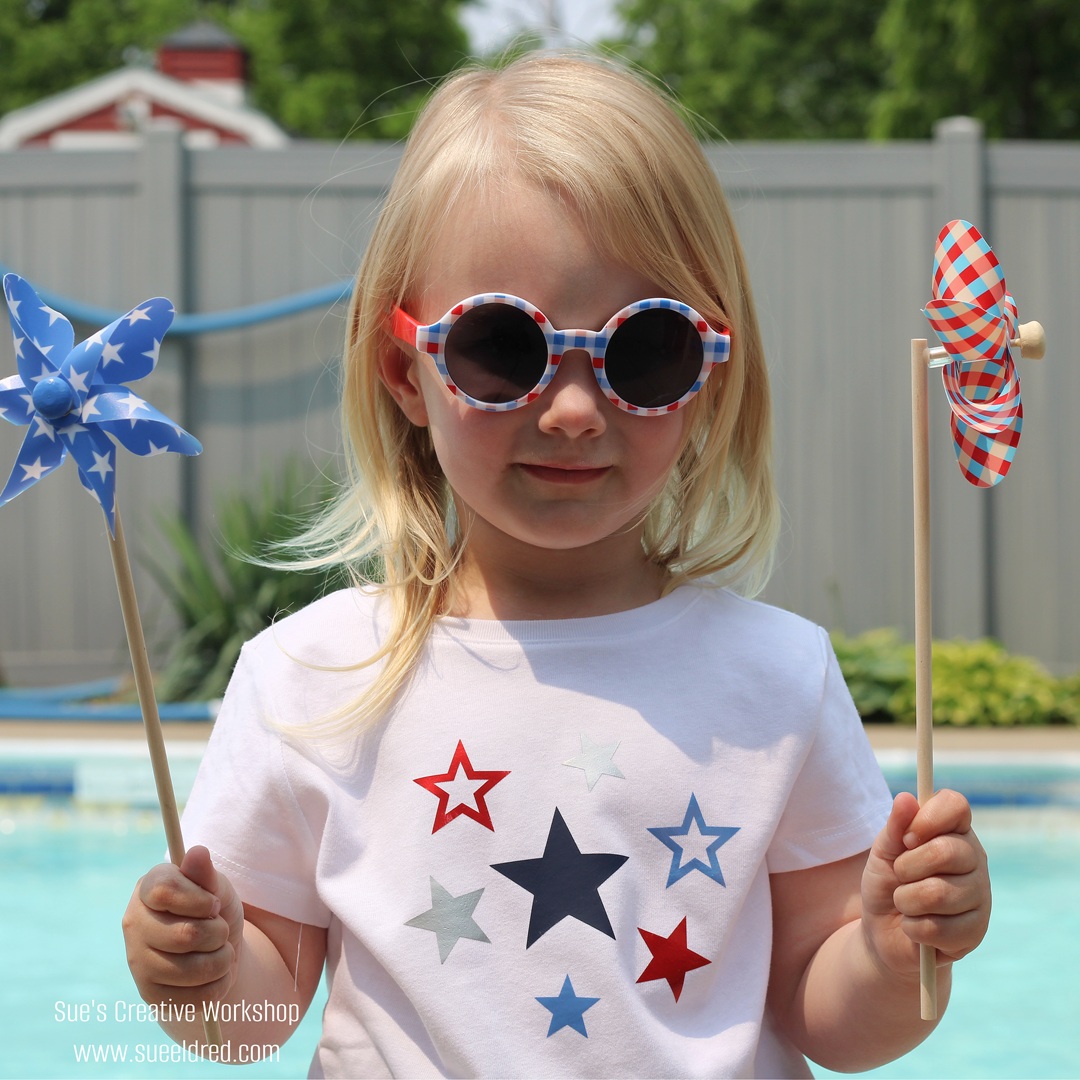
My granddaughter Mae was here visiting over the weekend,

and I decided to make her a shirt for the 4th of July.  

My original plan was to make it a Stars and Stripes Forever 

shirt, but my daughter suggested something simpler.

Something she can wear for a little longer than a day.

Mae’s Star Shirt for the 4th of July…

  • I purchased a plain white shirt from Walmart for under $4.
  • I measured the area of the shirt that I wanted the design. 
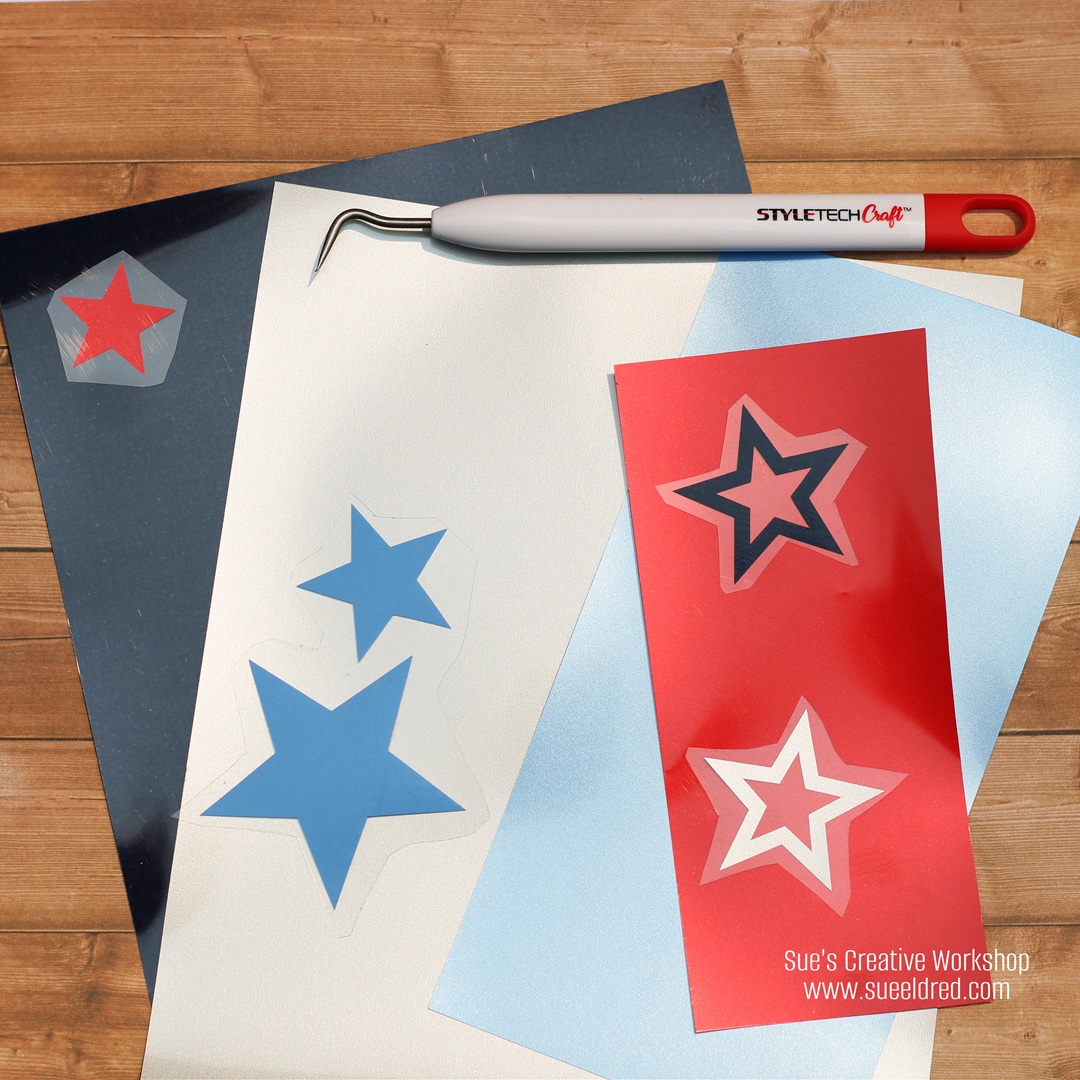
  • I used StyleTechCraft’s Heat Transfer Vinyl*, it is really easy to weed and use. 
  • I cut the vinyl stars using a Silhouette Cameo Electronic Die Cutting Machine*, but you could also use metal dies to cut the vinyl.  
  • Place the cut vinyl onto the shirt shiny side up.  
  • Position the design on your shirt. Cover the shirt with a pressing cloth before pressing.
  • Use an iron or a heat press* to apply heat and pressure to the design, following the manufacturer’s instructions.
  • Peel off the clear transfer tape.
  • Turn the shirt inside out and iron the inside of the shirt.

StyletechCraft products brought to you by ATSM Craft*

*Disclosure:  This blog uses ads and affiliate links.  If you choose to make a purchase using one of the links, I receive a small commission (at no additional cost to you) that helps offset the costs of maintaining this blog.  Thanks for your support!

I was happy with how the shirt turned out, and so was Mae.  

She decided she didn’t want to take it off.

(FYI…Plaid Sunglasses and Pinwheels from Target.)

“This is a sponsored post.  As a member of the StyleTechCraft Design Team I have been provided product and compensation in exchange for my creative ideas.  The views and opinions are my own.
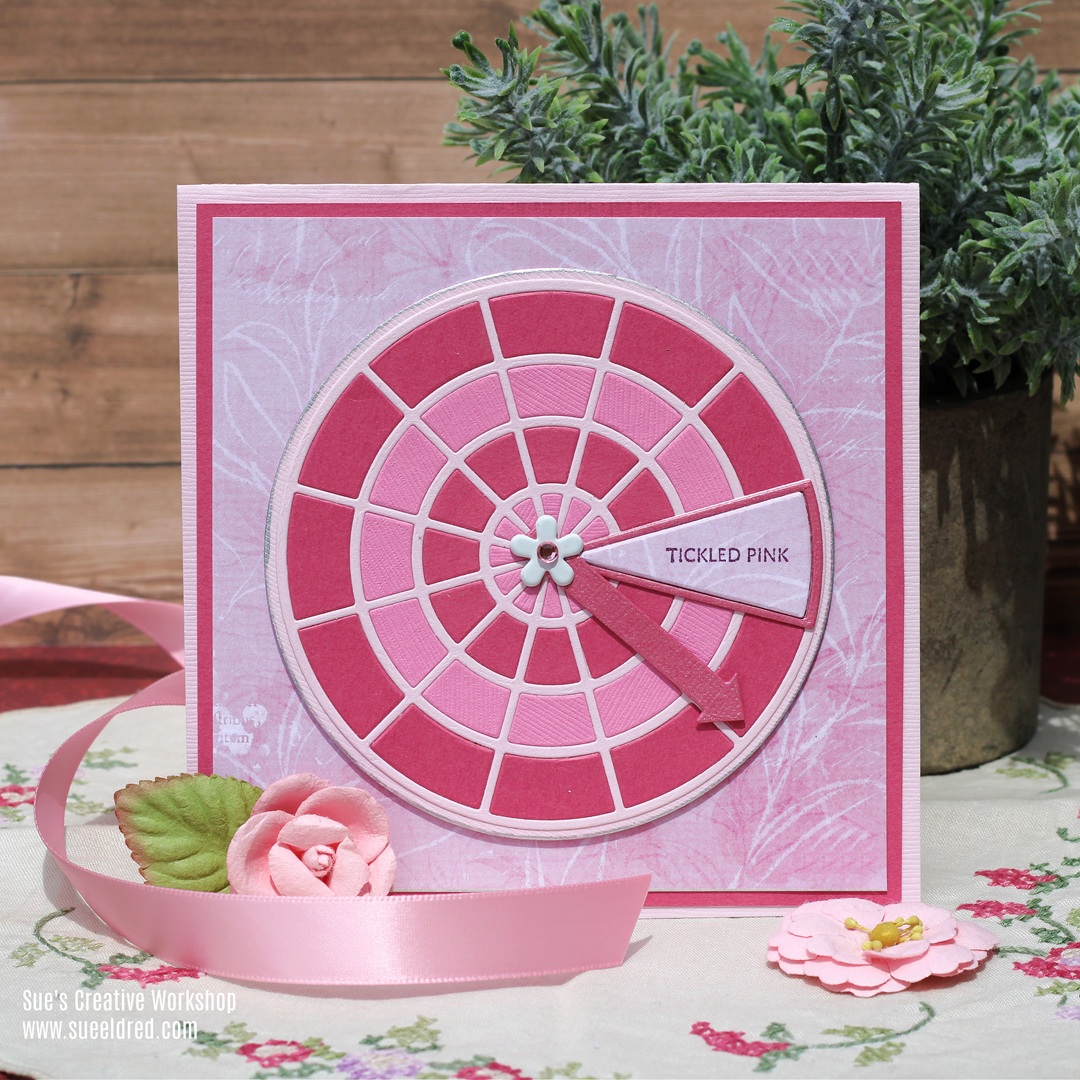
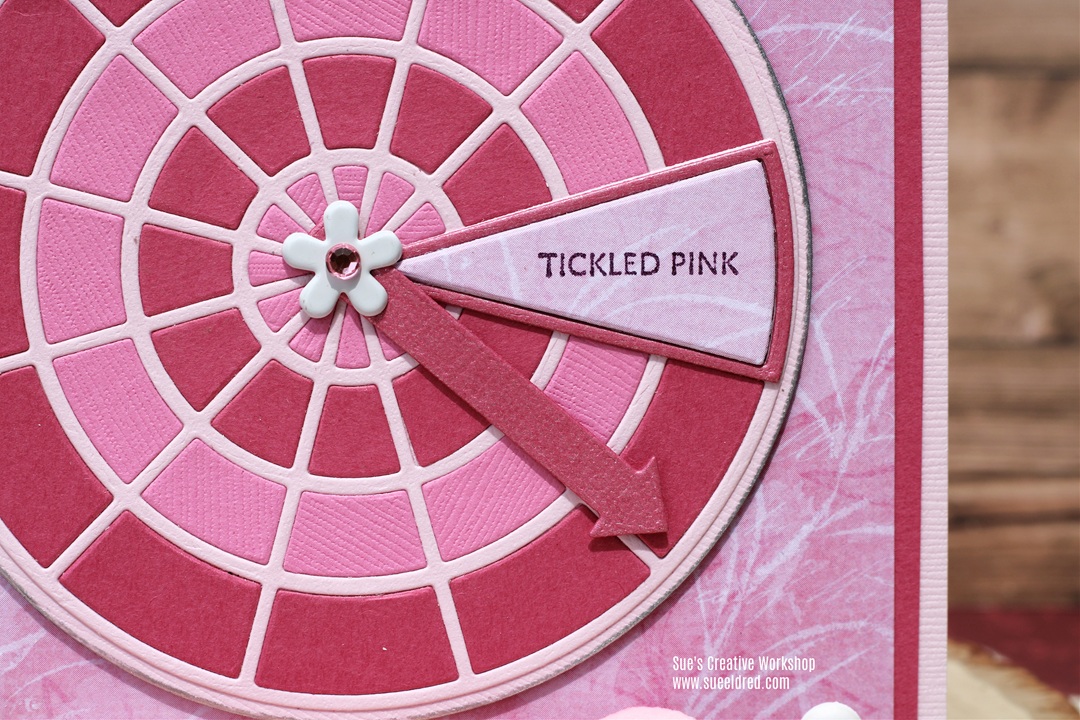
Tickled Pink Color Wheel Card

Celebrate what makes you Tickled Pink.

I wanted to share a card I made with the new

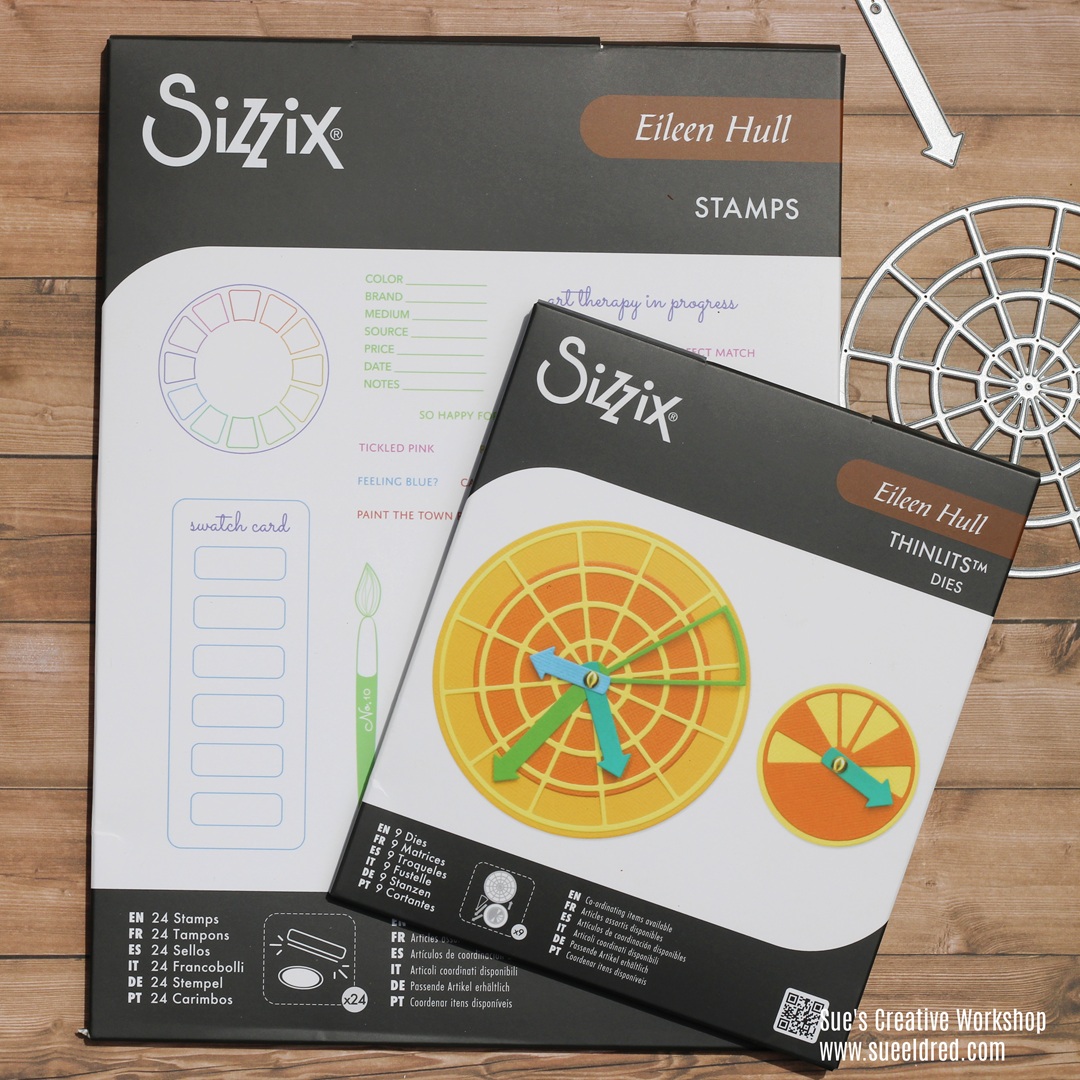
Sizzix Rainbow Wheels Die Set by Eileen Hull*.  

This fun card would be great for celebrating those

special moments that make you happy.

The card was made using the Rainbow Wheels Die Set* and the

Sizzix A5 Clear Stamps Set 24PK – Swatch Cards by Eileen Hull*.

*Disclosure:  This blog uses ads and affiliate links.  If you choose to make a purchase using one of the links, I receive a small commission (at no additional cost to you) that helps offset the costs of maintaining this blog.  Thanks for your support!

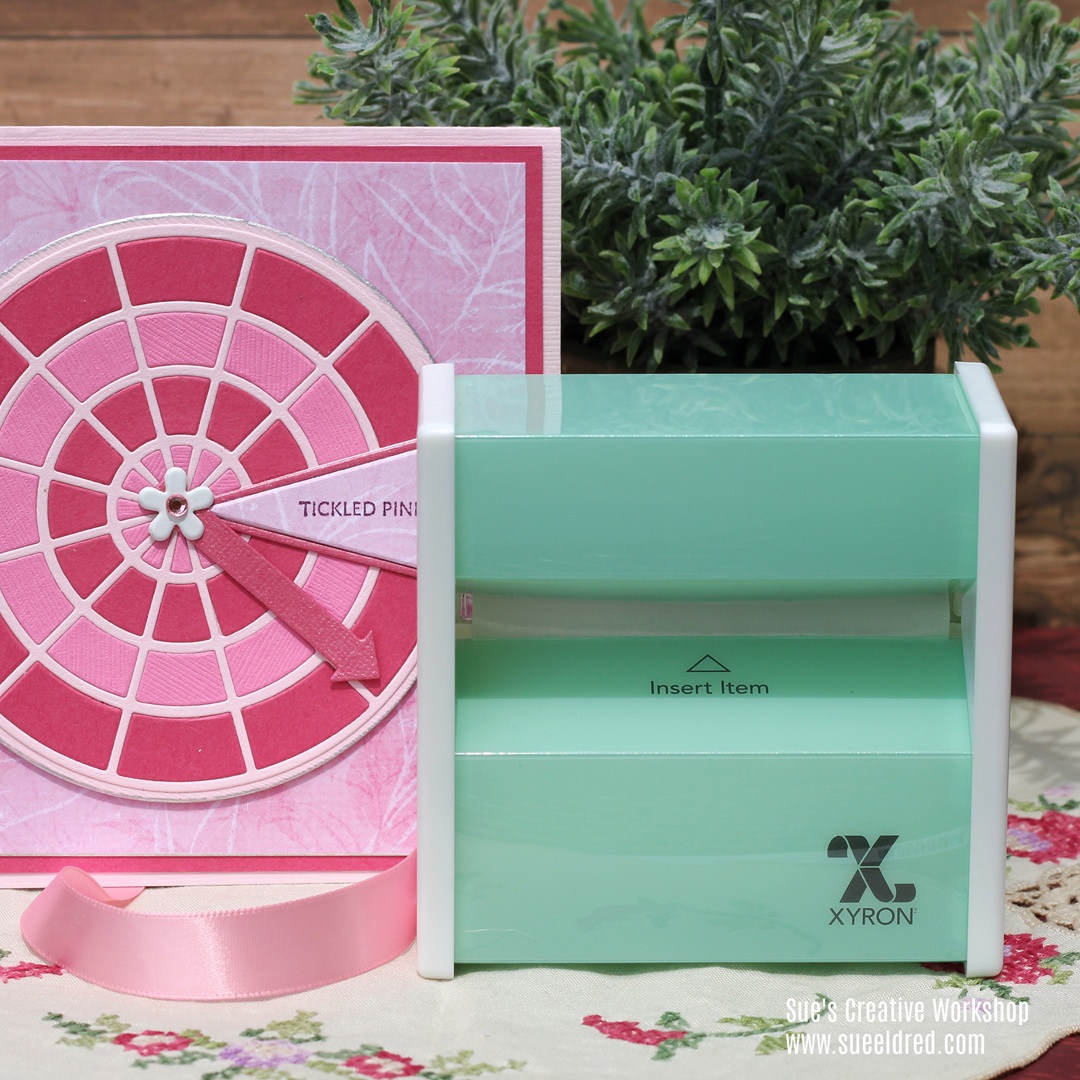
My secret weapon for easy assembly is the Xyron Sticker Maker*.

Before I die-cut the shapes, I ran the cardstock through the Sticker Maker.

That adds a complete layer of adhesive onto the back of the cardstock.

It’s a simple card but it does require a little patience.  

Once all the pieces were cut, I added the small pieces inside the color wheel.

Eileen Hull Educator Logo

Disclosure:  This is a sponsored post.  As a member of the Eileen Hull Inspiration Team, I have been provided product in exchange for my creative ideas.  The view and opinions are my own.

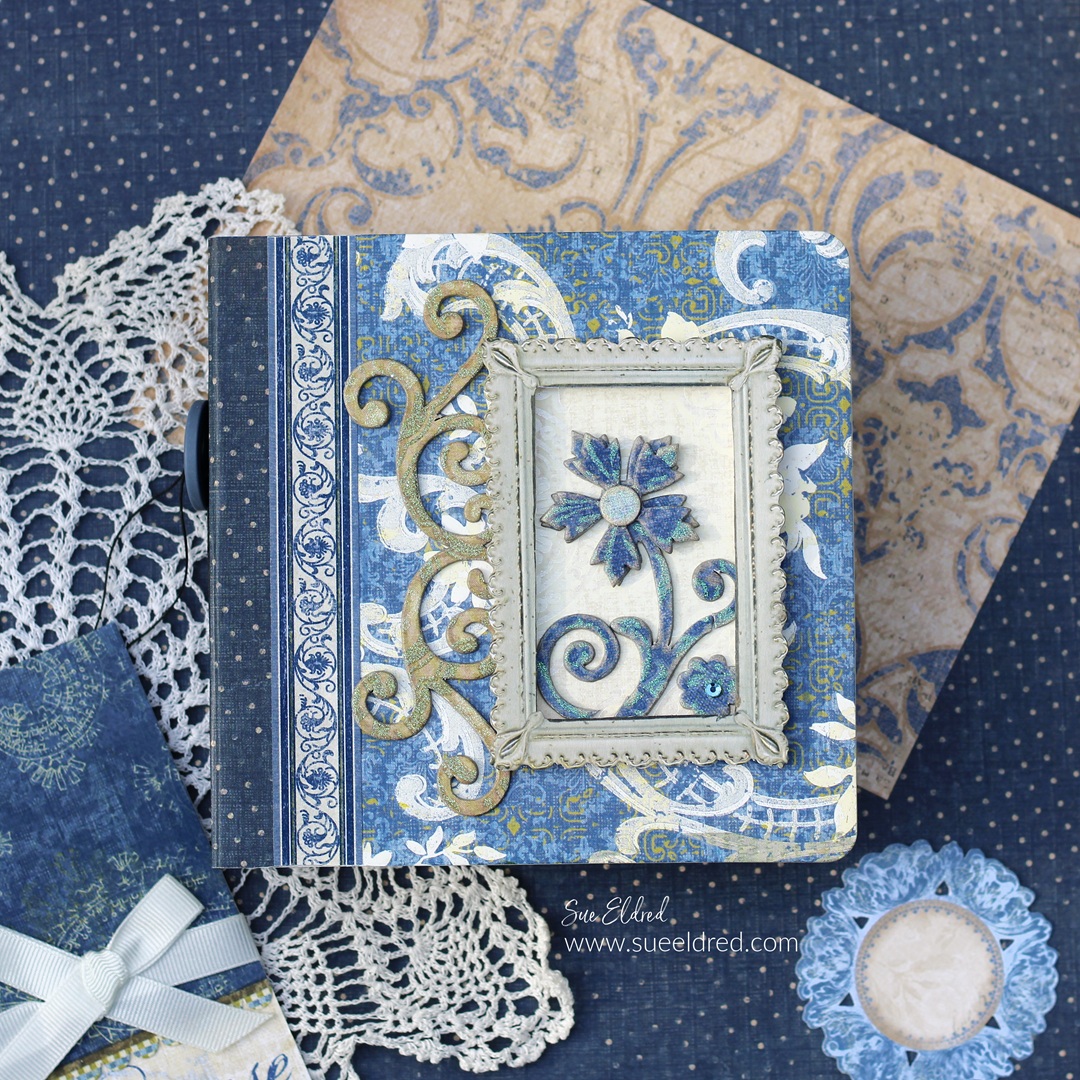
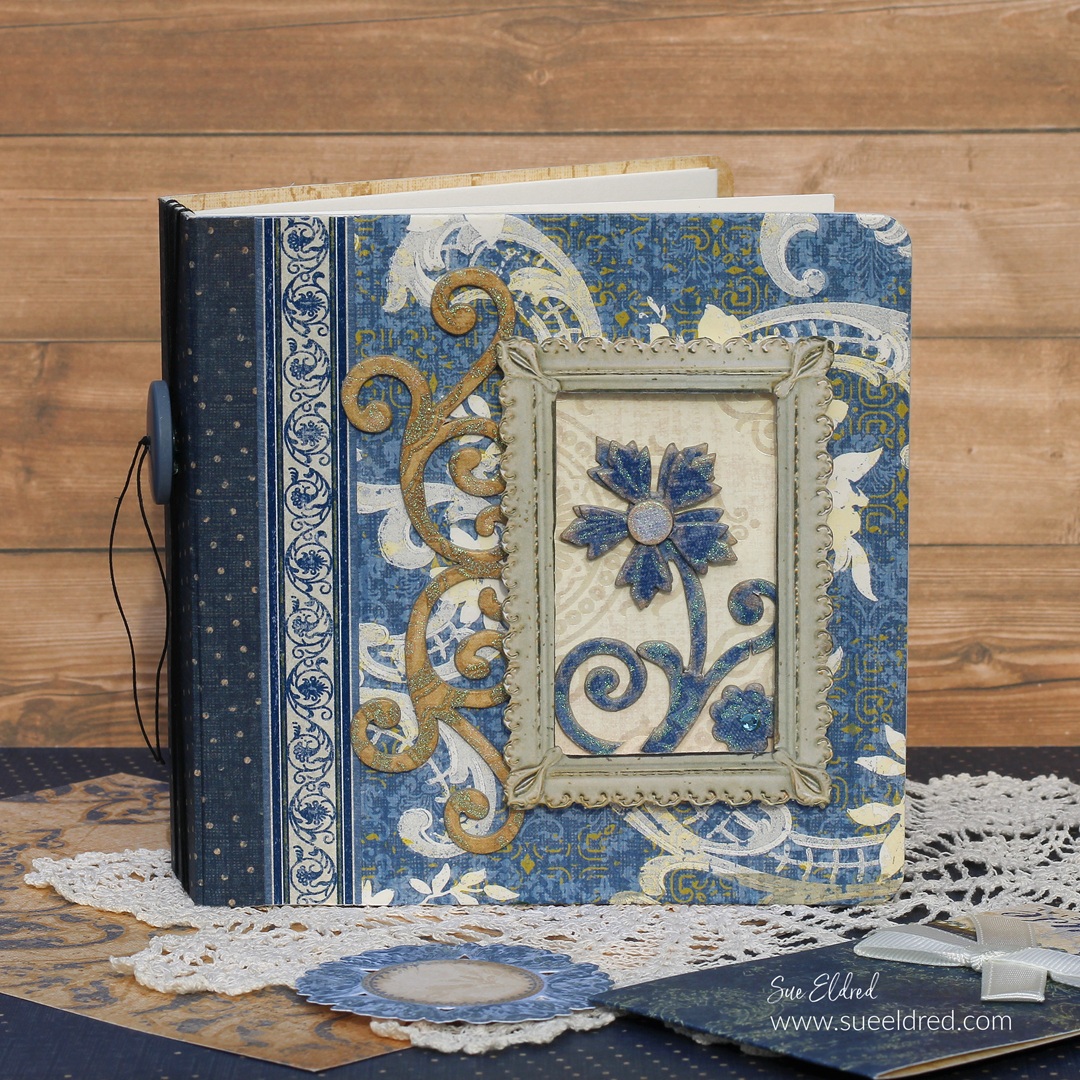
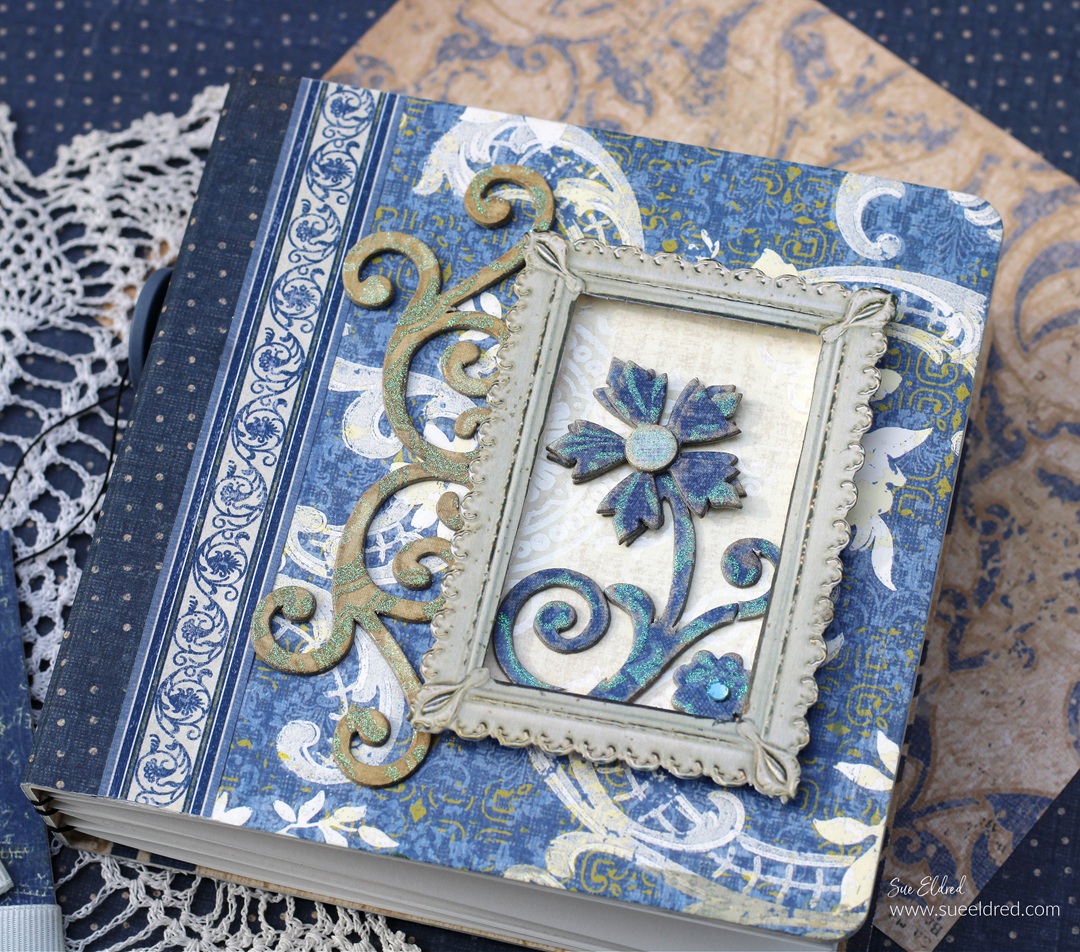
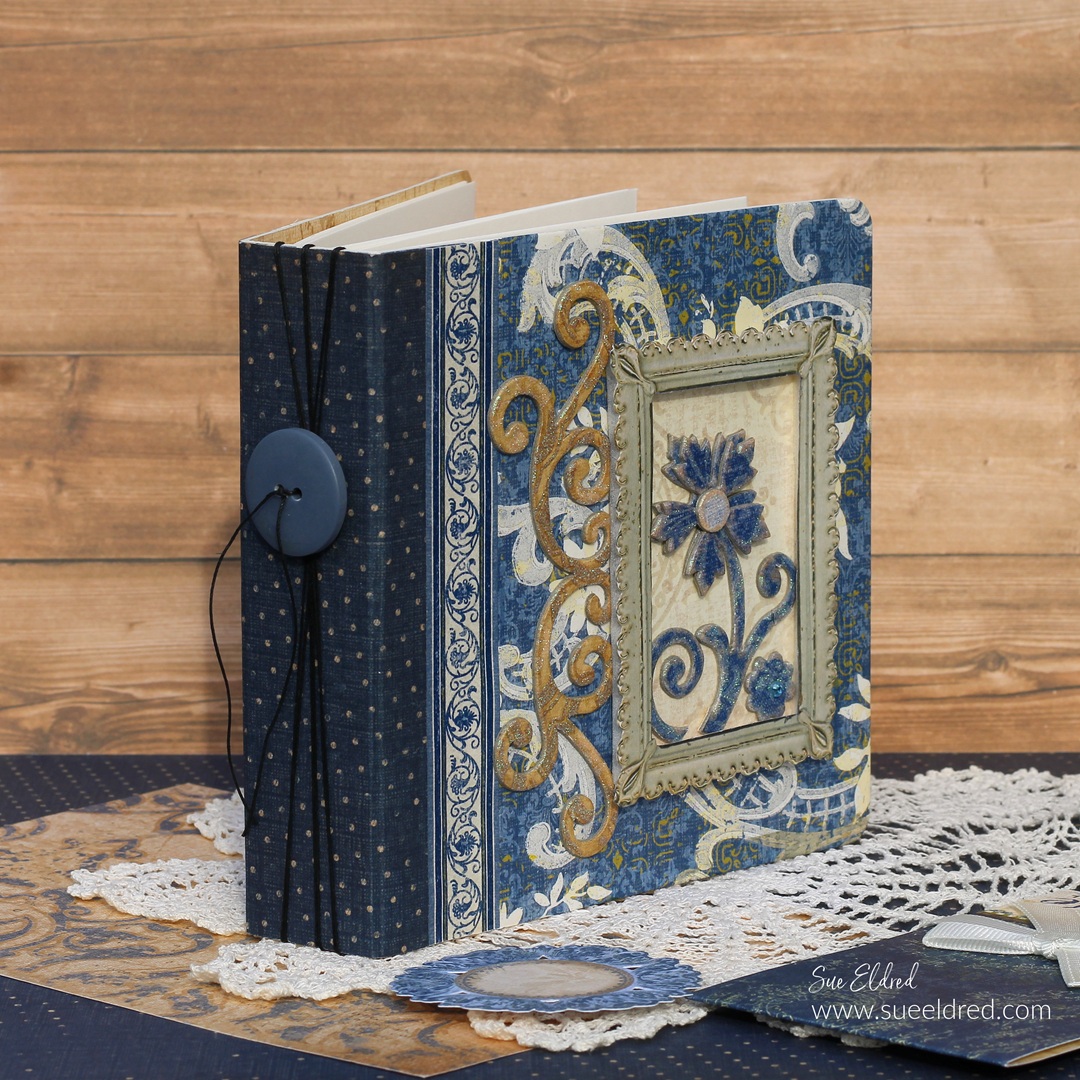
The Blue Album-Projects Revisited

Do you have any UFOs lying around your crafting space?

This month the Eileen Hull Creative Team was challenged to

complete an unfinished project.  

This one was not as much as a UFO as it was revisiting old stuff.

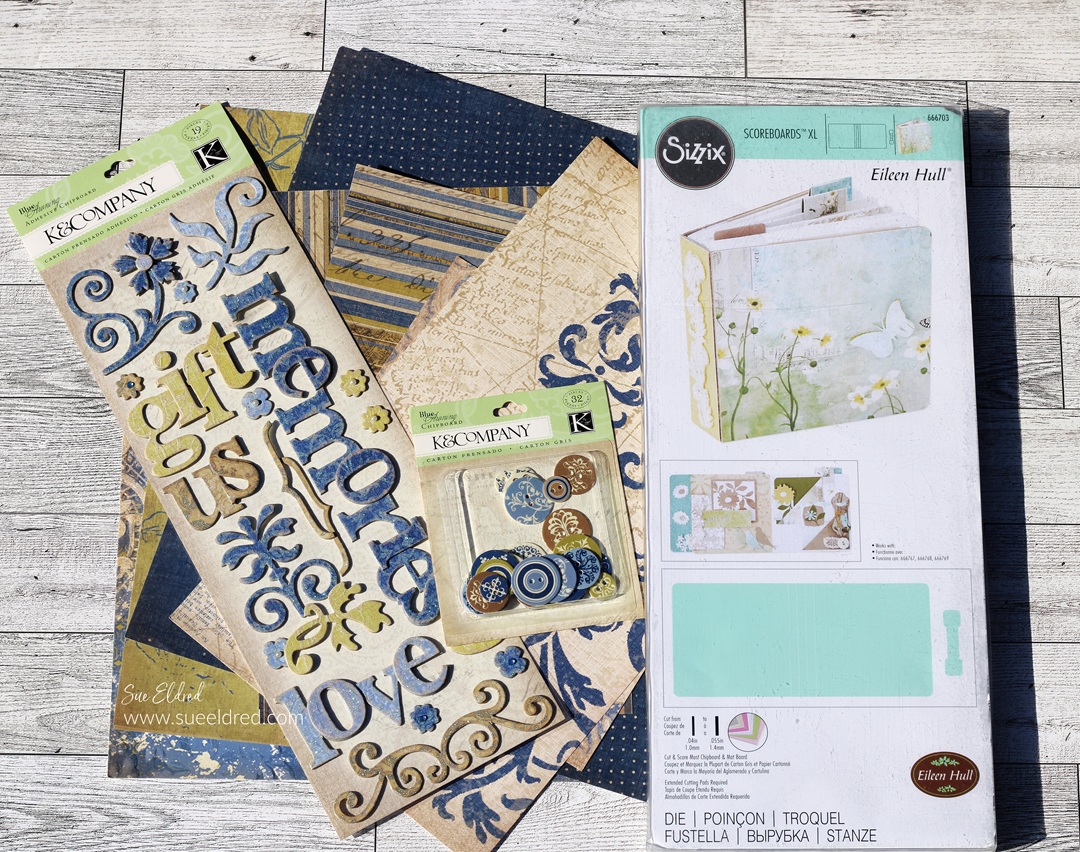
The Blue Album uses the Sizzix Mini Album by Eileen Hull* 

and a very old scrapbook collection from K & Company.

Materials Used:  (*affiliate links)

*Disclosure:  This blog uses ads and affiliate links.  If you choose to make a purchase using one of the links, I receive a small commission (at no additional cost to you) that helps offset the costs of maintaining this blog.  Thanks for your support!

Does anyone remember K & Company?

I created project samples for them for 4 years.

That was 16 years ago.  

So, this paper collection is at least 16 years old.  

They were one of my favorite companies.  

(And this collection was almost too pretty to use.)

To create the mini album…

  • Add adhesive to the back of the scrapbook paper.  I like to use my Xyron Creative Station* to do that.  It adds a complete layer of adhesive with no bubbles or puckers.  
  • Adhere paper to both sides of a piece of matboard*.
  • Use the Mini Album Die* and the Big Shot Die-Cutting Machine* to cut the album from the matboard*.  
  • Decorate the front of the album with stickers and frames.  
  • I also like to add a coordinating paper to the spine to give it visual interest.  

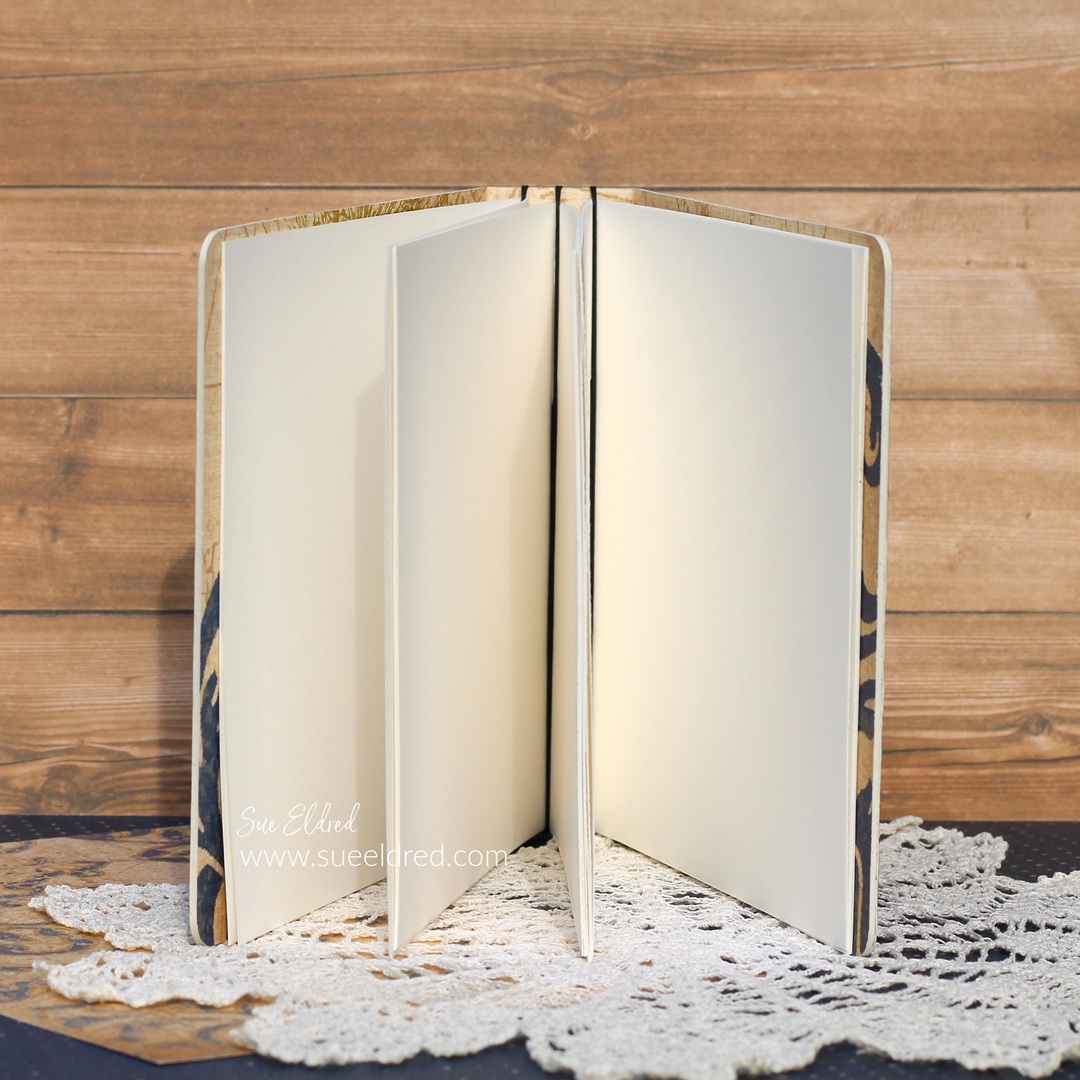
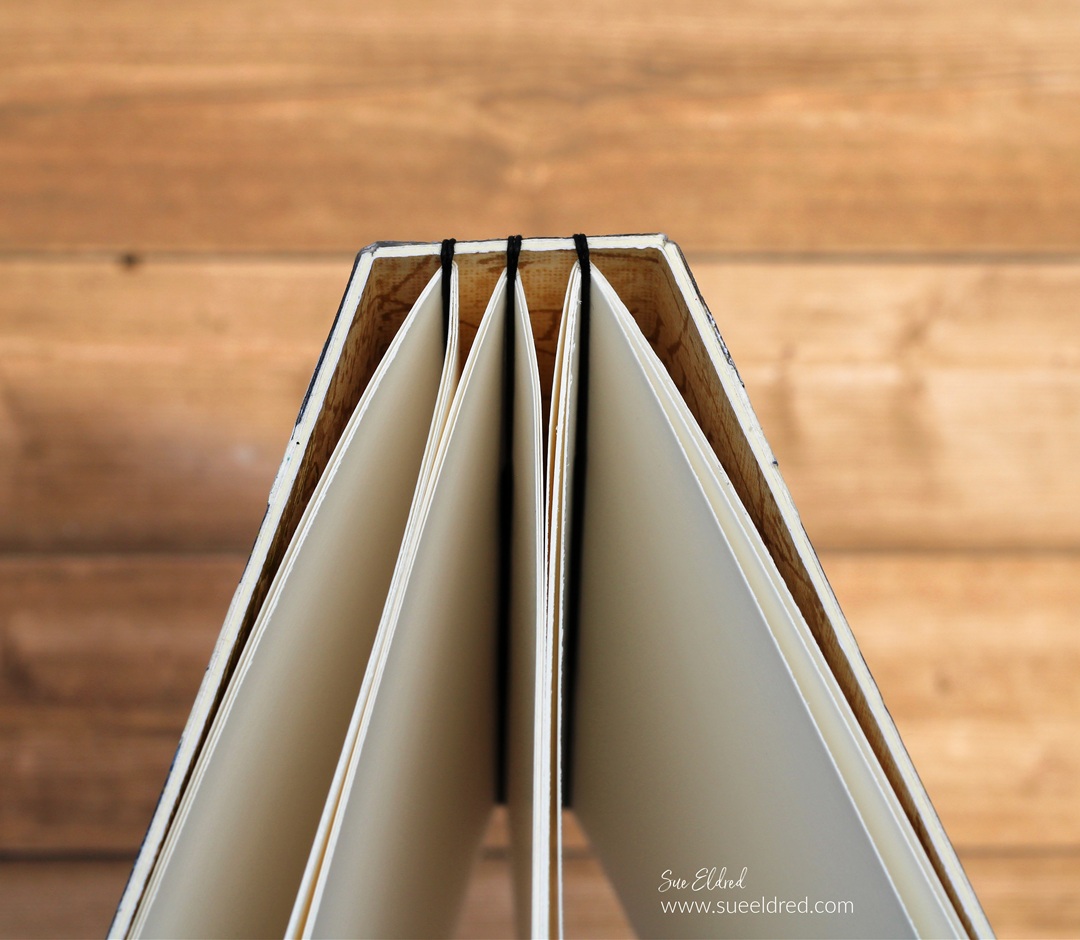
  • I created three small “signature books” using cardstock for the inside of the album.
  • I cut them approx. 1/4″ smaller than the book.  

  • I added them to the album by wrapping a heavy-duty upholstery thread several times around the spine.

  • On the ends of the thread, I added a large blue button.
  • The album measures 5″ x 5″ and is a great size for a small photo album or journal.  

Eileen Hull Educator Logo

Disclosure:  This is a sponsored post.  As a member of the Eileen Hull Inspiration Team, I have been provided product in exchange for my creative ideas.  The view and opinions are my own.

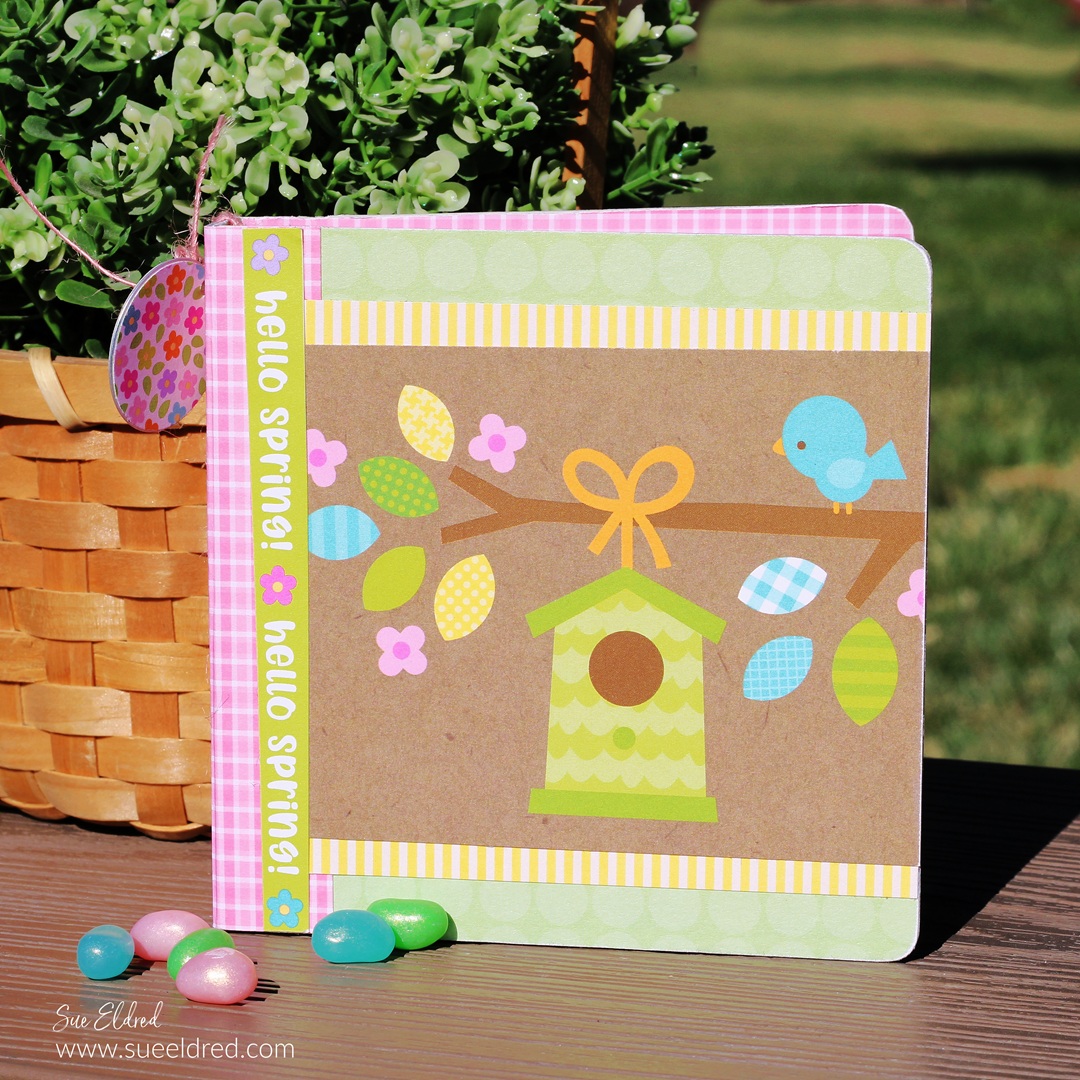
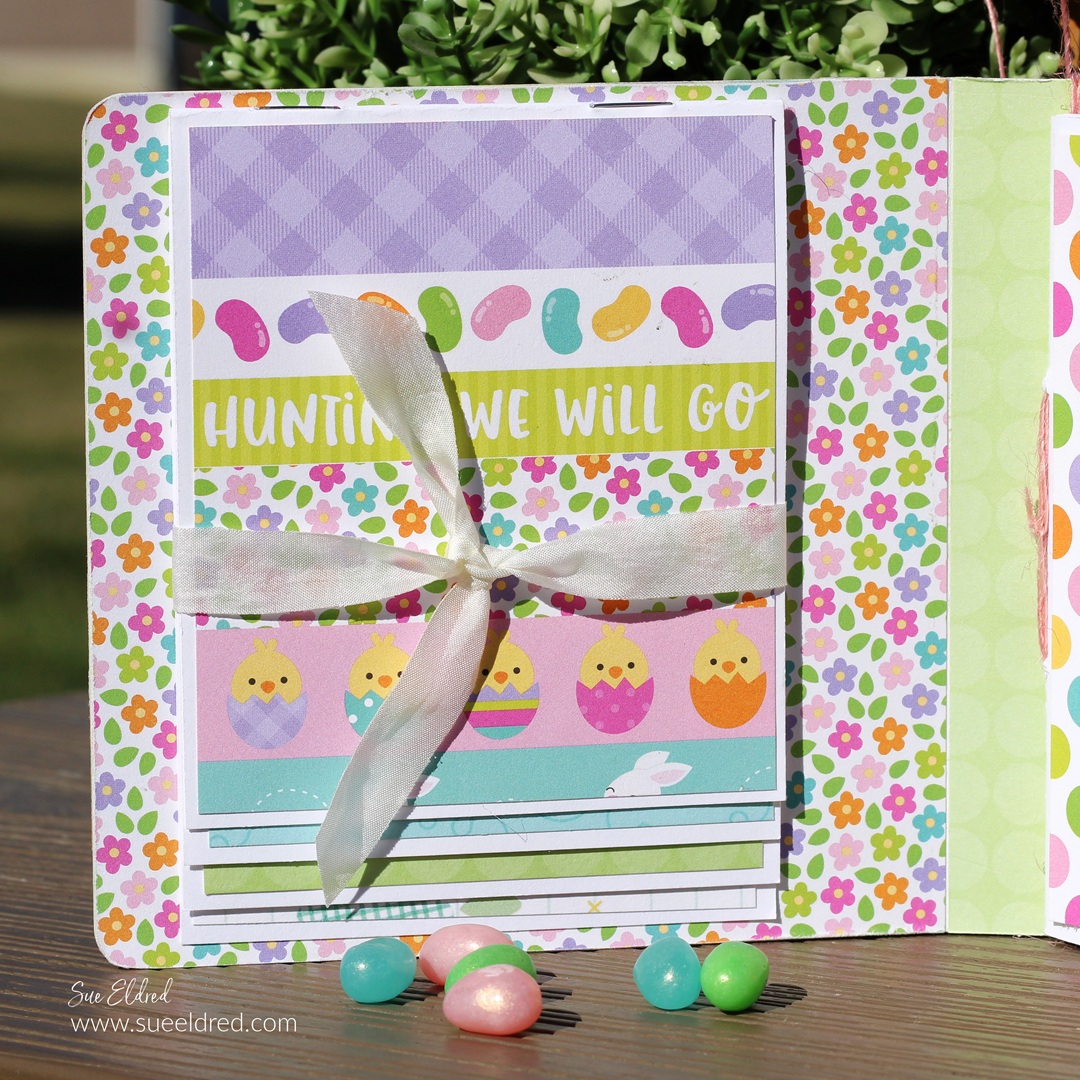
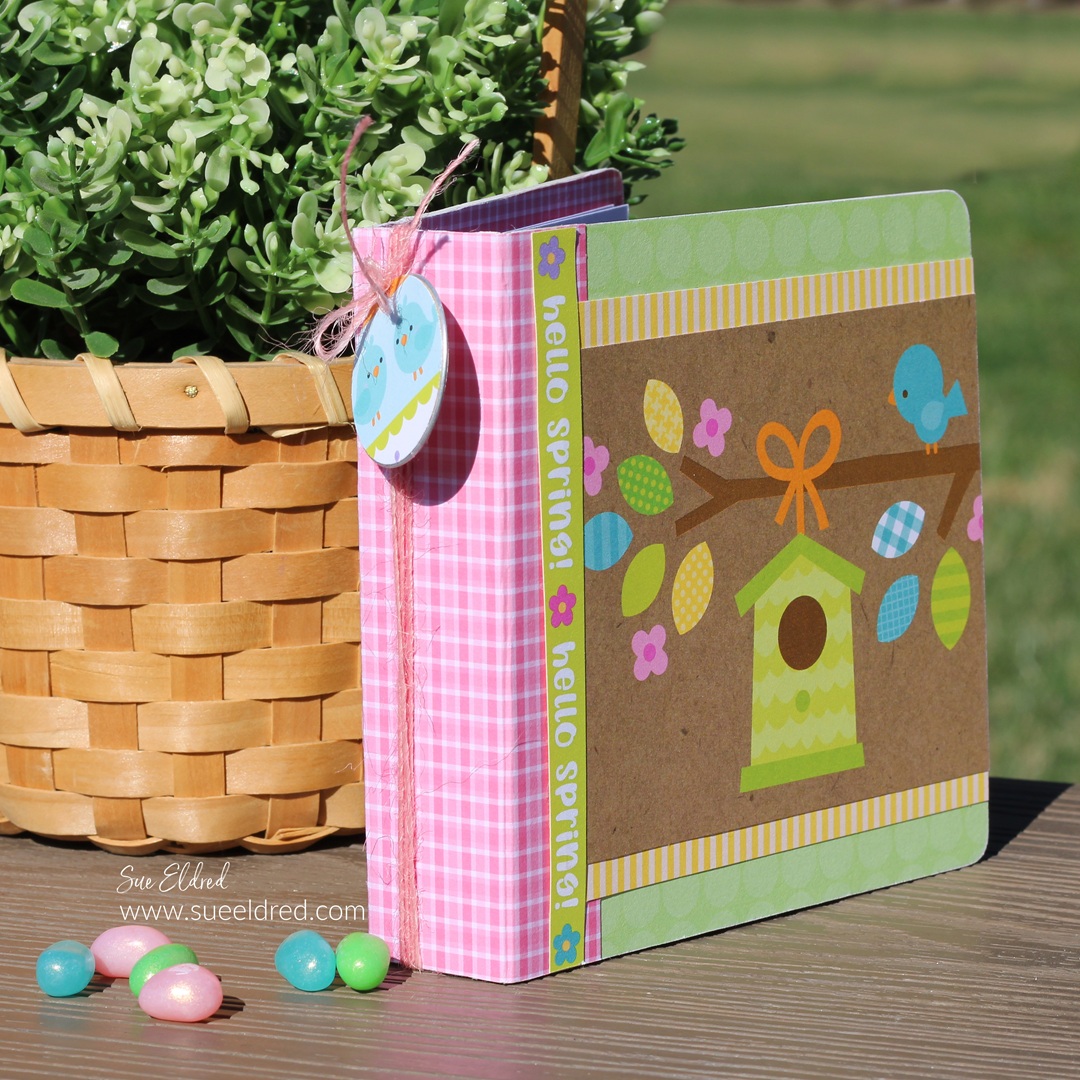
Spring Mini Album (Scrapping My Stash)

Scrapping My Stash

Do you have an enormous amount of saved paper scraps?

Do you have a problem throwing them away?

If you do, you may enjoy my Spring Mini Album.

It’s part junk journal and part bits and pieces.

During March Madness Basketball this past weekend,

I took the opportunity to play around in my studio.

The inspiration was a bag of paper scraps from the many

Spring Paper Collections I’ve saved.

With the excessive amount of paper I’ve collected and hoarded

over the years, I’m trying to use what I have.

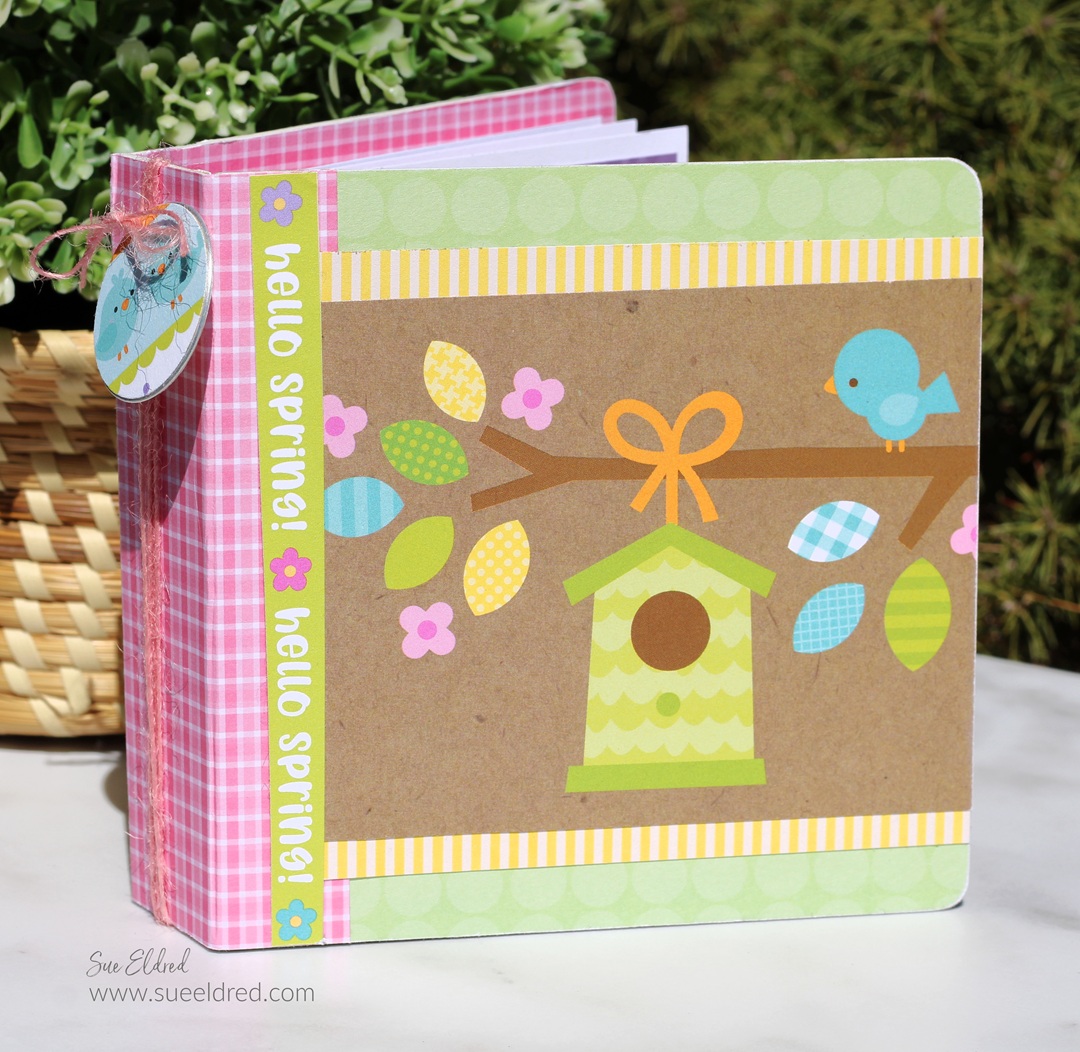
The Spring Mini Album measures 5″ x 5″ and uses the

Sizzix Mini Album by Eileen Hull*.

*Disclosure:  This blog uses ads and affiliate links.  If you choose to make a purchase using one of the links, I receive a small commission (at no additional cost to you) that helps offset the costs of maintaining this blog.  Thanks for your support!

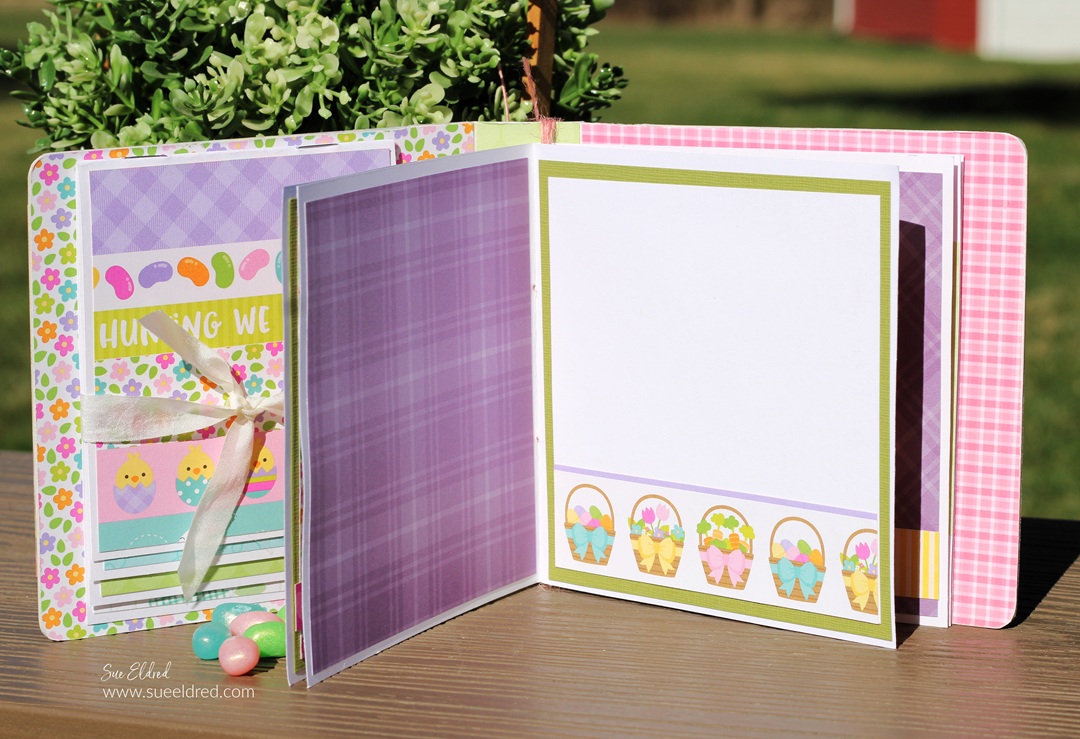
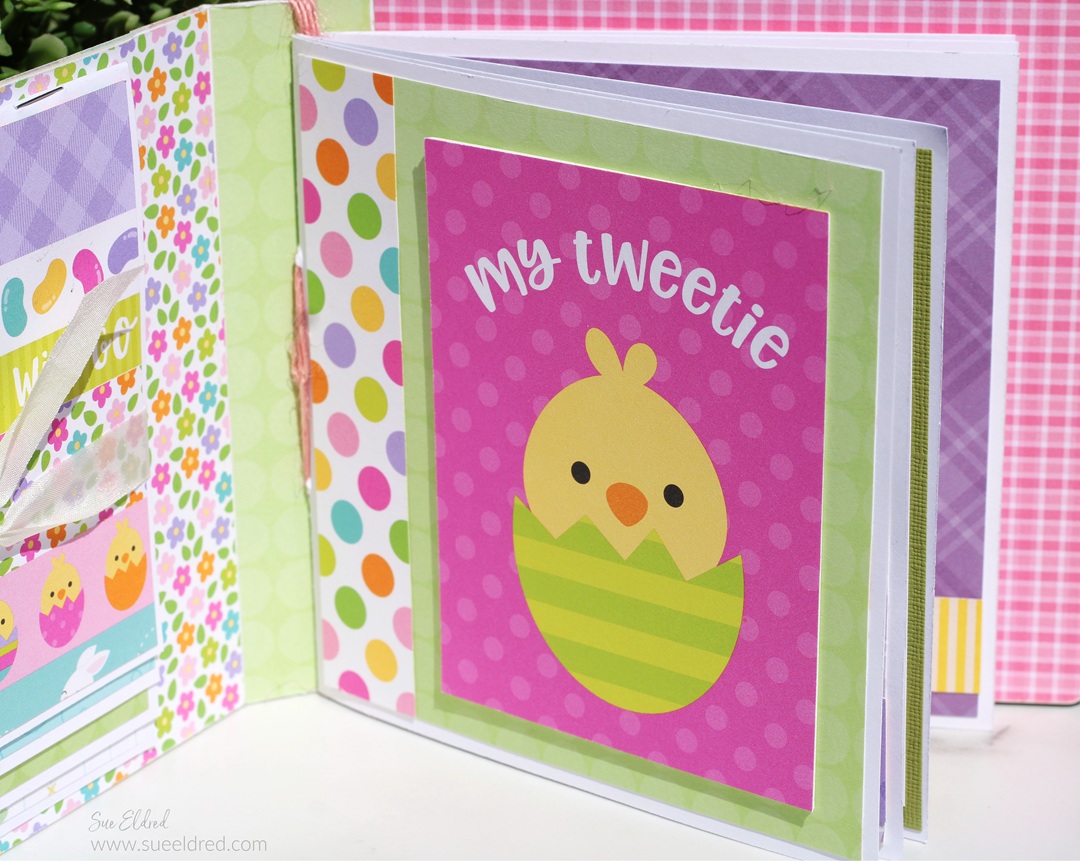
Inside the album, I created a “signature book” that I stitched

together using thin pink twine. I added it to the album by

wrapping the twine several times around the spine.

On the other side of the album,

I made a small waterfall album tied with a cream ribbon.

I made a small embellishment using a metal ring tag* and circles

cut from the scrapbook paper and attached it to the spine.

Eileen Hull Educator Logo

Disclosure:  This is a sponsored post.  As a member of the Eileen Hull Inspiration Team, I have been provided product in exchange for my creative ideas.  The view and opinions are my own.

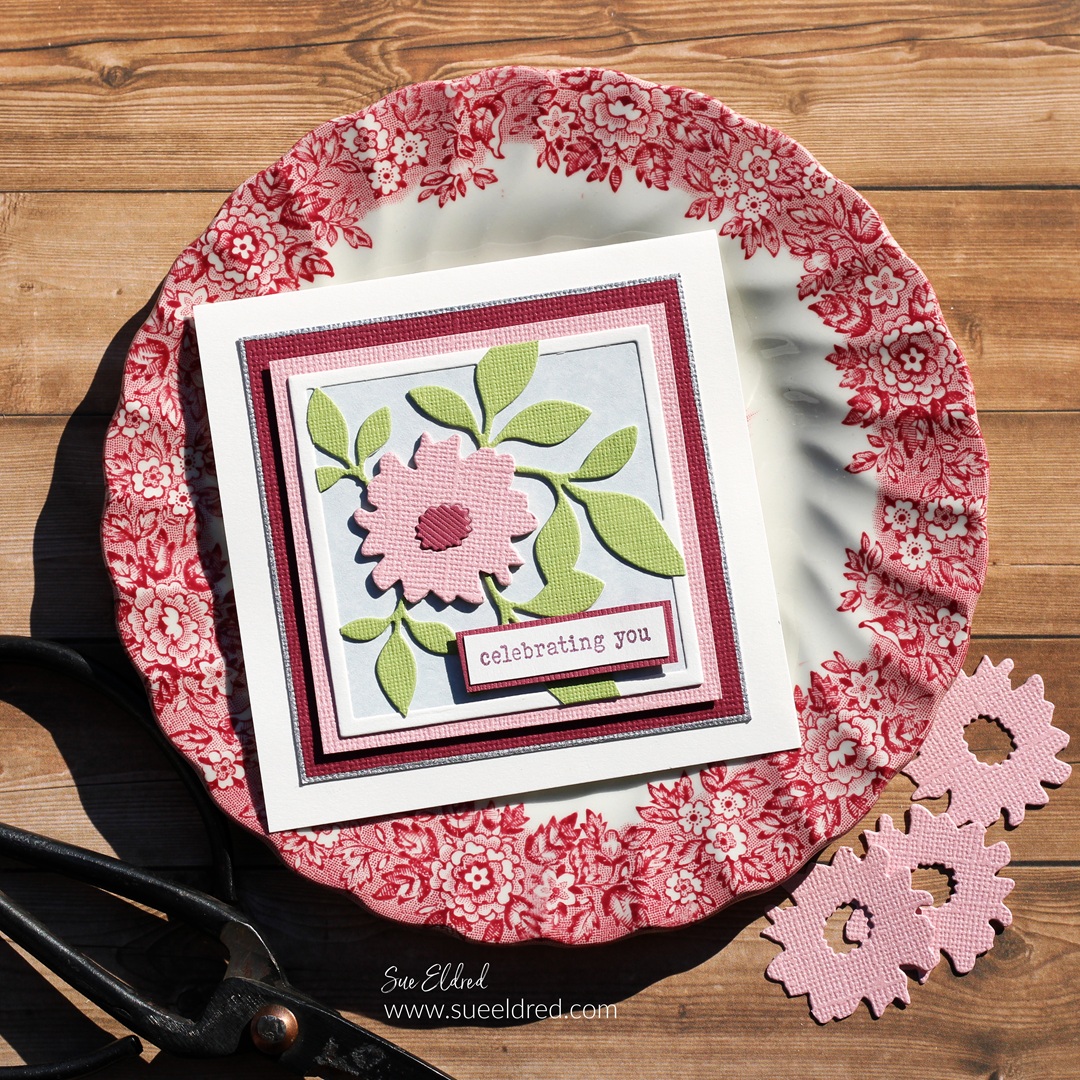
Celebrating You

How to make a Celebrating You Gift Card.

I love it when I can use a tool or die set in several different ways.

I think the Sizzix Floral Pockets & Paperclips Die Set by Eileen Hull* is one of those.

And I haven’t even made everything you can make with this set.

Eileen Hull Educator Logo

Disclosure:  This is a sponsored post.  As a member of the Eileen Hull Inspiration Team, I have been provided product in exchange for my creative ideas.  The view and opinions are my own.

Materials Used: (*affiliate links)

*Disclosure:  This blog uses ads and affiliate links.  If you choose to make a purchase using one of the links, I receive a small commission (at no additional cost to you) that helps offset the costs of maintaining this blog.  Thanks for your support!

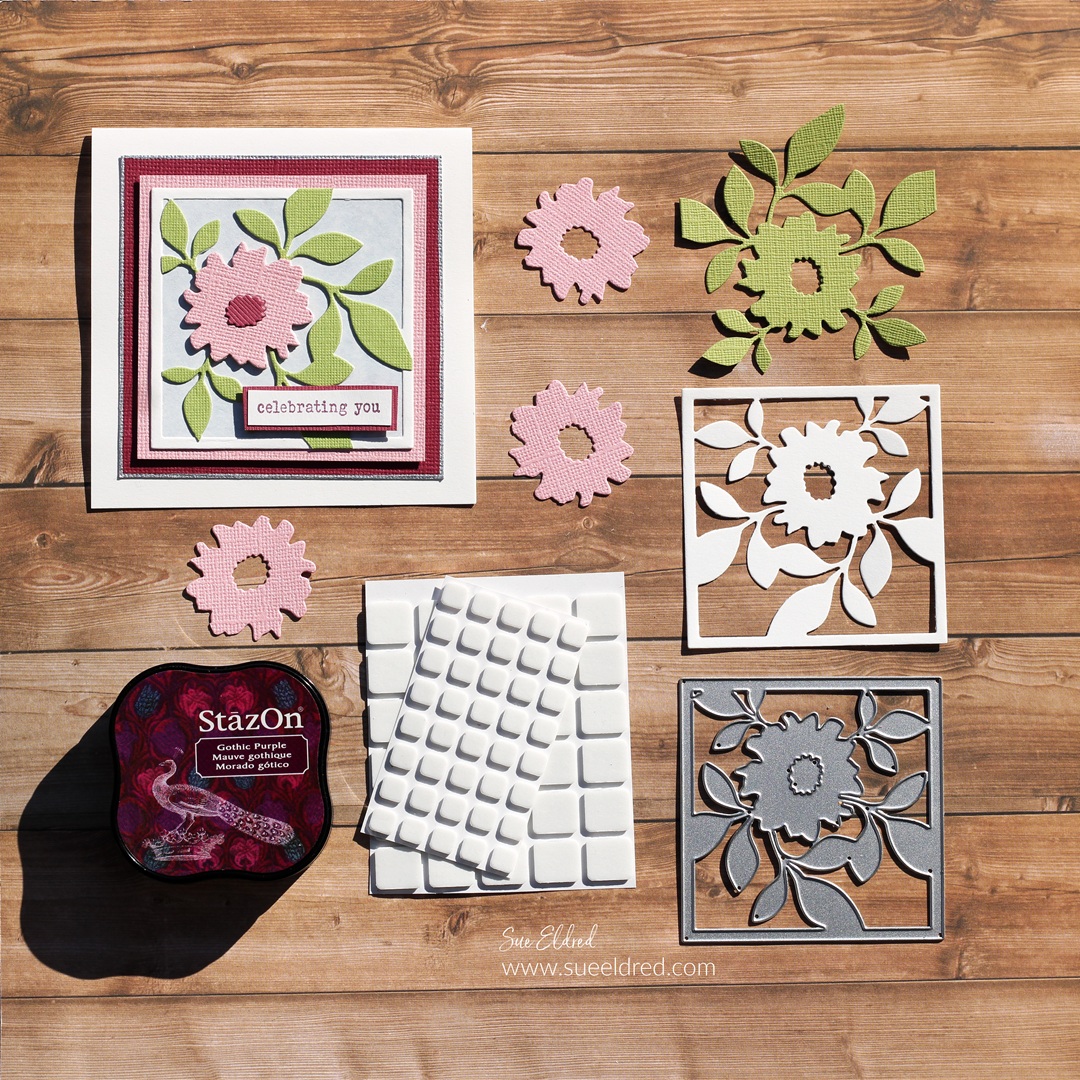
I used the Floral Square Die included in the set and die-cut it several times.

  • I die-cut it once using cream cardstock for the cream frame. 
  • I adhered a small piece of blue parchment cardstock to the back of the cream floral base.
  • I die-cut it using green cardstock and cut off the outside edges that make the frame.  I glued the green layer onto the cream layer.  
  • For added dimension, I cut three flowers out of pink cardstock.  I glued all three flowers together and then glued them onto the green flower.  
  • I used maroon cardstock to die-cut three centers for the inside of the flower.  

  • I adhered the floral die-cut onto a pink cardstock layer.  I added foam mounting squares to the back of the pink layer to give the card added dimension.
  • I used a Silver Calligraphy Paint Pen* to draw a silver edge onto the maroon cardstock layer. 
  • I stamped the words “celebrating you” (from the Fan Favorites Stamp Set*) onto a small piece of cream cardstock and gave it a simple layer.  I added Foam Mounting Squares* to the back of the word layer and added to the front of the card.  

For another quick project, I made a Four Seasons Gift Card Set.

The 10-piece die set* also includes dies to make pockets, tags,

birds, paper clips, labels, notes, and lists.  It’s a very versatile die set.

Life is Beautiful Tri-Fold Tag Card

How to Make a Simple Tri-Fold Card Using a Large Tag.  

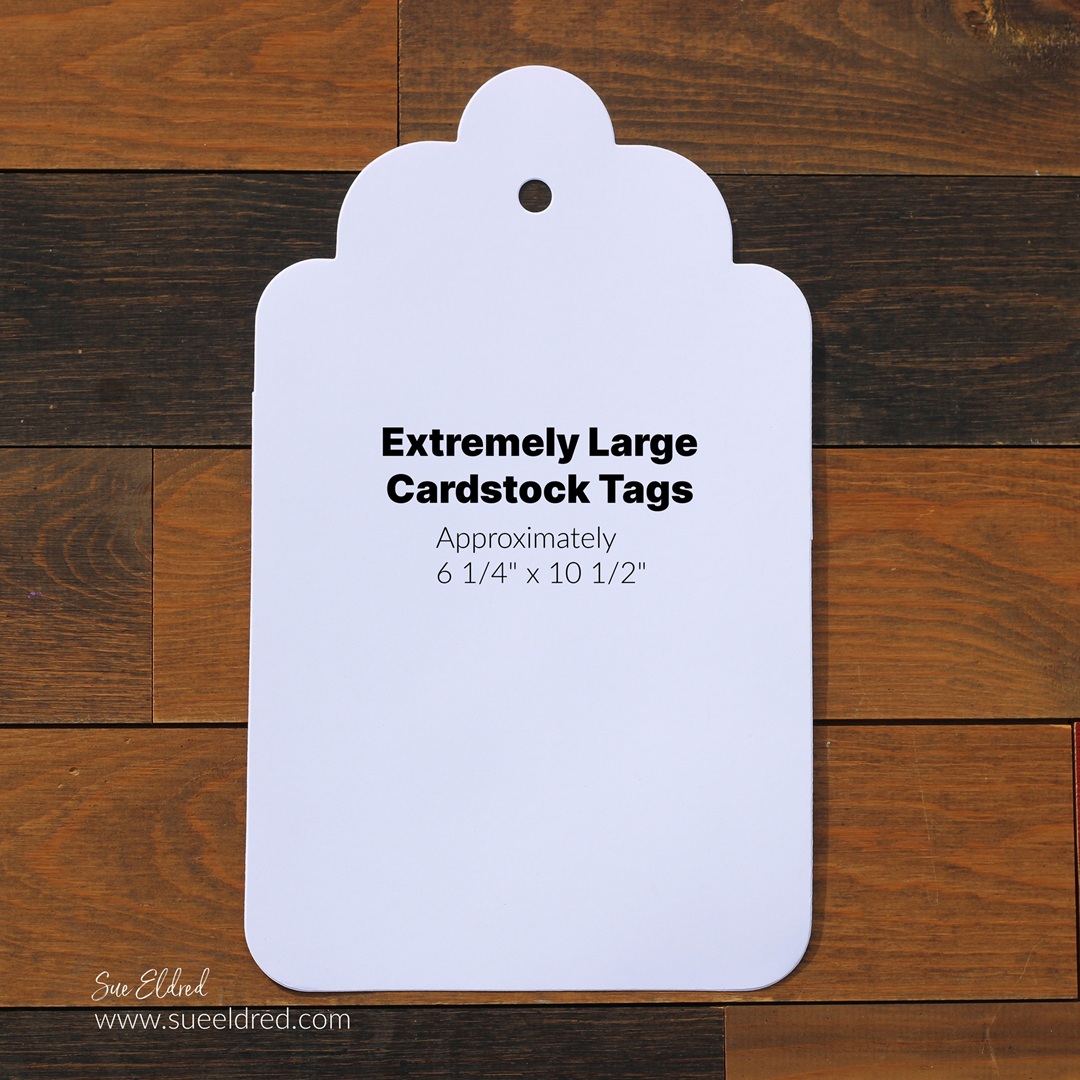
I was playing around in my studio when I encountered my oversized tag die.

I hadn’t used it in a while, so I decided to make a tri-fold card.

(I love it when something old becomes new again.)

(The Die Cut Tag measures approximately 6 1/4″ x 10 1/2″.)

To create the tri-fold card…

I die-cut the large tag using a piece of white cardstock.

You can find the Extremely Large Tags* in my Etsy Shop*.

Amazon prime

*Disclosure:  This blog uses ads and affiliate links.  If you choose to make a purchase using one of the links, I receive a small commission (at no additional cost to you) that helps offset the costs of maintaining this blog.  Thanks for your support!

I used a scoreboard and scoring tool* to score the tag lengthways

at 3 1/2″ and 7″ and folded it in three sections.

I grabbed my Echo Park’s Life is Beautiful Scrapbook Collection*

and got to work decorating the first fold of the tag.

I used a corner rounder punch* on one end of the layers.

I made sure to cover up the hole of the tag with a sticker.

I kept the inside of the folded tag simple with simple layers,

a couple of stickers and a journaling card from the collection.

On the front of the tag, I used stickers mounted with

foam mounting squares* to create dimension.

And…you can mail the trifold card in a letter sized envelope.

Create a Custom Stencil using Removable Vinyl

How to Create a Custom Stencil using Removable Vinyl.

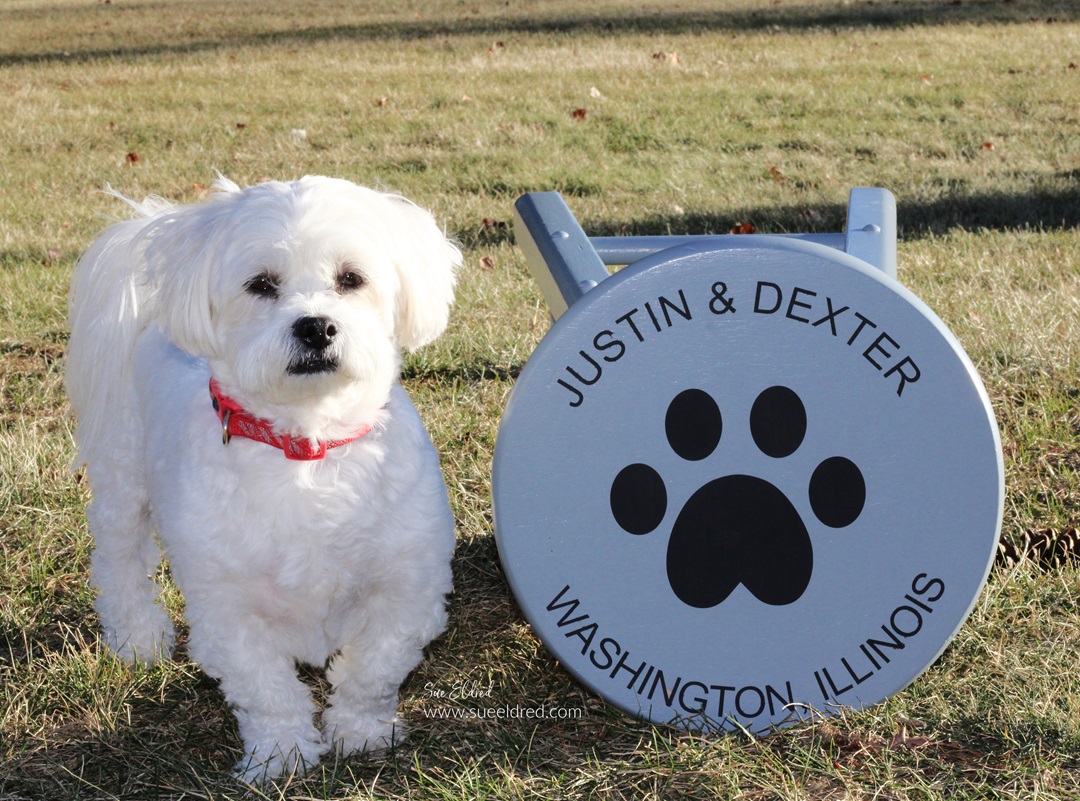
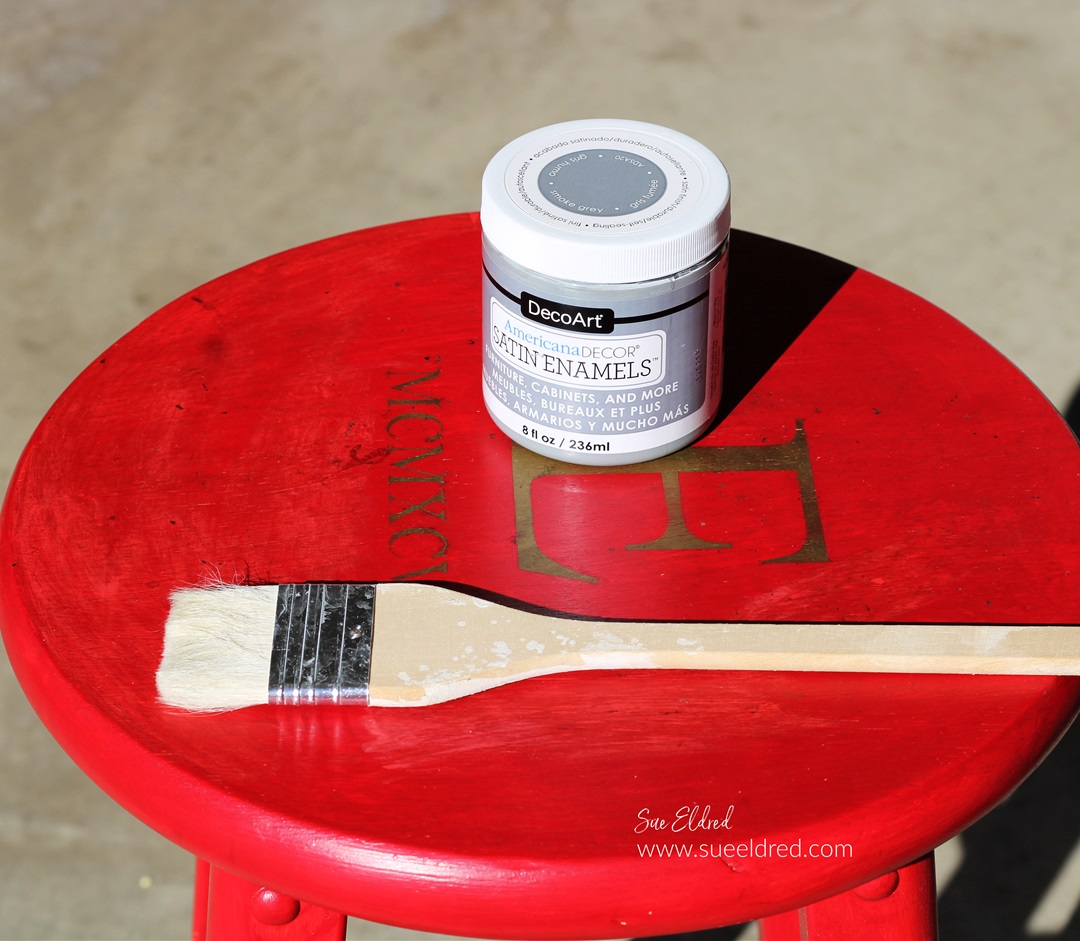
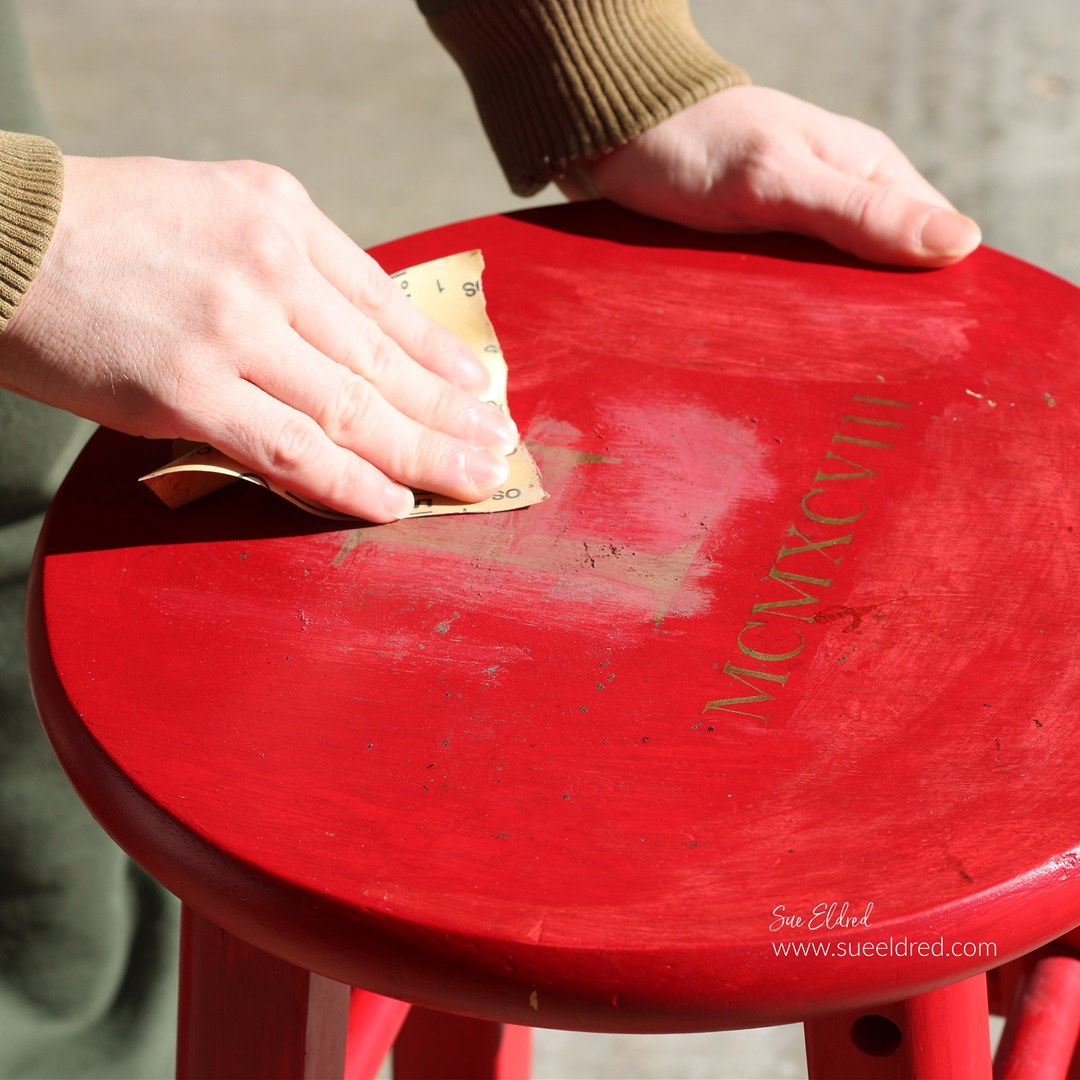
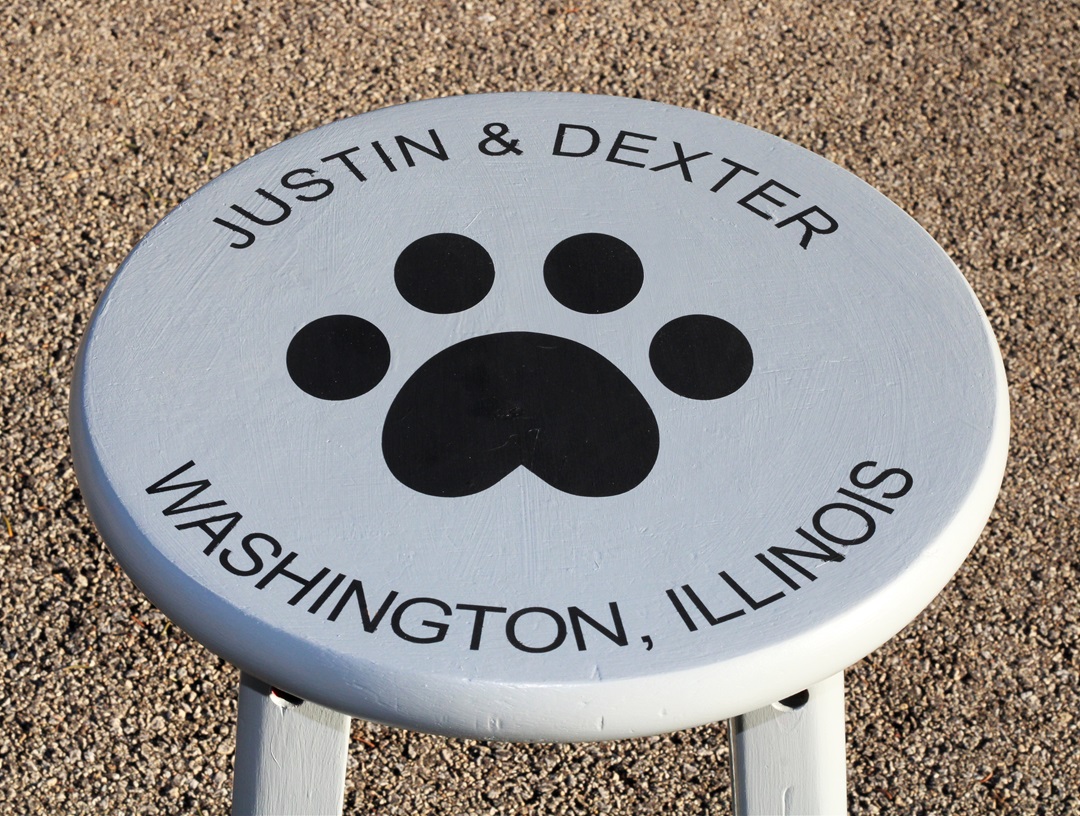
My son Justin asked me recently to help him personalize

an old stool in his room.  It really is fairly simple to do.  

If you have Removable Craft Vinyl* and an Electronic Die-Cutting Machine*,

then you can make a stencil too.

“This is a sponsored post.  As a member of the StyleTechCraft Design Team I have been provided product and compensation in exchange for my creative ideas.  The views and opinions are my own.

Here’s how we made over Justin’s Stenciled Stool.

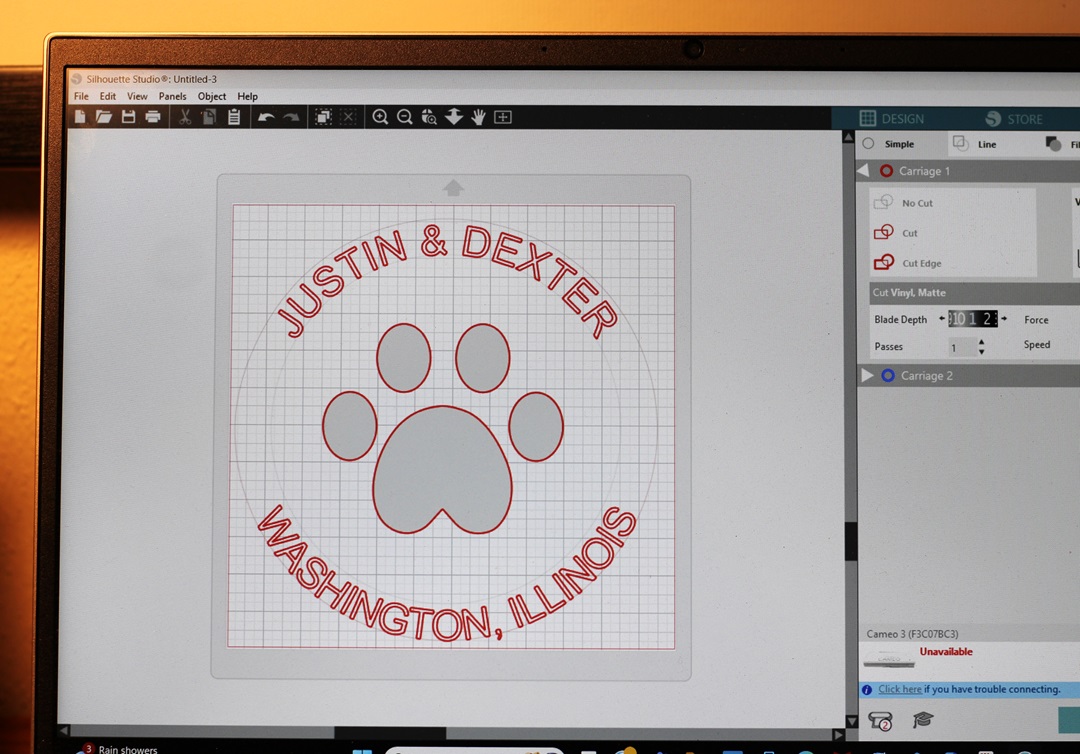
  • I used a Silhouette Cameo Electronic Die-Cutting Machine* to create my design.
  • To make the letters curve you will need to follow a few steps. 
  • Draw a circle shape with the shape tool menu.
  • Use the text tool to type your words.
  • Double-click the text until the green box pops up.
  • Grab the small circle with the crosshairs and drag it to the part of the shape where you want the text to contour to.
  • Adjust the text until it’s just right.
  • Cut your design using REMOVABLE VINYL*.  
  • Your design will be a one-use stencil.  It’s important to use removable vinyl* so it doesn’t stick to the surface you are working on.  
  • I love using StyleTechCraft Removable Vinyl*.

StyletechCraft products brought to you by ATSM Craft*

*Disclosure:  This blog uses ads and affiliate links.  If you choose to make a purchase using one of the links, I receive a small commission (at no additional cost to you) that helps offset the costs of maintaining this blog.  Thanks for your support!

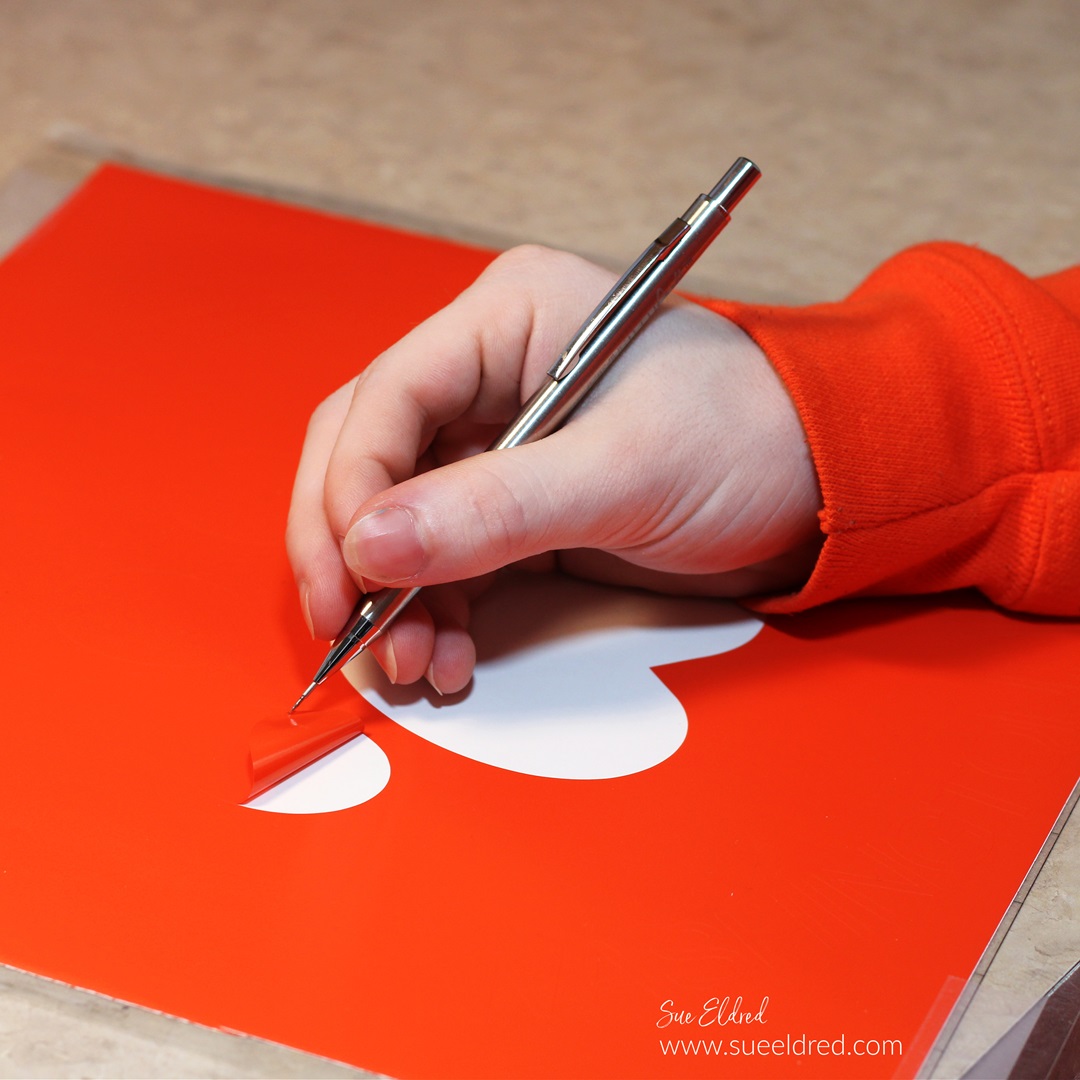
  • Remove the vinyl using a StyleTechCraft Weeding Tool*.
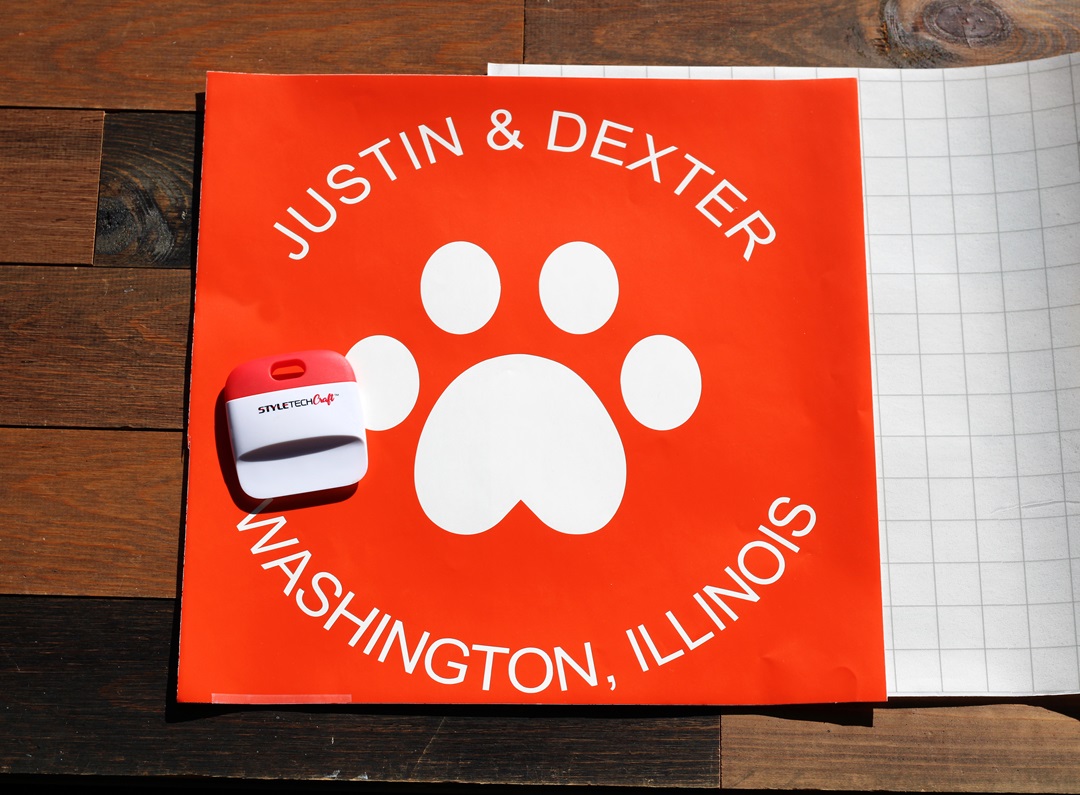
  • Usually, when working with an image on vinyl, you remove the background.  When creating a stencil remove the inside of the design leaving the background.  Remember to leave the inside of the letters.  

  • Here is the finished design on a 12″ x 12″ piece of removable vinyl.  
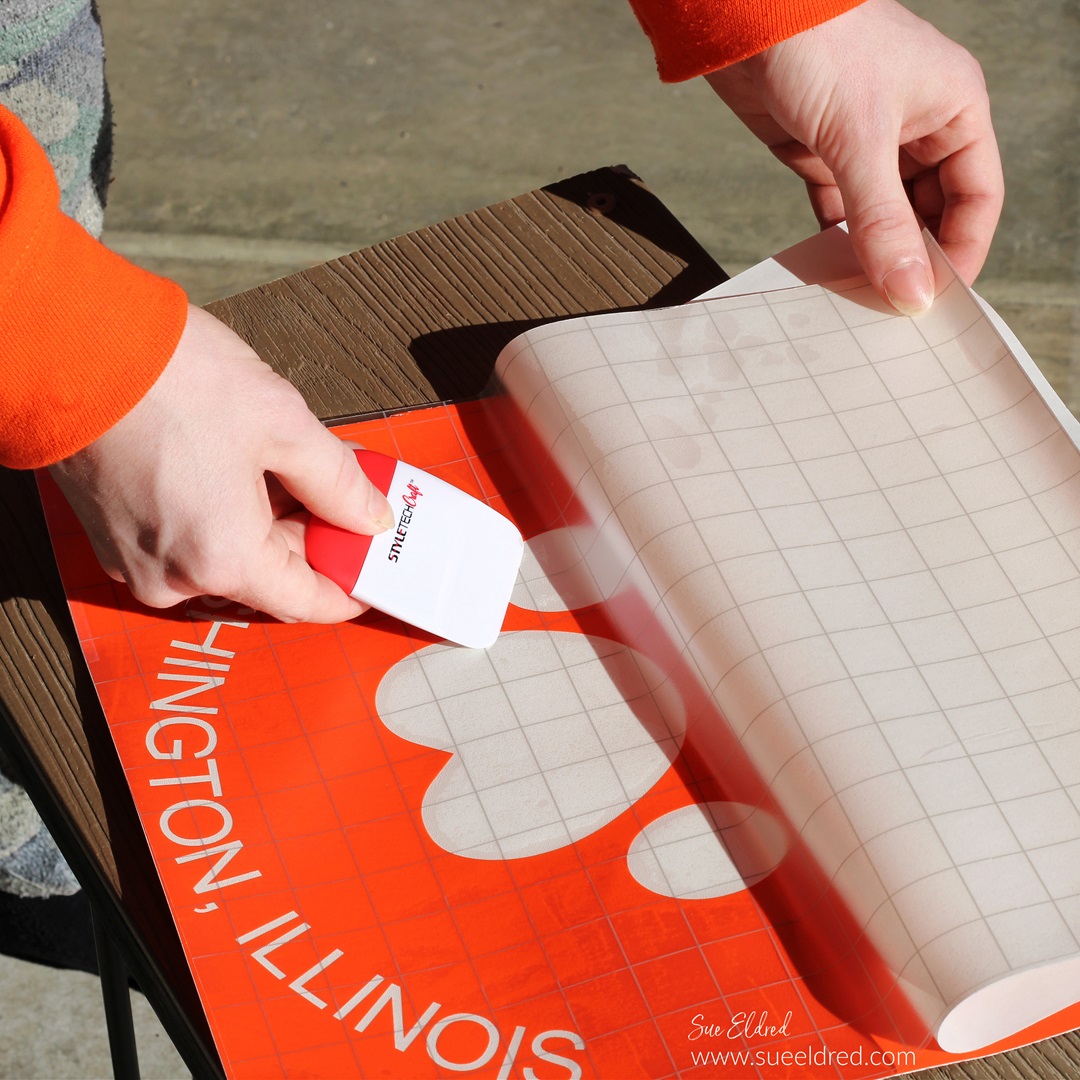
  • You will need a large sheet of Low Tack Vinyl Transfer Paper.

  • Slowly place the transfer paper onto one end of the vinyl.  
  • Pull the transfer paper over the vinyl.  
  • Gently rub over the transfer paper with a vinyl scraper tool to ensure that the vinyl sticks to the transfer paper.  

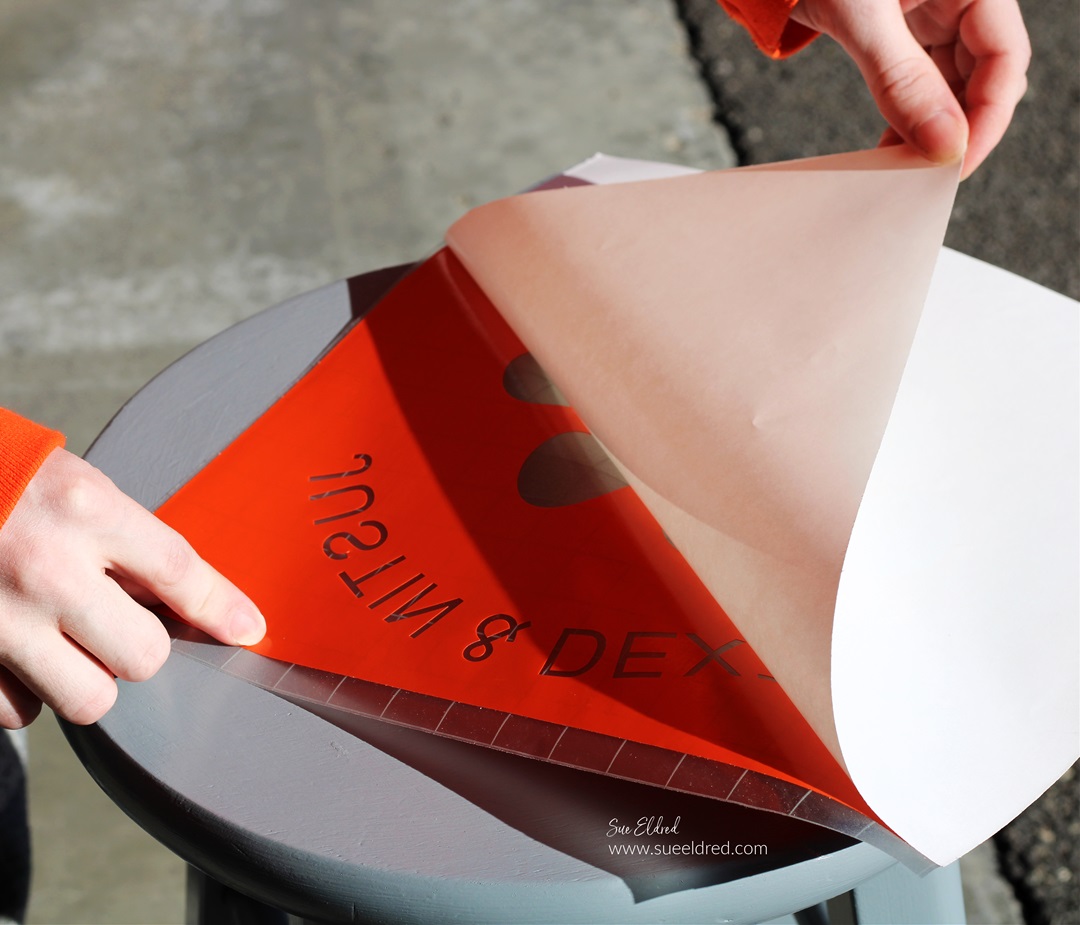
  • Gently lift the white backing paper from the vinyl.  

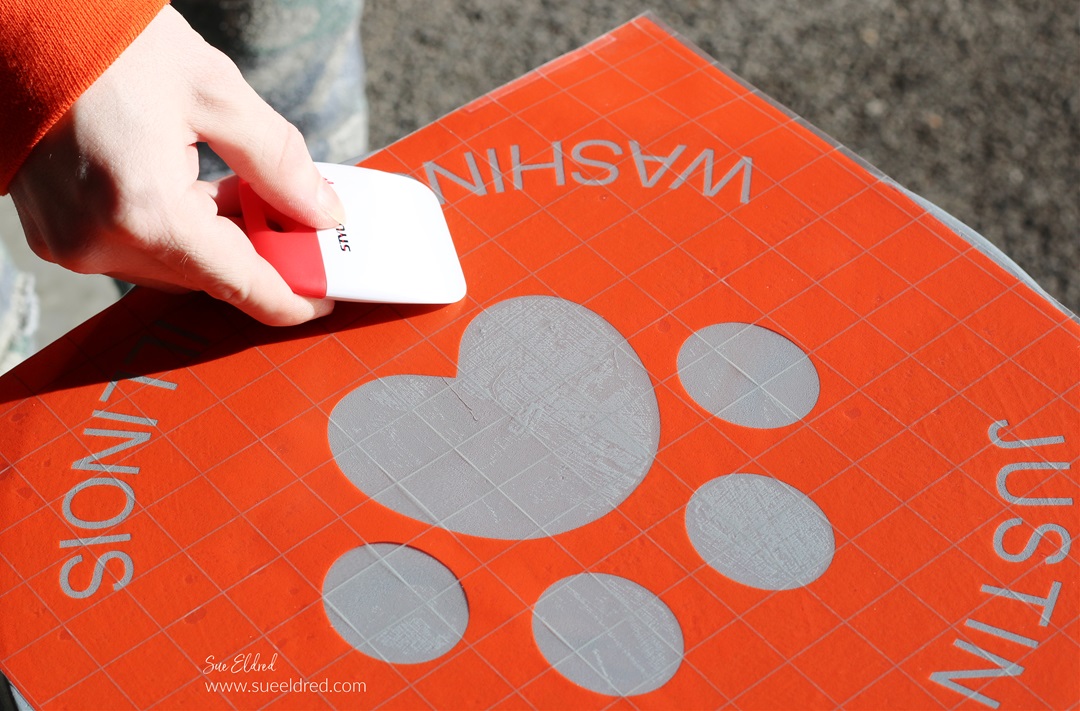
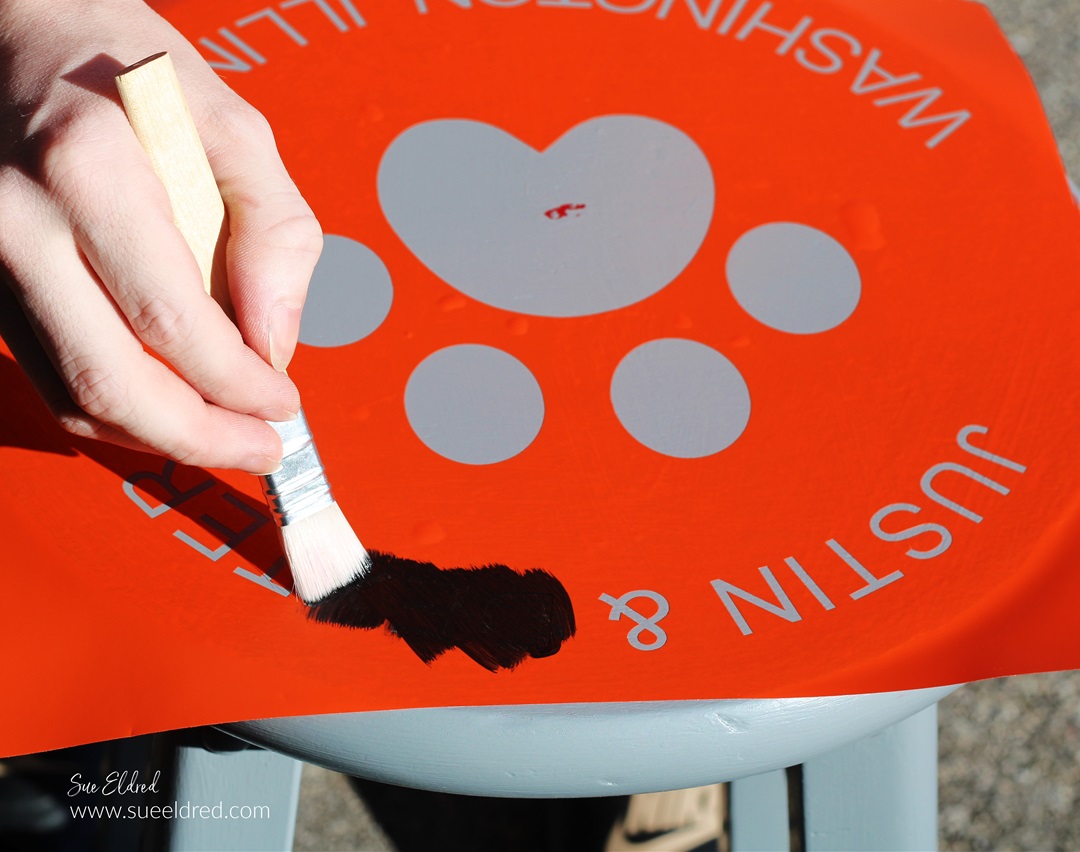
  • Place the vinyl onto the stencil and gently rub to eliminate air bubbles.
  • Make sure that the stencil is securely stuck to eliminate paint seepage.

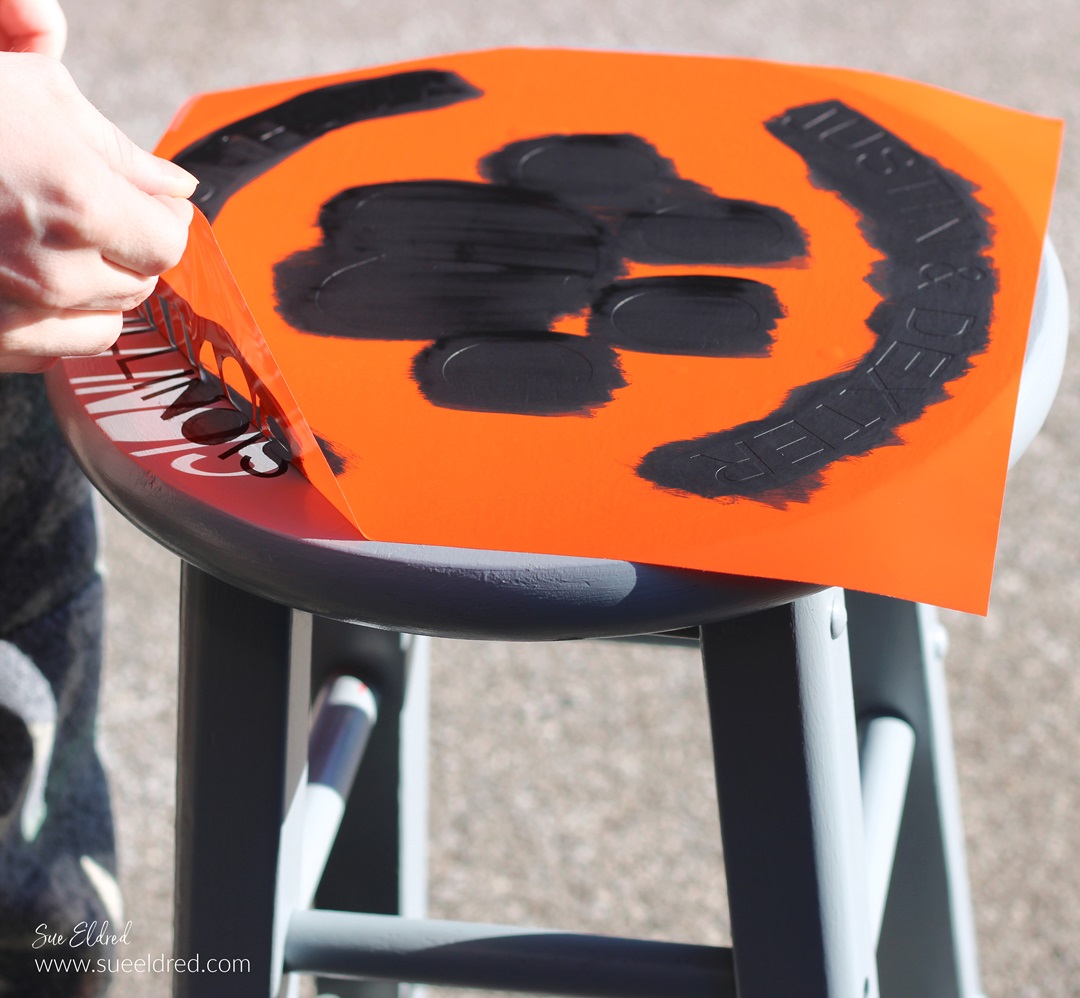
  • After the paint has dried, carefully remove the vinyl stencil.  
  • You may need a craft pick* or exact-o knife* to remove the inside of the letters.  

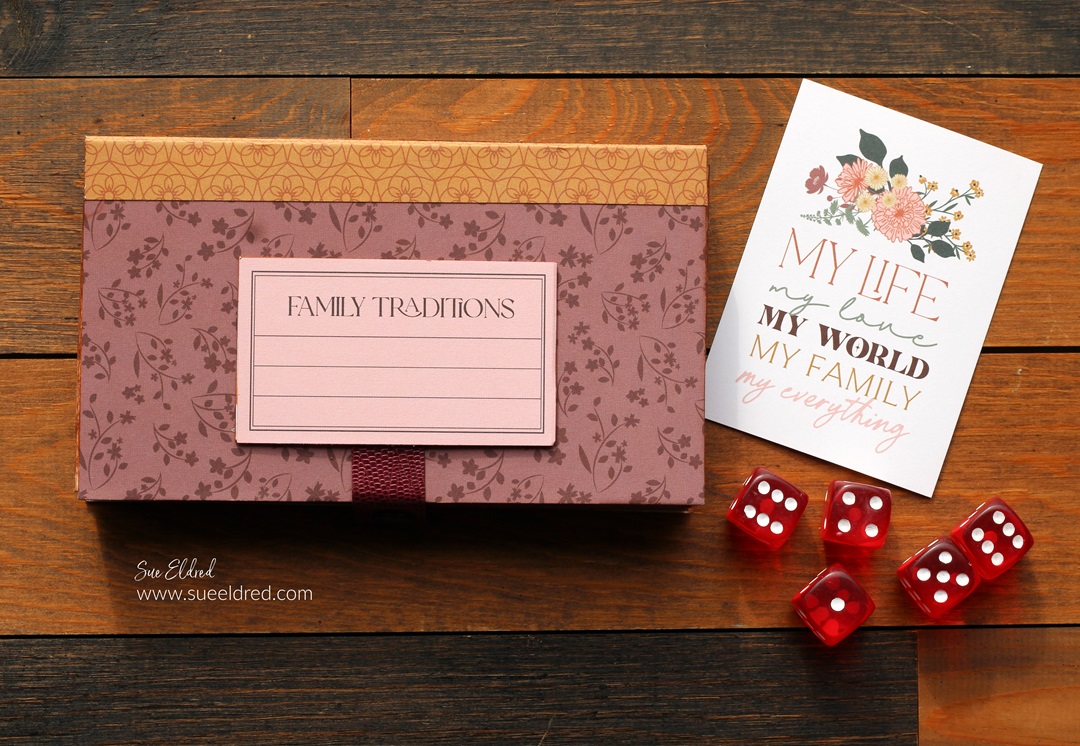
Family Game Night DIY Mini Storage Box

Family Game Night

The people in my family love to play games.

When we get the whole big group together for a Family Dinner,

someone usually brings out the dice.

Everyone crowds around the table, and we play a game or two.

Dice is one of their favorite games because even young kids can play along.

(that is until they get bored and leave)

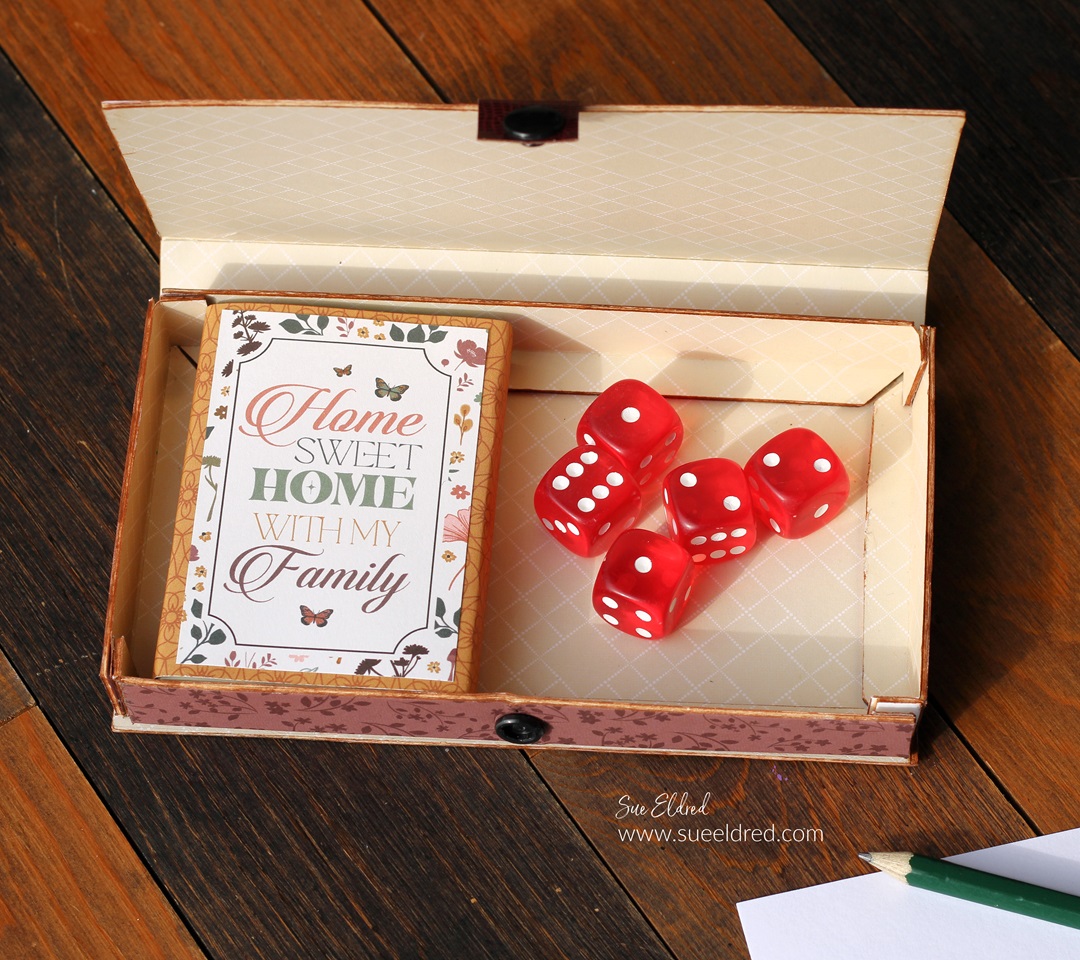
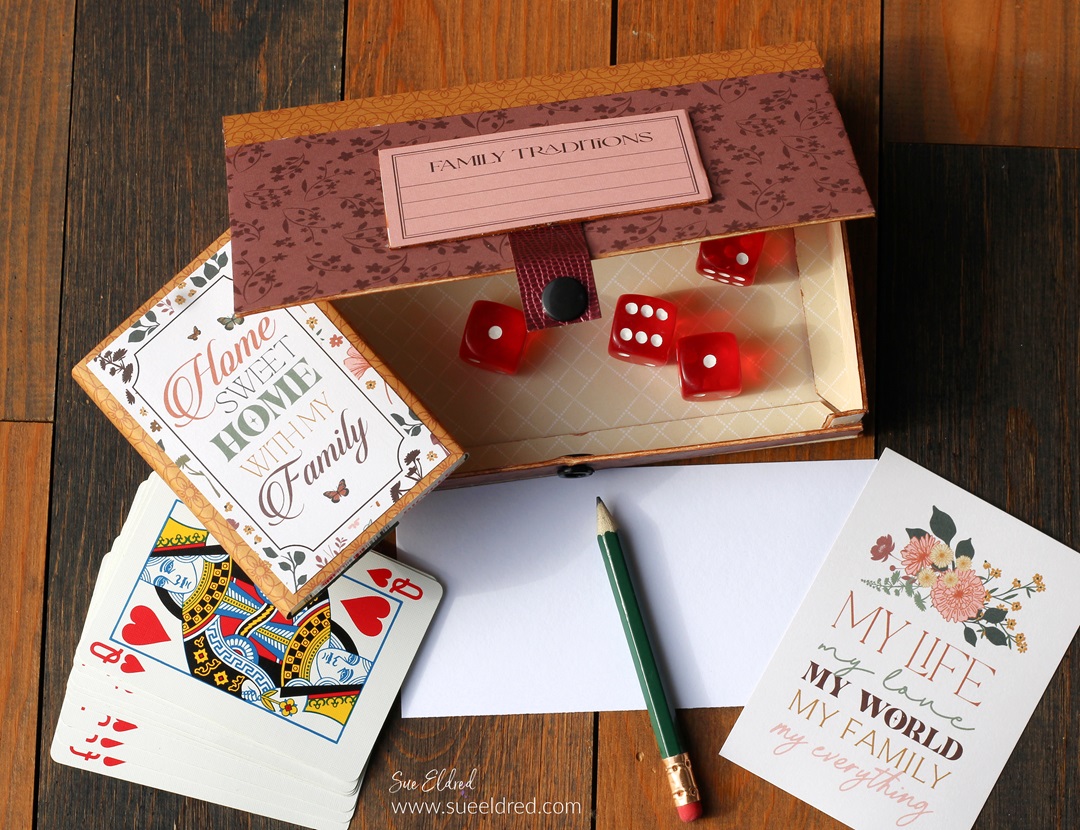
For fun, I made a small box just the right size for holding

a deck of cards and a set of dice.

Inside the box, there is enough space to add a small pencil

and paper for keeping score.

To Make the Box: 

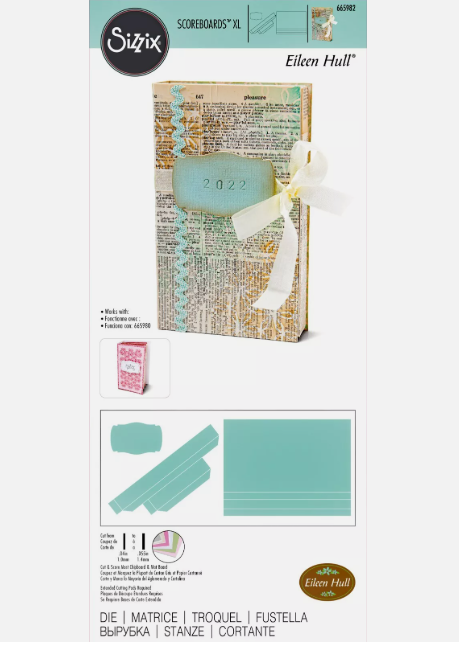
  • Gently fold the scored edges and tabs of the mat board.
  • Adhere the box together using 3/8″ Scor-Tape*.
  • If the white core of the mat board bothers you, go around the edges of the mat board with a brown marker to hide the white core.

*Disclosure:  This blog uses ads and affiliate links.  If you choose to make a purchase using one of the links, I receive a small commission (at no additional cost to you) that helps offset the costs of maintaining this blog.  Thanks for your support!

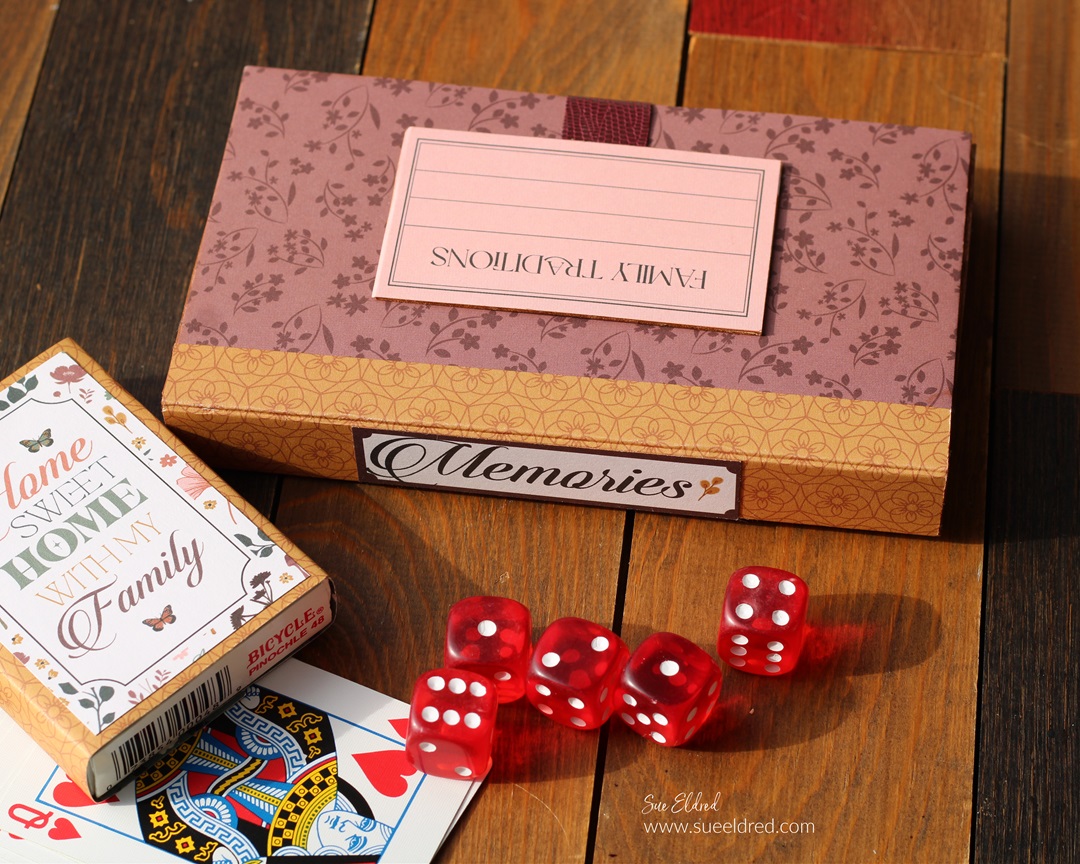
I added the word “Memories to the spine of the box.

Isn’t making memories what it’s all about?

I used a strip of faux leather paper, and a simple snap to

hold the box closed when not in use.

Materials Used:  (*affiliate links)

Shop Tombow

The Puppy Love Album is another project that I made

using the Skinny Mini Book Box Die*.

You can see more here.

Eileen Hull Educator Logo

Disclosure:  This is a sponsored post.  As a member of the Eileen Hull Inspiration Team, I have been provided product in exchange for my creative ideas.  The view and opinions are my own.