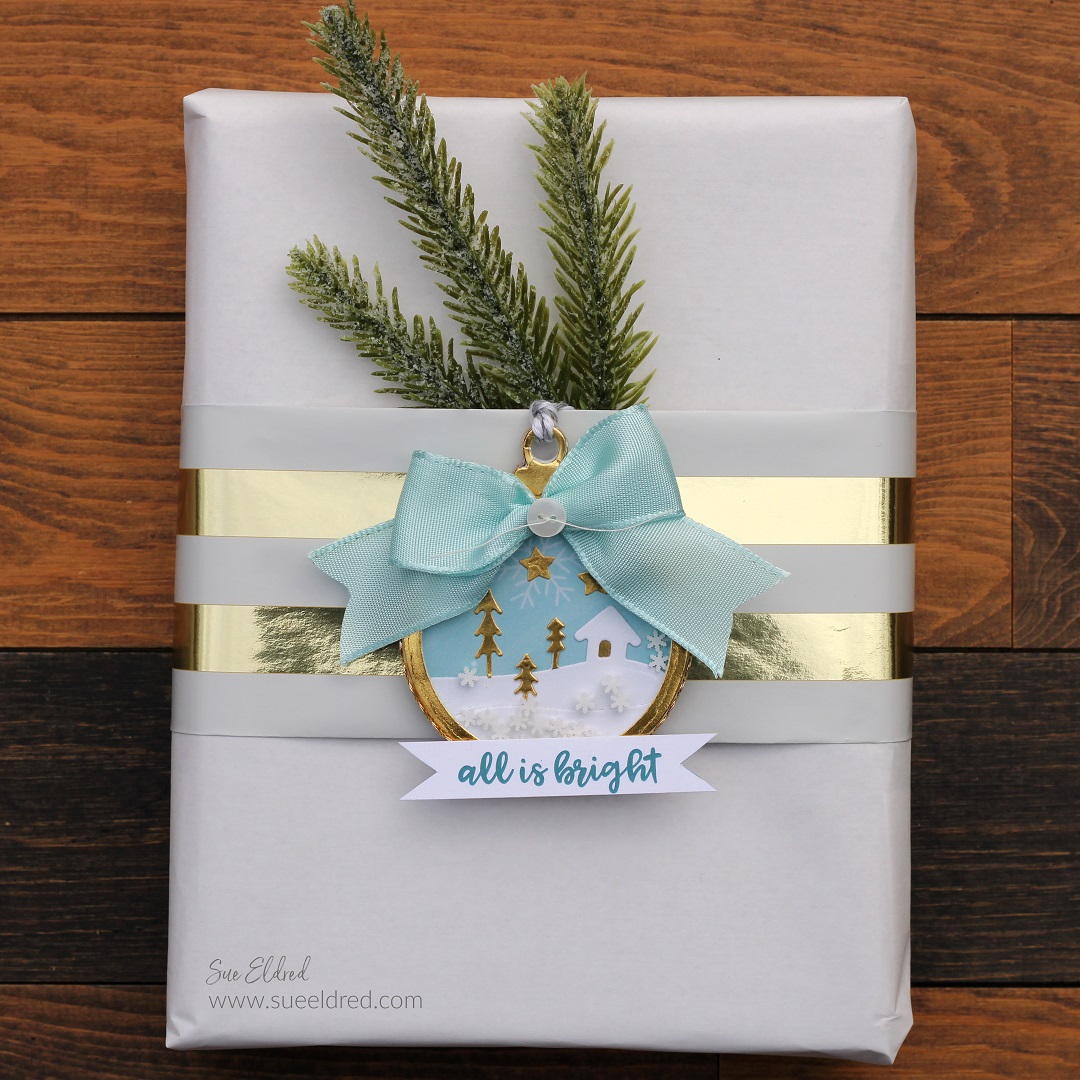
Add a little “WOW” to your Holiday presents this year…
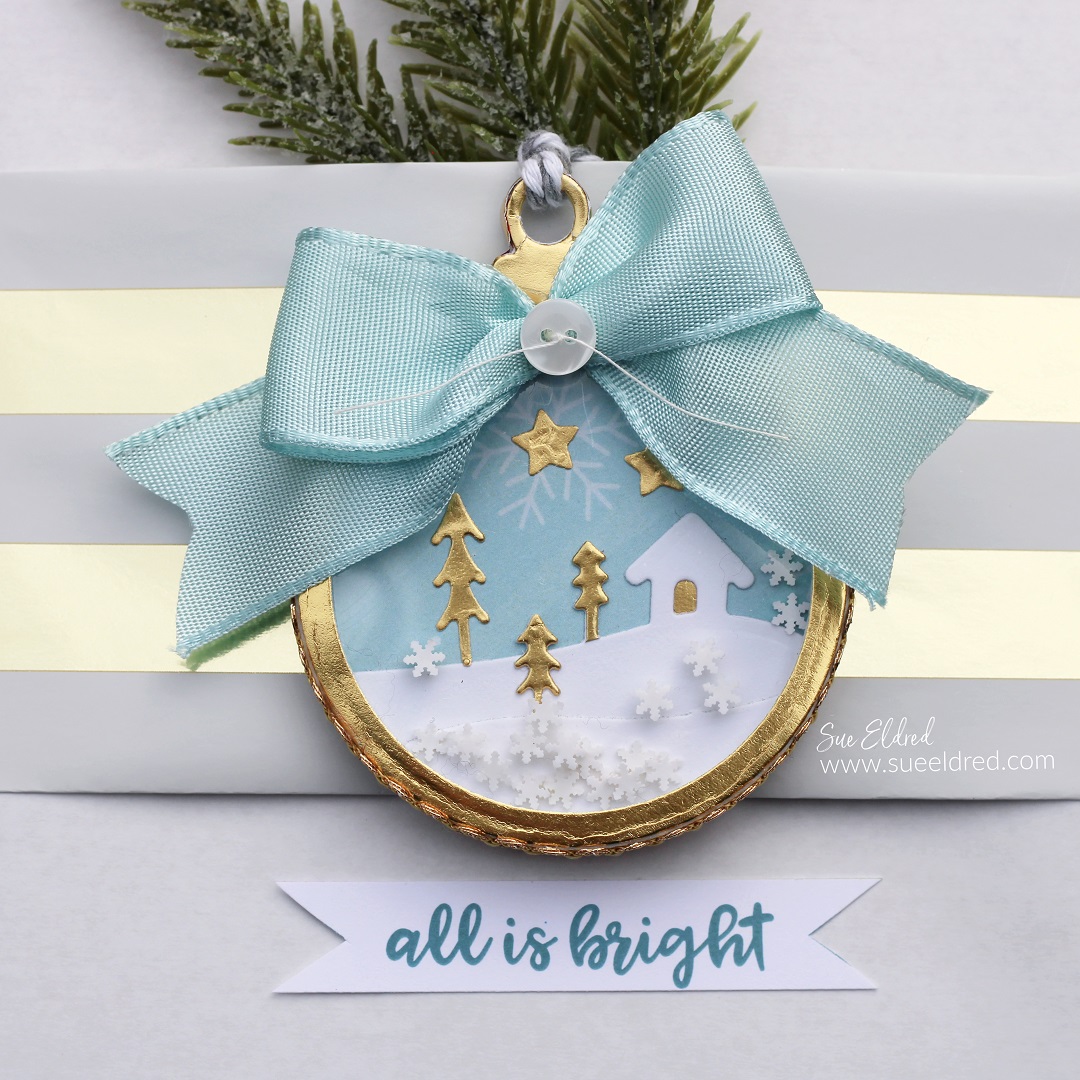
with a sweet Winter Snow Globe Shaker Tag Ornament.
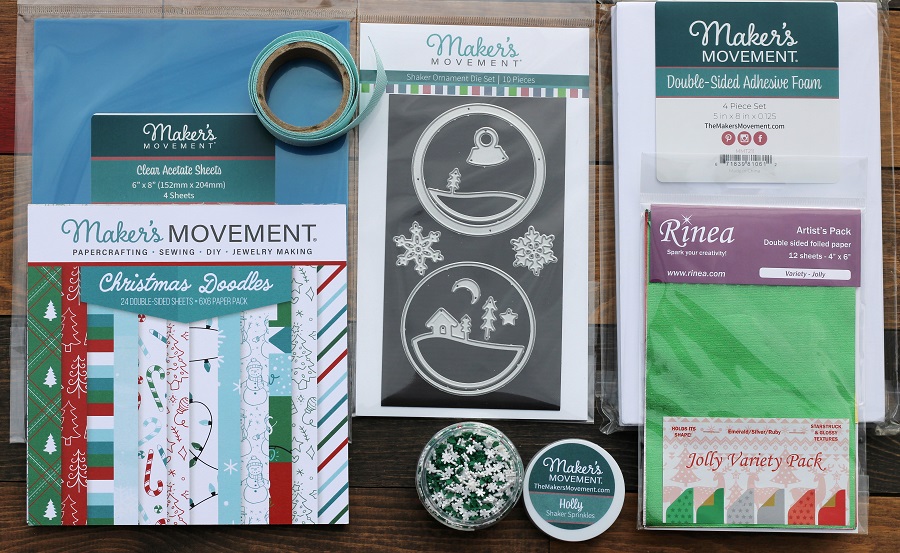
The Holiday Shaker Tag made using The Shaker Ornament Die and a few Holiday Shaker
Sprinkles is the perfect addition for those who like to shake the presents.
Go ahead and shake it…
The nice thing about the shaker tag is once they’ve opened the present,
they can use the Winter Globe Shaker Tag as an ornament.
Disclosure: This is a sponsored post for The Maker’s Movement. I have been provided product and compensation in exchange for my creative ideas. The view and opinions are my own.
*Disclosure: This blog uses ads and affiliate links. If you choose to make a purchase using one of the links, I receive a small commission (at no additional cost to you) that helps offset the costs of maintaining this blog. Thanks for your support!
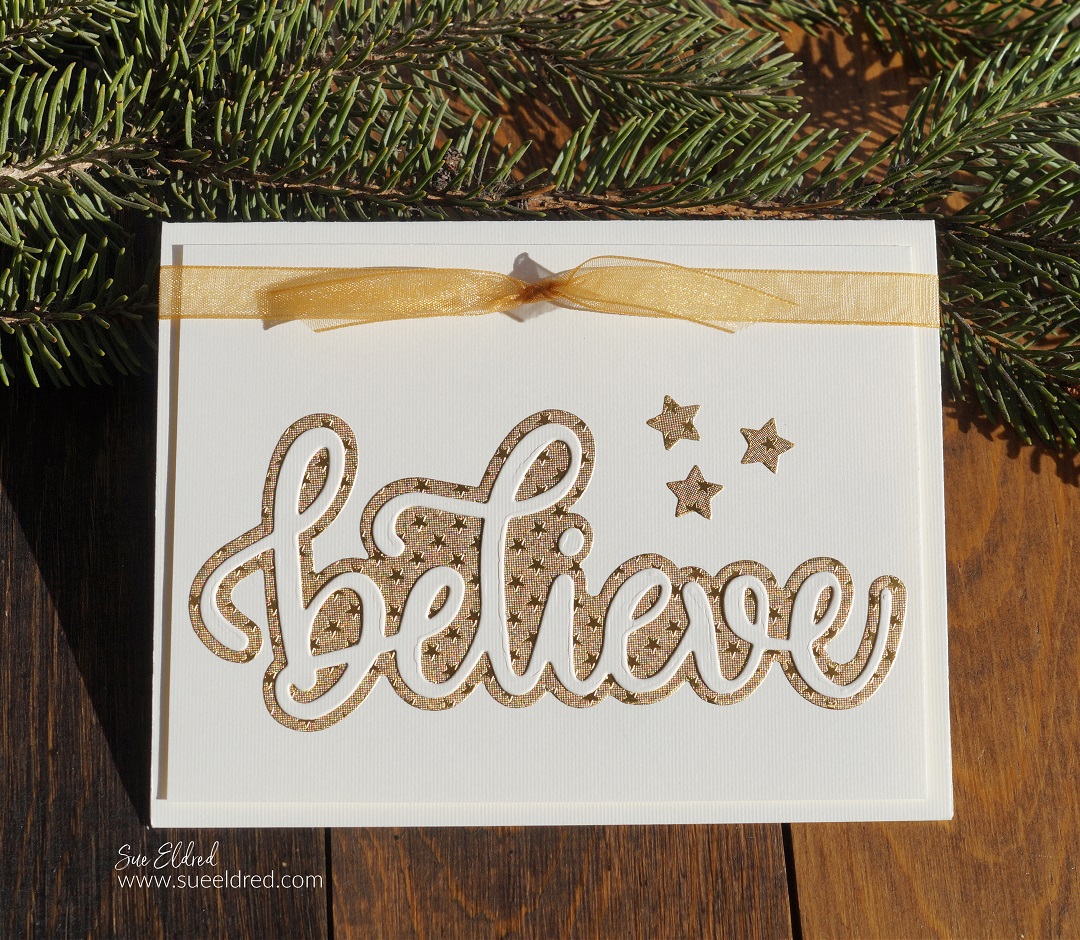
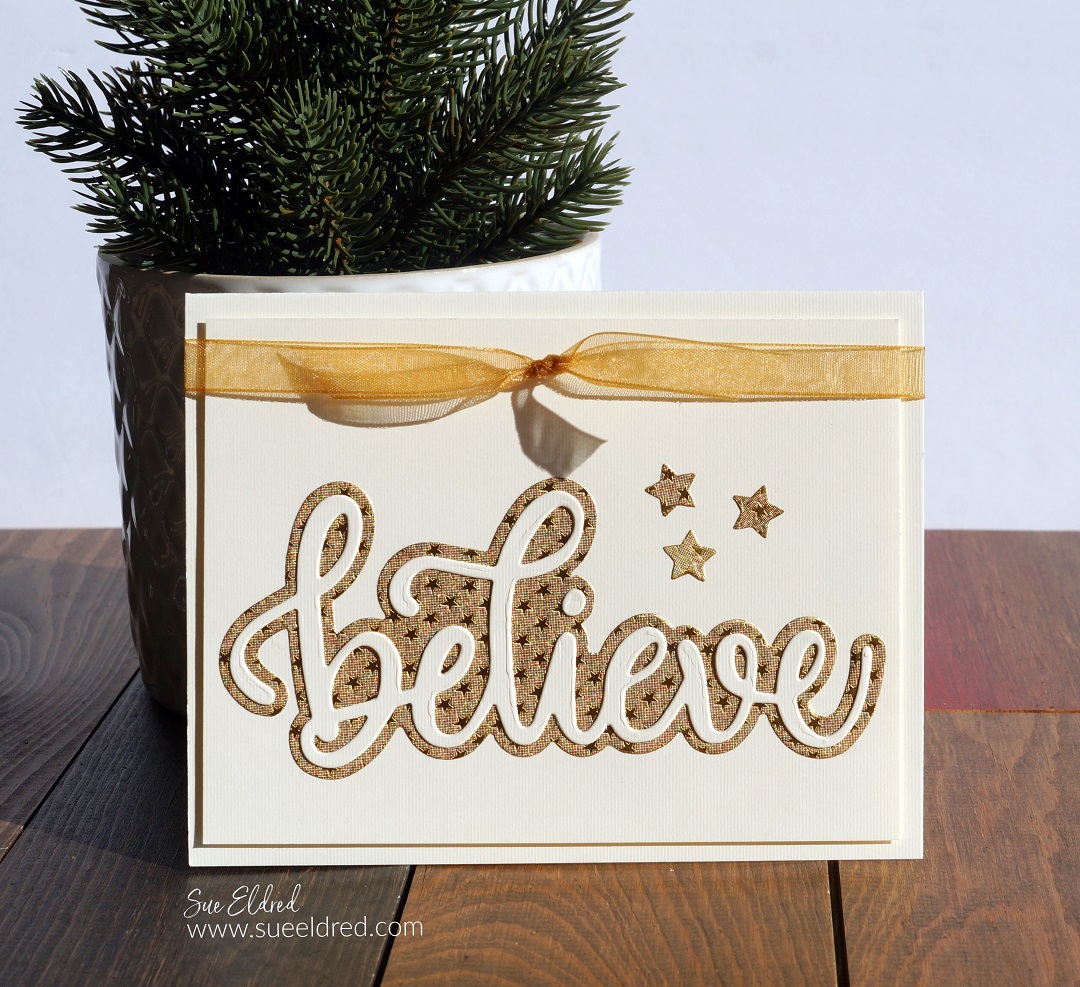
that pretty much sums up this beautiful Holiday Card made with the Believe Die Set
from The Maker’s Movement.
Don’t tell my family, but this may be this year’s Christmas Card.
Disclosure: This is a sponsored post for The Maker’s Movement. I have been provided product and compensation in exchange for my creative ideas. The view and opinions are my own.
*Disclosure: This blog uses ads and affiliate links. If you choose to make a purchase using one of the links, I receive a small commission (at no additional cost to you) that helps offset the costs of maintaining this blog. Thanks for your support!
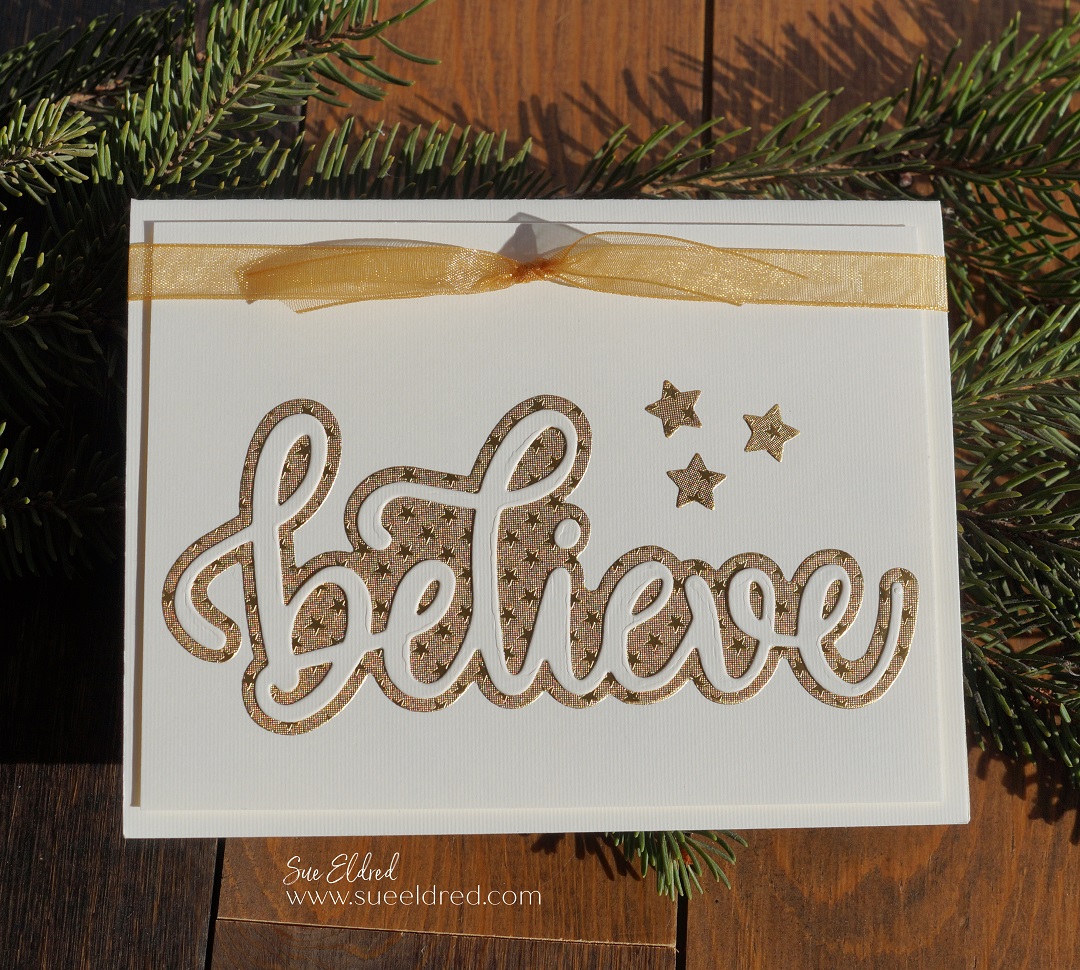
If you’re a fan of clean and simple cards, it doesn’t get much easier than this one.
Directions:
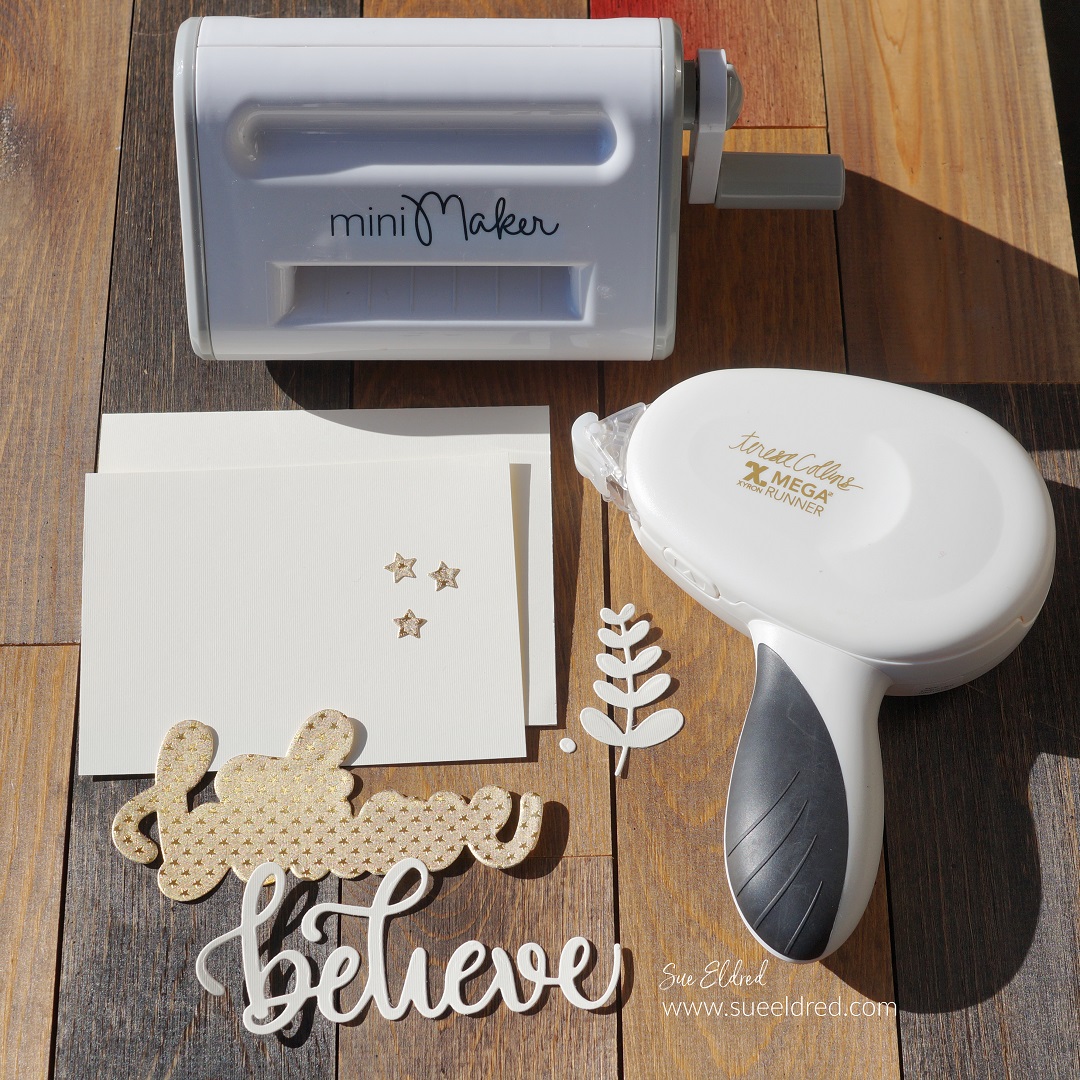
Cut a 2 ½” x 5″ piece of cream cardstock. Place the cardstock into the Xyron Create A Sticker Mini*. Crank the handle of the Sticker Maker to run the paper through the machine. As it runs through the machine it adds a complete layer of adhesive to the back of the paper.
Place the “believe” die sandwiched between the Mini Maker cutting plates. Turn the handle to run the die through the Mini Maker Die Cut Machine.
By running the paper through the Xyron Create A Sticker Mini* first, it creates a sticker out of the die-cut piece.
Cut the gold background and stars using the adhesive gold foiled paper, die, and the Mini Maker.
Cut a 3 ¾” x 5″ cream cardstock layer. Place the gold foiled believe background, believe words and gold foiled stars directly onto the cardstock layer.
*Disclosure: This blog uses affiliate links. If you choose to make a purchase using one of the links, I receive a small commission (at no additional cost to you) that helps offset the costs of maintaining this blog. Thanks for your support!
Assemble the die-cut pieces on a layered card front.
For the base of the gift card holder, I cut a piece of cardstock 5 1/4″ x 9 3/4″. Score lengthwise every 3 1/4″.
Adhere a 3″ x 5″ piece of green polka dot paper onto the middle panel.
On the third panel, cut down the side approx. 2 1/2″. Cutaway the remaining section of the panel on a diagonal to create a flap.
Adhere the bottom and the short side of the flap to the middle panel to create a pocket.
Decorate the pocket with a flower that was “fussy cut” from the floral paper. Add a small strip to edge the pocket.
Directions Continued:
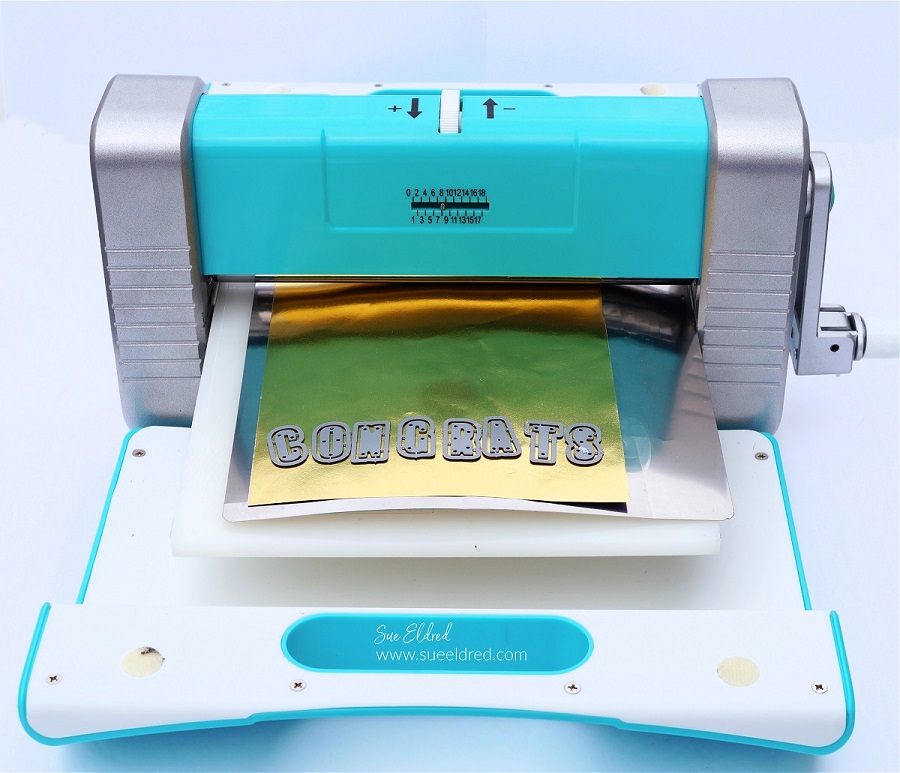
For the letters on the front of the card, I used gold foiled paper. To make the letters stickers, I ran the gold foiled paper through the Xyron Creative Station*. As you run the paper through the machine it adds a complete layer of adhesive to the back of the paper.
Die-Cut the letters to spell “MOM” using the Alphabet Die Set and the
Die-cut the gold foiled paper (with adhesive added to the back) using the alphabet die and the Crossover II Die-Cutting System*.
Remove the backing off the back of the letters and stick them onto the front of the card.
Tie gold thread around the front of the card and tie it with a knot.
LETTER ALIGNING TIP…If you’re a perfectionist like I am and want to align the letters as straight as possible. Use Gridded Transfer Paper* to help you line up the letters. Place the front of the foiled letters on the adhesive side of the transfer paper, remove the backing off of the foiled paper and transfer the letters onto the front of the card.
Now all you need to do is add a gift card for her favorite store or coffee place along with a sweet note.
Disclosure: This is a sponsored post for the Maker’s Movement. I have been provided product and compensation in exchange for my creative ideas. The view and opinions are my own.
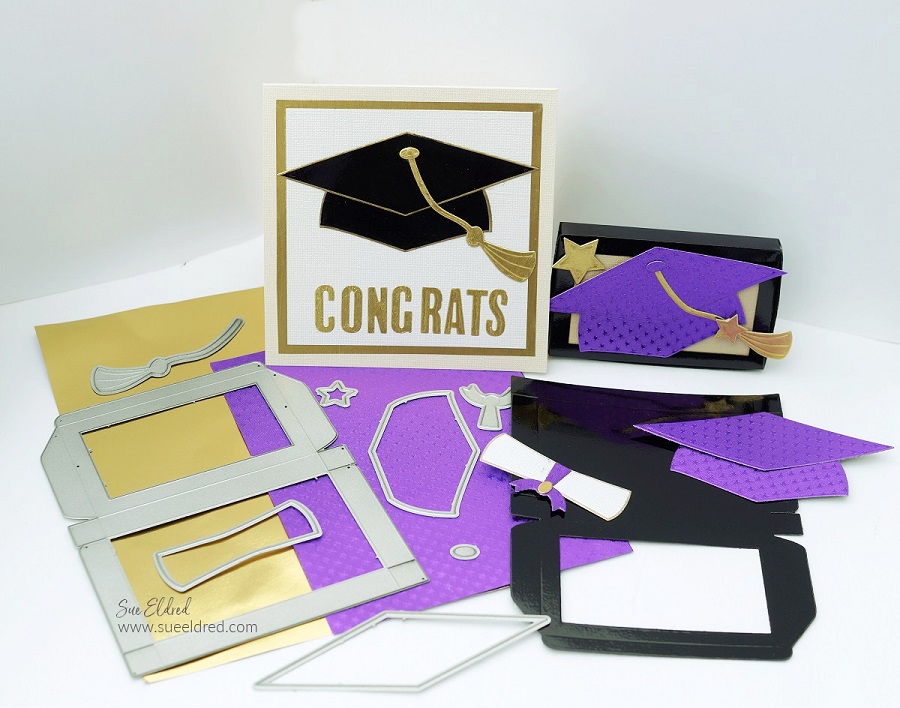
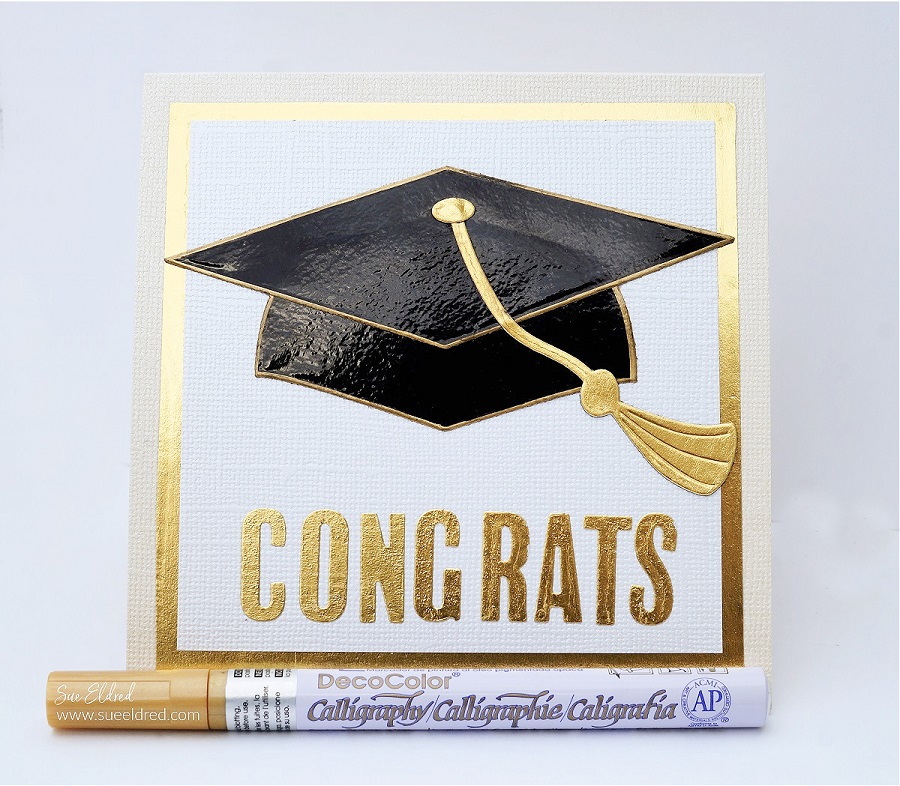
How to make personalized graduation cards for the special people in your life.
For the Graduation Card and Card Holder…
I used The Maker’s Movement NEW Graduation Cap Die Set and the NEW Donut Box Gift Card Holder Die Set.
If you are a Card maker/Paper Crafter, make sure to check out all NEW RELEASE Stamp & Die Sets now available. So many cute sets! (and I promise, I will have more on the donut box later)
Disclosure: This is a sponsored post for the Maker’s Movement. I have been provided product and compensation in exchange for my creative ideas. The view and opinions are my own.
*Disclosure: This blog uses affiliate links. If you choose to make a purchase using one of the links, I receive a small commission (at no additional cost to you) that helps offset the costs of maintaining this blog. Thanks for your support!
The adhesive on the back of the foil makes the letters stickers and easy to adhere.
LETTER ALIGNING TIP…If you’re a perfectionist like I am and want to align the letters as straight as possible. Use Gridded Transfer Paper* to help you line up the letters. Place the front of the foiled letters on the adhesive side of the transfer paper, remove the backing off of the foiled paper and transfer the letters onto the front of the card.
To Make the Graduation Cap Gift Card Holder:
To make my gift card personal, I chose to make my graduation cap purple to honor the school colors of this year’s graduate.
Add adhesive to the back of the foiled paper using the Xyron Creative Station*. (see previous picture)
Die-cut the base of the gift card holder out of black glossy cardstock and the New Donut Box Die.
Fold the box on the score lines and adhere to side tabs to create the box.
Adhere a small piece of paper on the inside of the box to finish creating the lid.
Adhere the Graduation Cap pieces onto the top of the box. If you would like a little dimension, add 3D Adhesive Foam Squares to the back of the cap before adding it to the box.
Add a little personality on the inside of the box with graduation-themed scrapbook paper.
Insert candy, gift card, or cash for a graduation gift they’re sure to love.















 Sue's Creative Workshop